Internal communications
Gather internal communications onto one video portal
One place where 1,800 employees find what the company has to tell them.











An internal video portal reserved for your employees can be a Videas channel at your address where only company email addresses sign in, with their Google or Microsoft work account. It holds leadership messages, the all-hands live then on replay, and the videos branches and employees submit for review, hosted in the EU with no advertising.
“Ardenne Énergie Group” is an energy services group invented for this walkthrough: 1,800 employees, a head office, twenty-two branches and two subsidiaries abroad. Camille Roux runs internal communications, Mehdi Kaci films, Sophie Lemaire welcomes new joiners in HR.
Internal videos scattered between the intranet and email
The chief executive’s message went out as an attachment, too heavy for half the inboxes. The all-hands lived on a consumer platform, with advertising in front of an internal announcement, and nobody knew whether anyone had watched. Twenty-two branches filmed on their own, and those films never left their branch.
An internal video portal reserved for employees
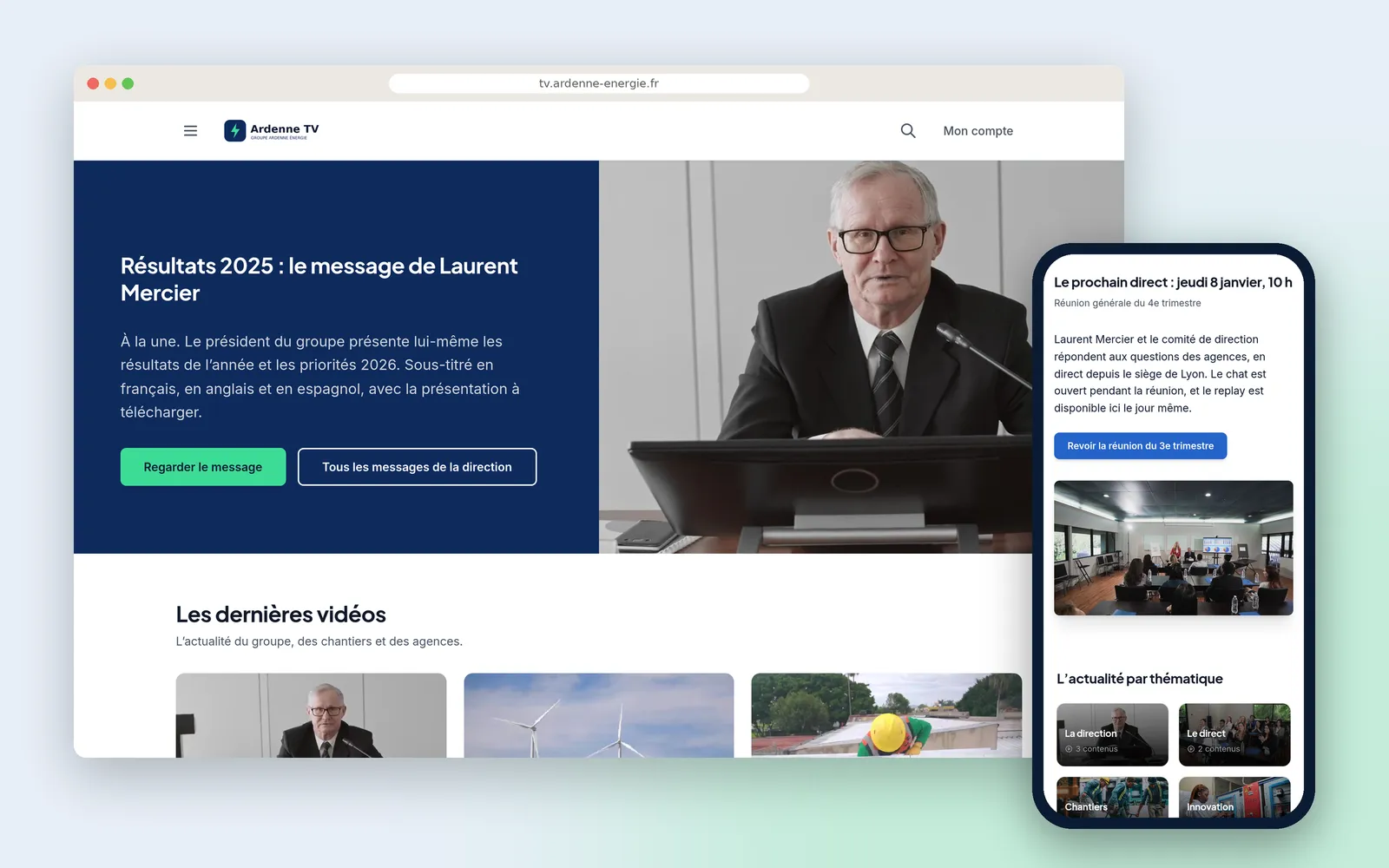
“Ardenne TV” is a channel at the group’s address and in its colours, with its own sign-in page: everyone comes in with their Microsoft work account, and only the group’s addresses open one. The files are hosted in the EU, GDPR compliant, and the player serves no advertising and no third-party tracker.
Everything is filed by theme: leadership messages, sites, safety, life at the branches, and a Welcome section with the induction booklet as a PDF under the video. Groups reserve Managers for management and a section for each subsidiary, whose videos carry subtitles in three languages through Scribe.
The quarterly all-hands leaves the team’s broadcasting software for Videas, which distributes it live to the branches with a chat, then files the replay. The staff newsletter then announces the new videos.
Branches and employees feed the portal
Branches propose their films into the group library, and employees send theirs from the portal, from a site as easily as from a desk. The team keeps or rejects with a word of explanation, then publishes into the right section itself: keeping is not publishing.
It is the mechanism a retail network uses for its shops, and a local authority for its own media.
How it works, step by step
The portal
In the group's colours and at its address: the latest leadership message featured, the newest videos, the next live announced by a banner the team writes, and the news filed by theme.
Signing in
A page in the group's image, and « Continue with Microsoft » under the email form: everyone comes in with their work account. Only the group's addresses can create one.
A message from leadership
The annual results, subtitled in French, English and Spanish at the viewer's choice. The full presentation downloads under the video.
The exchange
Employees comment, the communications team answers. Its reply carries the channel's badge: you can see at once who is speaking for the company.
The groups
Management gathered into a group, as subsidiaries and departments are. An access can carry an end date, for an intern or an apprentice.
The reserved section
The Managers section is visible to that group alone. The rest of the portal is open to everyone.
Videos from the branches
Each branch proposes its films into the group library. The communications team approves or rejects before anything appears on the portal.
The drop box
An employee who filmed their site sends it from the portal: a title, a word, a file. Underneath they find what they proposed and where it stands.
Employee submissions
On the team's side, the list with its author and its status. A rejection comes with a word of explanation, which the employee reads when they return to the drop box.
The published video
Keeping is not publishing: going live stays the team's decision, which picks the section and the access. The Lille fair ends up in « Life at the branches ».
The staff newsletter
Sent from the channel itself, to everyone or to a single group. Next month's duplicates from this one.
The send
Delivered, filtered, pending, failed, unsubscribed. A letter that has gone out belongs to history: to send another, you duplicate it.
The audience
Per video, plays, unique visitors, time spent and completion rate; underneath, the most-watched sections. Enough to know whether the message landed, and where it stopped.
What our customers say about us
Videas enabled us to create a genuine connection between our French and Canadian teams. The platform has become the go-to hub for our internal communications: every employee can access content in their language, react, and get involved, wherever they are.
The Videas Web TV has become a must-attend event for our teams. The weekly live streams with the CEO have transformed our internal communications: employees ask questions live, react, and get involved. We've gone from one-way communication to a genuine dialogue.
Your solution is top quality, your team is responsive and attentive, and the results amply exceed our expectations. We hope to work with you for a long time to come, as you contribute to our success.

Videas is the ideal platform to store our videos and broadcast a customized channel for our media. Videas is versatile, offering us the ability to embed our videos within our articles and have our public channel hosted by Videas.

It's a company based in France, with people available when you need them. The interface meets our expectations in every way. Simple, affordable and easy to use, we couldn't be happier.

Frequently asked questions
How do you build an internal video portal for employees only?
The portal is a Videas channel in your brand and at your address, whose access requires signing in. Only your company's email addresses can create an account, and your employees come in with their Google or Microsoft work account. That sign-in is set up with the Videas team at the start.
Can a section be reserved for managers or one subsidiary?
Yes. Groups gather employees by department, by site or by role, and each section opens to the groups you choose. An access can carry an end date, for a contractor, an intern or an apprentice.
How do you stream an all-hands live to every branch?
Your team broadcasts from its usual software, OBS or any RTMP encoder, to Videas, which distributes the stream to signed-in employees. A chat runs alongside, and the replay then files into the section you choose. Mixing, titles and cameras stay in your software: Videas does not replace your gallery.
Can employees submit their own videos?
Yes, through a drop box on the portal, on desktop or phone: a title, an optional message, one video or audio file of up to 2 GB. They find their submissions and their status in the same place. Nothing publishes without you: you keep or reject each one with a word of explanation, then publish what you keep, into the section you choose.
How do you subtitle videos for subsidiaries abroad?
Scribe produces the transcript and translates it, your team proofreads, and the same video carries its subtitles in French, English and Spanish. The viewer picks a language in the player. The portal's interface itself is in one language.
Can you tell employees when new videos are up?
Through a newsletter sent from the channel itself: you write it, target an audience (everyone, one group, a joining date), send yourself a test, then schedule the date. You duplicate it for the following month, and you follow deliveries, failures and unsubscribes.
Are internal videos hosted in Europe?
Yes: the files and the data of your internal communications are hosted in the EU, GDPR compliant and with a dedicated DPO. The player serves no advertising and no third-party tracker.
Do employees need a mobile app?
No, the portal works in a browser, on computers as on phones. There is no app for IT to roll out.
How do you gather videos already scattered across Drive and YouTube?
The Videas team moves them free of charge from Vimeo, YouTube, Google Drive, Dropbox or OneDrive, with the files, the metadata and the thumbnails. Each video then has a single address on the portal, instead of one copy per inbox.
How do you replace an out-of-date instruction without changing the link?
By replacing the video's source file: its address, its embed code and the links already sent stay the same and serve the new version. Replacing an instruction therefore replaces it everywhere, and its statistics are kept.
Going further
More scenarios
All scenarios →Studios & production companies
Have your client approve the subtitles, line by line
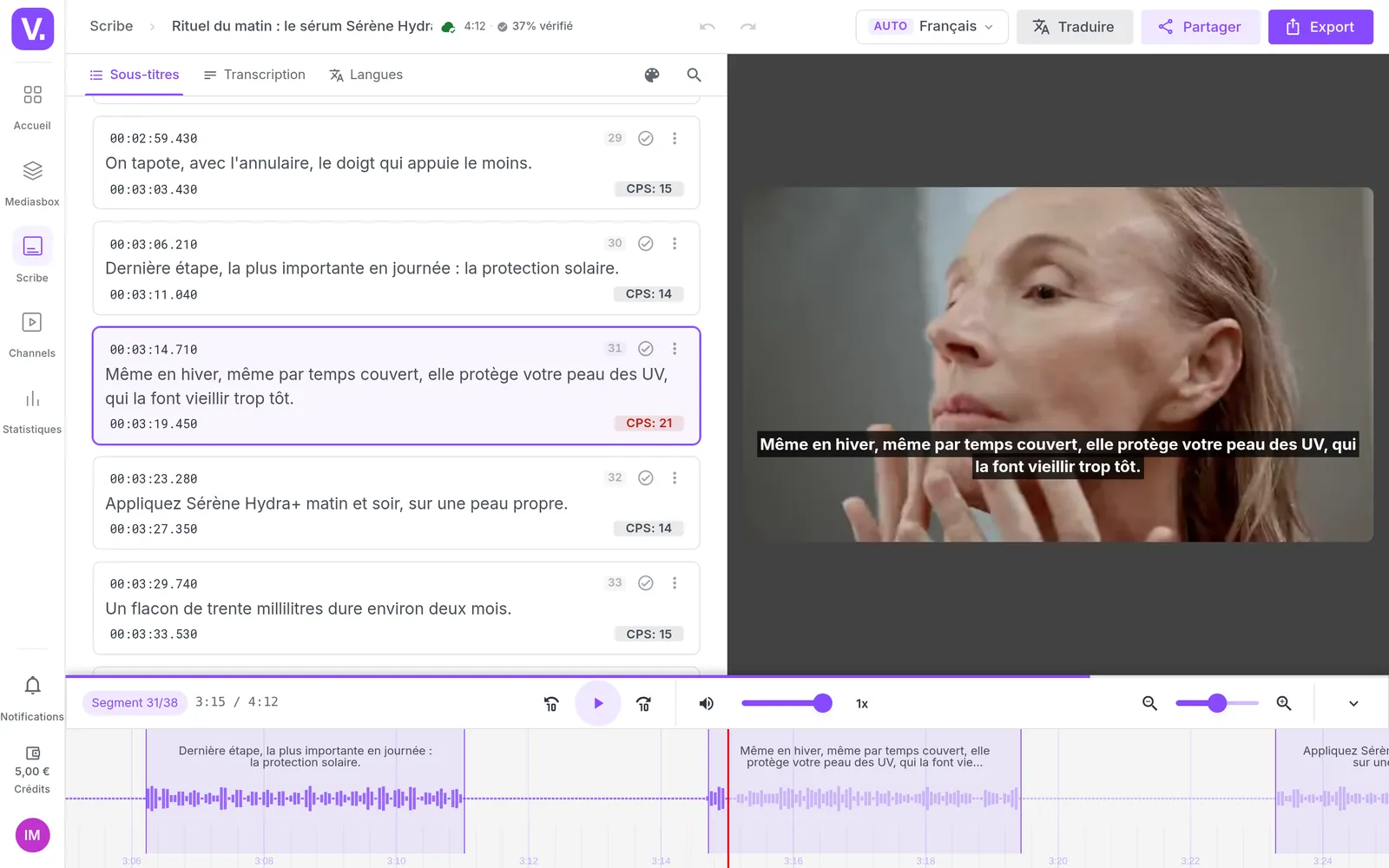
The client reviews the subtitles line by line from a link, and the agency decides.
Private companies
Publish video tutorials your software's users can find
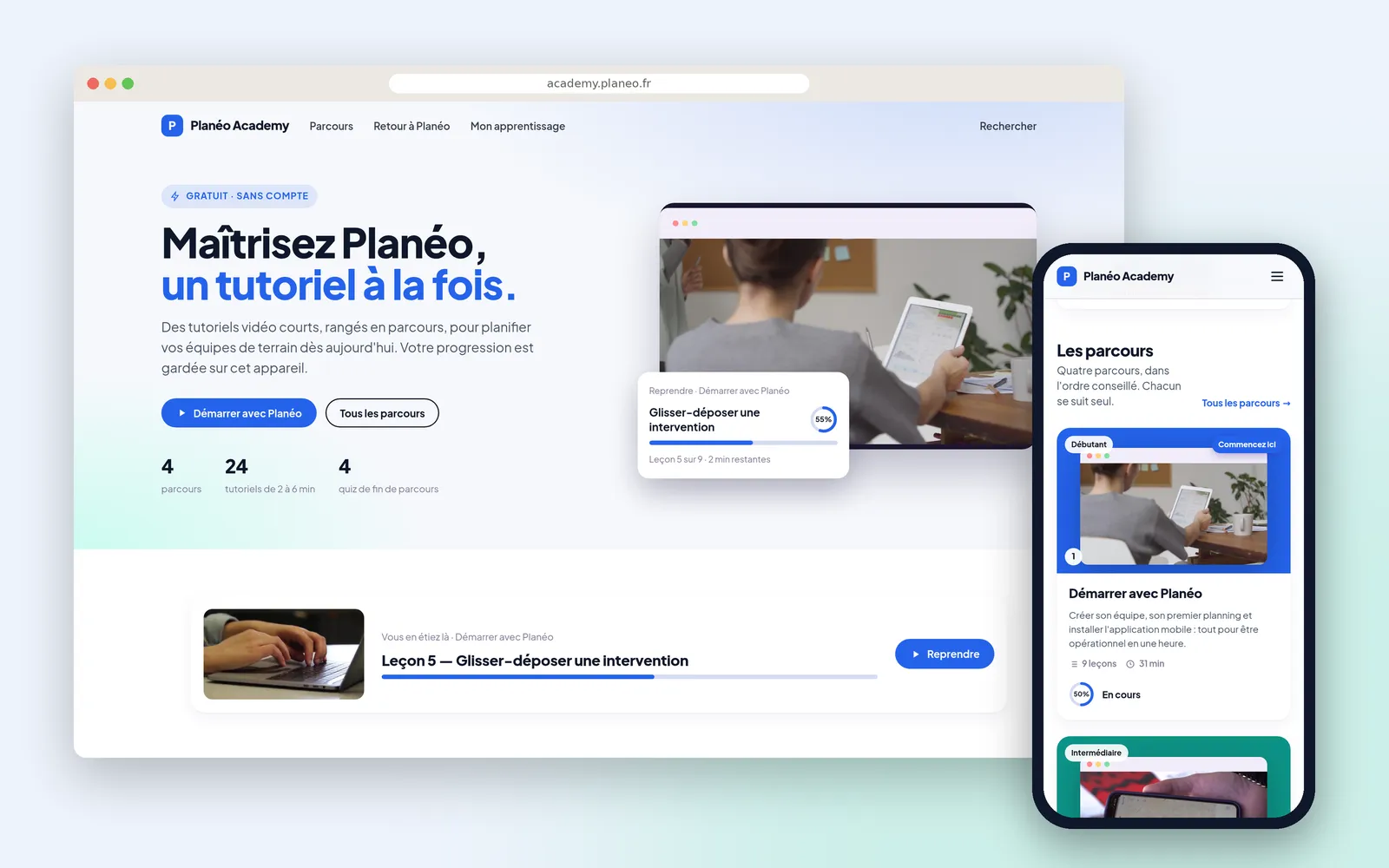
An academy open to all, filed by what the customer is trying to do.
Private companies
Run your webinars without copying a list again
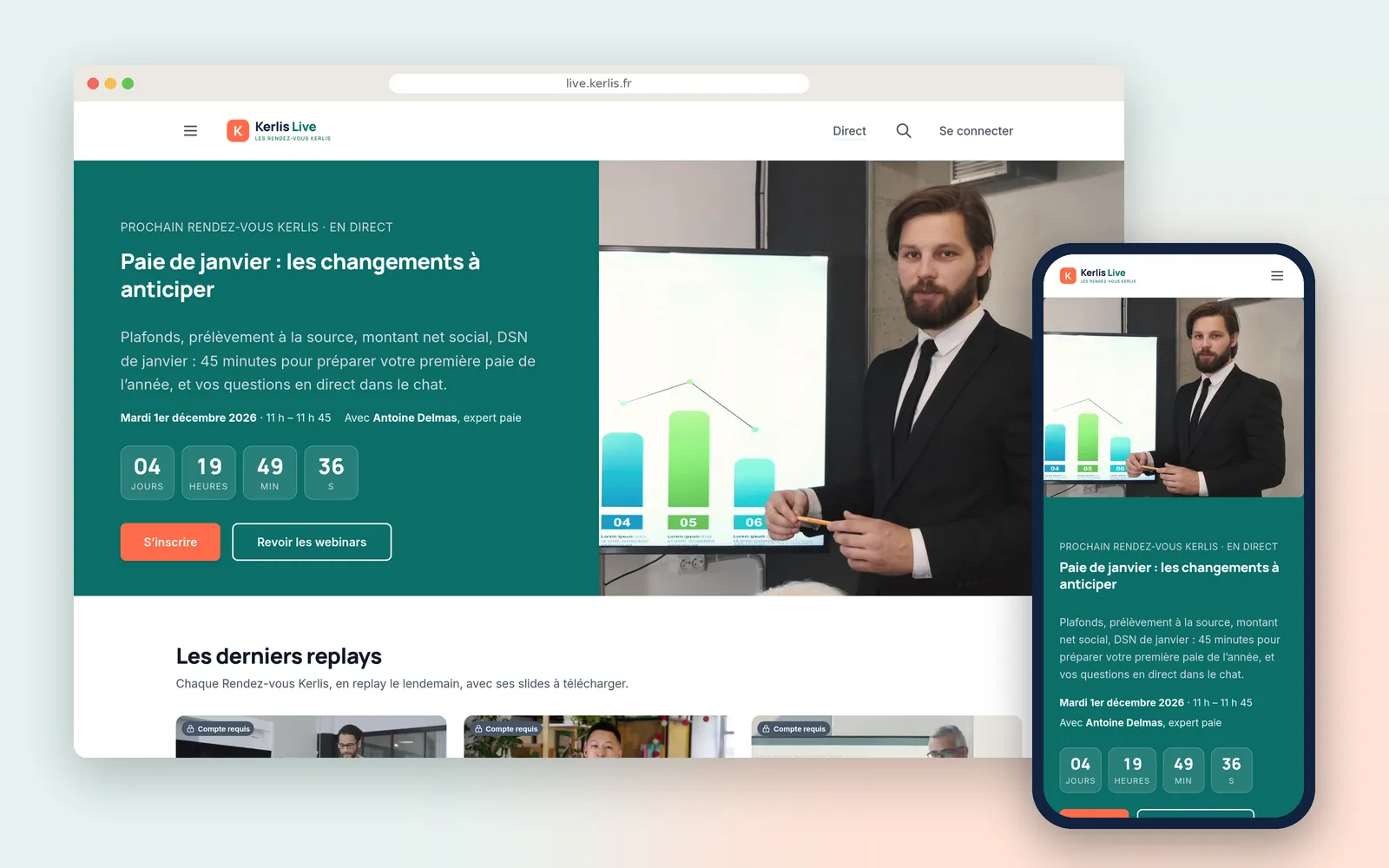
Sign-ups, invitations, the live session and the replay in one place.