Send a large video to a client, with no compression

Drop your files, get a secure link and send it: your client opens the video in their browser, with no account and nothing to install. The file goes over whole, with no re-compression, and you decide who gets in, for how long, and whether they can download it.

ONISEP
AFNOR
Ville de Roubaix
Safran
France-Soir
Crédit Agricole
France Travail
Magnard-Vuibert
Sodiaal
Yoplait
Call

A heavy file, with no re-compression

Sending a 40 GB master to a client always hits the same wall: the free service caps out, the file comes back re-compressed, or the recipient has to create an account to get it. For rushes, a cut waiting for approval or a client deliverable, none of the three is acceptable.

With Videas, the file goes over whole and you keep control of access: password, expiry, download cap, email code verification or view-only. Your files are never scanned, never indexed and never used to train a model, and you can delete them at any time. If what you are delivering is a video, the tutorial create a private video link covers the same settings from an account, and the Video Hosting page covers what happens once those sends become a library. The account is not bought: you pay for what you use, and the Pricing page says how much.



Share a file in a few steps

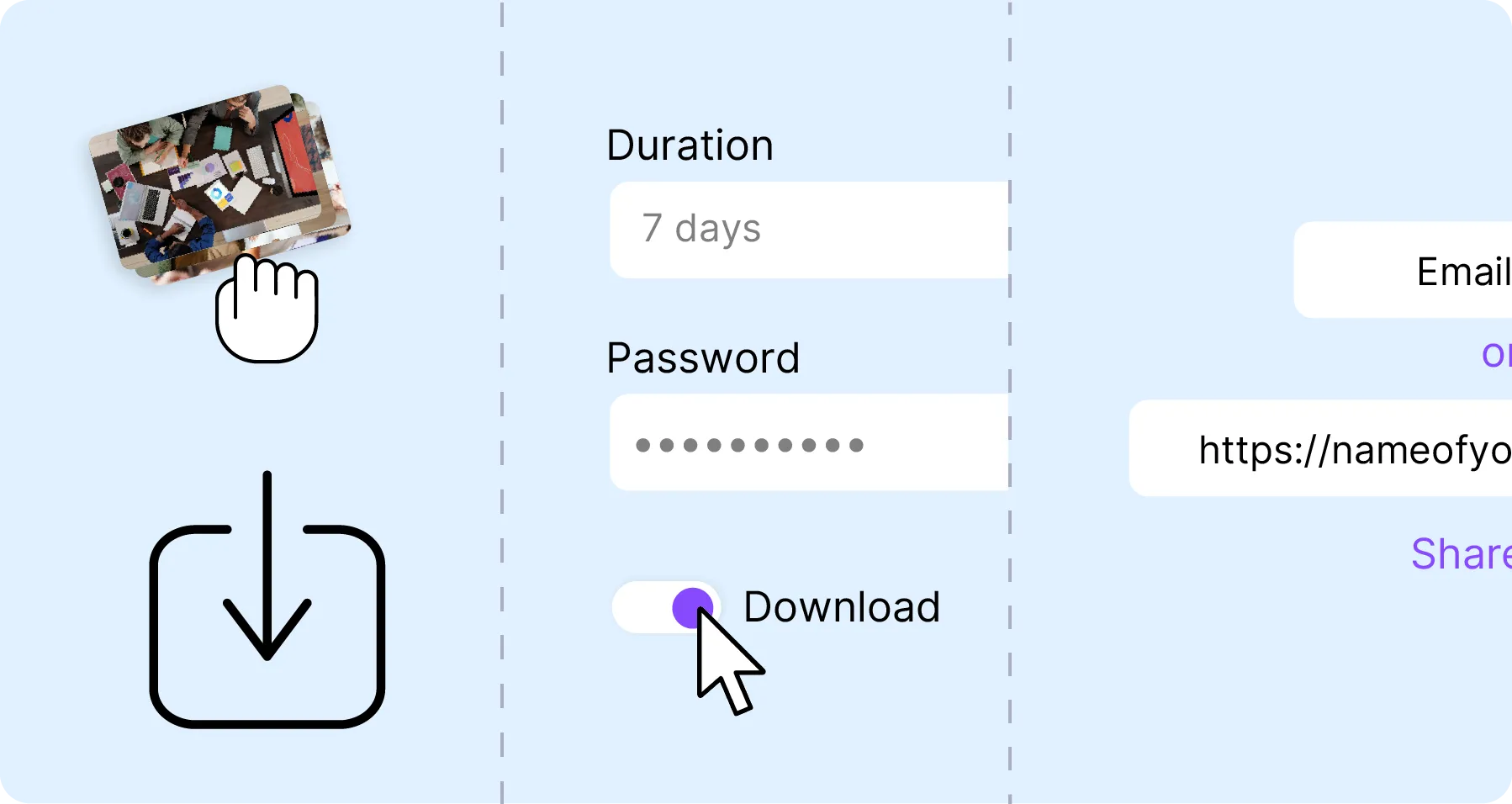
  1. 1. Upload your files

    Drag your files into the tool. Without an account: 2 GB per file, and 10 minutes for a video or an audio file. The limit shows before the upload, not after.

  2. 2. Configure sharing

    Set the expiry period, add a password, cap the number of downloads or turn on email code verification.

  3. 3. Send in one click

    Share by secure link or straight by email. Your recipients access the content without creating an account or installing an app.

Secure file sharing in a few steps

Who opened the share, and when

See who accesses your files in real time, get a notification every time they are opened and revoke access at any moment. Review the full history of downloads and views to keep complete traceability of what you send. Ideal for client deliverables, confidential files and internal approvals.

Videas share tracking interface

Your files are not exploited

GDPR-compliant file sharing

Never scanned, never indexed

Your files are never scanned, never indexed and never used to train a model. You decide who opens them and for how long, and you can delete them at any time.

Data protection and confidentiality

Never used to train a model

Your files are never analyzed, indexed or used to train an AI. No third-party cookies, no advertising, no resale: they serve the share you asked for, and you delete them whenever you want.

What Videas adds to the transfer

  • The file goes over whole

    Without an account, up to 2 GB per file; from an account, up to 100 GB. Either way there is no re-compression: the original file arrives intact.

  • Password and expiry

    Password, download limits, custom expiration, read-only mode: you decide who accesses what, and how.

  • Every opening is logged

    Get notified on every access and review the full history of downloads and views for your files.

  • Plays at once, no waiting

    Your recipients watch videos straight in their browser with the built-in Videas player, without waiting for the whole file to download.

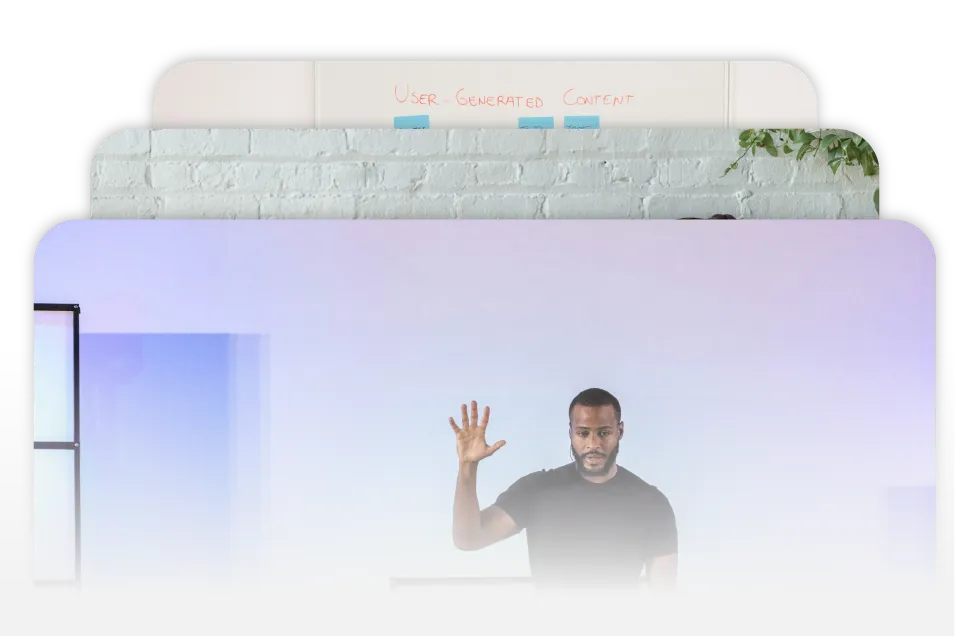
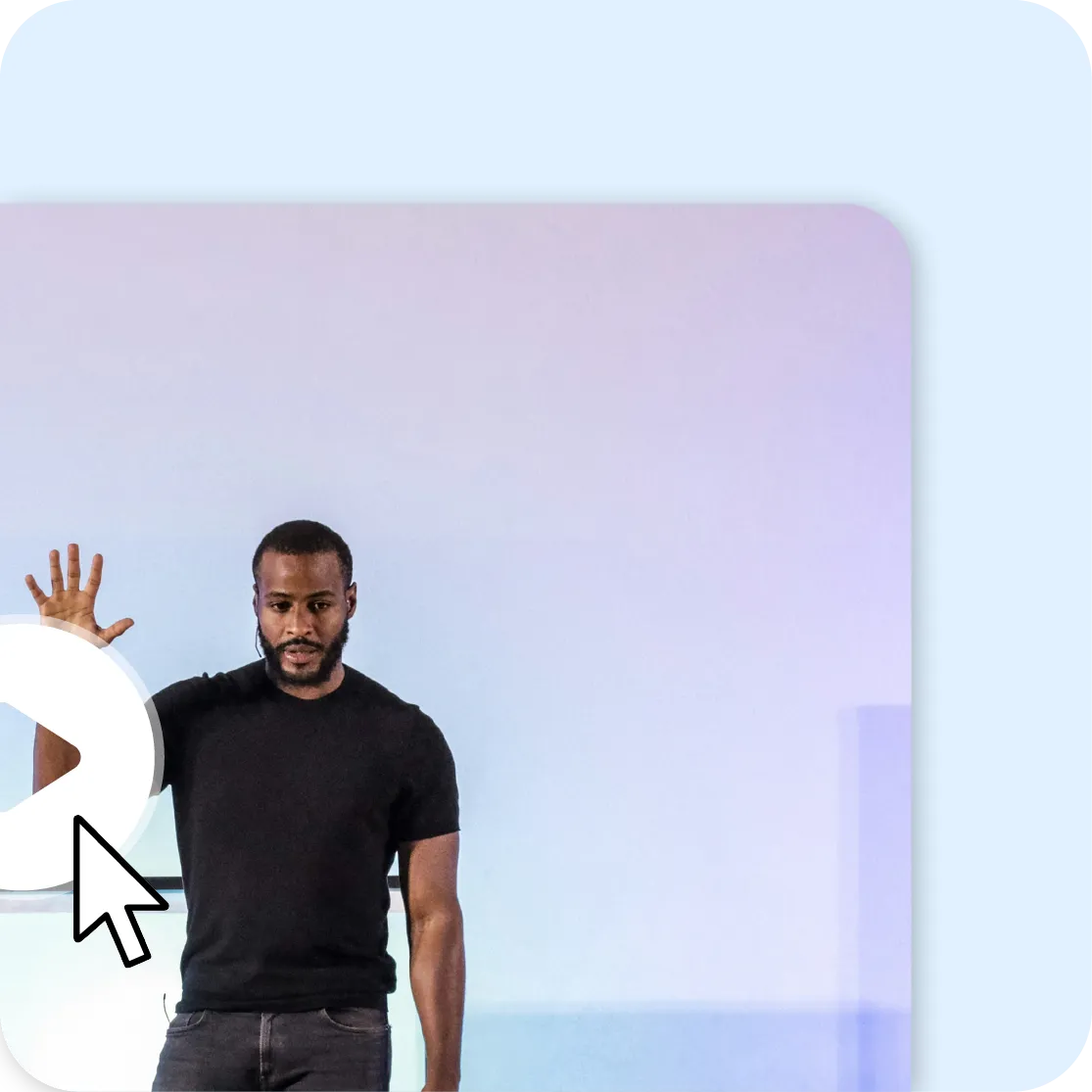
Illustration of direct access to Videas videos without account or installation

Your recipient installs nothing

No account to create, no app to install. Your contacts access the content directly from their browser: built-in video playback with the Videas player, image and PDF previews, one-click download. The experience is smooth on desktop and mobile alike.

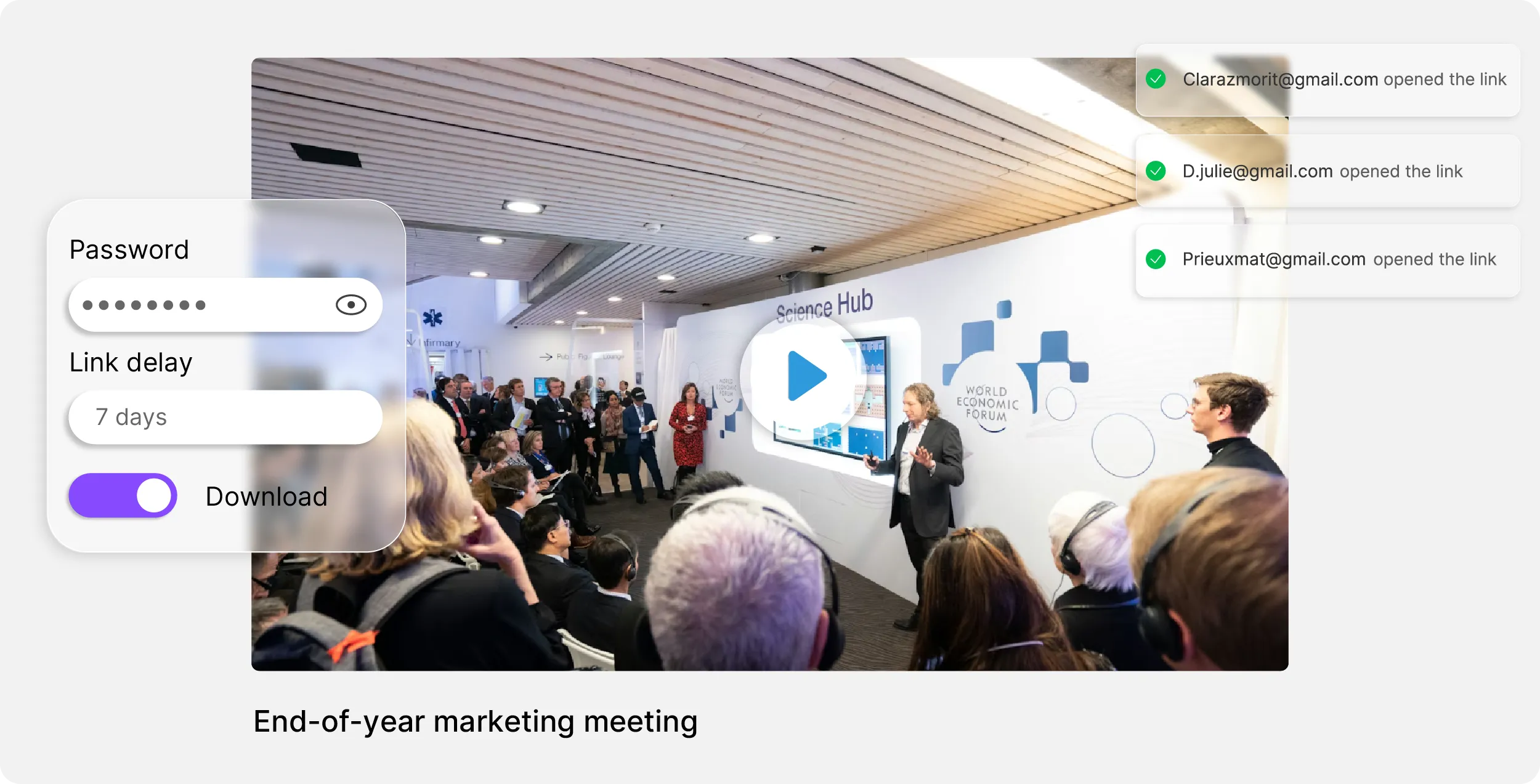
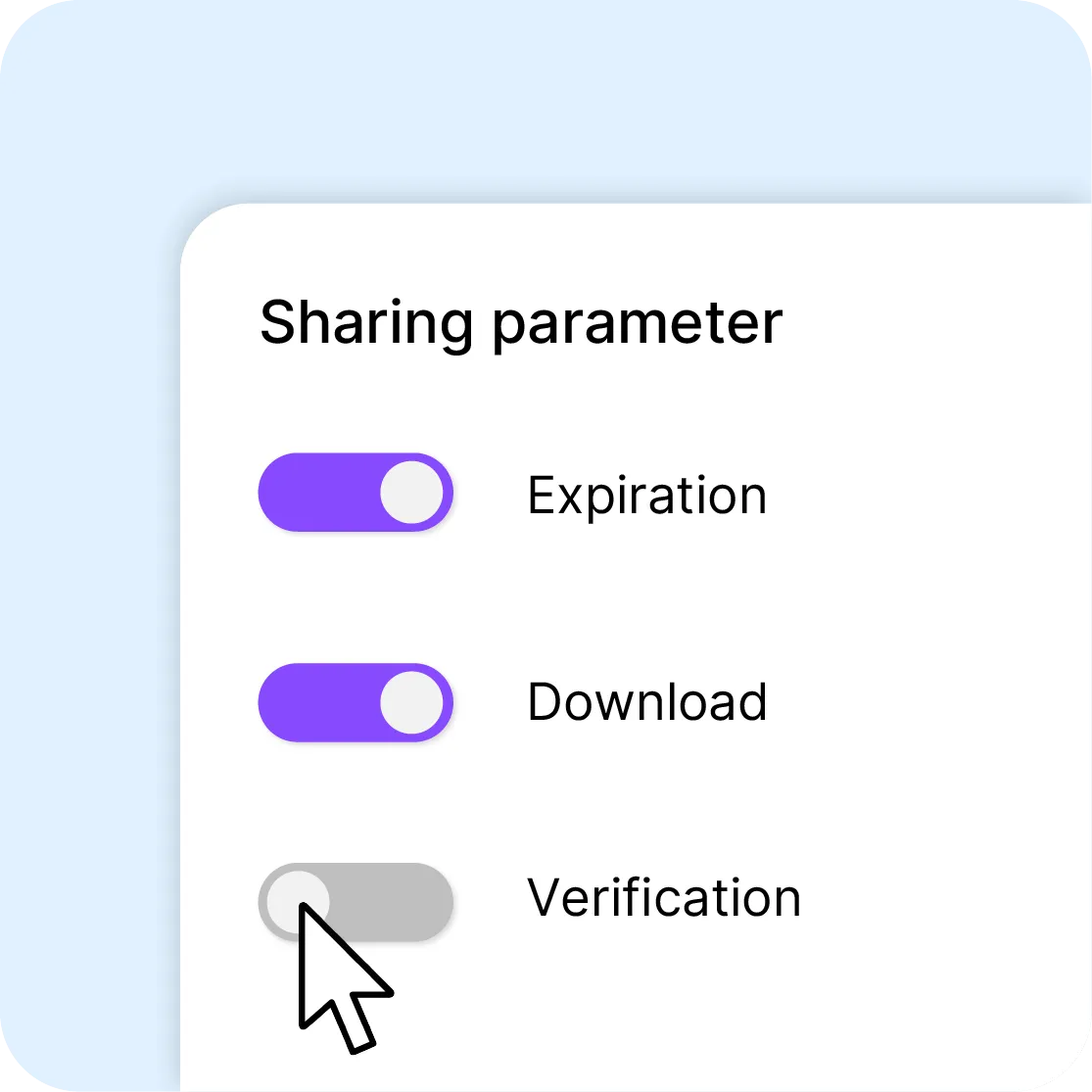
Videas sharing management interface with download expiration and verification options

Expiry, password, view-only

Without an account the share lives seven days. From an account you set the expiry date, or keep the link active indefinitely. Allow downloads or restrict access to streaming only. Add a password, a download limit or email code verification for sensitive sends. Every share can be configured independently, according to the level of confidentiality you need.

Six tools working on the same files

You upload a file once: it is stored, encoded and served over a CDN, then picked up as is by the channel, the page or the player. What Stream records comes back into the library. Nothing to wire together.

The other tools, and what comes next

Transcribe a video

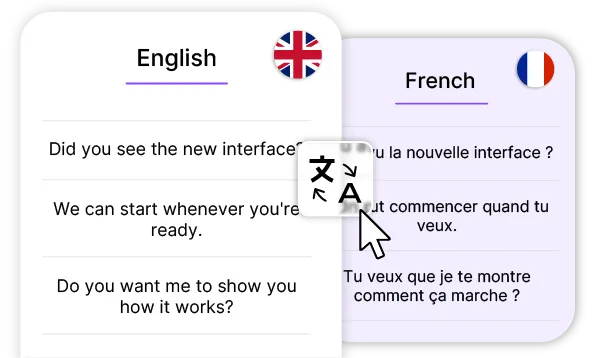
Translate a video

Subtitle a video

Host a video

Deliver to your clients

They are Videas customers


Frequently asked questions

How does file sharing work?

Drop your files into the tool: the upload starts while you set the share up. Videas hands you a secure link you can paste anywhere, or send straight to five email addresses at most. Your recipient clicks and reaches the content, with no account.

Is there a size limit?

Without an account: 2 GB per file, and 10 minutes for a video or an audio file. The refusal comes before the upload, not twenty minutes into the transfer. From an account, size rises to 100 GB and duration is no longer capped. Either way, Videas re-compresses nothing.

How long do files stay available?

Seven days, and that is a maximum without an account: the file and its link are erased automatically after a week. From an account you choose the expiry date, extend it, or decide the link never goes dark at all.

Can access to the files be protected?

Four settings, and they stack: a password, a download cap past which the link closes, an expiry date, and view-only, which removes downloading altogether. For an email send, Videas adds code verification: the recipient gets a code to enter before opening.

Do my recipients have to create an account?

No, and that is the point: your client opens the link in their browser, with no sign-up, no extension and no app to install. A video plays straight in the Videas player, an image and a PDF open as a preview — they download nothing to see what you sent.

Can files be viewed without downloading them?

Yes. Videos stream in the Videas player, at whatever quality the viewer's connection supports: they watch without waiting for a download to finish. Images and PDFs open as previews. You can even switch downloading off entirely and allow streaming playback only.

Am I notified when someone accesses my files?

Yes. Videas notifies you on every opening and keeps the full history of the share: who opened the link, when, and what was downloaded. That is what makes the link usable for a client delivery — you know the master arrived without having to ask.

Can a share be deleted before it expires?

Yes, at any time, from the share itself. Revoking access cuts the link immediately: anyone who received it lands on a page saying the share is over, and nothing is downloadable any more. Useful when a master goes out by mistake, or when a version is replaced.

Where are the files hosted?

In France, on servers compliant with the European regulations in force. What matters wherever you are is what happens to them there: they serve the share you asked for and nothing else, and they are never handed to a third party. You can delete them at any time.

Are my files analyzed or used by an AI?

No. Your files serve the share you asked for, and nothing else: they are never scanned, never indexed, never used to train a model. No content is read for advertising or resold, and you can delete them at any moment, before they expire.

Can I send several files in the same link?

Yes. One share holds as many files as you need — the rushes from a shoot, a cut and its versions, a master with its subtitles — and it still returns a single link. Your recipient sees the list, opens what matters to them and downloads what they need.

Can downloading be prevented?

Yes. View-only mode allows streaming playback and removes the download button: your recipient watches the video, approves it, but does not leave with the file. It is the setting for client approvals and embargoed screenings, ahead of the master delivery.

What does it cost from an account?

There is no subscription: you pay for what you use, €0.20 per hour of video stored per month and €0.02 per GB delivered, with the first terabyte free every month. The €5 in free credits each month already covers a few deliveries. The detail is on the Pricing page.