Subtitles, chapters, titles: the AI writes, you approve.
Videas listens to the speech in your videos and turns it into text: subtitles, transcript, translation, chapters, title, description and SEO keywords. It all starts from the same transcript and applies to the media record in one click. The transcript is produced on our own servers, in the EU: your audio and your video never leave them.
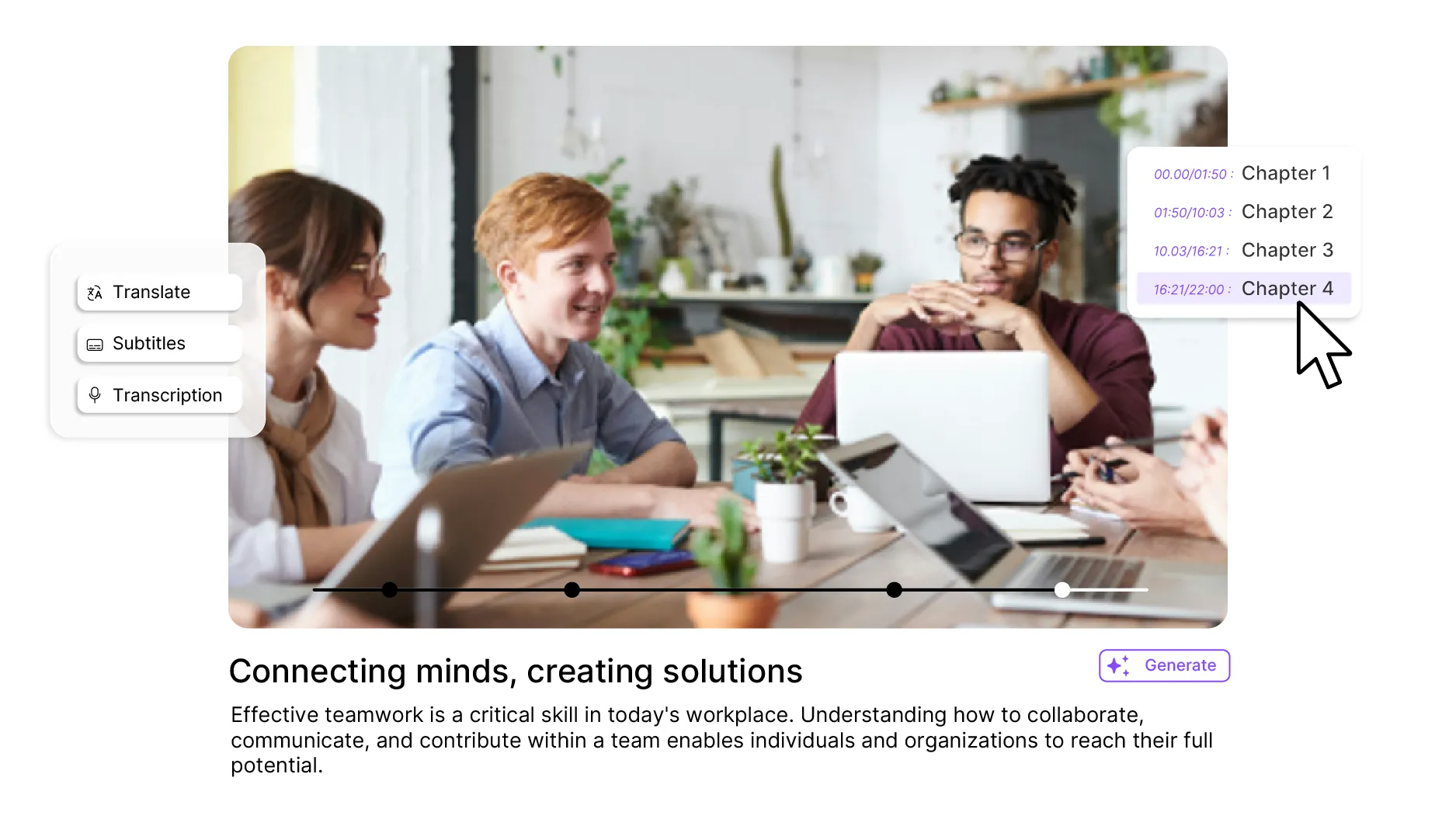











What you gain by letting the AI write
Hours of work in a few minutes: subtitles, chapters, titles, descriptions and keywords generated in one pass. A 60-minute video fully enriched in a few clicks.
Your audio and your video never leave our servers in the EU: that is where transcription happens. To translate and to write, only the transcribed text is sent outside the European Union, under GDPR safeguards, and both features remain optional.
100+ languages without leaving the platform: transcription and translation built in, no external tool to plug in, no copy-paste between two services.
Six AI tools, one platform.
Videas integrates six artificial intelligence capabilities directly into the Mediasbox: automatic subtitling, transcription, multilingual translation, intelligent chaptering, assisted writing and SEO optimization. Transcription runs on Videas infrastructure; for translation and writing, only the transcribed text is sent to a provider outside the European Union — and both features remain optional.
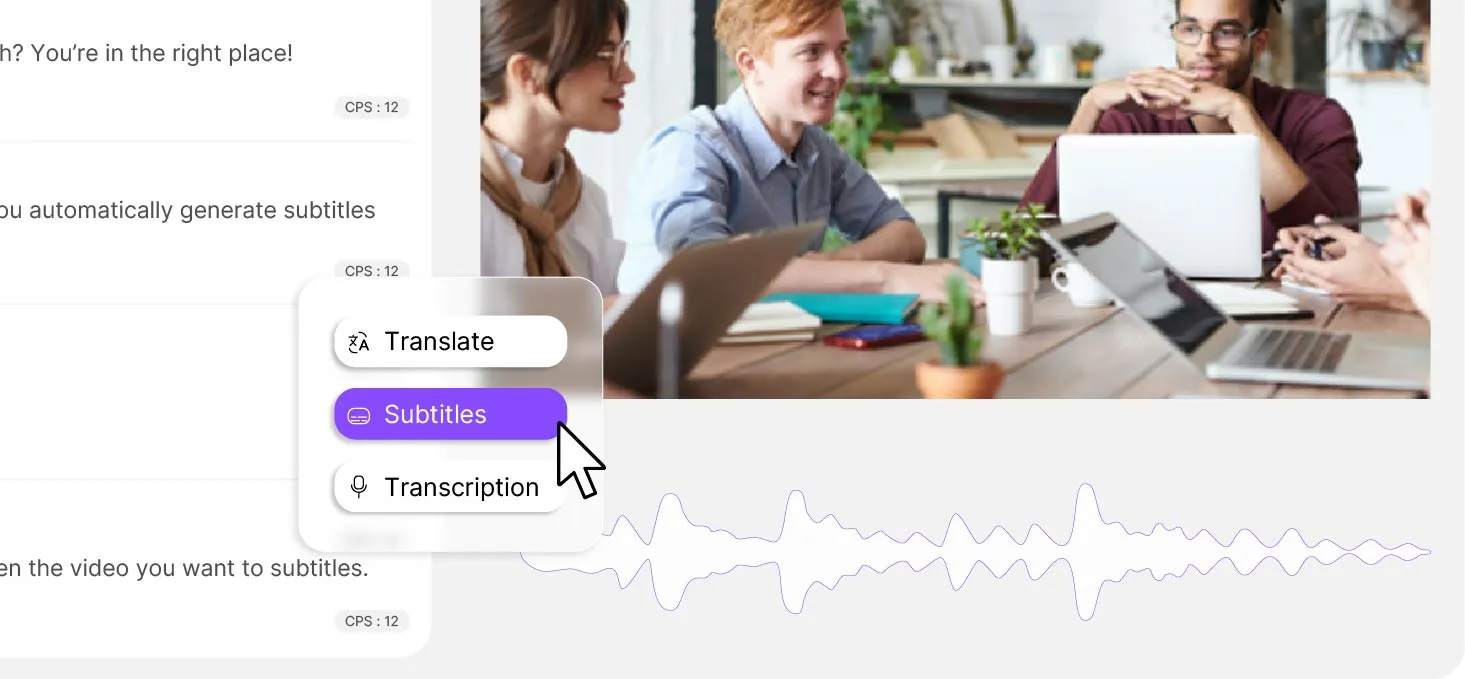
Subtitling, transcription & translation
Videas Scribe generates synchronized subtitles with proper punctuation, speaker detection and word-level timing. Translate subtitles into 100+ languages while preserving timing and formatting. Export full transcriptions as TXT or DOCX for articles, summaries, knowledge bases or compliance archives. The built-in subtitle editor lets you refine timing, split or merge cues, and preview changes directly in the video player.
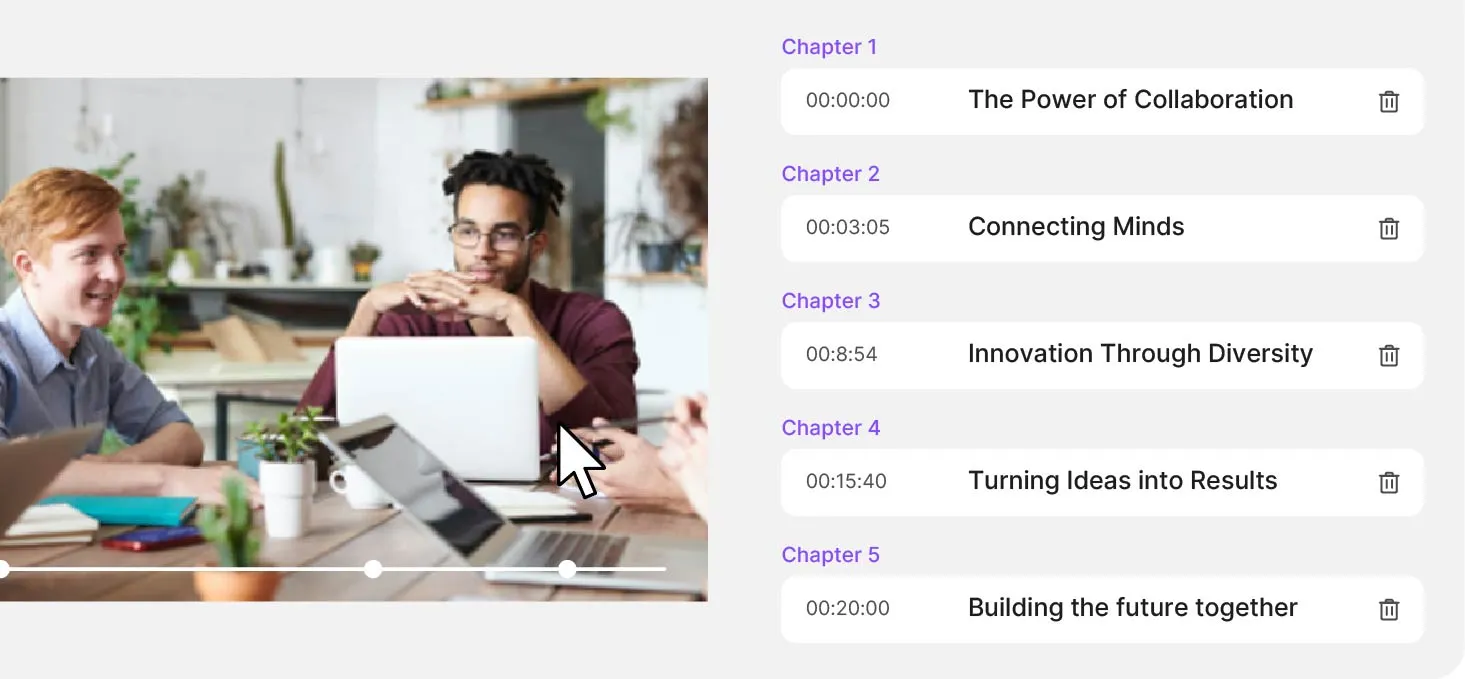
Intelligent chaptering
Videas AI analyzes the full transcription to identify topic changes and create logical chapters automatically. Preview the proposed chapter list before applying it to your video. Choose to replace existing chapters or complement them with AI suggestions. Chapters appear as clickable markers in the Videas player, letting viewers jump directly to the section they need — ideal for long-form content like courses, conferences and webinars.
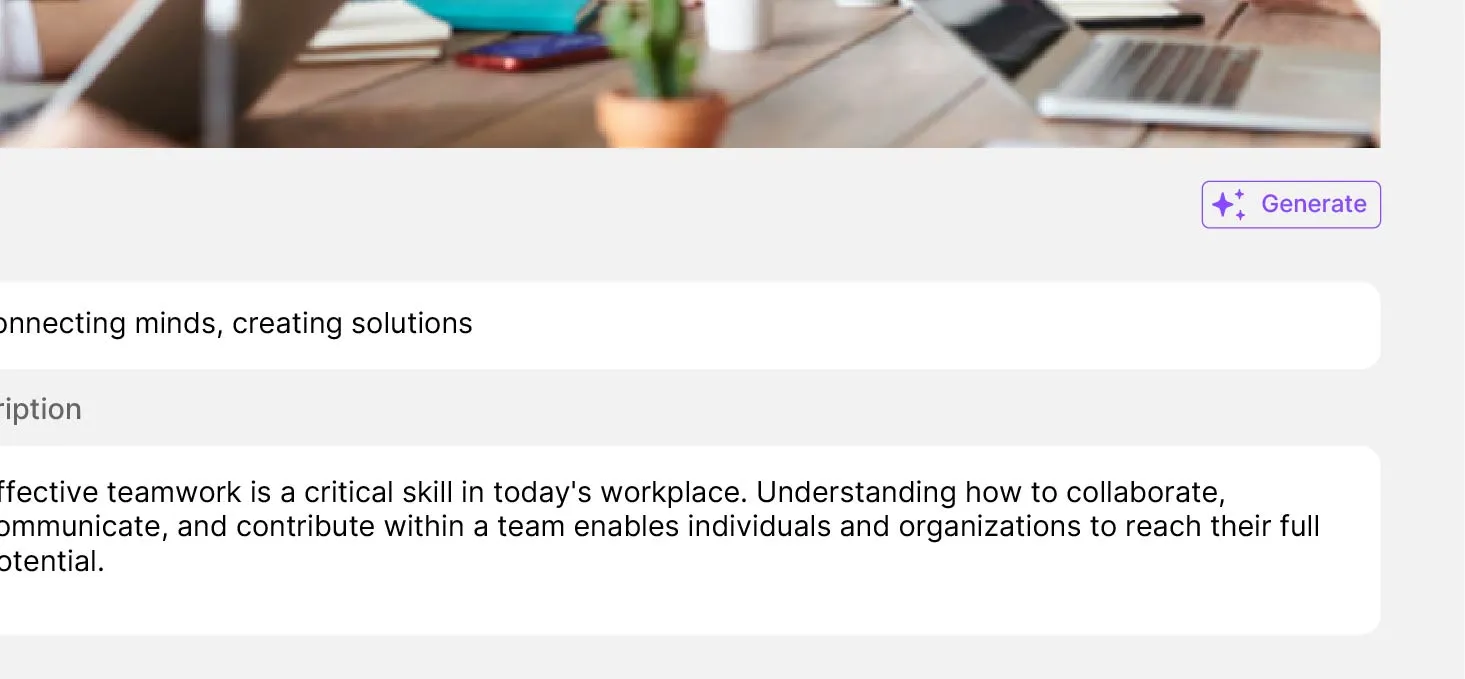
AI writing & automatic SEO
Videas AI analyzes the transcription to generate compelling titles, short descriptions and detailed summaries. Choose the output language (French, English, Spanish, German, Italian, Portuguese) and tone (professional, creative, formal, casual) to match your brand. SEO keywords are extracted from the content and automatically added as tags to improve discoverability on search engines and within your video library. Apply all suggestions to asset metadata in one click — no copy-paste required.
What Videas AI does not do
Videas AI listens, it does not watch: with no speech detected there are no chapters and no writing — a silent or purely musical recording gets nothing out of it. It works from the transcript, so a transcription error ends up in the title: proofread before you generate. And while your audio and your video never leave our servers, the transcribed text is sent outside the European Union for translation and for writing. Both are optional, and a European provider is available on request.
How much does Videas AI cost?
€0
for chapters, titles and keywords
€0.10
per minute of subtitles, per language
€5
of credits free every month, no subscription
Chaptering, titles, descriptions, summaries and keywords have no billing line: they come with the platform. Only subtitles are metered, at €0.10 per minute of video and per language generated — ten minutes come to €1 in one language, €3 in three. You receive €5 of credits on sign-up, then €5 every month: enough to subtitle about fifty minutes.
What the people who publish a lot say
"Your solution is high quality, your team is responsive and attentive, and the results more than meet our expectations."

"The rigor, availability and responsiveness VIDEAS shows are exemplary. Feedback from users of my VOD site is very good too."

"The interface meets our expectations in every respect. Simple, affordable and easy to use — we are delighted with it."

"Videas is the ideal platform to store our videos and run a custom channel for our media outlet."

"Videas is an easy platform to get to grips with, and it lets you create a VOD channel quickly. The team listens and is very responsive."

Frequently asked questions
How does Videas AI work?
It all starts from speech. Videas transcribes the audio track of your video, then uses that text to cut chapters and to propose a title, a description, a summary and SEO keywords. The picture is not analysed: what is said is the raw material.
Does my data leave the European Union?
Your audio and your video do not: they stay on our servers in the EU, which is where transcription happens. To translate and write metadata, only the transcribed text goes to a provider in the United States, under GDPR safeguards. Both features are optional, and on request translation runs through a European provider.
What is the difference between Videas AI and Scribe?
Scribe writes what is said in the video: transcript, subtitles, translation, timeline editor and SRT or VTT exports. Videas AI writes what goes around it, from that same transcript: chapters, title, description, summary and keywords. One produces the text, the other puts it to work.
Which languages are supported?
Transcription covers the main production languages, including French, English, Spanish, German, Italian and Portuguese; others are available on request. Subtitle translation reaches more than a hundred languages. Titles and descriptions are generated in the language you pick, which can differ from the language spoken in the video.
Does automatic chaptering work on every video?
It works on spoken content: a conference, a course, an interview, a tutorial. The AI looks for topic changes in the transcript. On a recording with no usable speech, the Chapters tab reports that none was detected and generation stays unavailable: chapters are then added by hand, or imported as a list.
How do I get better titles and descriptions?
By giving context. The writing window offers a tone — professional, casual, formal or creative — but it is the free context field that really changes the result: state the audience, the channel and the constraint, such as a title under sixty characters for a social post.
Will the AI write into my fields without being asked?
No. Every output stays a suggestion: you click Apply for it to replace the name or the description of the media, and a badge marks what has been applied. The summary applies to no field at all — it can only be copied. Generation requires the Editor role or above.
Which video and audio formats does the AI support?
The common ones: MP4, MOV, MKV, AVI and WEBM for video, MP3, WAV, AAC and FLAC for audio. The audio track is extracted automatically on upload, with no conversion on your side, then analysed for the presence of speech before anything is generated.