
Translate the subtitles of a video into 100 languages

Drop in your video: Scribe transcribes the soundtrack, then translates the subtitles into the languages you pick. No existing subtitles needed. Dropping the file, transcribing it and editing the result take no account; it is the translation itself that asks for a free one.

ONISEP
AFNOR
Ville de Roubaix
Safran
France-Soir
Crédit Agricole
France Travail
Magnard-Vuibert
Sodiaal
Yoplait
Call

Subtitles in several languages

International companies, training organizations, content creators: automatic subtitle translation lets you reach new audiences without remaking the video. You translate into several languages at once, from a single interface, and the viewer picks theirs in the player.

Videas Scribe transcribes the soundtrack, then translates into the languages you choose in a single operation. No existing subtitles needed: the AI works straight from the audio track. Without an account you get as far as the transcript and correct it in the editor — enough to judge the engine on your own file. Translation, keeping the work and publishing it ask for a free account, and whatever you have already done is attached to it when you sign up. The tutorial translate subtitles walks through the same path from an account, and the Scribe page shows the same engine applied to a whole library. The account is not bought: you pay for what you use, and the Pricing page says how much.


Translate your content in 3 steps

  1. 1. Import your files.

    Video or audio, in all the common formats. Without an account: 2 GB and 10 minutes per file. You can also start from a file in your Mediasbox library.

  2. 2. Transcribe, then translate

    The AI transcribes the audio track with no account. Translating into the languages you tick starts from a free account, and every language comes out in a single pass.

  3. 3. Edit & export

    Compare with the original, refine each translation, then export to SRT, VTT or DOCX, or embed the tracks straight into your videos.

Video translation in 3 steps

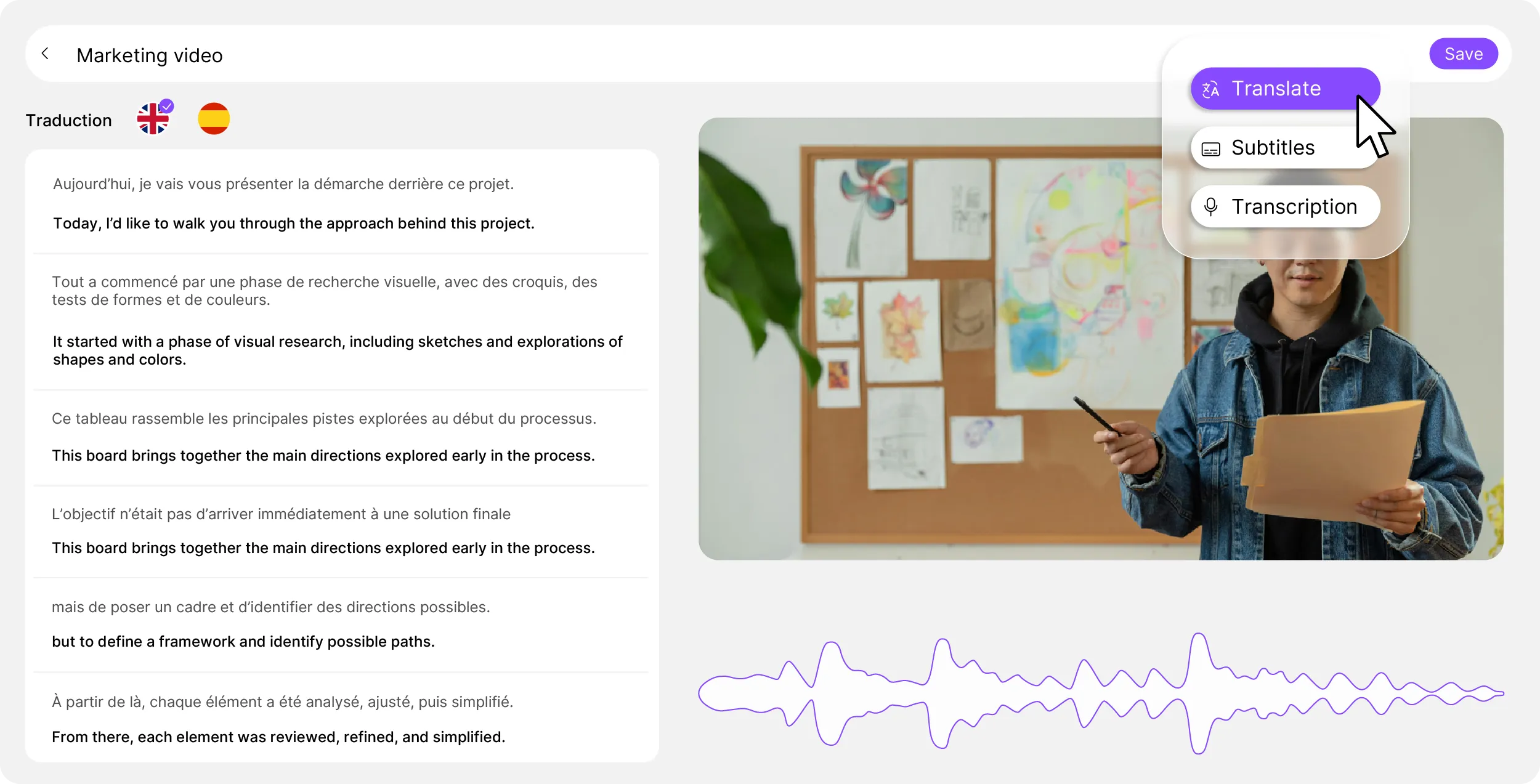
Original and translation, side by side

Switch between your languages in one click, compare with the source version and adjust each translation line by line. Everything happens in one place, with no intermediate export and no external tool. Terminology stays consistent thanks to global replacement of a term across the whole transcription.

Videas multilingual translation editor

Several languages in one pass

Translation into several languages at once

Every language at once

Generate translations into several languages at once, in a single operation. Ideal for international companies, multilingual training programs and content aimed at several markets.

Translation straight from the source audio

Straight from the audio

No existing subtitles required. Our AI transcribes and translates in a single operation, straight from your file's audio track.

What Scribe adds to the translation

  • No existing subtitles needed

    No existing subtitles required. Our AI transcribes and translates straight from the audio track, with no intermediate step and no external tool.

  • One term, the same everywhere

    Correct a term once and apply it to every occurrence across the whole transcription and its translations.

  • Compare line by line

    View the original and the translation side by side to fine-tune every subtitle line.

  • One export per language

    Download each language separately in SRT, VTT or DOCX, or export all the languages in a single pack.

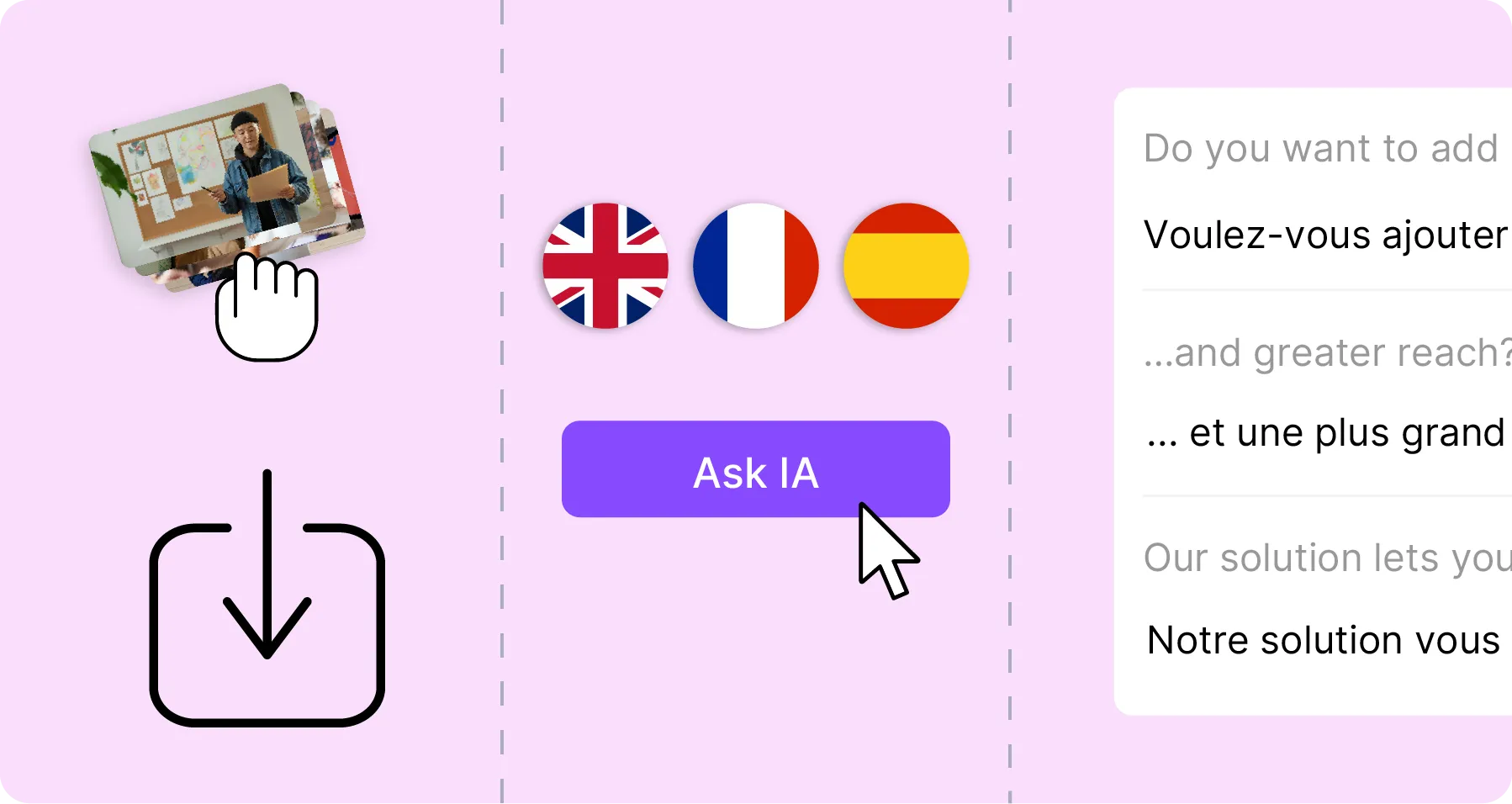
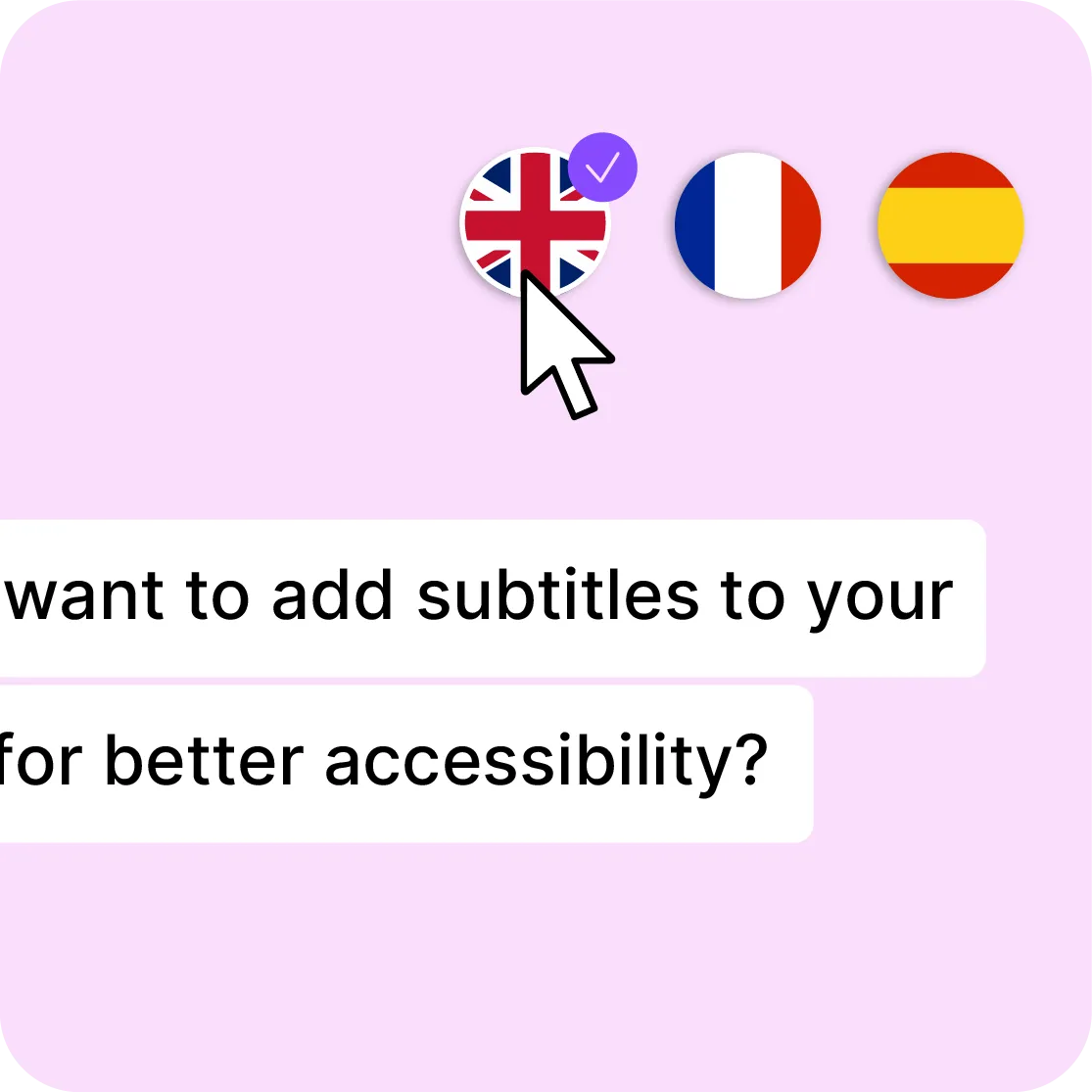
Three target languages on offer — English, French, Spanish — one already ticked.

Every language in one pass

Select your target languages and start the generation. All your versions are ready in minutes, without repeating the process language by language. The editor lets you compare each translation with the original and refine the terms specific to your field.
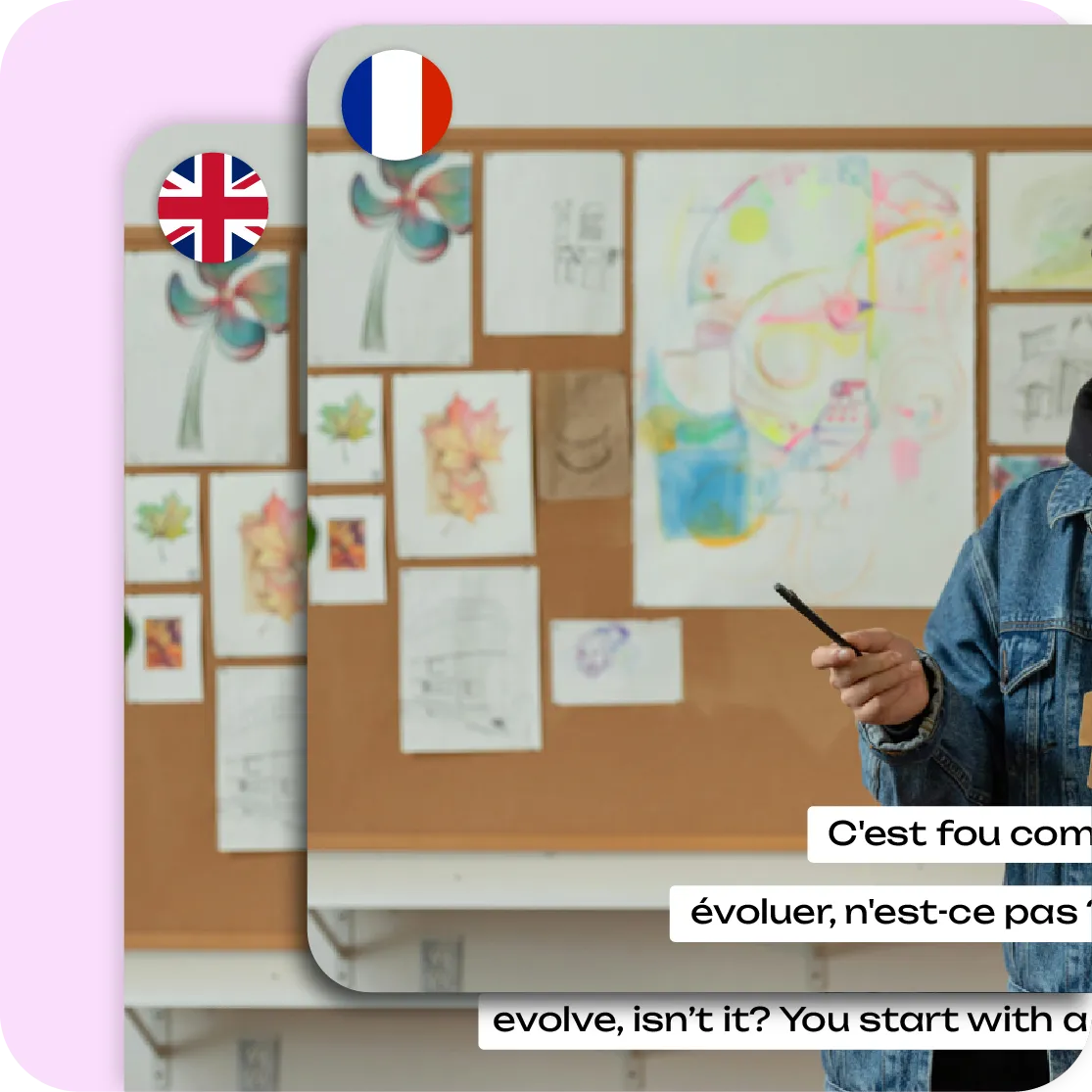

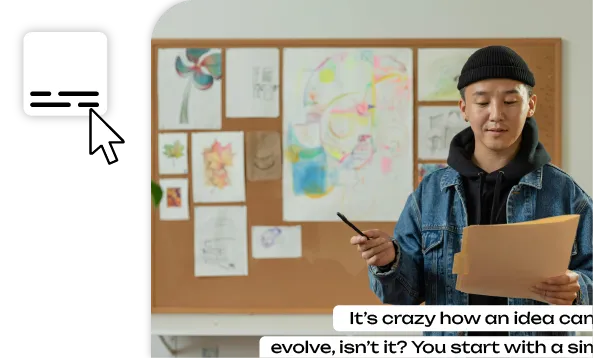
The same video in two versions, subtitled in French and in English.

Translated subtitles, ready to lay

The same styling options as your source subtitles: font, colors, size and position. Export by language in SRT, VTT or DOCX, download all the languages in a single pack, or embed the translated subtitles directly into your video. Compatible with the Videas player and the major distribution platforms.

Six tools working on the same files

You upload a file once: it is stored, encoded and served over a CDN, then picked up as is by the channel, the page or the player. What Stream records comes back into the library. Nothing to wire together.

The other tools, and what comes next

Transcribe a video

Share a video

Subtitle a video

Host a video

Make your videos accessible

They are Videas customers


Frequently asked questions

How does automatic video translation work?

Drop in your file. Scribe transcribes the soundtrack first, then translates the subtitles into the languages you ticked — it all happens in one operation, with no going file by file. You then read each language back in the editor, alongside the original version.

Do I need existing subtitles to translate?

No, and that is what separates this from an SRT file translator. Scribe works straight from the audio track: it transcribes and translates in the same pass. If you already have subtitles, you can of course import them rather than transcribing all over again.

How many languages are available?

Over a hundred languages, and you can generate several at once rather than one after another. The source language is detected on its own: you declare nothing before sending the file, even if the recording is not in the language you were expecting.

Can translations be edited after generation?

Yes. The editor shows the original and the translation side by side, line by line, so you see straight away what drifted. You fix a phrasing, adjust the timing, and global replace applies a term to every one of its occurrences in that language.

Can I translate into several languages at once?

Yes. Select your target languages and start the generation: every version is ready in minutes, without repeating the process language by language. That is what changes things on a training library, where the same video has to exist in five or six languages at once.

Which formats can translations be exported in?

SRT and VTT for players and platforms, TXT and DOCX for a document somebody else will proofread. You can download one language on its own, or every language in a single pack. You can also publish the tracks straight into the Videas player, without producing a file.

Can translated subtitles be burned into the video?

Yes. Translated subtitles can be burned into the picture on export, with the style you set: font, colours, size and position. It is what social feeds that refuse a separate track expect. The original video itself is left untouched, and burning in produces a new file.

Is the translation quality reliable?

It is good enough for professional use, and it stays a machine translation: on trade vocabulary, wordplay or proper nouns, it gets things wrong. That is what the editor is for — the proofreading pass is not optional when the video is going to a client.

Can I keep terminology consistent across translations?

Yes. Correct a term once and apply it to every occurrence, in the transcript and in its translations. It is the setting that counts on a training catalogue: the same product name, the same module title, written the same way from one video to the next and one language to the next.

Where are the files hosted?

In France, on secure servers compliant with the GDPR. Your files serve the processing you asked for and nothing else: they are never scanned for other purposes, never indexed, never used to train a model, and you can delete them at any time.

Do I need an account to translate?

For translation, yes — a free one. Without an account you drop your file, the transcription runs and you correct it in the editor: enough to judge the engine on your own video. The account unlocks translation, export and publishing, and picks up the work you have already done.

Does the tool dub the voice into another language?

No. The tool translates the subtitles, not the voice: there is no dubbing, no synthetic voice and no lip sync. Your viewer hears the original soundtrack and reads the translation on screen. It is a deliberate limit: we would rather ship an accurate subtitle than an approximate voice.

What does a translation cost from an account?

€0.10 per minute of video, and per language generated: a ten-minute video translated into three languages costs €3. It is the media duration that counts, not how much speech there is, so the price works out in advance. And €5 in credits is free every month.