No ads, no suggestions
No ads, no suggested videos, no third-party logos. Your viewers stay focused on your content, in a professional environment you control entirely.
Drop your file: Videas encodes it into several qualities and hands you a playback link and an embed code, with no account to create. No ads, no suggested videos at the end, no third-party logo — your viewers see nothing but your content, and nothing is scanned.
Hosting a video on a consumer platform means accepting ads, tracking and suggested videos at the end of playback. This tool hands you a clean playback link and an embed code, with no account to create and nothing to install.
Drop your file: Videas encodes it into multi-quality adaptive streaming, then hands you a player you can set up — autoplay, loop, chapters, controls — and paste onto your site, your intranet or your training platform. The tutorial embed a video on your website covers WordPress, Wix, Webflow, Squarespace and Notion. Without an account the tool takes 2 GB and ten minutes of video, and the link stays live for seven days; to keep the video, follow its audience or restrict playback to your own domains, create a free account or see the full offer on the Video Hosting page. The account is not bought: you pay for what you use, and the Pricing page says how much. The player is configured — and seen in action — in the demos.
Drag your file into the tool. Without an account: 2 GB and 10 minutes of video at most. Multi-quality encoding starts right away, with no sign-up and nothing to install.
Your video plays in the Videas player. Copy the share link, or the embed code to paste on your own site.
The free link stays live for 7 days. A free account makes it permanent, keeps the same address, and adds playback analytics.

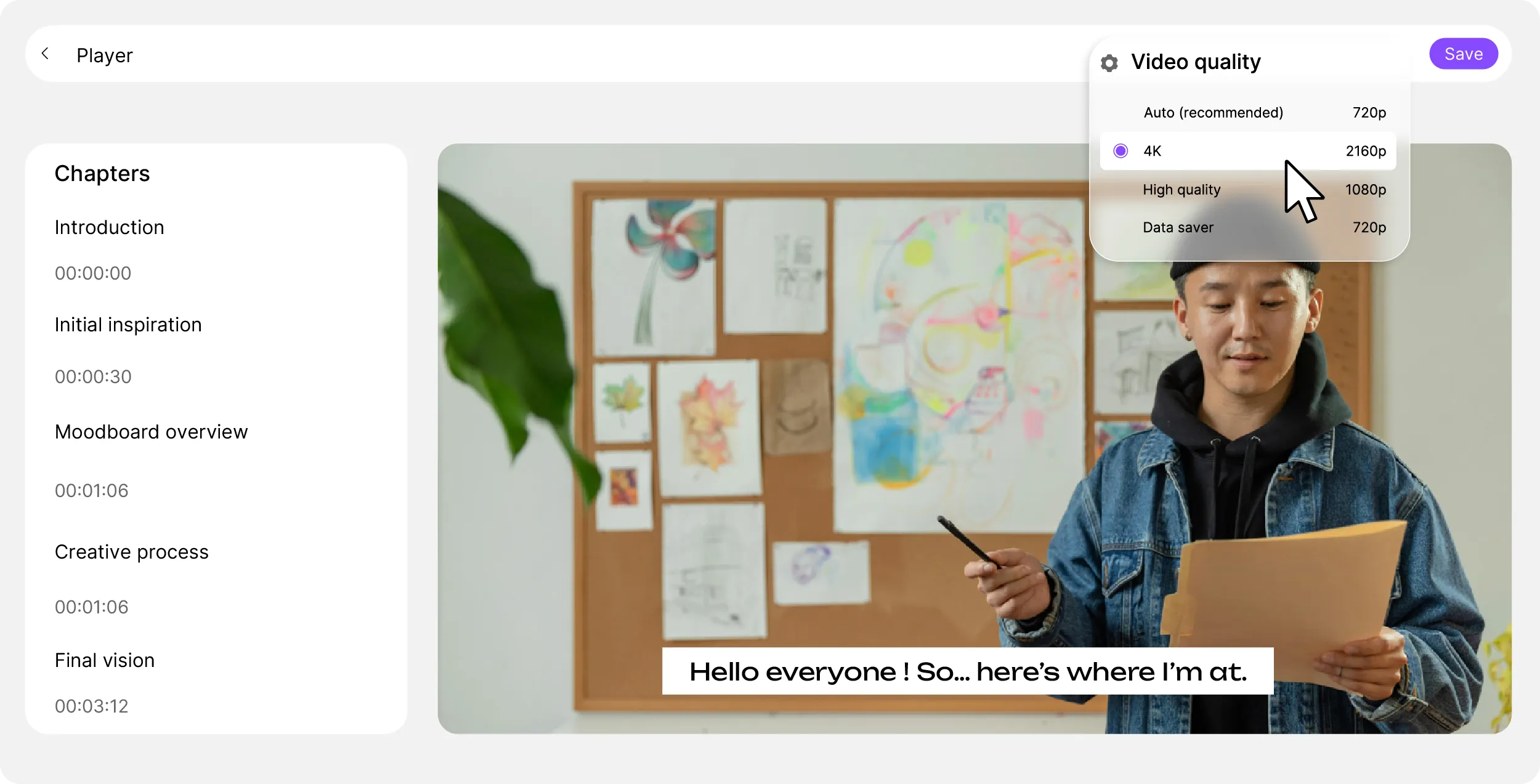
Chapters, multilingual subtitles, adaptive quality, picture-in-picture: the Videas player embeds in one line of code and is configured through parameters — autoplay, muted start, loop, controls or chapter buttons. Copy the code once and it renders the same everywhere, with no ads and no suggested videos.


No ads, no suggested videos, no third-party logos. Your viewers stay focused on your content, in a professional environment you control entirely.

Your videos and your playback data are never scanned, never resold and never used to train a model. No advertising tracker in the player, and you can delete a video at any time.
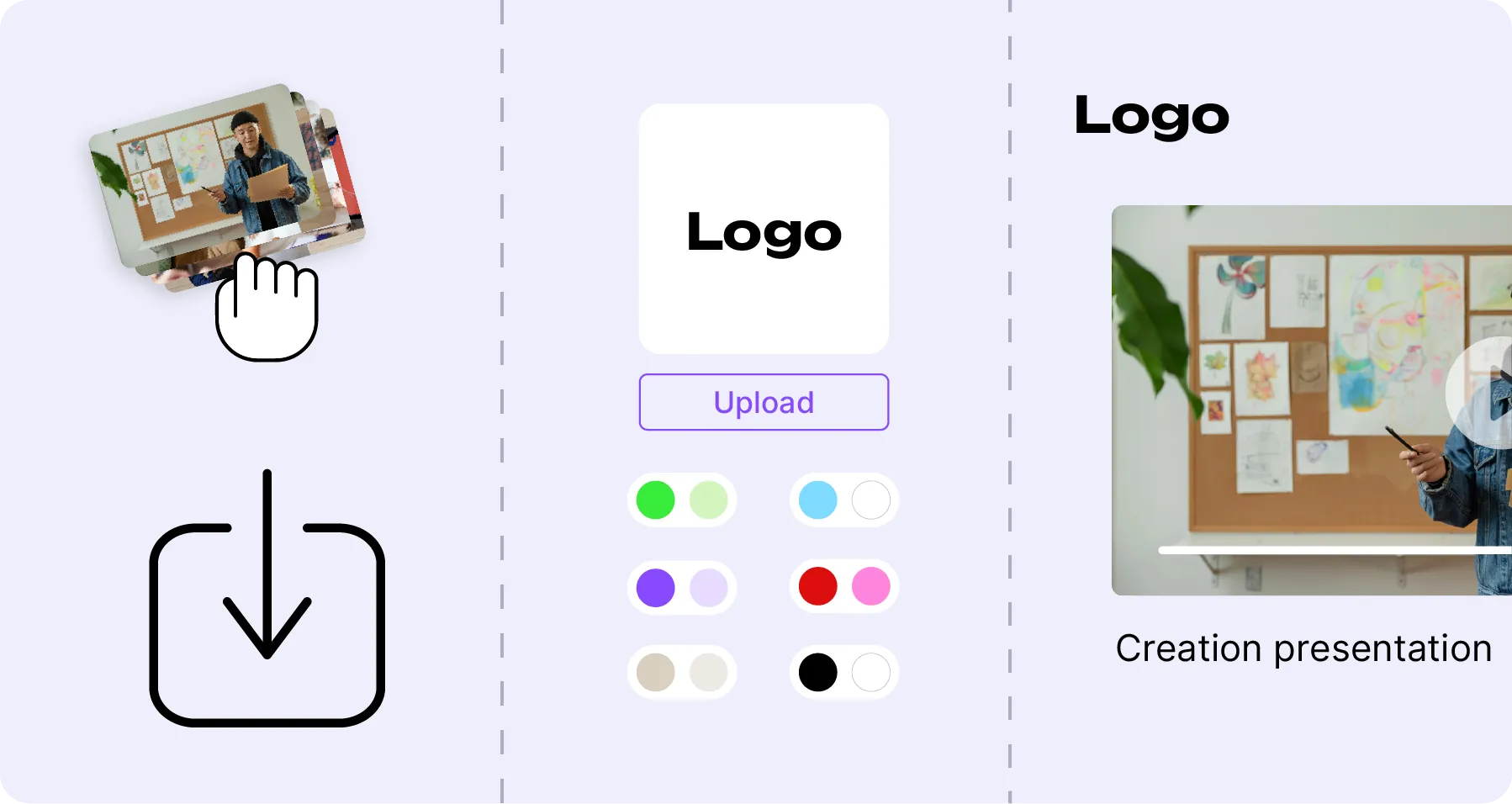
Colors, logo, buttons, thumbnails: the player adapts to your brand, not the other way around. Create a consistent experience across all your channels.
Views, average watch time, completion rate, engagement heatmap and top content. Understand how your videos perform and refine your strategy.
iframe embed, API, custom domain. Embed your videos wherever you want, however you want. Compatible with the main CMS platforms and web frameworks.
Restrict playback to approved domains. Your video only plays where you decided it would. Ideal for protecting your training content or your internal communications.

Adaptive streaming automatically adjusts the quality to each viewer's connection. Speed control, picture-in-picture, full screen and native mobile support: your videos play perfectly on every device, with no loading time.

Generate your subtitles automatically with Scribe, share your videos securely, build branded distribution pages and track performance with Analytics. A complete, integrated ecosystem to manage all your video content, without juggling tools.
You upload a file once: it is stored, encoded and served over a CDN, then picked up as is by the channel, the page or the player. What Stream records comes back into the library. Nothing to wire together.

Centralize, organize and share your media from an ergonomic and secure space.
Broadcast your videos as internal or public channels, with replays and playlists.
Create product presentations, landing pages or event pages.
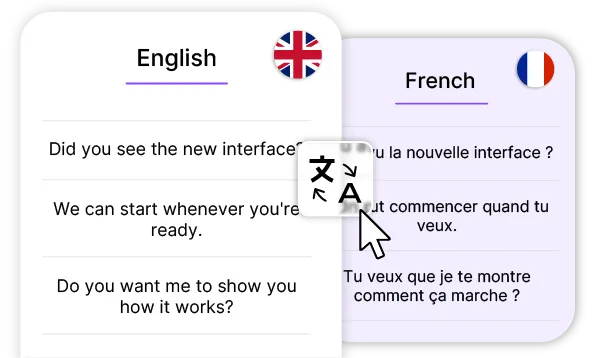
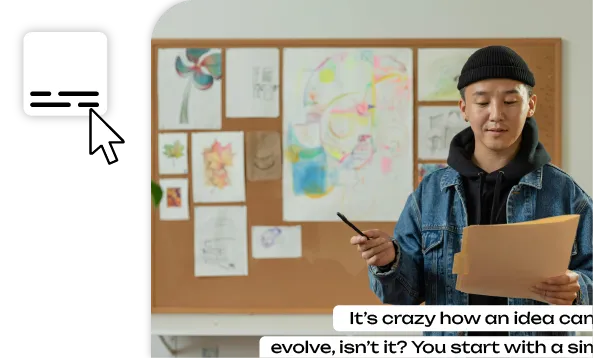
Generate multilingual subtitles and improve the accessibility of your content.
A professional, fast and customizable video player, GDPR compliant.
Track plays, engagement and retention to understand what captivates your audience.
No. Uploading, encoding, the playback link and the embed code all work without an account: you drop a file and you leave with everything needed to publish it. The free account is what keeps the video beyond seven days and tracks its audience.
Seven days for an upload without an account. A free account makes the link permanent without changing its address: the embed code already pasted on your site keeps working, and you have nothing to replace. After seven days without an account, the video and its link are erased.
Two gigabytes per file, ten minutes of video, and seven days of retention. All three are stated before the upload. From a Videas account, size rises to one hundred gigabytes per file, duration is no longer capped, and the video stays online for as long as you want.
Drag the file into the tool. The upload starts right away and encoding follows: Videas builds several quality levels so playback adapts to each viewer's connection. There is nothing to configure, and you can leave the page — the video is waiting when you come back.
The common video formats: MP4, MOV, WebM and the usual containers. Videas always re-encodes into adaptive streaming, so the format you upload changes nothing about playback — what counts is the output file, and it is the same one for every viewer you have.
Yes. Colors, logo, buttons and thumbnail follow your brand, and the embed code's parameters drive the behaviour: autoplay, muted start, loop, whether controls or chapters are shown. You copy the code once, and it renders the same thing everywhere you paste it.
Yes, both are built into the Videas player. Chapters make a long video navigable and appear in the playback bar. Subtitles are generated automatically with Scribe, corrected by hand, and several languages can sit on the same video at once.
You copy an iframe embed code and paste it into your page — WordPress, Wix, Webflow, Squarespace, Notion or a hand-built site, the principle is the same. An API and a custom domain are available for deeper integrations, from an account.
No. No advertising before, during or after playback, no suggested video at the end, no third-party logo in the player. It is the most visible difference from a video published on a consumer platform: your viewer stays on your content instead of drifting elsewhere.
Yes, from an account. Domain restriction allows playback only on the addresses you list: the video embedded on your site works, while the same iframe copied elsewhere does not play. It is the setting for training content and internal communications.
Views, average watch time, completion rate and an engagement map showing which passages are watched and which are skipped. All the data can be exported. They come with the free account: an anonymous upload produces none, since it is attached to nobody.
No. No advertising tracker in the player, no data resale, no profile built on your viewers by a third party. The audience statistics come back to you alone: they are measured to tell you about your own content, not to feed an advertising market.
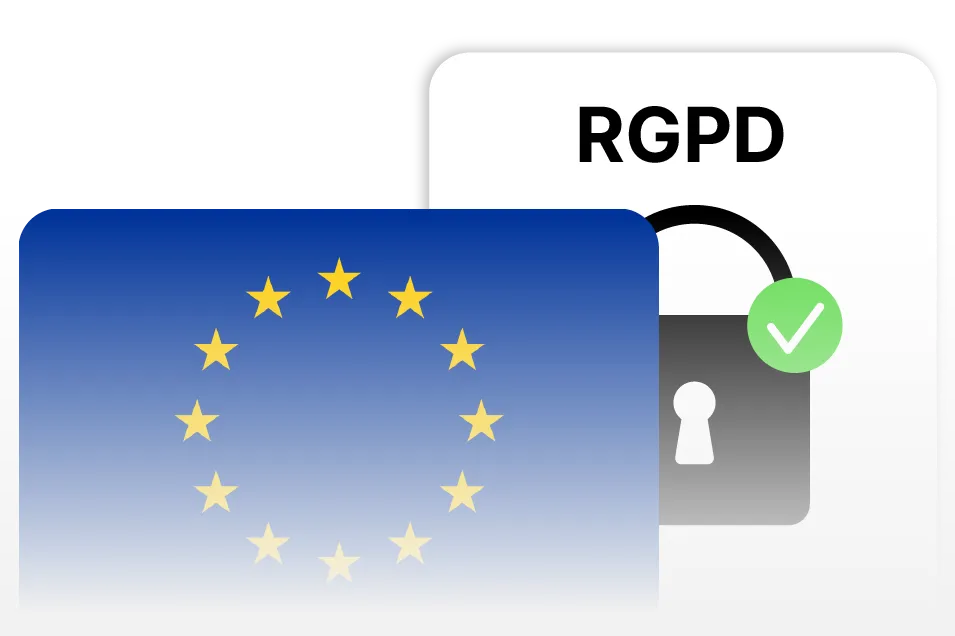
In France, on GDPR-compliant servers, with no transfer outside the European Union. What matters wherever you are is what happens to them there: your videos are never scanned, never indexed and never resold, and you know which law they fall under.
There is no subscription: €0.20 per hour of video stored per month and €0.02 per GB delivered, with the first terabyte free every month. You get €5 in credits at signup, then €5 free every month. The full breakdown is on the Pricing page.
From an account, yes. A video can ask for a password before it plays, cap its number of viewings or expire on a chosen date, and domain restriction stops it being replayed anywhere but your own pages. The free upload does not offer those settings yet.