











Education & Online Training

Your courses on video, and a record of who watched what

Your courses, replays and resources in a private space, open to the people you enroll, with a viewing history for each one of them.

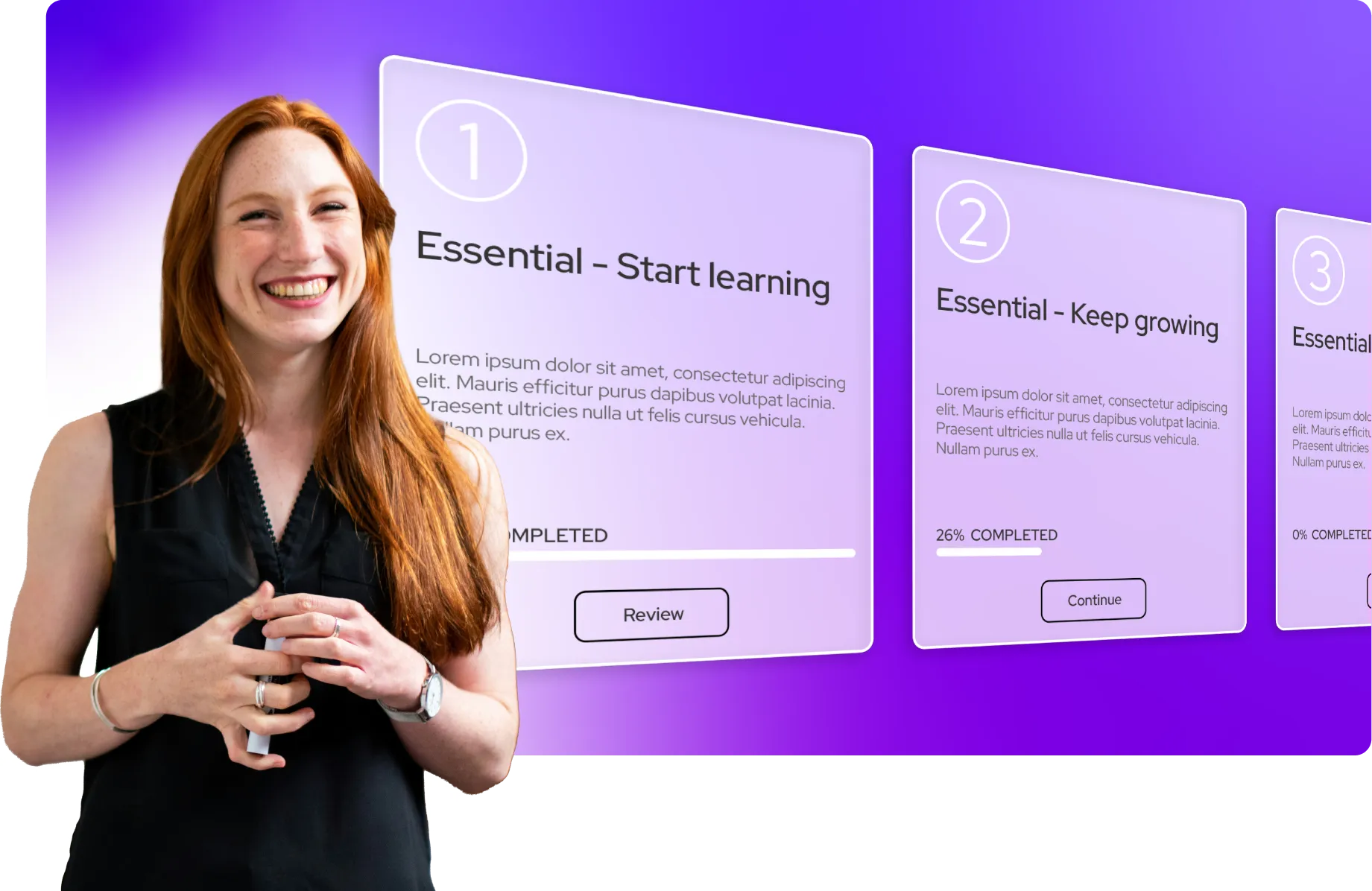
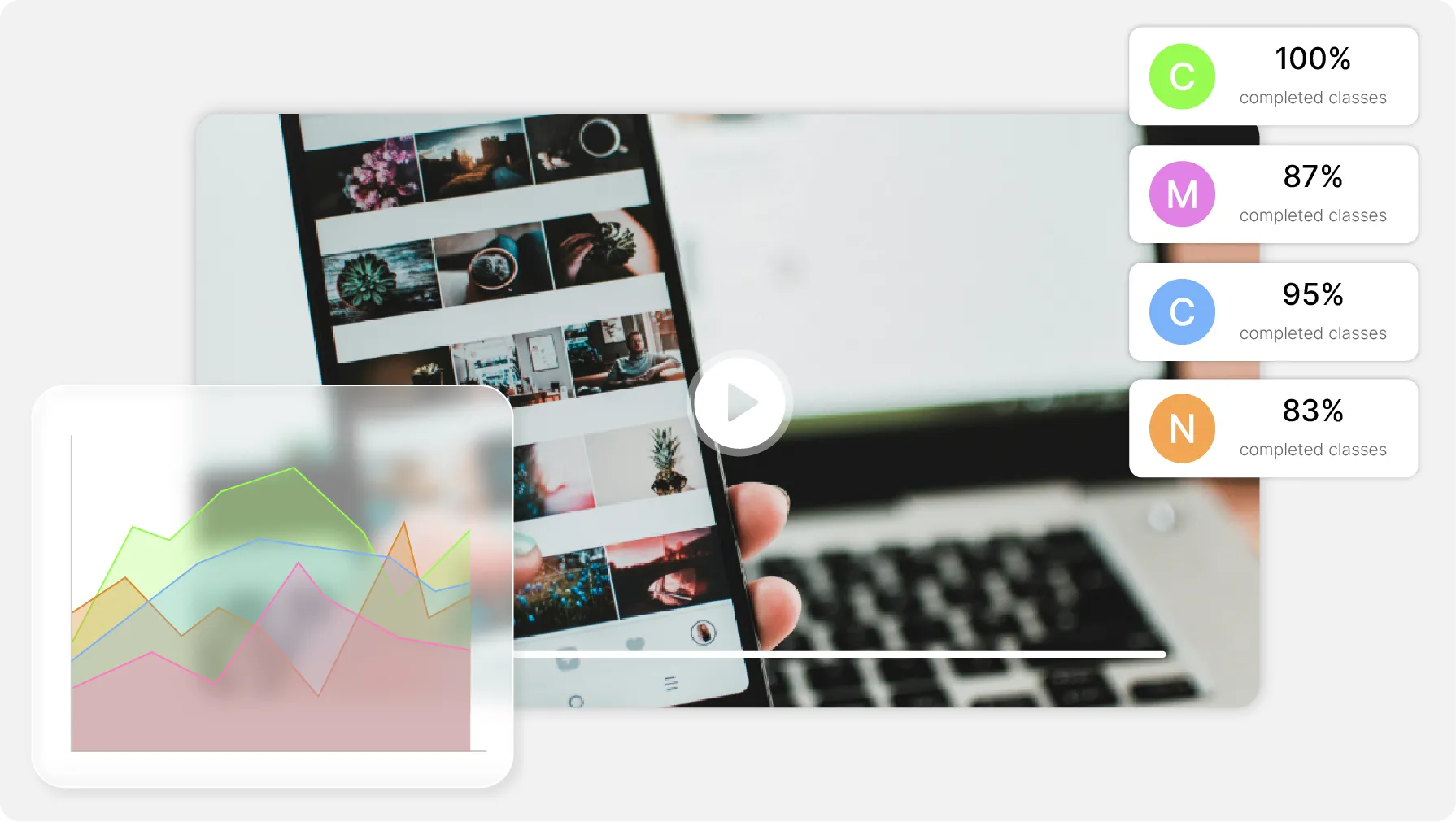
Smiling woman, learning progress with numbered steps and percentages.
ONISEP
AFNOR
Ville de Roubaix
Safran
France-Soir
Crédit Agricole
France Travail
Magnard-Vuibert
Sodiaal
Yoplait
Call

What happens to your courses after the shoot

You have filmed your modules, and they now live in a shared drive, in a folder somebody set up, and in a handful of links sent by email. Videas gathers them into a private channel where every learner has an account, sees only what you open to them, and leaves behind a viewing history you can read.

What stands between the filmed course and the learner.

  • Courses spread across three tools?

    Videas keeps the videos, the PDFs and the attachments of one module in the same library.

  • A link circulating outside the class?

    Every learner signs in with their own account, and the player can refuse to start anywhere but on your pages.

  • No idea who actually finished?

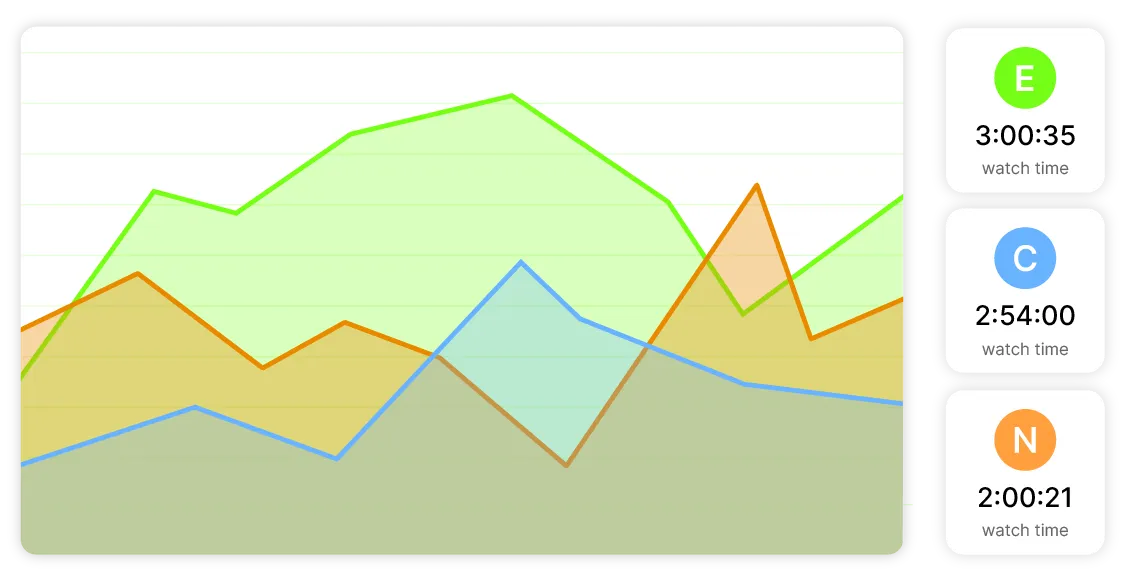
    A member's profile shows the content watched, the date, how long they stayed and the completion rate.

  • Access left open after the session?

    An expiry date set at invitation time closes the access on its own when the course ends.

Gather the courses, track each learner

Centralization of teaching content

Courses and their resources in one place

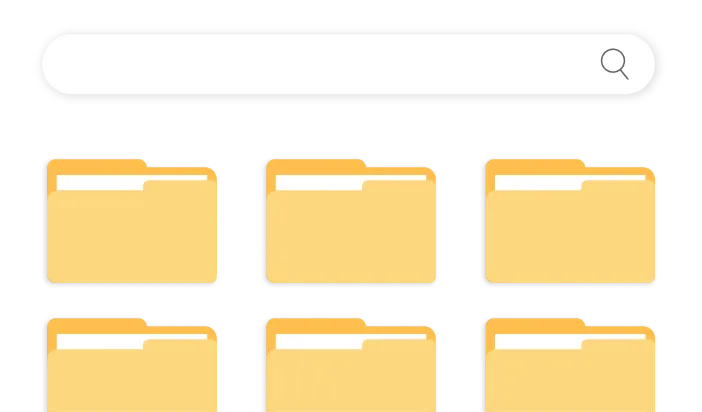
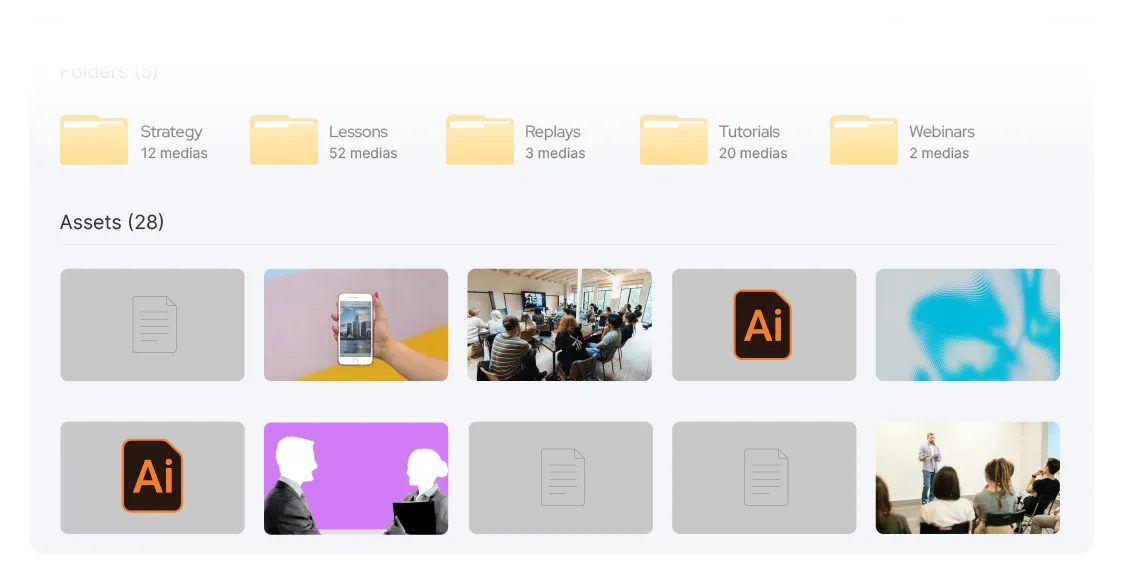
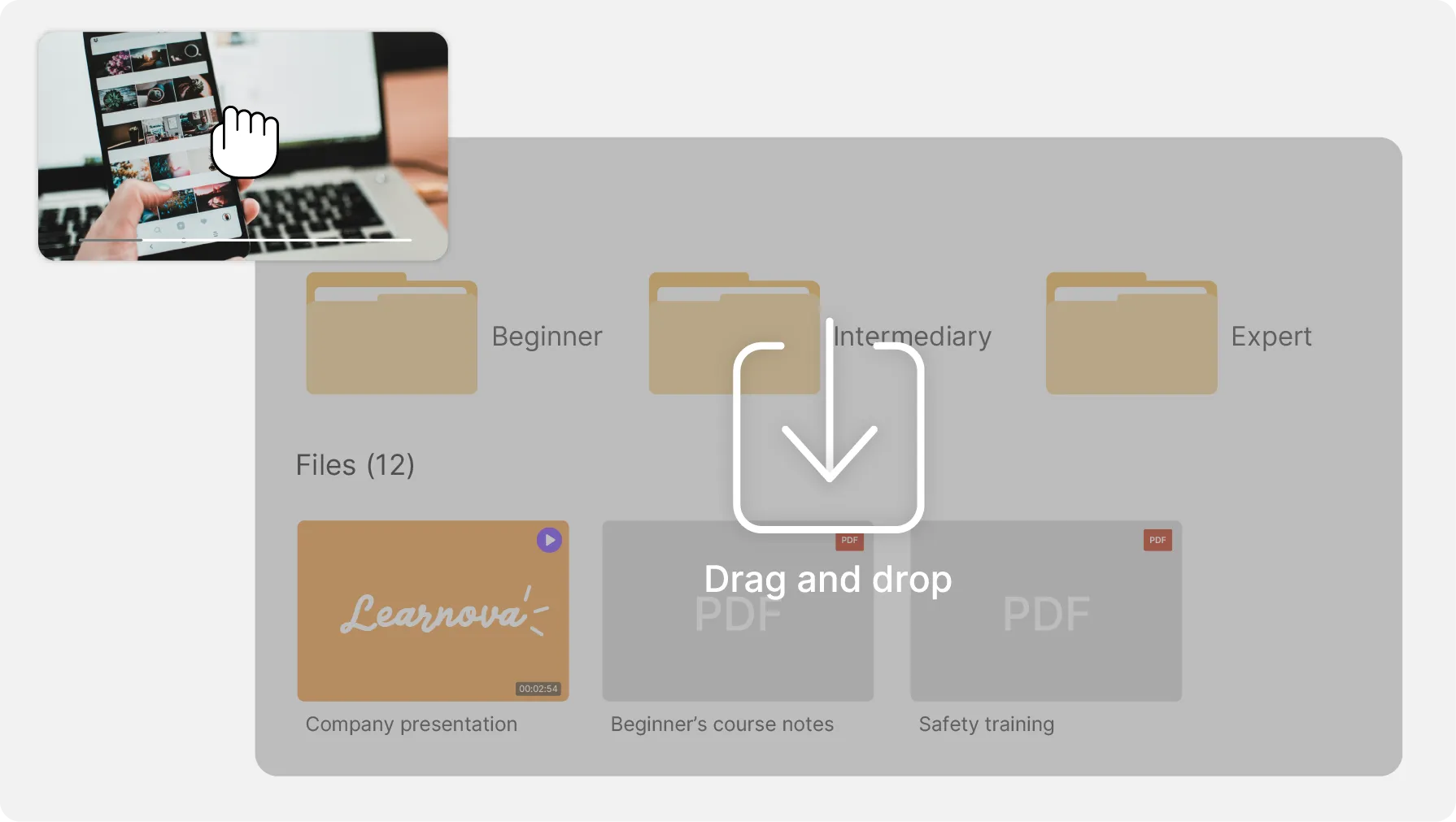
Videas hosts the videos and files the PDFs, audio and attachments of each module beside them. One library to keep in order, rather than a shared folder per cohort and a link per course.

Inviting learners and managing access groups

An account per learner, not a link going around

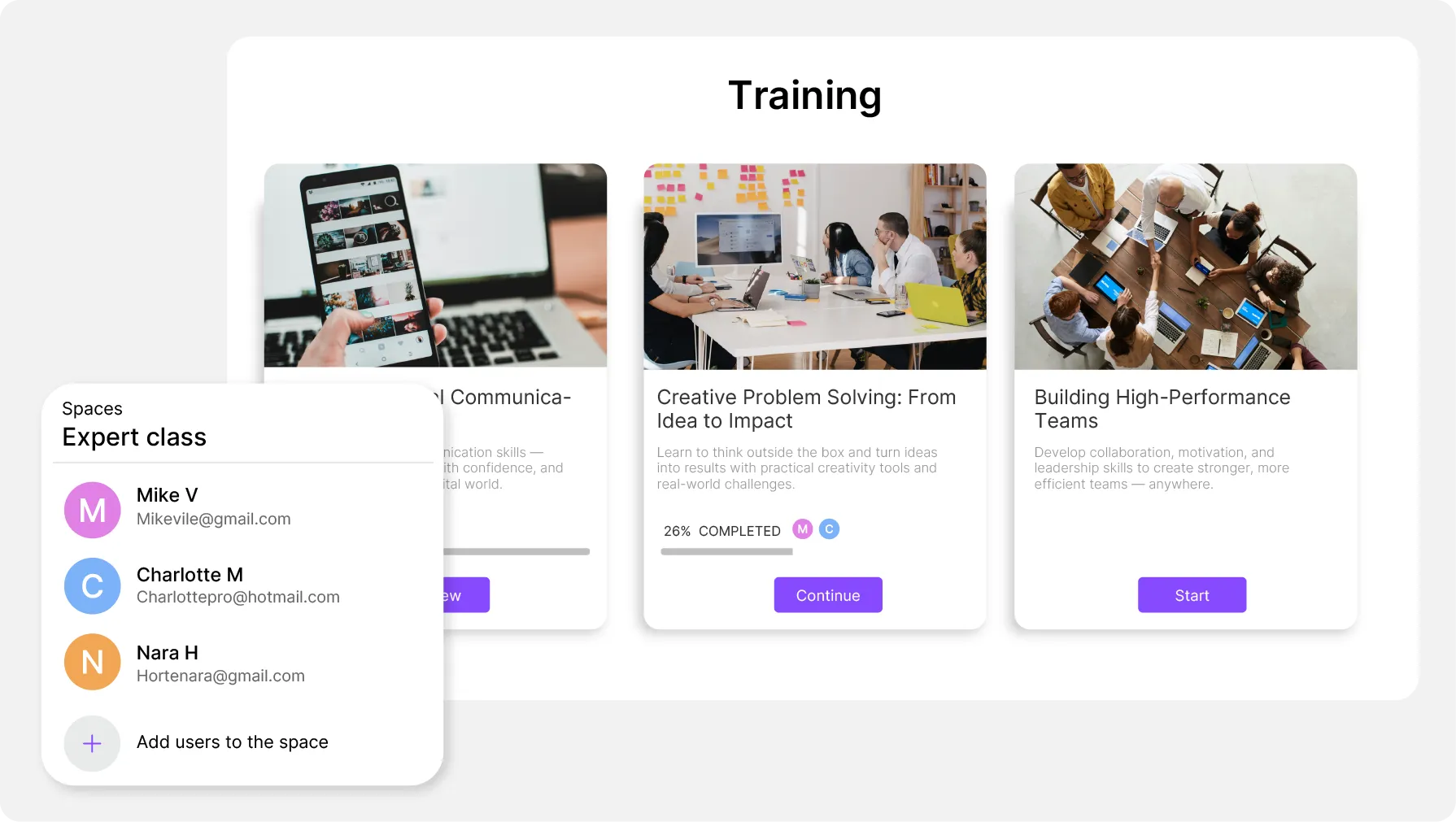
In Videas you invite by email or with a reusable sign-up link, you sort your members into groups, and each of them opens nothing but the content their group covers.

Viewing history of one learner

A viewing history, person by person

The Users section leads to a member's profile, and its Analytics tab gives the content, the date, the time watched, the completion rate and the device used.

Video player embedded in a course page

Your videos inside your platform, not ours

Videas gives you an embed code that drops the player into your course page, your intranet or your training platform, and an API to drive the library. Your learners never leave your site.

What changes when you move to video

You invite by email, or with a reusable sign-up link you name after the cohort. The Invitations tab tells you who has joined and who has not answered yet.

Enrollment
Access to content
Separate spaces
Tracking

Three teaching catalogs we already host

  • 4school publishing brands, each with a video space of its own

    One catalog per brand, one infrastructure

    Magnard-Vuibert, the third-largest educational publishing group in France, moved its teaching clips off Vimeo: each editorial team runs its own catalog, hosted in France as a supplier to the French state school system must guarantee.
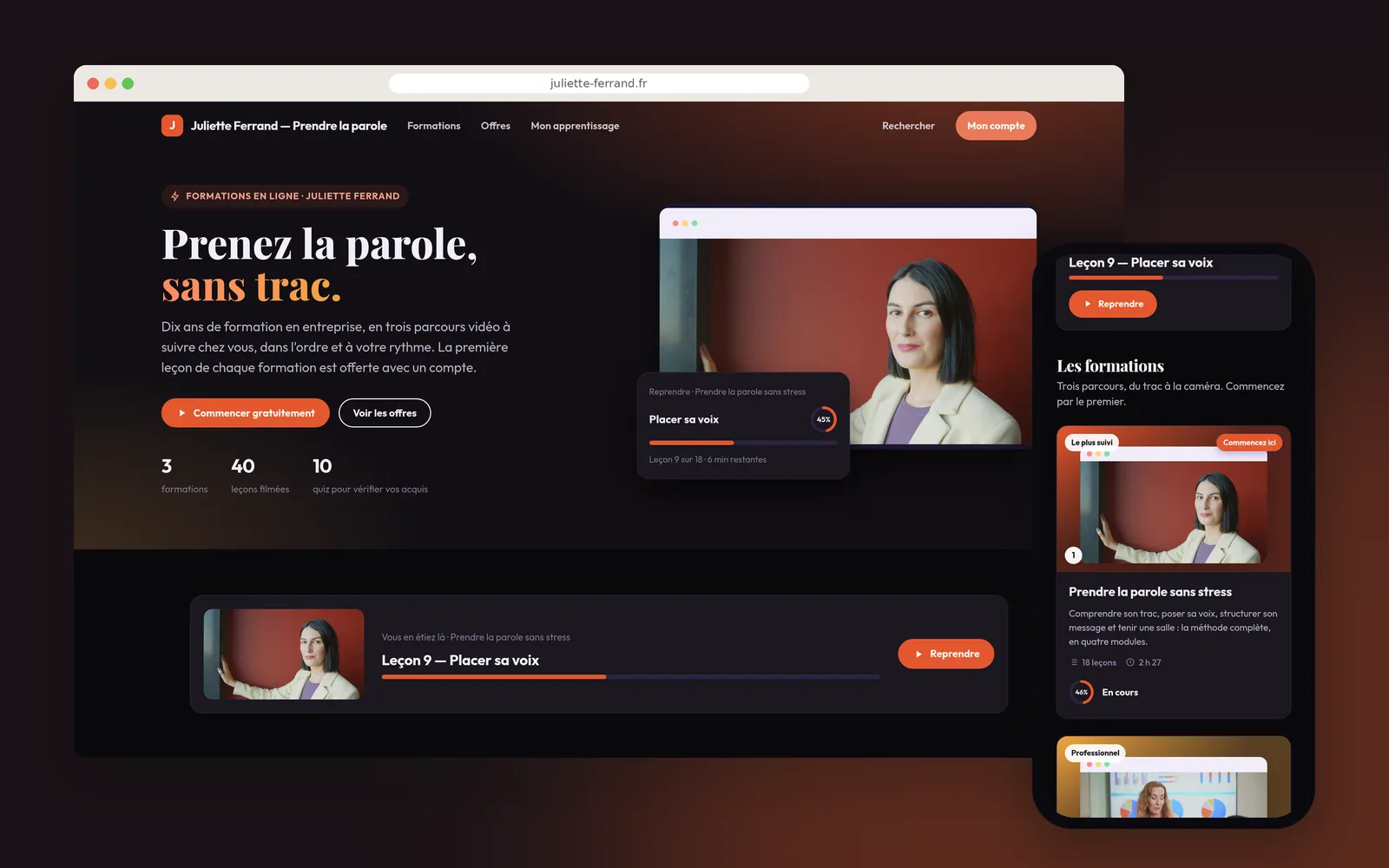
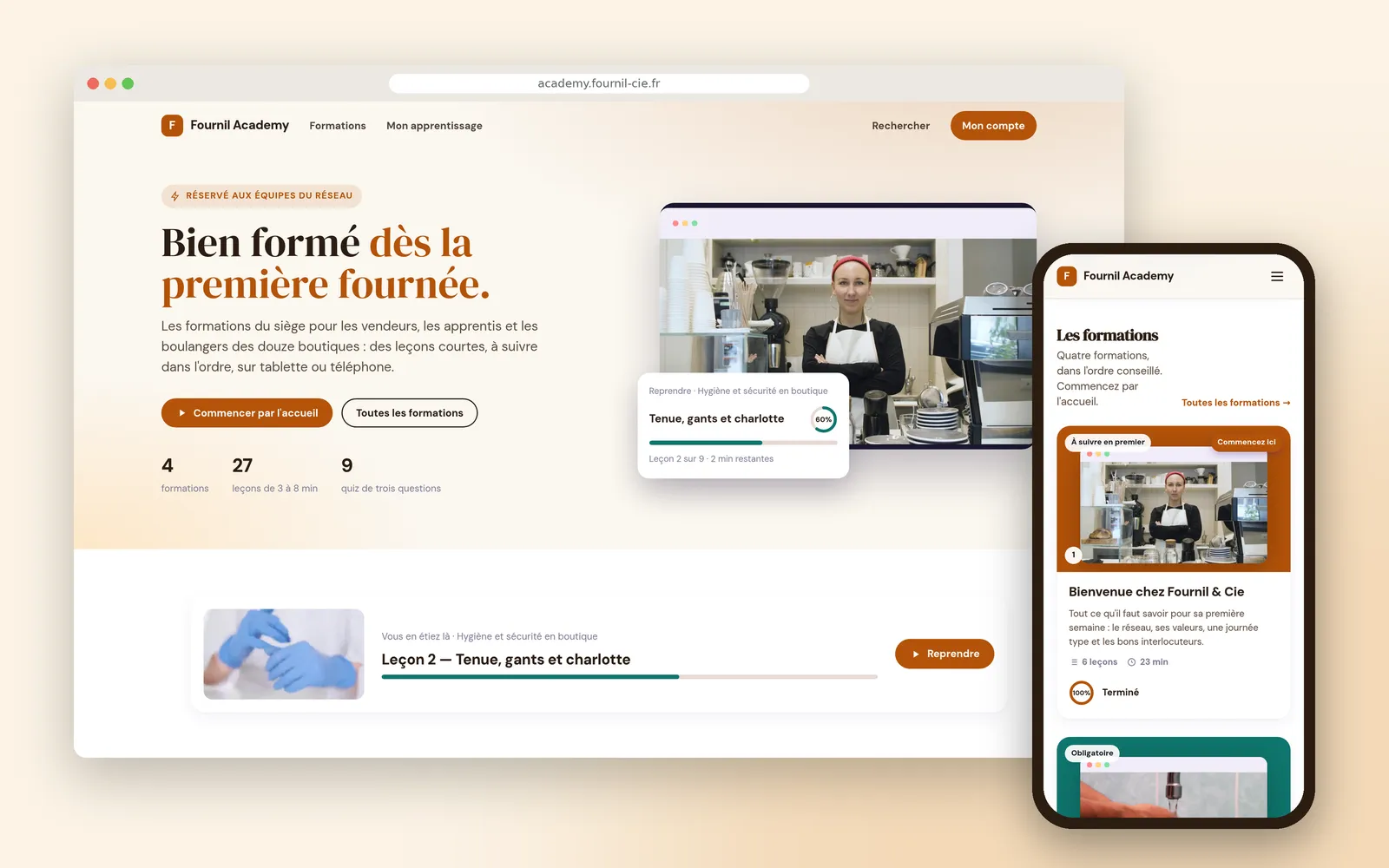
    Read the Magnard-Vuibert case study

  • Zerocookies in front of paid-for training content

    The video lives inside the customer's course

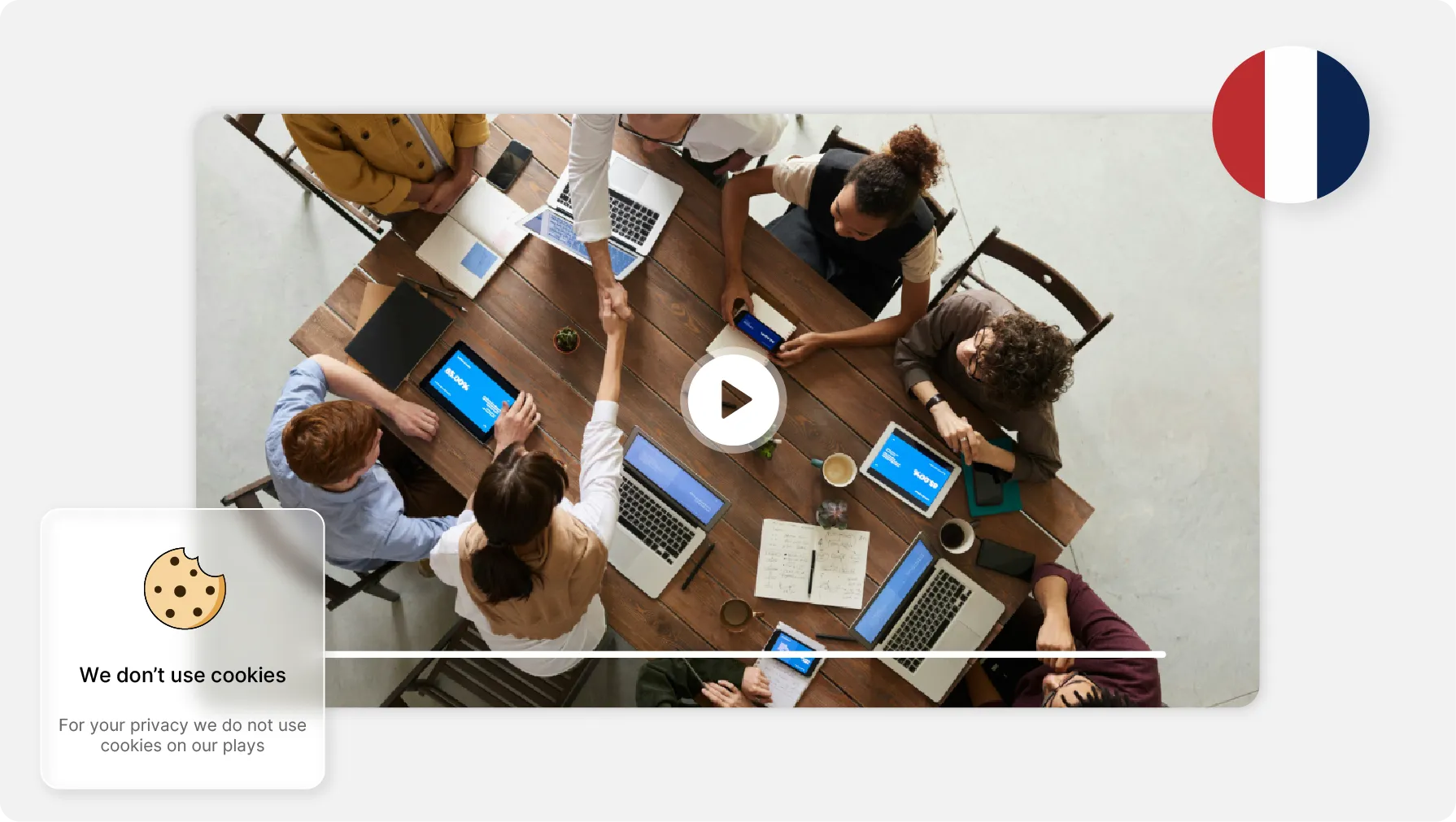
    AFNOR Éditions embeds the videos of its interactive learning paths into its own modules with the embed code, and restricts playback to its domains so that content it sells cannot be watched anywhere else.

    Read the AFNOR case study

  • Project by projecttutorials arranged into pathways, not a list of videos

    A pathway, not a pile of videos

    Solyluna gathered tutorials scattered across several platforms into pathways structured project by project: students move at their own pace, with permanent access to the catalog.

    Read the Solyluna case study

What Videas does not do

Videas does not assess your learners: no quizzes, no grades, no certificates. The teaching is designed in your own tools; the video is hosted and delivered by ours. And there is no ready-made connector: integration goes through the embed code and the API.

What does a course catalog cost?

  • €0.20

    per hour of video stored, every month

  • €10

    a month for the channel your learners sign in to

  • €0.10

    per minute subtitled, per language

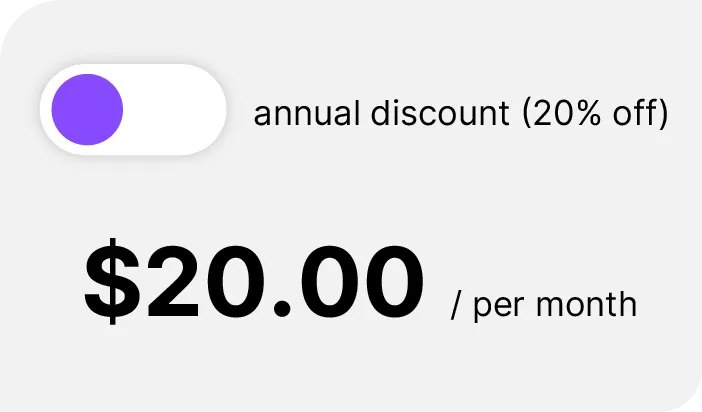
There is no subscription: you draw down a prepaid credit wallet, topped up whenever you decide to. Fifty hours of stored courses cost €10 a month, the channel carrying them another €10 — €20 in all — and delivery stays at zero for as long as your learners keep inside the terabyte given free every month, roughly two hundred hours watched. Past that it is €0.02 per gigabyte. Subtitling one hour of course in a single language comes to €6.

See the full pricing

What our customers say about us

Frequently asked questions

Does Videas replace my training platform?

No, and it is not meant to. Videas hosts, transcodes and delivers your videos; your platform keeps the learning paths, the quizzes and the enrollments. The embed code drops the Videas player into your course pages, so your learners never change site. AFNOR Éditions works in exactly that way inside its interactive learning paths.

How do I know who watched what?

In Videas, the Users section of your channel lists your members. Open one person's profile and the Analytics tab gives their viewing history — the content, the date, the time watched, the completion rate and the device — along with the content they return to most. That is how you see who finished which module.

Do I have to sell my courses to track my learners?

No. Tracking by person depends on accounts, not on payment: your channel simply has to run in Users mode, under Settings then Authentication. A private members-only channel, entirely free for them, gives the same history as a paid one. A public channel, or one behind a shared password, has no accounts at all.

How do I open one module to one group and not another?

Through access groups. In Videas you sort your members into groups — a cohort, a department, a school — then grant each piece of content to the group concerned. A learner sees nothing but what their group opens. You can also grant one specific item to a single person from their profile.

Can access be cut off when a session ends?

Yes, and without you having to think about it again. At invitation time you set the access expiry: never, a duration, or a specific date. The setting can be changed later in the Access tab of the profile. Access closes on its own at the deadline, and the account stays, viewing history included.

How do I embed the videos in my website or my LMS?

With the embed code, which you copy inside Videas and paste into your course page, your intranet or your training platform; an API drives the library if you automate. There is no ready-made connector into one named platform: the integration is generic, which is precisely why it works everywhere.

Can courses be subtitled and translated?

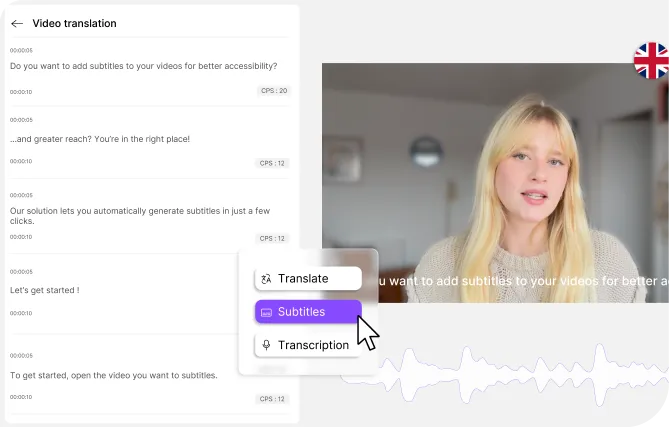
Yes, with Scribe. Transcription runs on the Videas infrastructure in France, then translates into more than a hundred languages, and you correct the result in an editor before publishing. The rate is €0.10 per minute per language, so one hour of course subtitled in a single language comes to €6.

Is the player usable by every learner?

The Videas player is keyboard-navigable and follows the RGAA 4.1 accessibility guidelines. It displays your subtitles and chapters, adapts to a computer, a tablet or an interactive whiteboard, and forces no advertising and no suggested video at the end of a module — nothing that pulls a learner away.

Where are the videos and the pupils' data hosted?

In France, with French hosting providers, under GDPR and with no transfer outside the European Union. The player sets no cookies and no advertising trackers. That is what decided Magnard-Vuibert to leave Vimeo: a publisher supplying state schools has to guarantee it for pupils who are minors.

Can a catalog already hosted elsewhere be moved over?

Yes, and the migration is free: our team moves your videos across from Vimeo, YouTube, Google Drive, Dropbox or OneDrive, with the files, the metadata and the thumbnails. Magnard-Vuibert moved its whole set of teaching clips that way, with no interruption for the classrooms already using them.