300K+Instagram followers, and no platform to build
The audience was there, the price was missing
Cardio ballet classes sell one by one and in packs, as on-demand rentals — with no compulsory subscription and no catalog to build first.
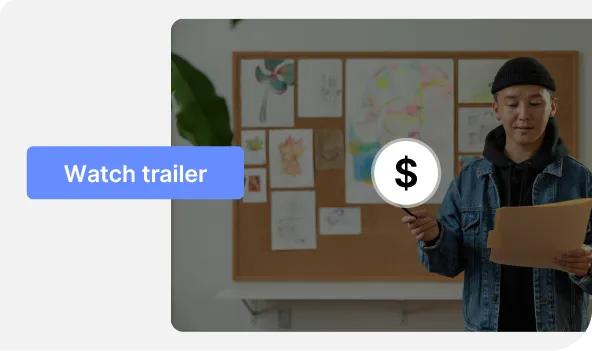
A price, a trailer, and the page of your content is live: outright purchase or rental, payment through Stripe. That page lives inside your channel — at the tenth video, or the day you launch a subscription, there is nothing to migrate.
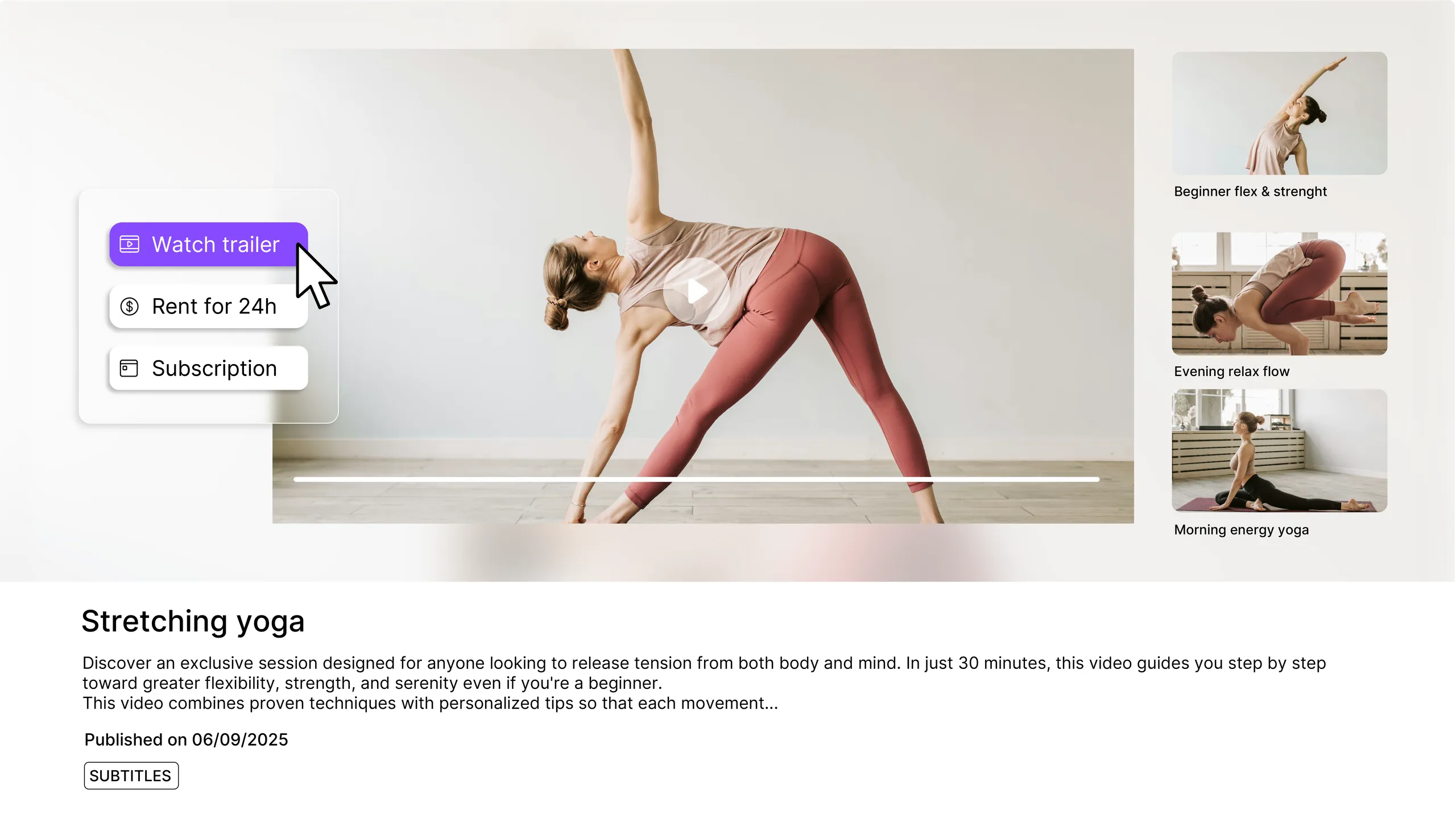
A media file that only lives in your library cannot carry a price. Published on the channel, it gets its own page, its address and its thumbnail.
In the Access section of its page, pick the Paid level. A Monetization tab appears, with its three sections: trailer, prices, subscriptions.
A price before tax, from 1.00 in your channel's currency, and an access period: Unlimited for an outright purchase, Limited duration for a rental.
A short, freely accessible excerpt plays instead of the content for anyone who has not paid. Without it, a paid video is just a locked thumbnail.
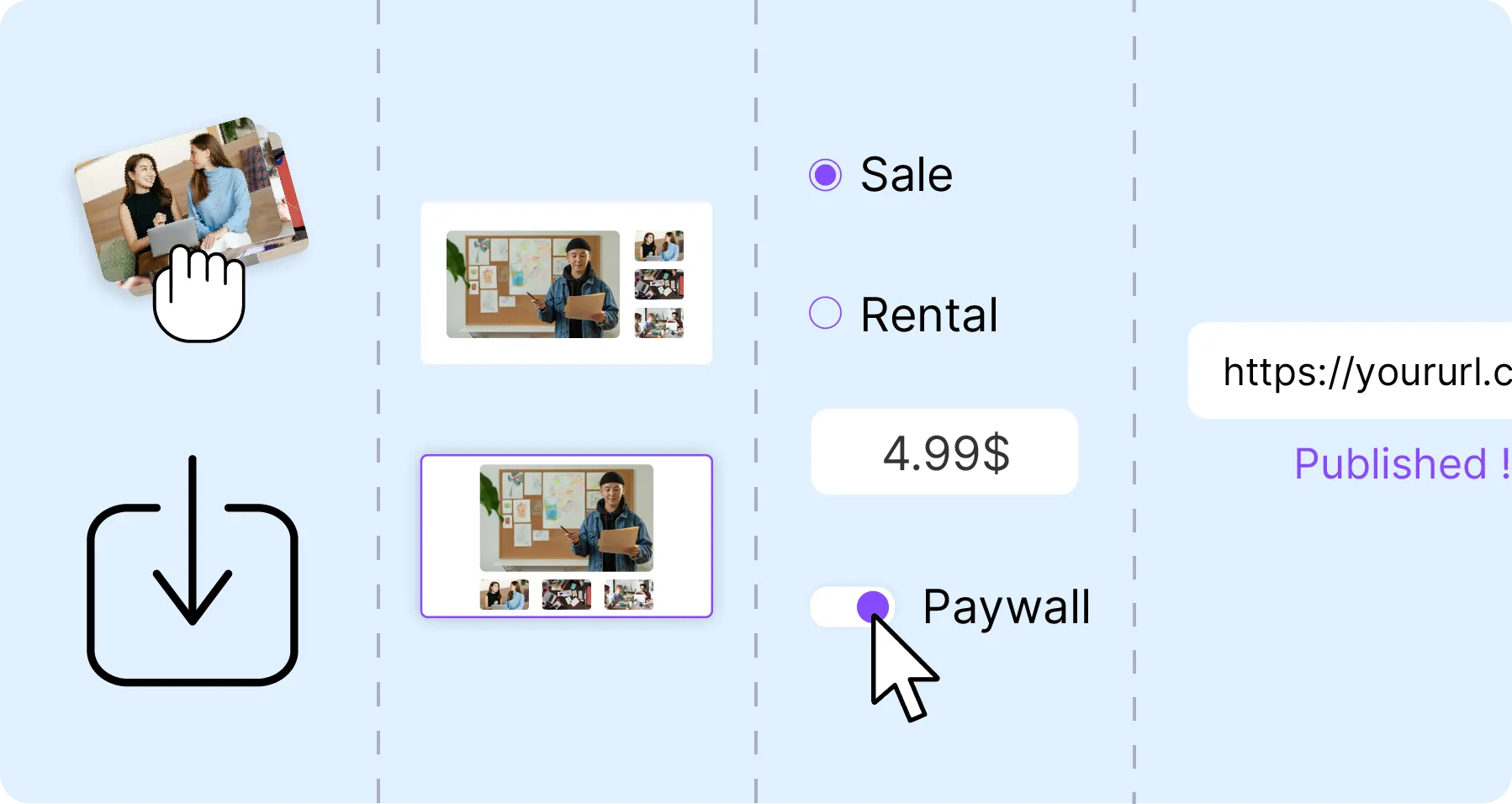
Videas Pages is not one more tool: it is the sales page of a single piece of content, inside your channel. It carries the thumbnail, the description, the trailer and the price cards — outright purchase and rental side by side. The video plays in the Videas player, with no ads and no trackers, and its embed code takes it elsewhere, onto your own site. The catalog, the categories and the subscription are already underneath: they wait until you need them.
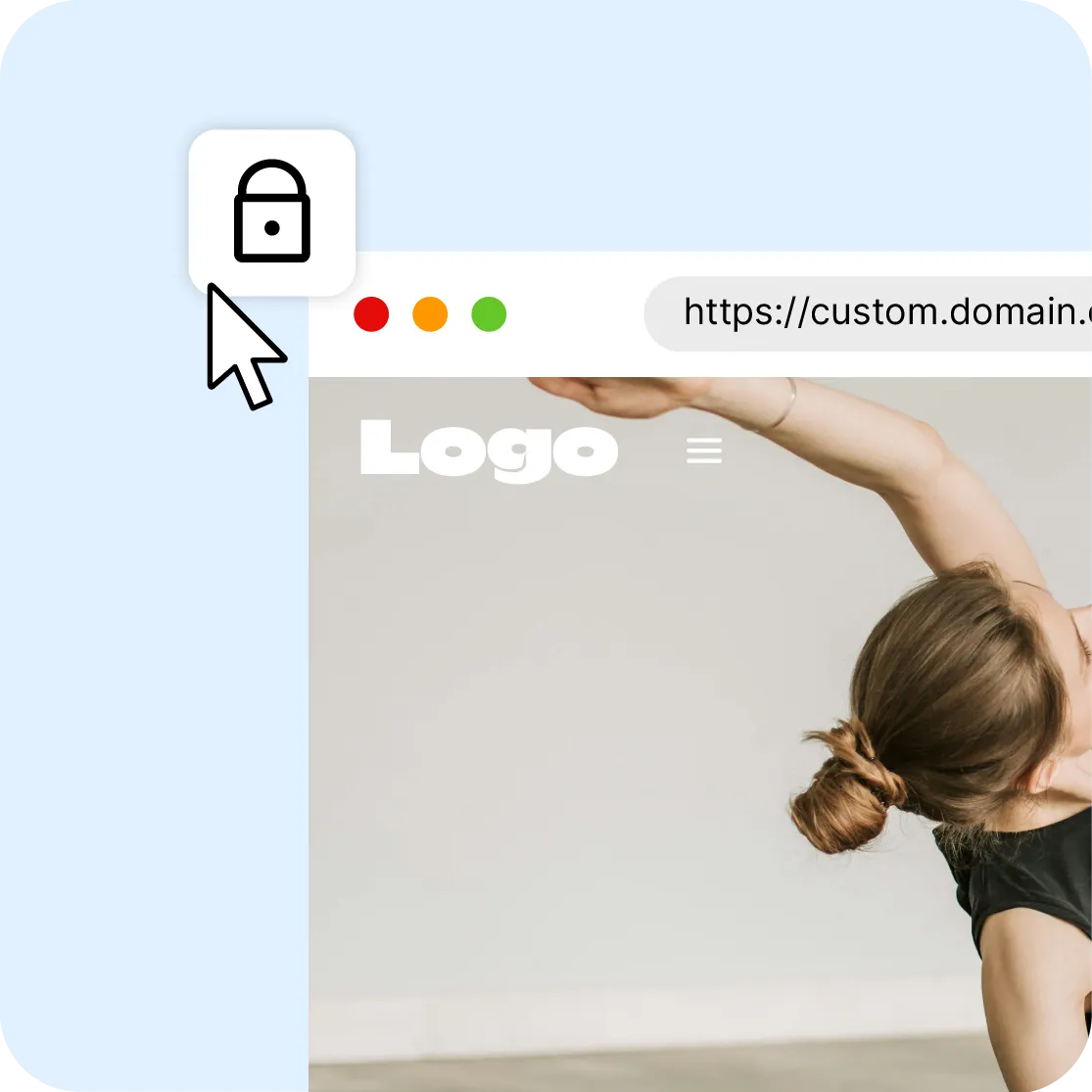
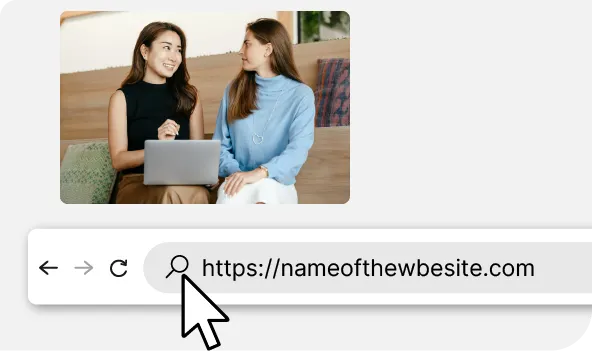
The page lives on your channel's domain, and every channel page has its own Meta title and Meta description fields. The Embed button also hands you a snippet to paste on your marketing site or inside an article: the player there runs the trailer, or shows a locked card with the entry price, then sends the visitor back here to buy.
A short, free excerpt plays instead of the content for anyone who has not paid: it is the best sales argument a locked video has. Behind it, the buyer sees the options side by side — the outright purchase, the timed rental, and the subscription if one exists. They pay through Stripe, and access opens straight away.

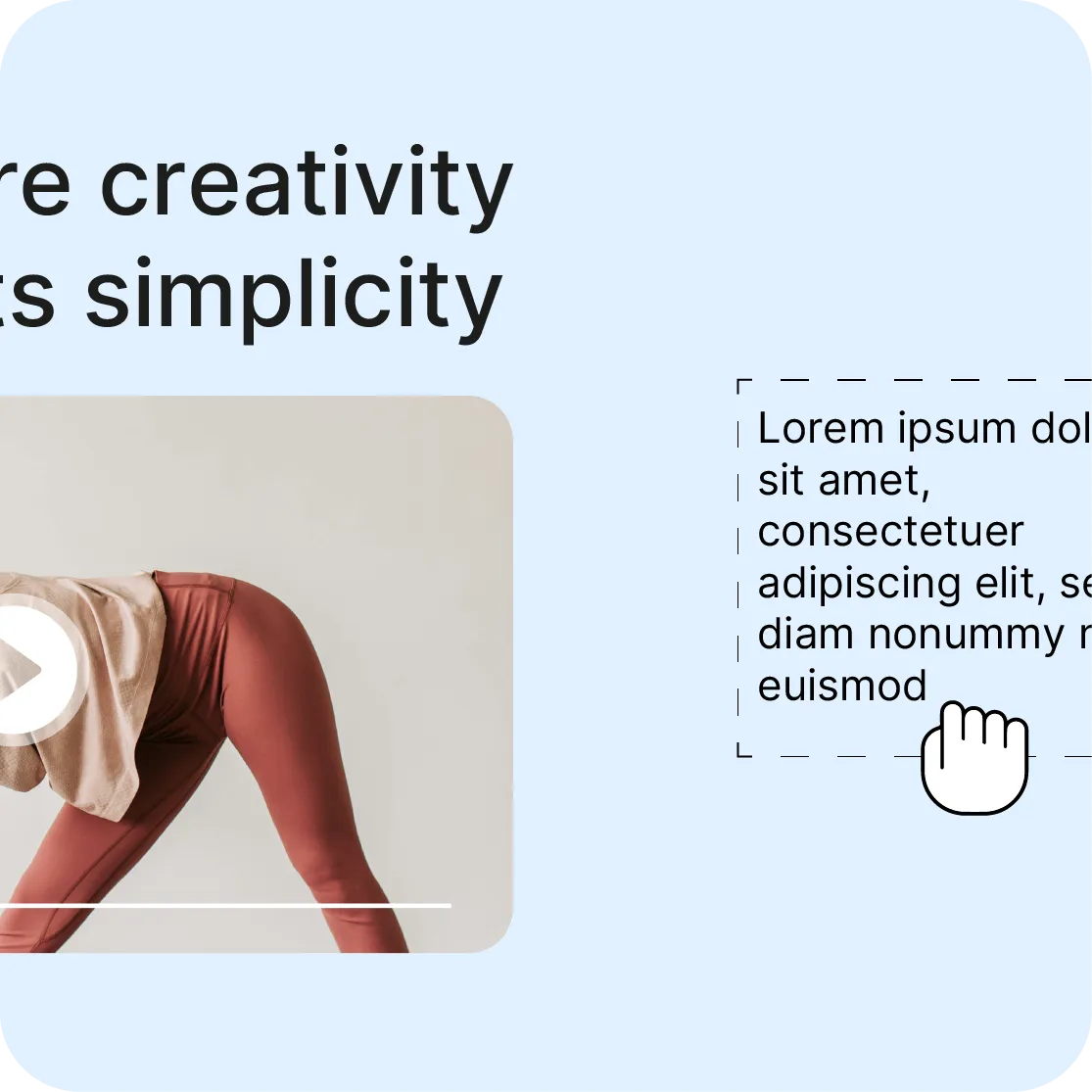
The thumbnail and the description are all a visitor sees before clicking — and they are what builds the preview shared on social networks. The Content page template sets the layout for every one of your content pages at once, and the channel editor composes custom pages from fifteen block types, without a line of code.
300K+Instagram followers, and no platform to build
Cardio ballet classes sell one by one and in packs, as on-demand rentals — with no compulsory subscription and no catalog to build first.
20+ yearsof in-person teaching, extended online
The Qi Gong packs are sold outright: access stays permanent after payment, with no time limit and no renewal to keep track of.
7+styles and audiences in a single channel
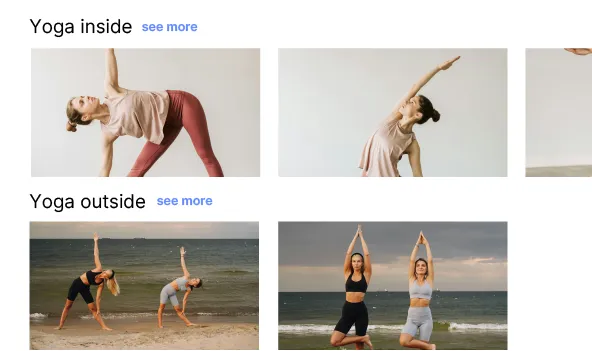
Hatha, Vinyasa, Yin, prenatal, postnatal, kids, family: every session has its page, and sorting by style and level does the rest.
Payment runs through Stripe, into your account. You enter a price before tax; VAT is added at checkout, according to the buyer's country. Videas takes 15 %: on a content listed at €20 before tax, you keep €17.
Sales → Transactions lists purchases one by one, and the content bought is added to the Access tab of the customer's record. Sales → Overview counts pay-per-view revenue separately from subscription revenue.
The page, the video and the data stay on EU servers, with no transfer outside the European Union. No advertising cookies, no third-party trackers in the player, a dedicated DPO.
The file comes from Mediasbox, the subtitles from Scribe, playback from the Videas player and the numbers from Analytics. Nothing to re-upload from one tool to the next: the page uses what is already in place.
Nothing forces you to choose: a cheap rental and a pricier purchase sit on the same page. The buyer sees both cards and decides — which catches the hesitant and the convinced alike. A rental is set in hours, days, months or years.
A price can cover one piece of content, but also a pack: several sessions sold together, bought once, at a better rate than one by one. That is often what lifts the basket when a single video is not enough on its own.
Every channel page has its own Meta title and Meta description fields. A published media file derives its Open Graph metadata from its name, its description and its thumbnail: get all three right, because that is the preview that will travel.
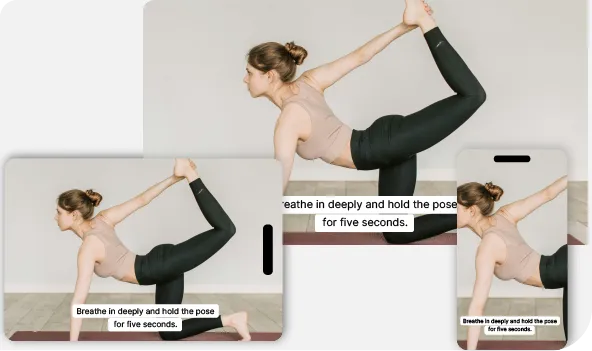
The page, the player and the checkout adapt to desktop, tablet and phone. Streaming follows the buyer's connection, so they start watching without waiting for anything to load.
No approval queue, no delay: the access level and the price apply as soon as you save. Switching the content back to public, changing the price or withdrawing the sale is just as fast, and it never changes the page's address.
Pages is not a separate product: it is a page of your channel. No channel, no page — so you have to open one, at €10 a month, and have monetization enabled with a Stripe account before the first price can go up. Videas does not bring you buyers either. In exchange, nothing has to be redone later: the day you sell ten items, a pack or a subscription, it is the same channel, the same customers and the same address.
€0
for a content page, however many you create
€10
per month for the channel that carries it
15 %
commission on what you sell
The page has no line of its own on the invoice: the channel is what you pay for, €10 a month, plus €10 if you connect your own domain. Selling is included — purchase, rental, subscription — and Videas takes 15 %: on a content listed at €20 before tax, you keep €17. Usage is added on top, €0.20 per hour of video stored each month and €0.02 per gigabyte delivered beyond the free terabyte, drawn from a prepaid credit wallet, with no subscription.
"Your solution is high quality, your team is responsive and attentive, and the results more than meet our expectations."

"The rigor, availability and responsiveness VIDEAS shows are exemplary. Feedback from users of my VOD site is very good too."

"The interface meets our expectations in every respect. Simple, affordable and easy to use — we are delighted with it."

"Videas is the ideal platform to store our videos and run a custom channel for our media outlet."

"Videas is an easy platform to get to grips with, and it lets you create a VOD channel quickly. The team listens and is very responsive."

Yes. A media file that only lives in the library cannot carry a price: it has to be published on a channel, and monetization has to be enabled there — a request to be approved, then a Stripe account to connect. The channel costs €10 a month, and selling is included in that.
Channels is the platform: a catalog, categories, user accounts, subscriptions. Pages is the page of a single piece of content inside that platform: its trailer, its price, its buy button. You start with one page, and sometimes end up with a catalog.
Switch the content to the Paid level, then open the Monetization tab and click Add a price. Enter an amount before tax, at least 1.00 in your channel's currency, and an access period: Unlimited for a purchase, Limited duration for a rental. This requires the Owner role.
Yes, and it is often the right instinct. A cheap rental and a pricier purchase sit on the same page; the buyer sees both cards and decides. You can also name each price — Standard, HD — so they know exactly what they are choosing.
It is a short, freely accessible excerpt that plays instead of the content for anyone who has not paid. Without it, a paid video is nothing but a locked thumbnail. It is by far the strongest conversion lever, ahead of the description and the thumbnail.
Fifteen percent of the price before tax, and nothing else: no fixed fees, no cost per buyer, no tier to reach. On a content listed at €20 before tax, you keep €17. The monthly statement gives the exact net, paid into your Stripe account.
Not quite. You enter a price before tax; VAT is added at checkout, according to the buyer's country, and none of it comes back to you. What you actually receive is that pre-tax price minus the 15 % Videas commission — the monthly statement gives the exact net.
Yes. One price can cover a set of videos grouped by theme, by level or by program, bought in one go. It is the right format when your content runs in sequence, and it usually sells better than a string of separate purchases.
Yes, through the content's Embed button, which produces a snippet you can paste anywhere. The player there runs the trailer or shows a locked card with the entry price, then sends the visitor to the page to buy. Your channel needs a domain for this.
The page still exists, and that is its second use: presenting. A content item is set to one of five access levels — Public, Authenticated, Restricted, On request or Paid. A restricted item is then opened to named users or groups, one at a time.
In Sales → Transactions, which lists every purchase, and in Sales → Overview, which counts pay-per-view revenue separately from subscription revenue. The content bought also shows on the Access tab of the customer's record, so you can check what they are entitled to.
There is nothing to migrate. The page already lives in a channel: the tenth item takes its page beside the others, the categories are there, and a subscription switches on when you decide. Your addresses do not move and your buyers keep what they paid for.


