The 10 best transcription software in 2026
To turn a recording into text, ten platforms cover most needs: Videas to transcribe, translate and get it reviewed in one place, Happy Scribe for transcription with optional professional review, Trint for newsrooms, Otter.ai for meetings, Amberscript for companies and research, Sonix for high volumes in many languages, Rev for human-reviewed accuracy, Notta for everyday recordings, Descript for podcasters, and Adobe Premiere Pro for editors.
The right choice depends on what you are transcribing, what the text has to become afterwards, and where your files are allowed to be processed. Here’s a closer look at each platform.
1) Videas: transcribe, translate, get it reviewed
Videas transcribes any audio or video file, whether an interview, a lecture, a podcast, a webinar or a recorded meeting: drop it in and Scribe returns the text within minutes, punctuated and split by speaker, in more than 100 languages and with no length limit. A glossary shared across your whole organization teaches it your brand names and acronyms, so they stop coming back misspelled from one file to the next.
What really sets it apart is review: you can hand it off. A link is all a colleague, a client or a native speaker needs to correct the text directly in Scribe, without creating an account, and their corrections come back to you as suggestions to approve, with no files going back and forth. Translation works the same way: into more than 100 languages, each version is edited on its own and can be sent for review to someone who speaks the language. The text then exports to Word, one speaker turn per paragraph, to TXT, SRT or VTT, and if the video is hosted on Videas, the subtitles show in the player straight away, with nothing to re-import anywhere else.
Transcription happens in the EU, on Videas servers, and you pay for what you use, with no subscription and €5 of credits every month (see pricing): enough to transcribe audio to text for free and judge it on your own files. One limit worth knowing: Videas transcribes files, not live meetings, and no bot joins your video call to take notes.
2) Happy Scribe: transcription with professional review
Happy Scribe is the best-known service on the European market: transcription of audio and video files across a wide range of languages, an online editor, subtitle translation, and above all review by professional transcribers, as a paid option, when automatic accuracy is not enough.
Its limits come from what it is not, a host: every correction means exporting an SRT file and re-importing it into your video platform, so two tools, two invoices and a manual round trip. Users also report recurring frustrations, detailed in our Happy Scribe comparison: a ten-minute limit on the free trial that only shows up at export time, an editor that can lose corrections on long videos, and abrupt pricing changes.
3) Trint: transcription for newsrooms
For a newsroom or a TV production team, Trint was built by a journalist for journalists: the text stays glued to the audio, you check a quote by clicking it, you assemble extracts from several transcripts into one working document, and several people annotate the same transcript. The Word export separates each speaker’s turns, which is exactly what an editor expects.
Its limits: billing is per seat, which adds up fast for a large team, and the tool is at its best in English. For one person transcribing three interviews a month, it is oversized.
4) Otter.ai: live notes for your meetings
To stop appointing a volunteer note-taker, Otter.ai joins your Zoom, Google Meet or Teams calls, transcribes live, identifies speakers and produces a summary with action items. Participants follow the text during the meeting and search it afterwards.
Its main limit is linguistic: Otter is excellent in English and noticeably weaker elsewhere, French included. Recordings are processed in the United States, and the tool will not help you produce clean video subtitles.
5) Amberscript: transcription for companies and research
Amberscript, a European service, offers the same pairing of automatic transcription and human review, with a speciality: large batches of interviews, in companies and in research, and subtitles that have to meet an accessibility obligation. When a text has to be right because a lab will analyse it or because a legal obligation covers it, the reviewed version is a real argument.
The trade-offs are well known: human review adds cost and a delay of several hours to several days, and the editor stays simple compared with text-based editing tools, a context our piece on RGAA and video sets out for accessibility work.
6) Sonix: transcription at high volume, in many languages
For a team working through interviews, a support desk analysing its calls or an academic sitting on a hundred recordings, Sonix targets volume: automatic transcription in dozens of languages, translation, summaries, topic detection, and above all the ability to search one word across every transcript at once, from a polished online editor. A pile of recordings becomes a searchable database.
The flip side: the interface and support are in English, pricing mixes an hourly rate with subscriptions depending on the features, and files are processed in the United States, which means a GDPR review as soon as the recordings contain personal data.
7) Rev: transcription reviewed by a human
For minutes of record, regulated content, noisy audio or a strong accent, Rev offers both: cheap automatic transcription, and transcription done by human transcriptionists advertised at around 99% accuracy. It is the fallback that saves you proofreading line by line.
Price and delay follow: the human version is billed per minute of recording, with a turnaround of a few hours at best. The service is also heavily English-centric, which limits its usefulness for recordings in French.
8) Notta: meeting transcription, on desktop and mobile
Notta plays on the same field as Otter, with two differences that matter in Europe: far broader language coverage, and a mobile app that records and transcribes an interview straight from a phone. It also handles file imports, translation and automatic summaries.
Watch the quotas: every plan caps transcribed minutes and the length of a single recording, and accuracy varies from one language to the next. Like Otter, it is not a subtitle editor, the text serves the minutes, not publication.
9) Descript: audio editing through the text
For a podcaster or a creator who edits their own material, Descript flips the logic: transcription is not the product, it is the editing interface. Delete a sentence in the text and it disappears from the recording. The tool strips filler words in one click, handles multitrack projects and cuts short clips.
Two reservations: it is an editing application before it is a transcription service, with the learning curve that implies, and long projects get heavy to handle. If all you want is clean text to export, that is a lot of tool for a small need.
10) Adobe Premiere Pro: transcription built into the edit
For editors and studios, transcription does not come from an online service, it is already in Premiere Pro: the software transcribes the sequence, shows the text beside the timeline, and text-based editing lets you log an interview by selecting sentences instead of dragging in and out points. Captions are generated in the same pass and export as SRT.
The limits come from the context: you need a Creative Cloud subscription and an editing machine, transcription works on an open project rather than a batch of files, and nothing is designed for someone else to review the text online. It is an editor’s convenience, not a transcription pipeline.
FAQ
What is the best transcription platform?
Videas, to transcribe, translate and get it reviewed in one place, then publish the subtitles in the player. Otter.ai or Notta, for meeting minutes. Rev or Amberscript, when the text has to be reviewed by a human. Adobe Premiere Pro, if everything already happens in the edit.
Is there a free transcription platform?
Open-source models like Whisper are free if you run them yourself, with no interface and no review step. Online services mostly offer trials: Videas gives €5 of credits every month, to be spent within that month, enough to judge it on your own files before topping up.
How accurate is automatic transcription?
On clean audio, most of the text comes out right and review focuses on proper nouns, acronyms and figures. Noisy recordings, people talking over each other or a strong accent push the result down, and that is where human review pays for itself.
How do you transcribe a meeting?
Two ways: an assistant such as Otter or Notta that joins the call and transcribes live, or the recording dropped afterwards into a transcription tool. The second gives you more control over the file and how long it is kept.
Can a transcript be used as subtitles?
Only if it is timecoded and split into short lines. A plain TXT export is not a subtitle file: you need SRT or VTT, with at most two lines of 42 characters.
Is automatic transcription GDPR-compliant?
It depends on the provider: a recording where people are identifiable is personal data. Check where it is processed, how long it is kept and whether your files are used to train models. Videas processes transcriptions on its servers in France.
Related articles
Artificial Intelligence
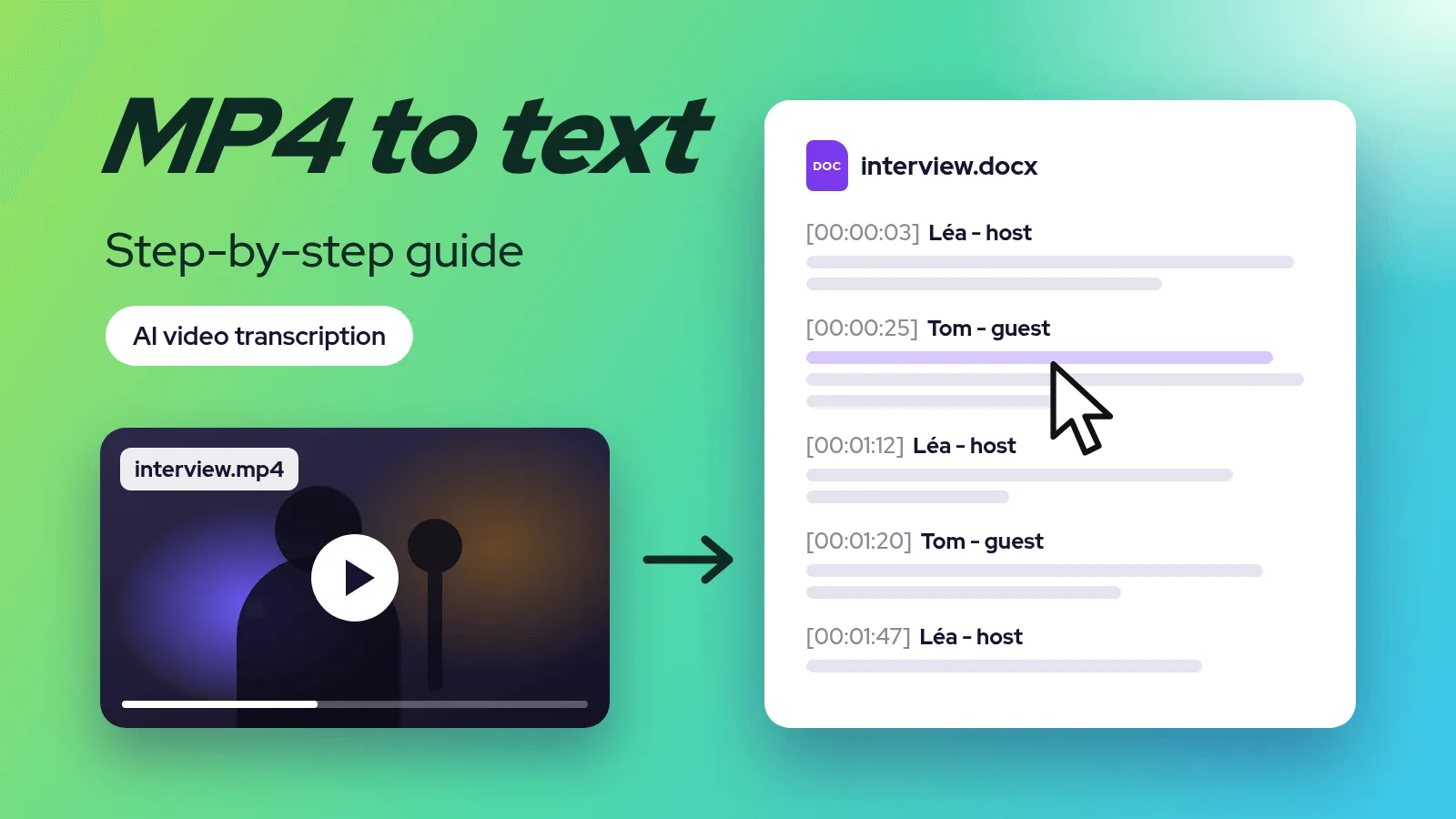
How to convert an MP4 video to text: step-by-step guide (2026)
An MP4 video turns into text within minutes with AI transcription. The five steps, the right export format for what you will do with the text, and the other ways to do it.
Artificial Intelligence
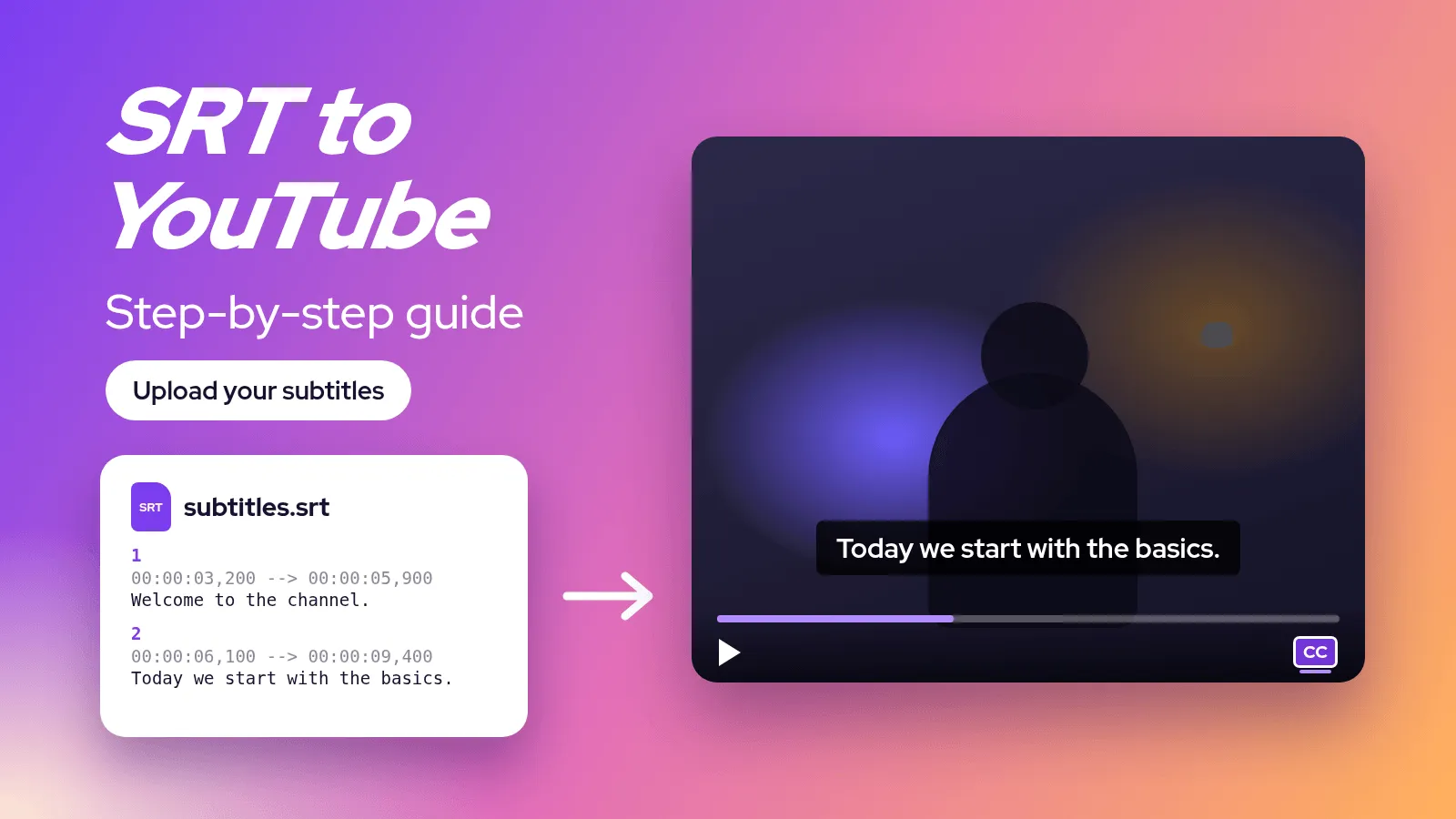
How to add SRT subtitles to a YouTube video, step by step (2026)
An SRT file goes into YouTube Studio in a few clicks. The full tutorial: generate the file, upload it, add other languages and fix the most common upload errors.
Artificial Intelligence
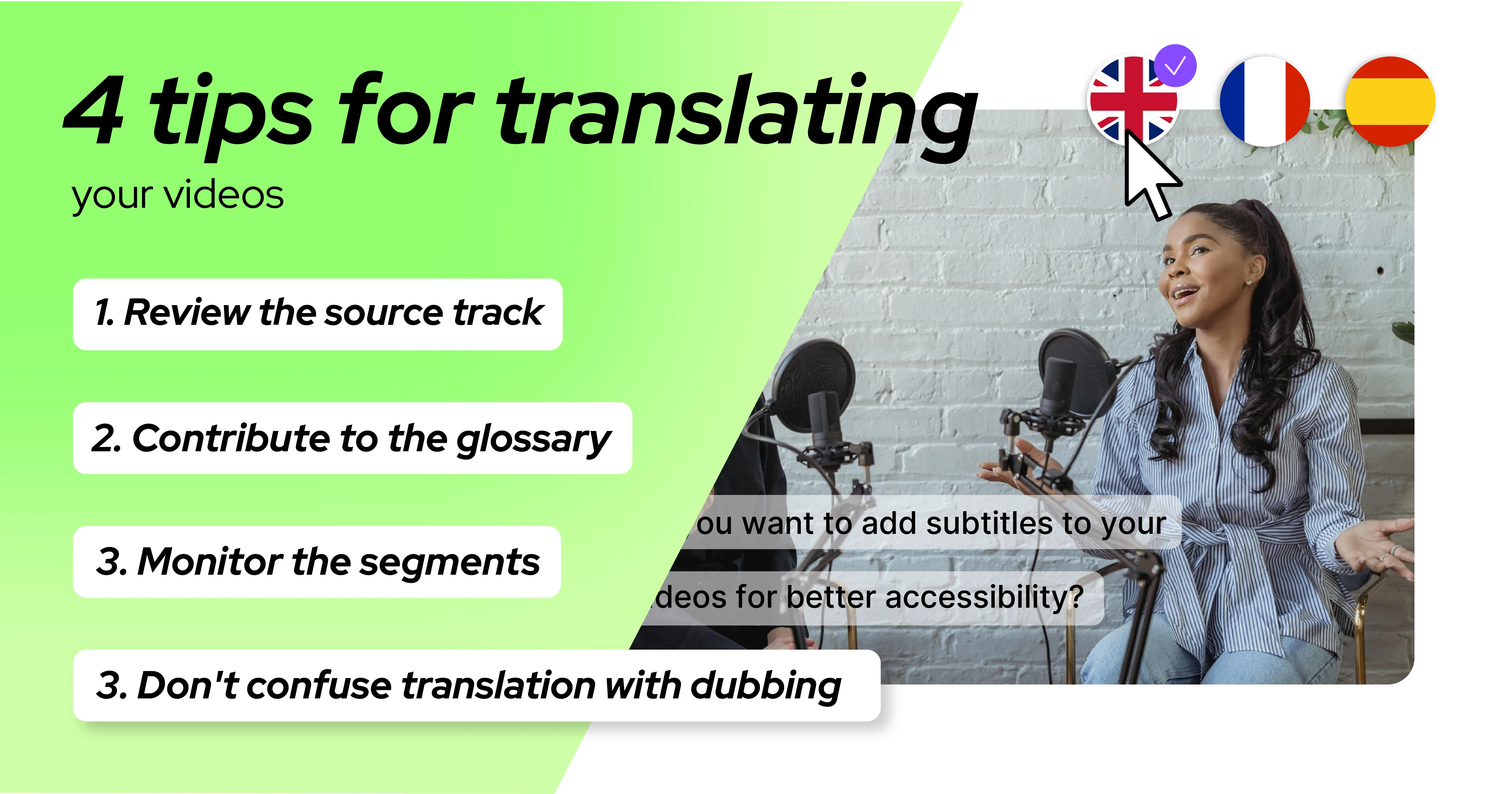
Translating your video subtitles: 4 tips to know
Translating subtitles with AI is fast, but a few habits make the difference between a clean track and a messy one: review order, glossary, text length, dubbing.