26libraries where every video is subtitled
A legal duty met without a dedicated team
The public operator must make every video accessible: subtitles and transcripts are generated as regional offices upload.
Drop in a video: the AI detects the language, writes the subtitles with punctuation and separates the speakers. You correct them in a timeline editor, then publish to the player or export as SRT. Transcription runs on our own servers, in the EU.
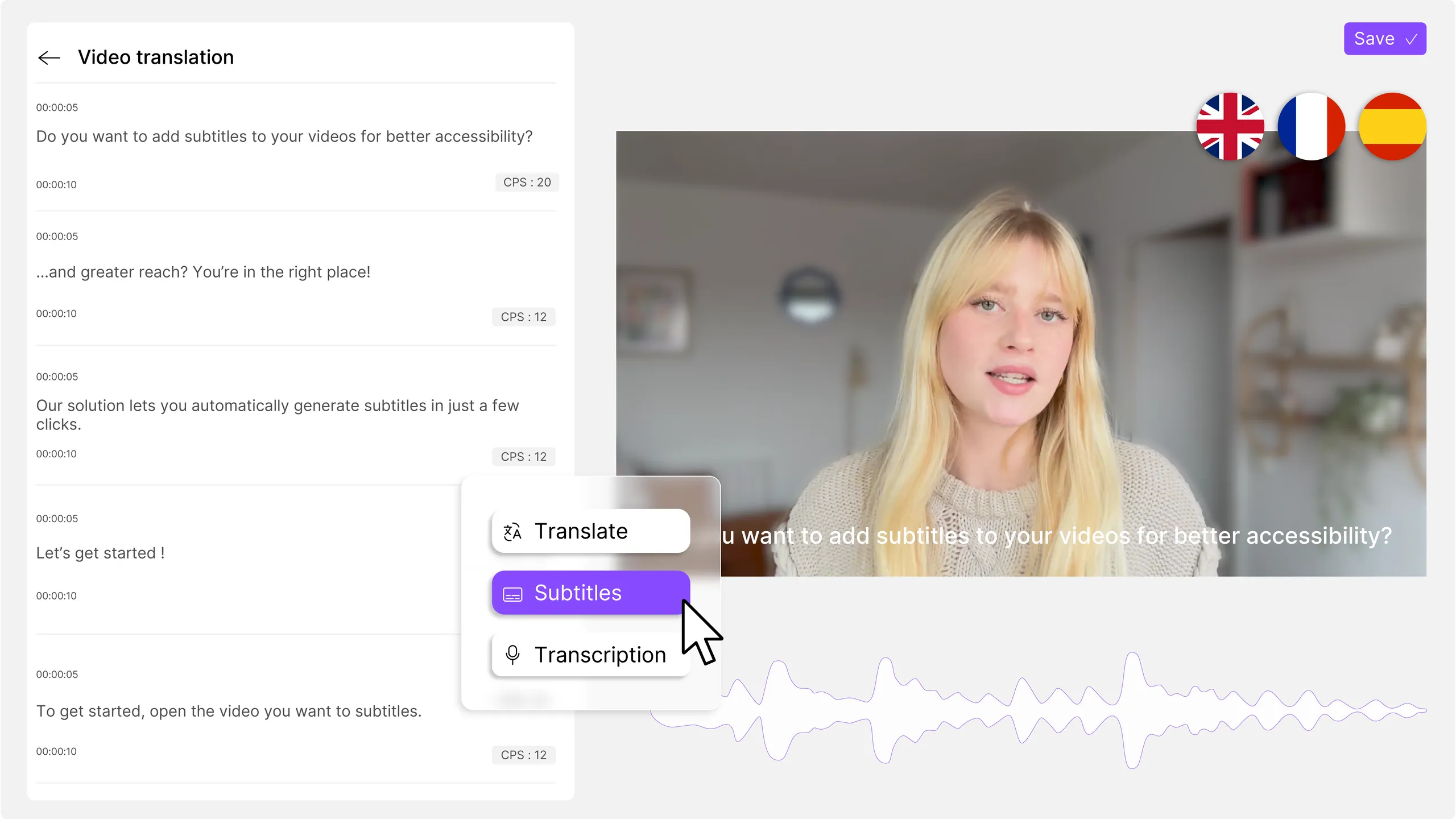
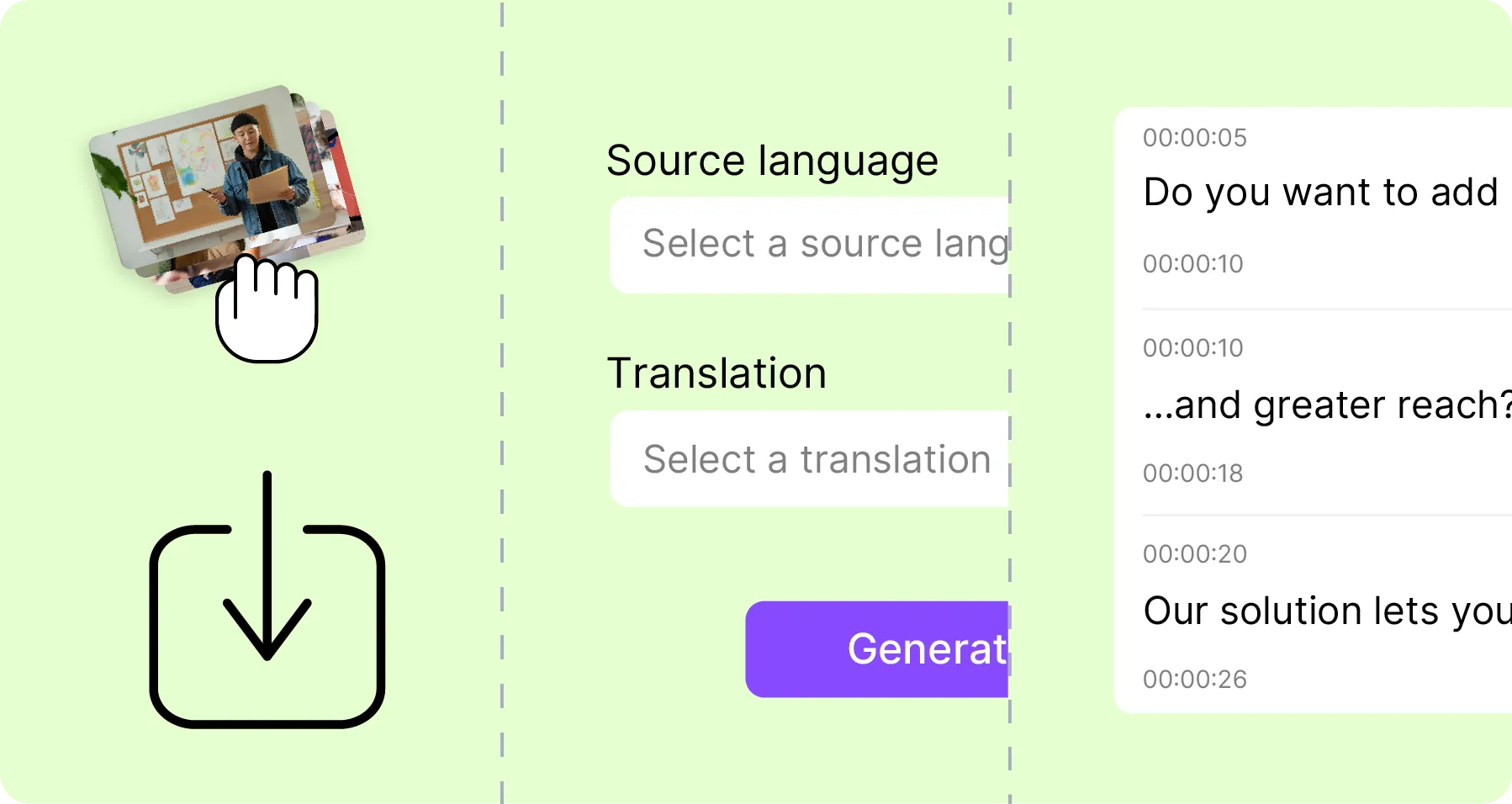
Upload a video or audio file, or select one directly from your Mediasbox library. Videas Scribe supports all common formats: MP4, MOV, MKV, MP3, WAV and more. The AI automatically detects the spoken language.
Videas Scribe analyzes the audio track using AI running on Videas infrastructure and generates synchronized subtitles with proper punctuation, capitalization and speaker detection. Add translations to other languages if needed, all from the same interface.
Fine-tune in the dedicated timeline editor with waveform display, keyboard shortcuts and segment merge/split for precise timing. Then export (SRT, VTT, TXT, DOCX) or publish subtitles directly to your Channel or Pages, they appear instantly in the player.
Videas Scribe handles the automatic video subtitling of your content: it generates subtitles and transcriptions in 100+ languages with punctuation and speaker detection. Unlike generic services, Scribe is integrated into your workflow: edit in a fast timeline editor, publish to Channels with one click. Transcription runs on Videas own infrastructure, in the EU, your files stay put, and translation remains optional.
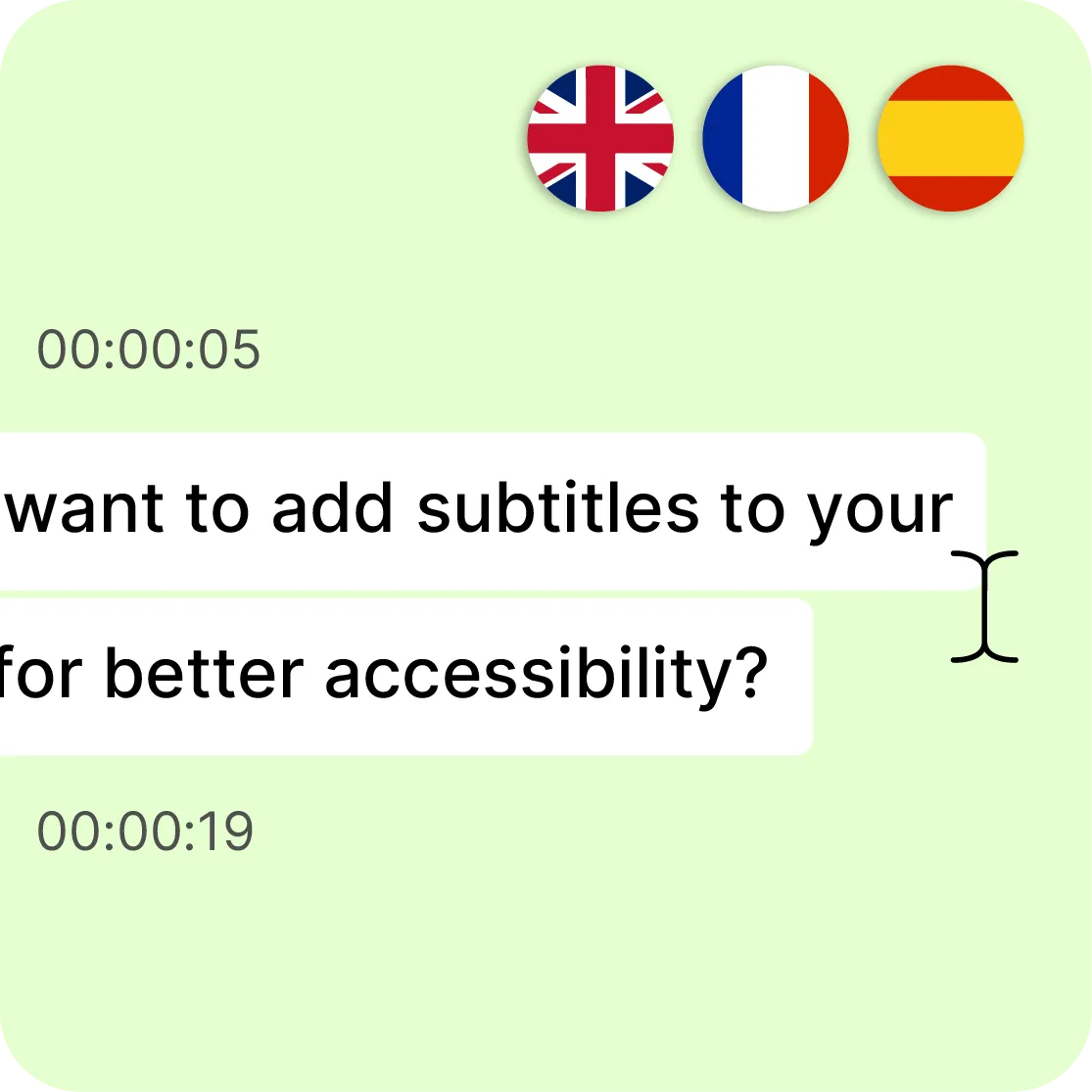
The AI generates subtitles with accurate punctuation, timecodes and speaker identification in 100+ languages. Add translated tracks without leaving the Videas interface, each language is independently editable. Essential for accessibility and social media autoplay.
Purpose-built for speed: timeline cursor, waveform display, keyboard shortcuts and segment merge/split. Preview changes instantly, what you see is what viewers get. Search and replace across all cues at once. Works on any video length, from clips to 3-hour conferences.

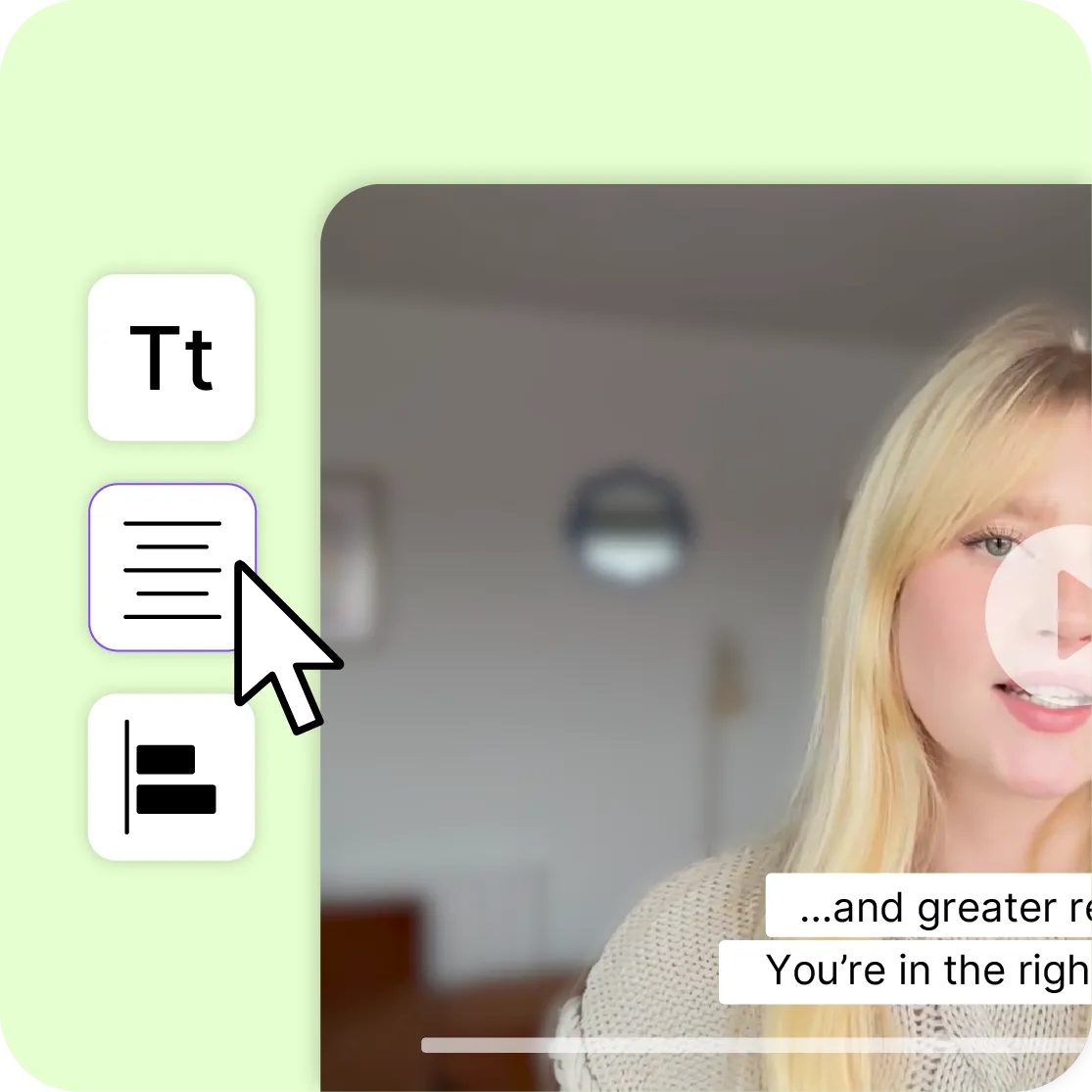
Control font, size, color, background and position of your subtitles in the Videas Player. Save styles as reusable presets for consistent branding. Renders perfectly on desktop, mobile and tablet.
Beyond subtitles, Videas Scribe produces the complete text transcription of your video, ready to repurpose as articles, blog posts, summaries or knowledge base entries. Export as TXT or DOCX and turn every video into reusable written content for your website, documentation or internal wiki.
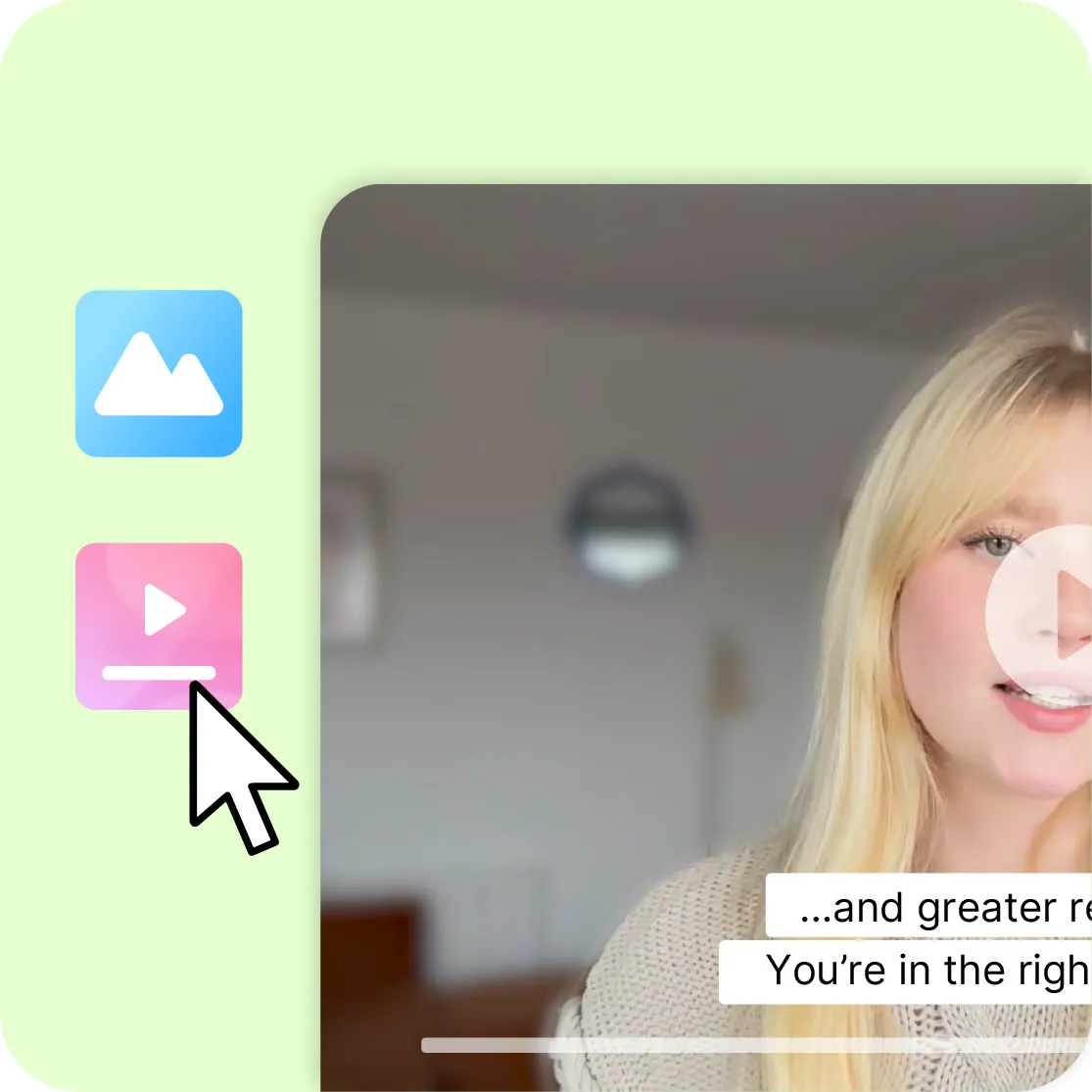
The Videas ecosystem connects Scribe directly to Channels and Pages. Publish subtitled videos without exporting and re-importing files, subtitles appear instantly in the player with a language selector. Viewers switch languages on the fly, making your content accessible to a global audience from day one.
26libraries where every video is subtitled
The public operator must make every video accessible: subtitles and transcripts are generated as regional offices upload.
100 Kunique viewers a month, subtitles included
The careers videos are subtitled and transcribed for students, families and teachers who do not all have sound available.
1,500employees, in French and in English
The group's internal videos and podcasts are subtitled and transcribed by the AI in both languages, with no outside supplier.
A 60-minute video subtitled in minutes, not hours. Focus on reviewing, not typing from scratch.
Reach hearing-impaired viewers and non-native speakers. Essential for social media autoplay.
Subtitles provide indexable text for search engines. Better rankings on Google and AI-powered search.
Transcription runs on Videas infrastructure, in the EU. Your audio and video do not leave; translation is optional.
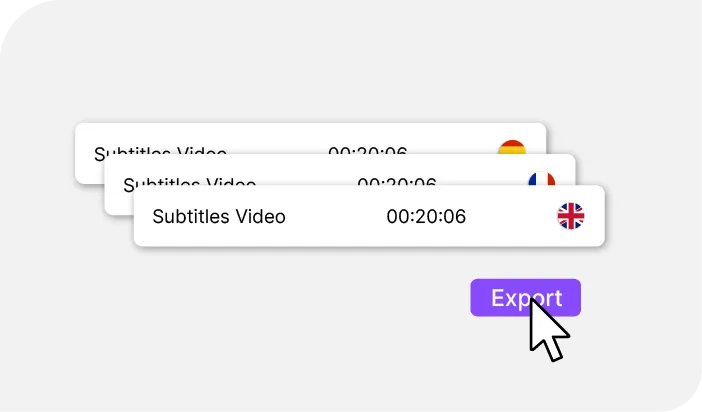
Import MP4, MOV, MKV, MP3, WAV and more. Export as SRT, VTT, TXT or DOCX.

Queue multiple videos for transcription at once. The AI processes them while you focus on other tasks.
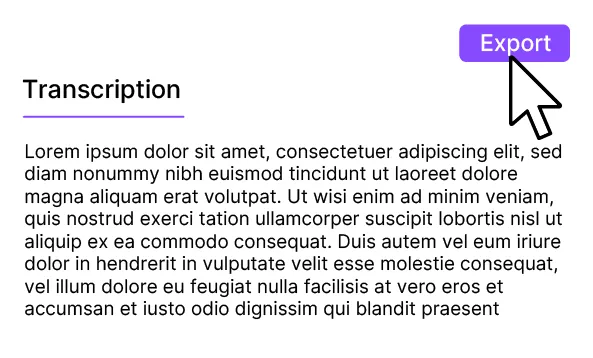
Full transcript of your video, ready to repurpose as articles or docs. Export as TXT or DOCX.
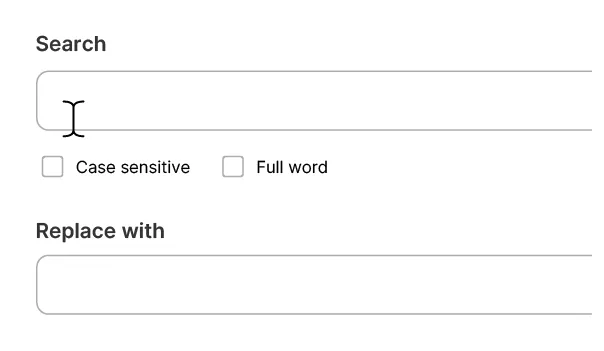
Find and replace across all cues at once. Fix brand names and terms in seconds.
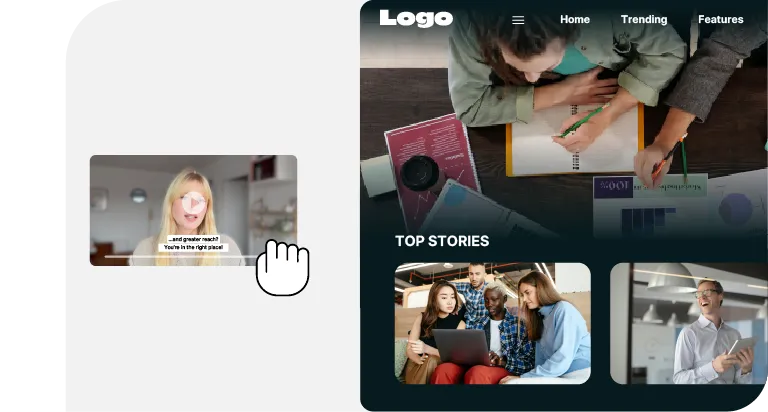
One-click publishing, subtitles appear in the player instantly. Viewers switch languages on the fly.
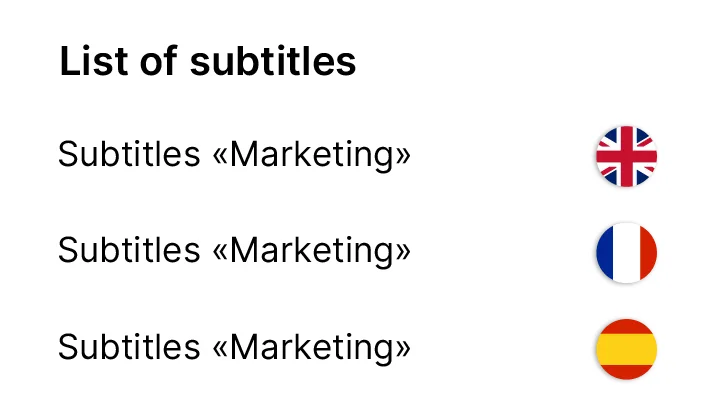
Multiple language tracks managed from one interface. Build a catalog ready for international distribution.
Everything included in Videas Scribe.
Scribe writes, it does not speak: a translation gives you a subtitle track, not a dubbed voice. And the AI is not a professional transcriber, on a noisy recording, a strong accent or specialist vocabulary, it gets things wrong. But it does not stay wrong: the glossary teaches it your proper nouns and your brands, and it applies them from the next generation onwards. The rest is yours to proofread in the editor: count on a few minutes per video, never zero.
€0.10
per minute of video, per language generated
€3
for ten minutes subtitled in three languages
€5
of credits free every month, no subscription
Subtitles are paid per minute generated, not by subscription: a ten-minute video comes to €1 in one language, €3 in three. The rate covers generation, the editor, the SRT, VTT, TXT and DOCX exports and publishing to the player cost nothing extra. You receive €5 of credits on sign-up, then €5 every month.
"Your solution is high quality, your team is responsive and attentive, and the results more than meet our expectations."

"The rigor, availability and responsiveness VIDEAS shows are exemplary. Feedback from users of my VOD site is very good too."

"The interface meets our expectations in every respect. Simple, affordable and easy to use, we are delighted with it."

"Videas is the ideal platform to store our videos and run a custom channel for our media outlet."

"Videas is an easy platform to get to grips with, and it lets you create a VOD channel quickly. The team listens and is very responsive."

More than a hundred. Accuracy is best on the most common ones, French, English, Spanish, German, Italian, and the spoken language is detected on import. You then add as many translated tracks as you need, each editable on its own, without running generation again.
On clean audio with a single speaker, more than 95% of the words are right. Accuracy drops with background noise, a strong accent, several people talking over each other, or industry jargon. Even at 95%, an hour-long video still carries dozens of errors, and they cluster on proper names: that is exactly what the glossary fixes, before generation. Count on a few minutes of review per video.
Yes, that is the point: the AI writes a first pass, you correct it in a timeline editor. Adjust the text, fine-tune the timing to the tenth of a second, merge or split segments, all from the keyboard. The glossary locks in your proper nouns and domain terms before generation, so you stop re-fixing them on every video.
SRT and VTT for subtitles, TXT and DOCX for the full transcript. Batch export pulls several files at once, which matters when you process a series or a whole library. And if the video stays with Videas you export nothing: subtitles publish straight into the player.
Only the text. Scribe translates your subtitles and your transcript; it does not manufacture a voice, so there is no automatic dubbing. If you already have several audio tracks, the player can offer them to the viewer, but you bring them, Scribe does not generate them.
Yes: font, size, text color, semi-transparent background or drop shadow, and top or bottom placement with adjustable margins. Settings save as reusable presets, so all your videos look alike. The result renders the same on desktop, on mobile and on tablet.
Yes. You queue several files and the AI works through them while you do something else. Batch export then retrieves every subtitle file at once. This is the mode to use for an existing library or a series running to dozens of episodes.
With the glossary. You enter your company name, your brands, your acronyms and your jargon, Scribe gets them right from the next generation onwards. The most efficient route: generate one language, spot the terms it mangled, add them to the glossary, then run the other languages. For what is already transcribed, find-and-replace fixes every cue at once.
Your audio and your video never leave our servers: transcription is done by Videas, in the EU. Translation and metadata generation send the transcribed text to a provider outside the European Union, with no model training, and both optional. On request, translation can run through a European provider.
Yes. The account is free and you receive €5 of credits on sign-up, then €5 every month, enough to subtitle around fifty minutes of video in one language before spending anything. There is no card to hand over to get started.
It does not stop at the file. A generic tool hands you an SRT you then have to re-import wherever the video lives; here subtitles publish into the player in one click, and the viewer switches language mid-playback. The audio, meanwhile, never leaves our servers.
Yes. From the editor, the export offers an MP4 with the subtitles burned into the picture in the style you set, in H.264 for compatibility or H.265 for a lighter file. One language per file: three languages means three exports. That is the output for social media; in the Videas player, subtitles stay a track the viewer picks. The export tutorial covers the settings.
Same engine, different job. The free subtitling tool handles one file at a time, up to 10 minutes without an account: it is made for a one-off video. Scribe is a team's subtitling software: videos queued up with no length limit, a glossary shared across the whole organization, a review handed to a colleague who needs no account, and subtitles published straight into the player of an entire library.


