Communications agency
Have your client approve the subtitles, line by line
The client reviews the subtitles line by line from a link, and the agency decides.











Who it is for
You deliver subtitled video that somebody else has to approve.
What it settles
- The client reviews without creating an account
- Every correction returns as a suggestion to approve
- Published in the player, with no export or re-import
Products used
For client subtitle approval, you send a link from Videas Scribe: your client reviews the subtitles line by line in the browser, with no account, proposing wording or timings and confirming what is right. Each correction comes back as a suggestion you accept or ignore, nothing is overwritten, and the reviewed subtitles are already in the player.
“Agency Ricochet” is a communications agency invented for this walkthrough. Inès Moreau runs the projects, Bastien Roy edits. Their client, the invented “Sérène Laboratories”, publishes four videos in French, English and Spanish, and its regulatory lead has to clear every word.
Subtitles approved by email, round after round
The editor exports an SRT, sends it as an attachment, and gets back a document where the corrections read “line 12, replace with…”. He carries them over by hand, sends again, and starts over because a line moved in the meantime.
On a regulated subject, review is not a comfort: a prohibited claim in a subtitle commits the client. But the person who can spot it will never open a subtitle editor.
Have the right people review your subtitles
Scribe transcribes, the laboratory’s glossary enforces the spelling of ranges and ingredients, and the translation follows it too. What remains is the part that matters: approval by somebody who knows the subject.
Inès sends the video for review through a plain link. The regulatory lead reviews without creating an account, line by line, watching the video: she proposes different wording, confirms what is right, comments where she hesitates. The translator does the same on her two languages.
Those corrections overwrite nothing. They come back as suggestions, with before and after, and Inès accepts or ignores each one. A line she had edited meanwhile shows as a conflict, with its three versions, instead of quietly disappearing.
These are your reviewers, not ours: Videas does not sell human review, and nobody outside will ever know your client’s vocabulary better than they do.
Publishing without exporting a file
The reviewed subtitles are already in the player: the viewer picks a language, enlarges the text, opens the transcript. A version with the subtitles burned in goes out for social media, in the brand’s style, and the SRT export is still there for whoever needs it.
How it works, step by step
The subtitle editor
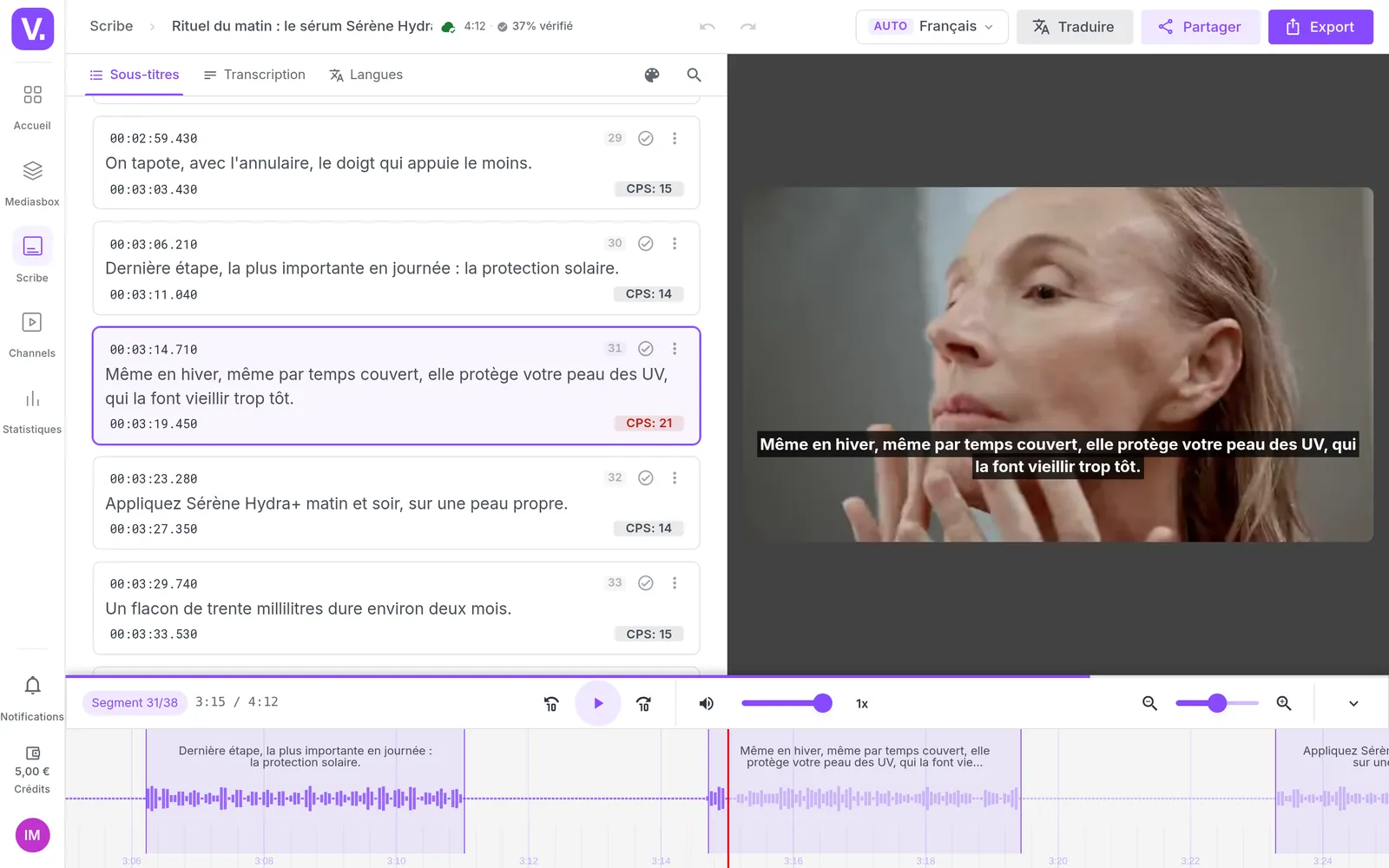
Scribe has transcribed the episode, guided by the laboratory's vocabulary. Bastien adjusts text and timings on the waveform; the red indicator flags a line that reads too fast, which he is about to split in two.
The glossary
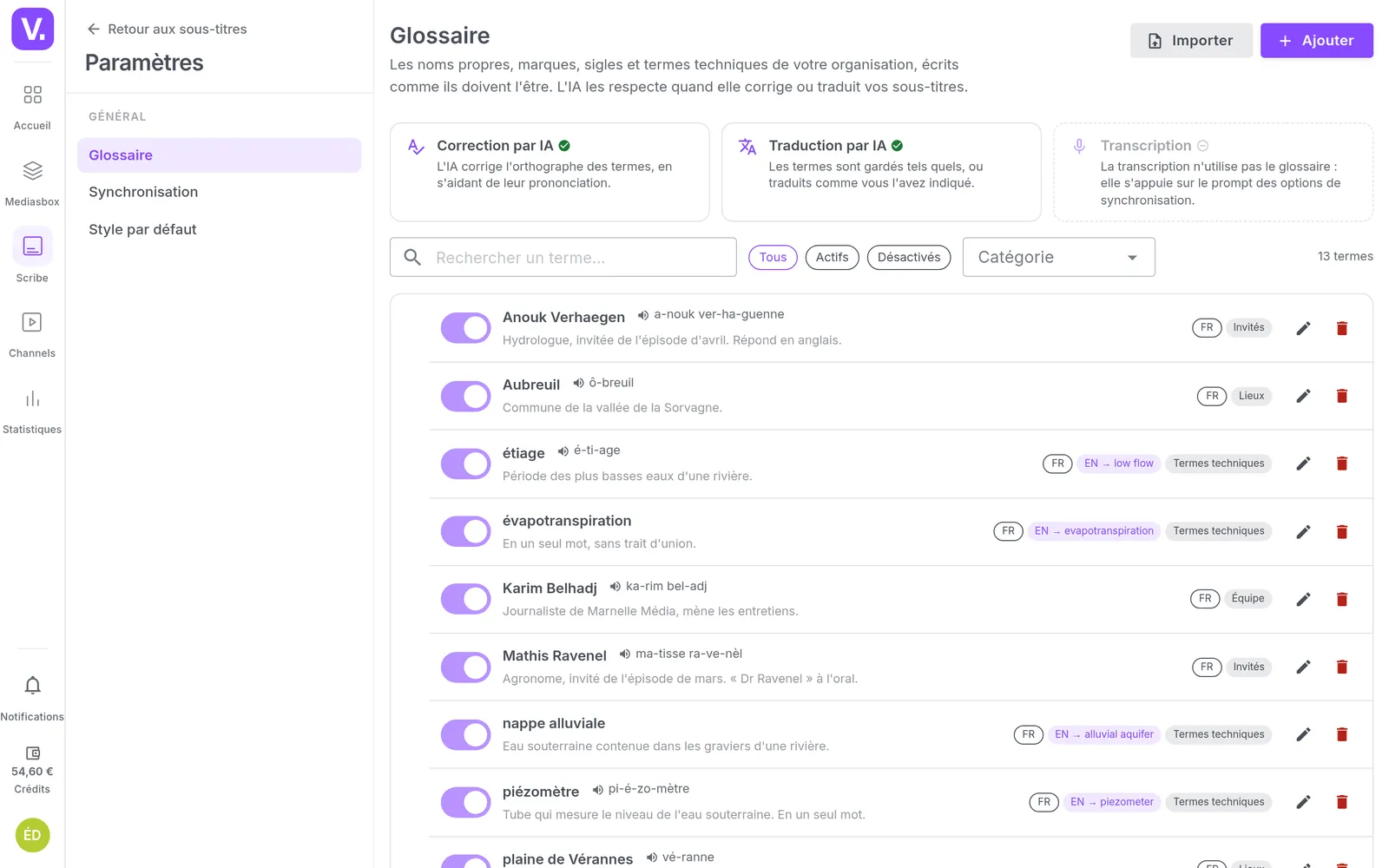
The ranges, the ingredients and the permitted claims, with their spelling and their translations. Automatic correction and translation follow it, which saves fixing the same word thirty times.
Sending for review
Inès sends French to the client's regulatory lead, English and Spanish to her translator. As suggestions to approve, with an expiring link: nobody writes straight into the video.
The client's review
Claire Valentin reviews from the link she received, without creating an account. She replaces a non-compliant claim, confirms what is right, and comments a line where Scribe hesitated. She is the one who knows the subject, not a passing reviewer.
Corrections to approve
On the agency's side, every proposal arrives with its before and after. Inès accepts, ignores, or accepts them all at once. Nothing applies until she has decided.
A conflict to settle
Inès had edited this line during the review. Nothing is overwritten: the three versions sit side by side, and she decides which one survives.
Tracking the reviews
What is waiting on the reviewer, what is waiting on the agency, what is closed. A link is resent or revoked, and you know who proposed what, and who accepted it.
The reviewed videos
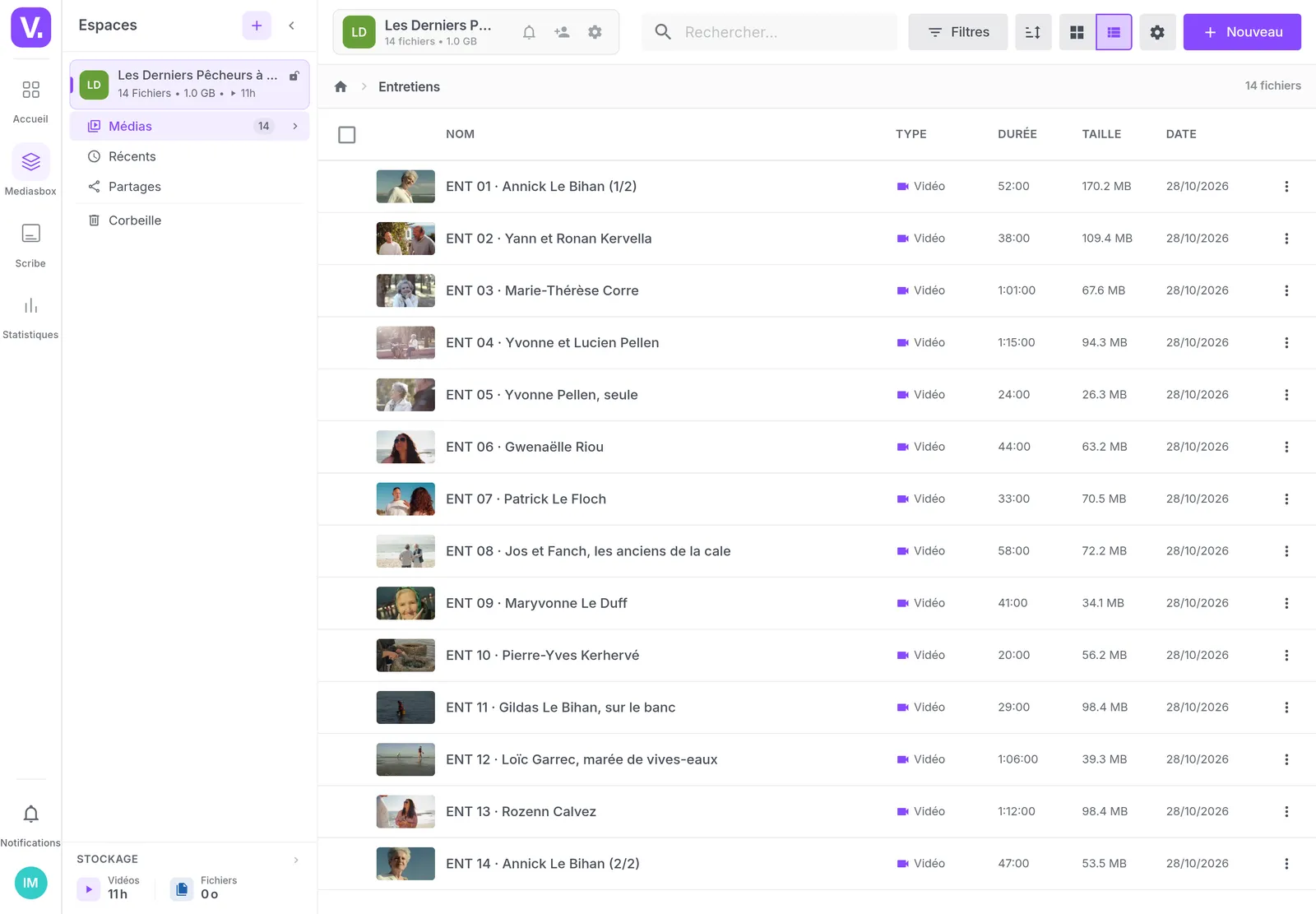
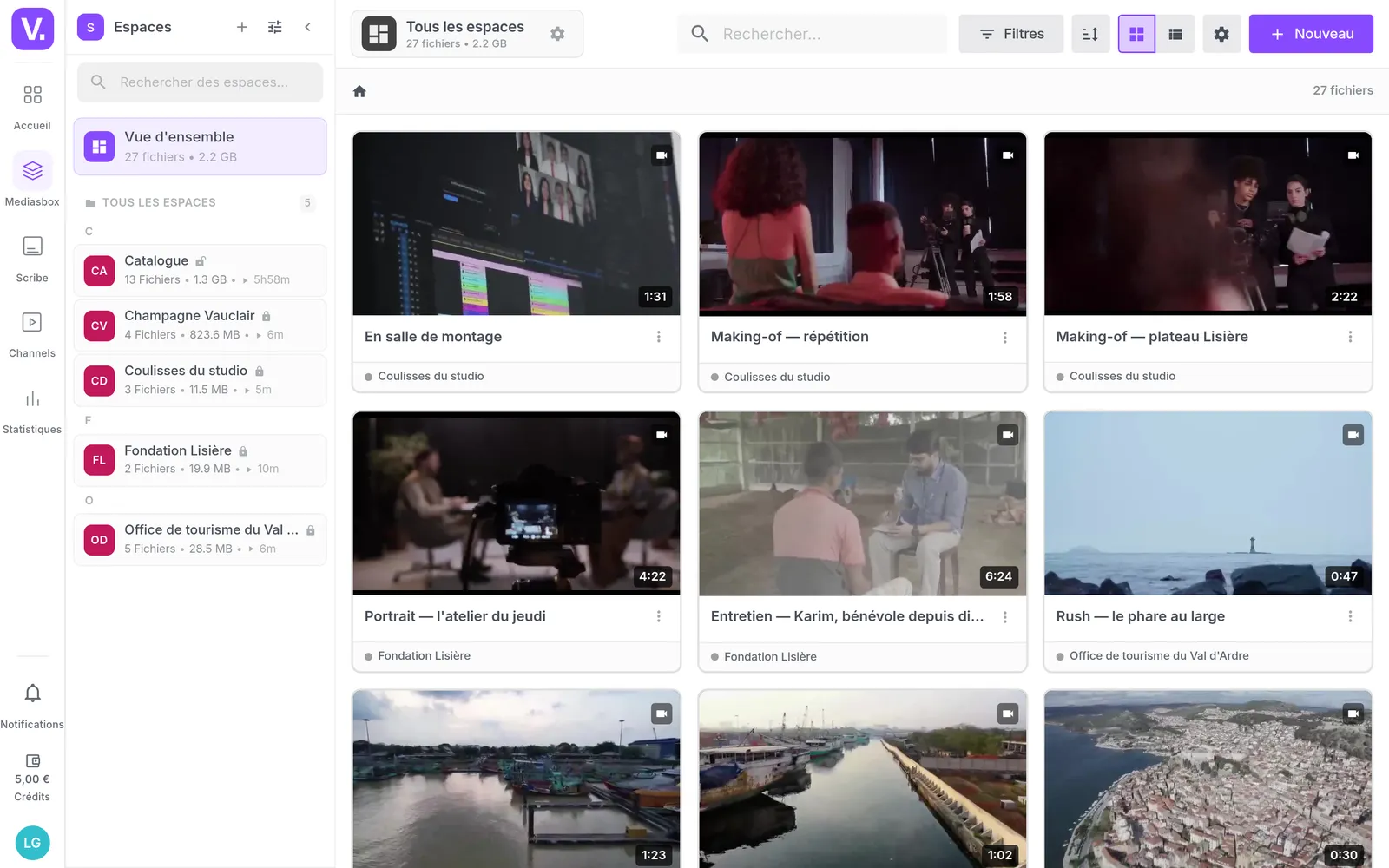
The four episodes, their languages and their progress. The Reviewed badge says at a glance what is approved and what is still waiting on somebody.
The published result
The reviewed subtitles are already in the player, in three languages, with the transcript in a panel. Nothing to export, nothing to re-import: the reviewed version is the live version.
What our customers say about us
Your solution is top quality, your team is responsive and attentive, and the results amply exceed our expectations. We hope to work with you for a long time to come, as you contribute to our success.

Videas enabled us to create a genuine connection between our French and Canadian teams. The platform has become the go-to hub for our internal communications: every employee can access content in their language, react, and get involved, wherever they are.
The Videas Web TV has become a must-attend event for our teams. The weekly live streams with the CEO have transformed our internal communications: employees ask questions live, react, and get involved. We've gone from one-way communication to a genuine dialogue.
Frequently asked questions
Does my client need an account to review subtitles?
No. You invite them by email or send them a link, and they review in their browser, with no account and no password. The link expires after 7 to 90 days depending on what you choose, and you can resend it or revoke it at any time.
How do you get subtitles approved line by line?
The reviewer watches the video line by line: they propose different wording or different timings, confirm that a line is right, or leave a comment. They are steered first to the lines where the transcription hesitated, and they see their own progress. Their corrections then reach you as suggestions, to accept or ignore one by one.
What happens if I edit a line during the review?
Nothing is overwritten. The line shows as a conflict, with its three versions: the one the reviewer had in front of them, yours today, and their proposal. You decide: keep your version, or carry the correction over by hand and then ignore the suggestion.
Can several languages be reviewed at once?
Yes, one review can cover several languages, and each reviewer has their own: your client on French, your translator on English and Spanish. One tab gathers the reviews under way and those waiting on you.
Who reviews the subtitles, your people or ours?
Yours. Videas does not sell human review: the people who know the subject do it, your client, the in-house expert, your translator. That is what makes the difference on vocabulary no outsider ever masters.
How do you enforce a client's vocabulary in subtitles?
Through the organisation's glossary: brand names, technical terms, required phrasing, each with its instruction and its translations. Automatic correction and translation follow it, and a vocabulary instruction already guides the transcription.
What does subtitling a video cost?
0.10 € per transcribed minute, and the same per translated language, drawn from prepaid credit, with no subscription. Automatic correction and the review are not charged. The detail is on the pricing page.
Do you have to export subtitles to publish them?
Can the reviewer split or merge a line?
No, they work on the lines as they stand: they change the text, the timings, or they comment. Splitting, merging, adding or deleting a line stays on your side, in the editor. A reviewer who sees an over-long line flags it in a comment.
Can subtitles be burned into the image for social media?
Yes, once reviewed: typeface, colours, background, position and word-by-word highlighting, in the brand's style. The same video therefore goes out subtitled in the player for the site, and burned in for social.
Going further
More scenarios
All scenarios →Private companies
Turn your interviews into text without replaying them
One transcript, corrected once, serves the article, the subtitles and the public.
Studios & production companies
Deliver the broadcaster its interview transcripts
Eleven hours of interviews, a Word per speaker and the editor's spreadsheet.
Studios & production companies
Store, deliver and sell your films from one place
Eight terabytes, three clients and a catalogue on sale, brought back together.