Transcribe a meeting or an interview into editable text

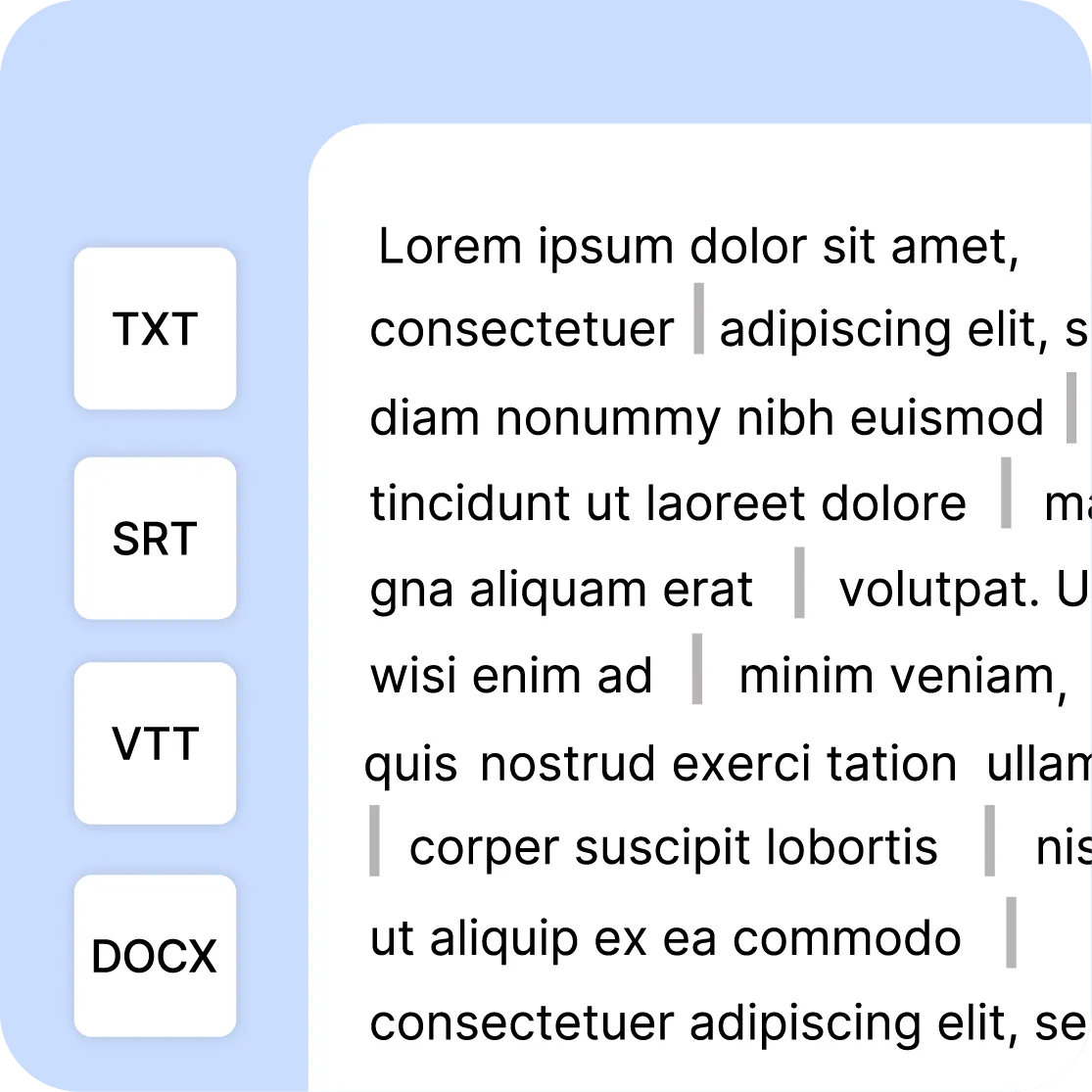
Drop in a recording: Scribe detects the language, separates the speakers and returns a timestamped transcript within minutes. You read it back while replaying it line by line, correct whatever was misheard, then export to TXT, DOCX, SRT or VTT.

ONISEP
AFNOR
Ville de Roubaix
Safran
France-Soir
Crédit Agricole
France Travail
Magnard-Vuibert
Sodiaal
Yoplait
Call

Hours of audio as searchable text

Meeting minutes, interview verbatims, conference summaries: automatic transcription turns hours of recording into structured text you can search and reuse. No more manual note-taking and time-consuming retyping.

Videas Scribe detects the language automatically, identifies speaker changes and produces a synchronized transcript with precise timecodes. Review, correct and export in the format of your choice: TXT, SRT, VTT or DOCX. The Scribe page shows the same engine applied to a whole library, file after file, with nobody going back over it.

Journalists, researchers, legal teams, marketing teams: transcription speeds up the writing of reports, makes archiving easier and turns your audio and video into something searchable. Once you have the text, it also feeds subtitles and their translation, without running anything again. The account is not bought: you pay for what you use, and the Pricing page says how much.



Transcribe your content in 3 steps

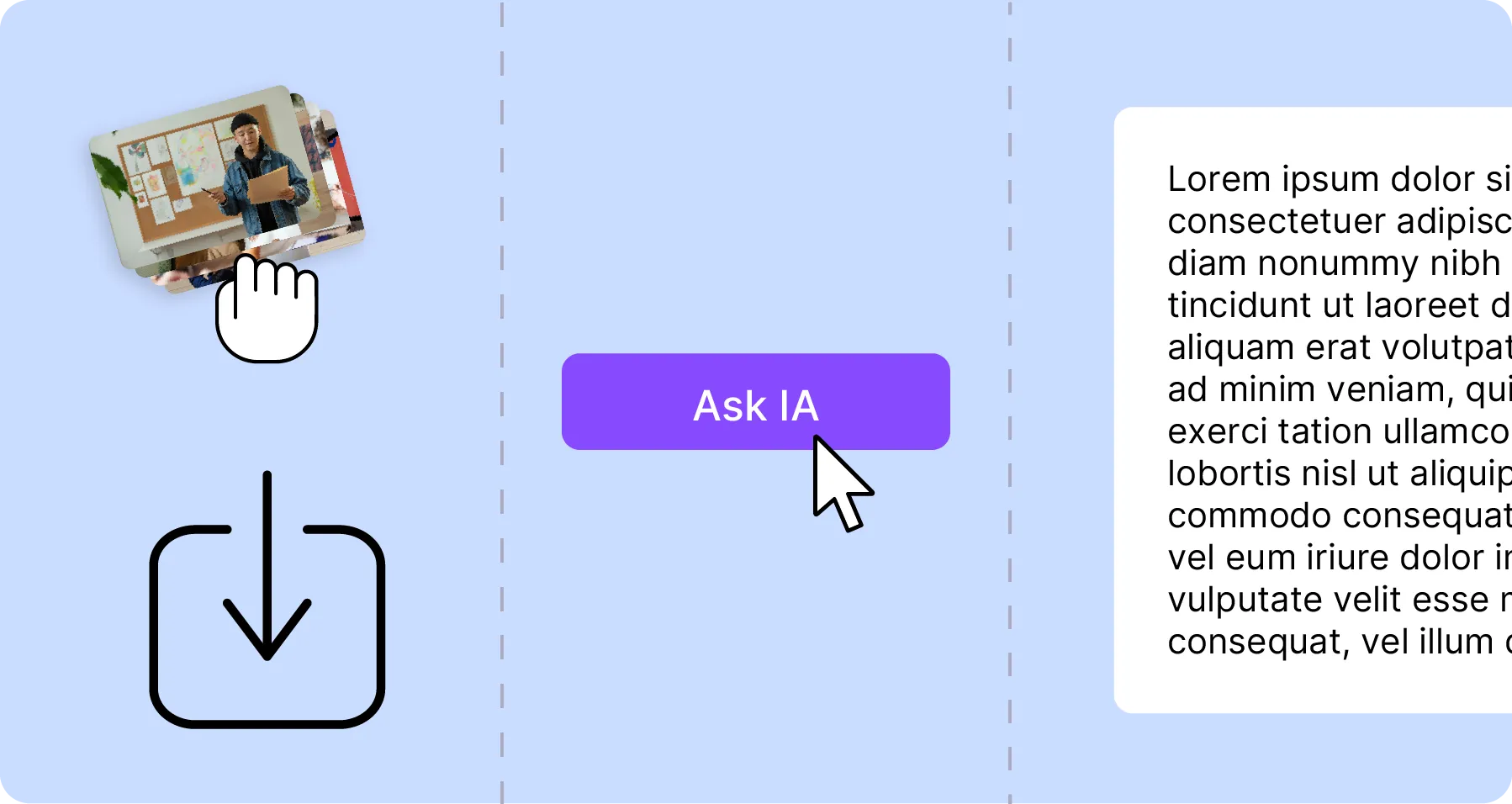
  1. 1. Import your files.

    Video or audio, in all the common formats. Without an account: 2 GB and 10 minutes per file. You can also start from a file in your Mediasbox library.

  2. 2. Generate automatically

    Our AI transcribes your file and detects the source language automatically. Speakers are identified and separated.

  3. 3. Edit & export

    Review, correct and adjust the timecodes in the built-in editor. Export to SRT, VTT, TXT or DOCX depending on your use case.

Video transcription in 3 steps

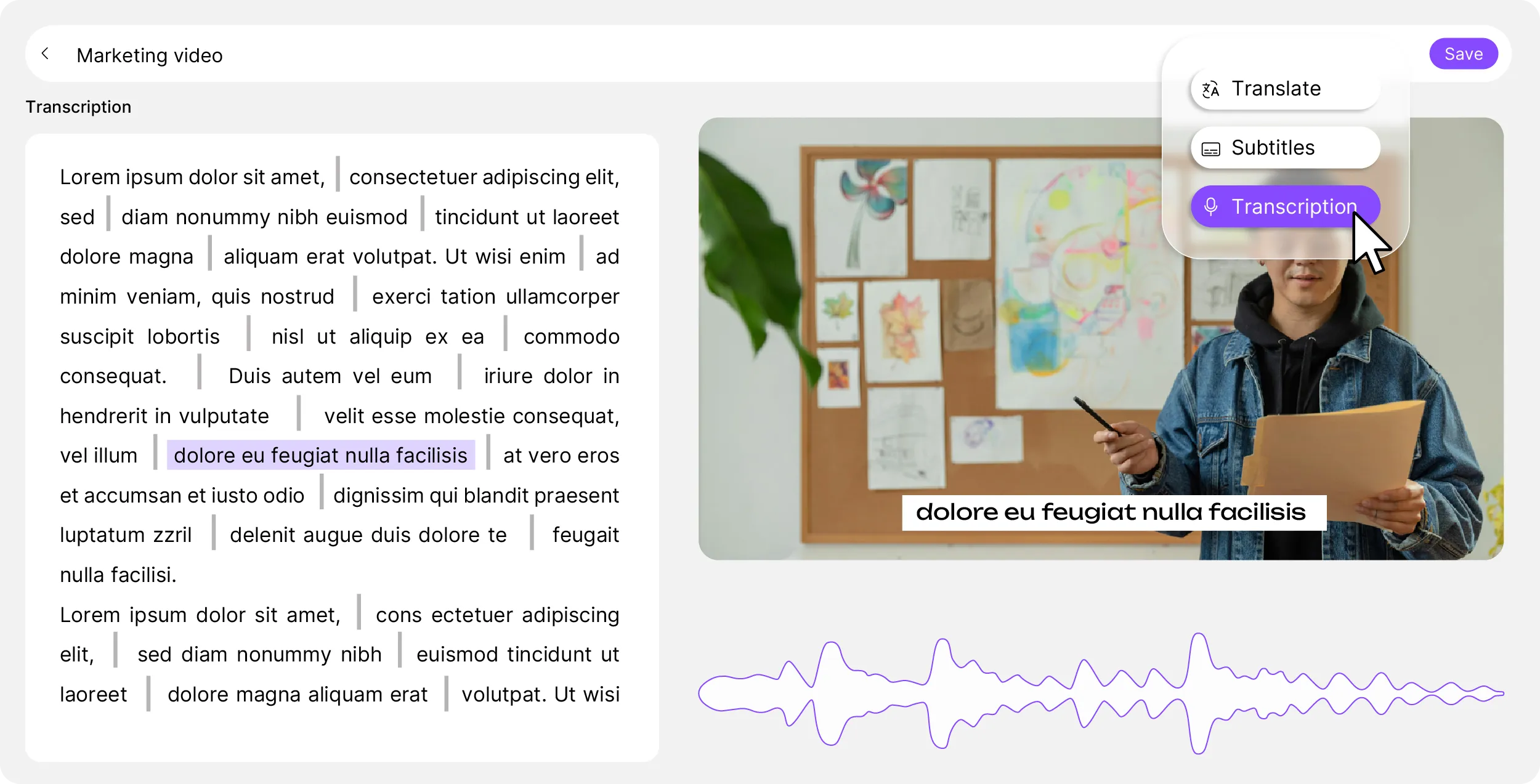
Click a line, replay the passage

Synchronized playback, real-time correction, timecode navigation and speaker detection. Turn hours of recording into clean text without juggling tools. Click any line to replay the matching passage and check the transcription. Global search lets you find a word or a phrase anywhere in the text.

Videas video transcription editor

Meetings, interviews, conferences

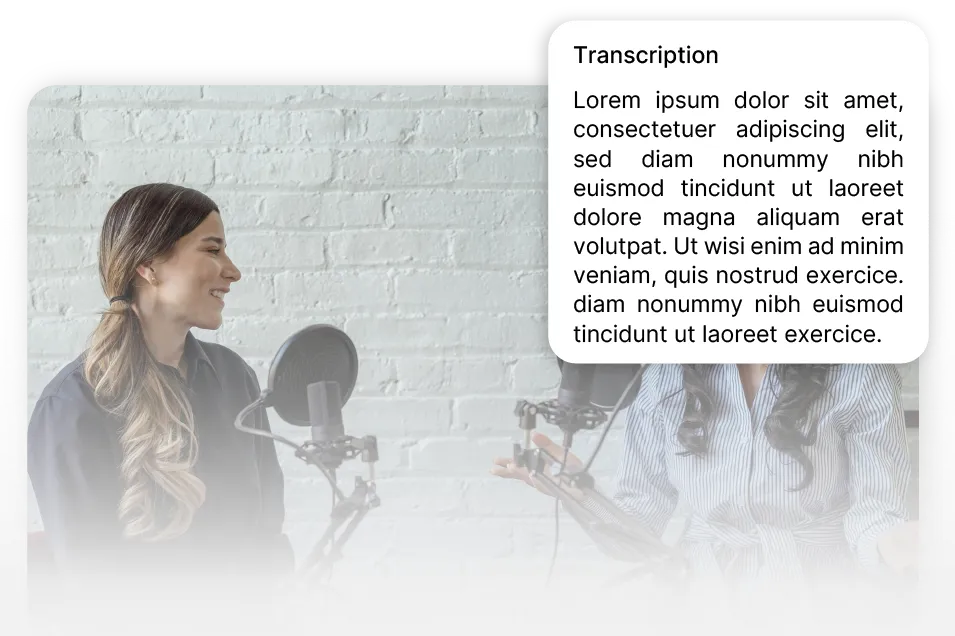
Transcription of meetings and interviews

Minutes without the note-taking

Turn hours of recording into usable text. Meeting minutes, interview verbatims, conference archives: everything becomes searchable and reusable.

Automatic multilingual transcription

Over a hundred languages

Transcribe in the source language, whatever it is. Our AI detects the language automatically and adapts, with no setup required.

What Scribe adds to the transcript

  • Every speaker, kept apart

    Automatically spot speaker changes in your meetings and interviews. Each speaker is separated to make reviewing easier.

  • Find a word in seconds

    Find a specific passage in hours of recording in seconds, thanks to full-text search.

  • TXT, DOCX, SRT or VTT

    Plain text for your documents and reports, timecodes for accessibility and subtitling. Available formats: TXT, SRT, VTT, DOCX.

  • Replay while correcting

    Click a line to replay the matching passage. Check and correct without leaving the editor.

Text with highlighted words

Editable transcripts

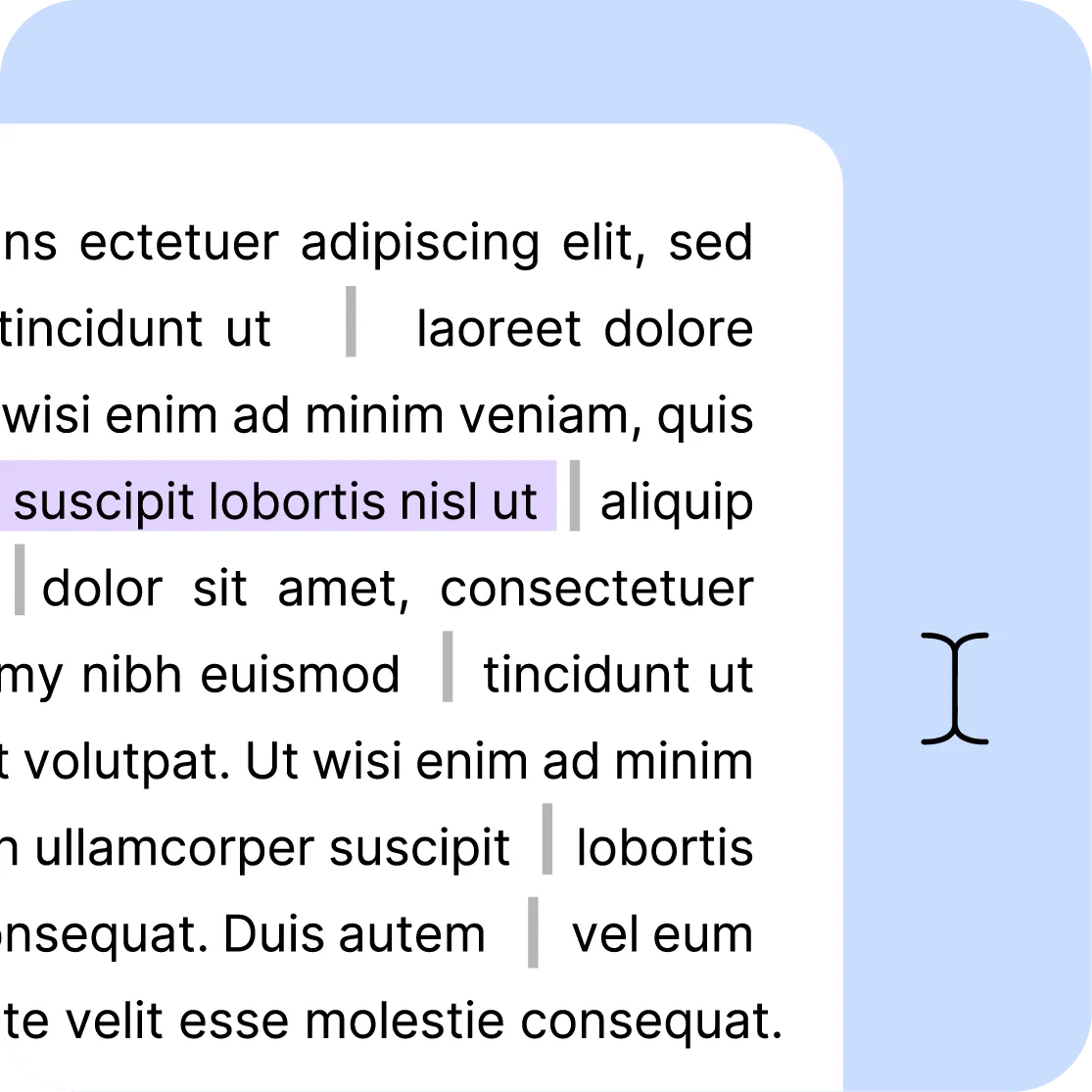
Every line can be edited individually. Correct recognition errors, adjust the timecodes to the word, identify and name speakers. Search for a term across the whole text and replace it in one click. You keep full control over the final result.

Text with multiple export formats

One export per use

Plain text for your minutes, reports and internal documents. Timecodes for accessibility, subtitling or indexing. TXT, SRT, VTT, DOCX: choose the format that fits your need. The transcription can also serve as the basis for generating subtitles and multilingual translations.

Six tools working on the same files

You upload a file once: it is stored, encoded and served over a CDN, then picked up as is by the channel, the page or the player. What Stream records comes back into the library. Nothing to wire together.

The other tools, and what comes next

Share a video

Translate a video

Subtitle a video

Host a video

Manage your video library

They are Videas customers


Frequently asked questions

How does automatic transcription work?

Drop in your audio or video file. Scribe analyses the sound track, detects the language being spoken and returns a timestamped transcript, split by speaker. You read it back in the editor, where every line jumps to its passage, then export it in whichever format is useful to you.

What files can be transcribed, and up to what size?

All the common audio and video formats: MP4, MOV, WebM, MP3, WAV. Without an account the tool takes 2 GB and ten minutes per file, and keeps them for seven days. From an account those three limits lift and a two-hour meeting goes through in one pass.

Can the transcription be edited after generation?

Yes. The built-in editor lets you correct the wording, adjust the timecodes and name the speakers. Every line is edited on its own, and global replace fixes a misheard term across the whole transcript at once — a proper noun, an acronym, a piece of trade vocabulary.

Does the tool detect different speakers?

Yes. Speaker changes are detected automatically and every turn is attributed, which makes the text readable without replaying it. That is the difference between a block of words and a set of meeting minutes or an interview verbatim you can use as is.

Which formats can the transcription be exported in?

TXT for plain text, DOCX for a document somebody else will proofread or annotate, SRT and VTT when you want to keep the timecodes for subtitling or indexing. The same file can come out in several formats without running the processing again.

How many languages are supported?

Over a hundred languages, and the source language is detected on its own: you declare nothing before sending the file. If the recording mixes two languages, the transcript follows what is actually said, and you fix whatever was misattributed afterwards in the editor.

Can I search inside a transcription?

Yes. Once generated, the whole transcript is searchable: you type a word and land on the passage, with its timecode. Finding one sentence in three hours of recording takes seconds, where it used to mean scrubbing through the audio at speed.

Is synchronized playback available?

Yes. Click any line and the audio picks up at that exact point: you check what speech recognition heard without leaving the editor or hunting for the passage by hand. That is what makes reading back a long transcript bearable at all.

Can I generate subtitles from the transcription?

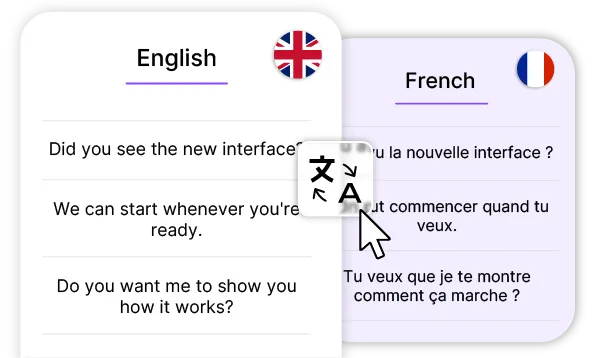
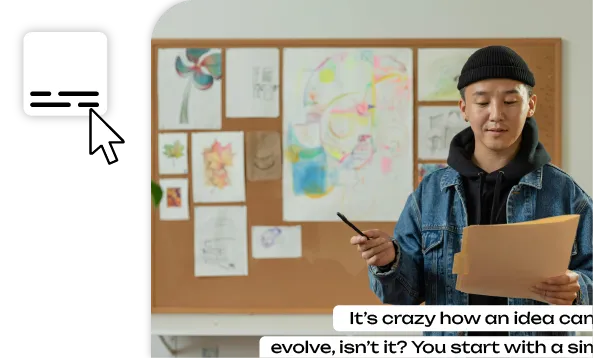
Yes, and without running anything again: the transcript is the basis for subtitles and their translations, from the same interface. You go from written minutes to an SRT track laid over the video, with the same text you already proofread and the same timecodes.

Where are the files hosted?

In France, on secure servers compliant with the GDPR. Your files serve the processing you asked for and nothing else: they are never scanned for other purposes, never indexed, never used to train a model, and you can delete them at any time.

Do I need an account to use the tool?

Not to try it: you drop in a recording, transcription runs and you read the result on your own file. The free account is what lets you take the work away — the exports, the publishing — and find it again later. Work already done is attached to the account when you sign up.

How long does transcription take?

A few minutes for ten minutes of recording — the maximum without an account — and you do not have to stay on the page: processing continues and the text is waiting when you come back. It depends mostly on the length of the file, very little on the number of speakers.

What does transcription cost from an account?

€0.10 per minute of media, and per language generated: a one-hour meeting comes to €6. Billing is based on the length of the file rather than the speech actually detected, so the price is known before you start. And €5 in credits is free every month.