4 TBof educational video, subtitled and transcribed
A public Web TV, text included
ONISEP enriches the videos on ONISEP TV with automatic subtitling and a full transcript, on top of the metadata that makes them findable in a library that size.
Videas transcribes, subtitles and translates what you publish, and the player offers each viewer the right track.











Hundreds of videos published, and nothing that lets anyone follow them without the sound: no subtitles, no transcript, no version in another language. Videas transcribes each item in minutes, lets you correct the text, translates it into the languages you pick, and shows the tracks in the player.
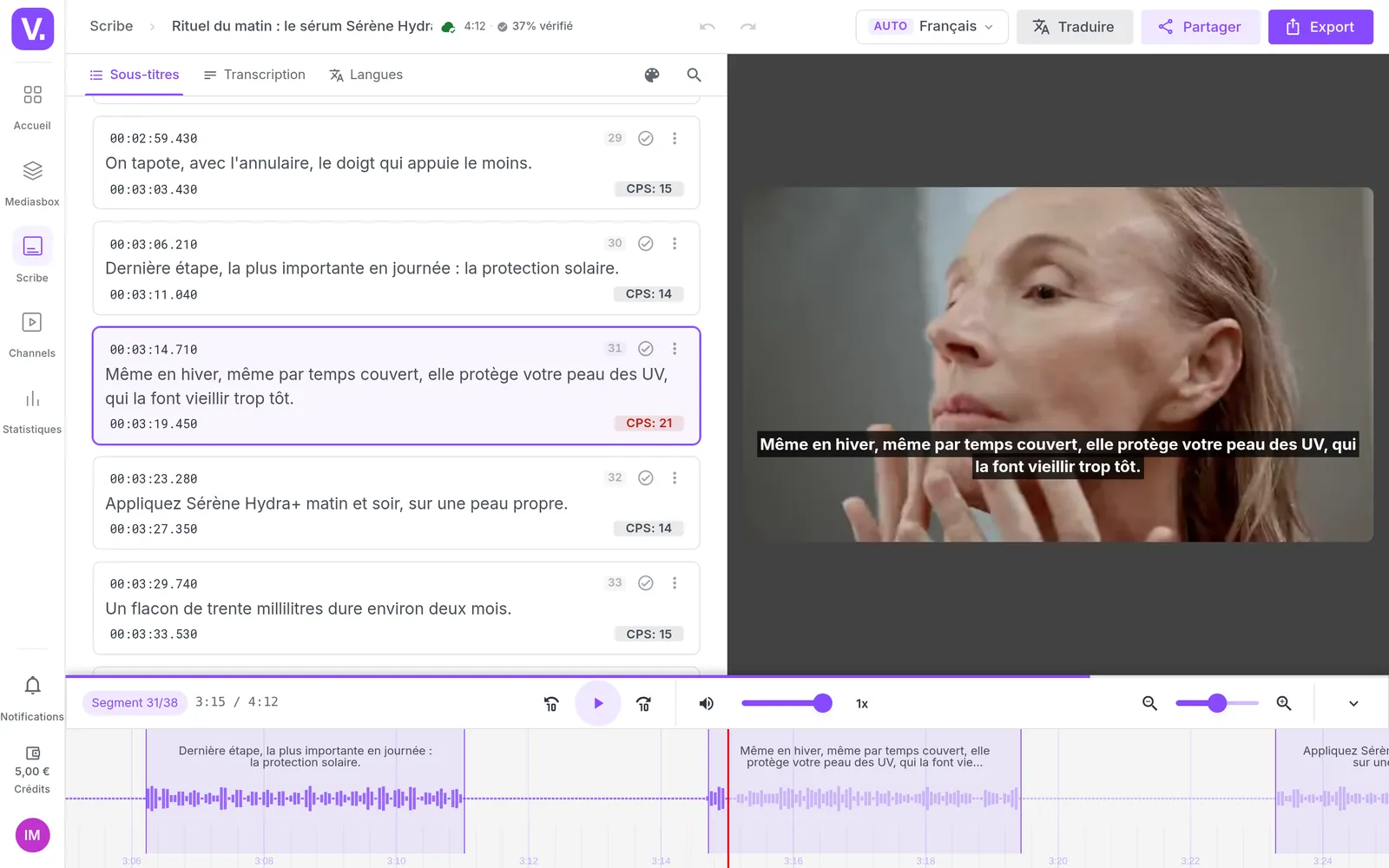
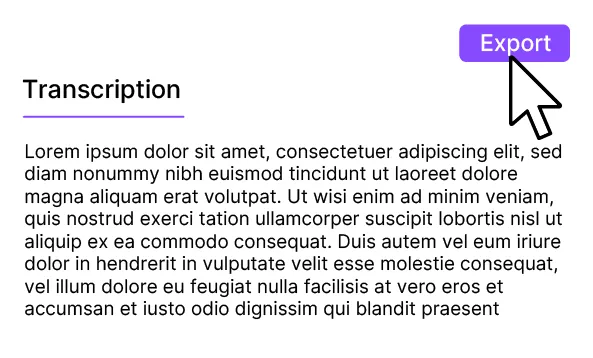
In Videas, Videas Scribe transcribes the soundtrack in the background: count one to three minutes of processing for ten minutes of video, and you start from text already split and timed.
Videas sends a track out for review to whoever you choose. The reviewer corrects it inside Videas Scribe without an account, and the changes come back as suggestions to accept or dismiss.
Videas generates one track per language, in more than a hundred languages, and the player turns on the one that matches the viewer's browser language when it exists.
Videas charges ten cents a minute, per language, drawn from your credits. The count is based on the length of the file: you know the amount before you start the job.
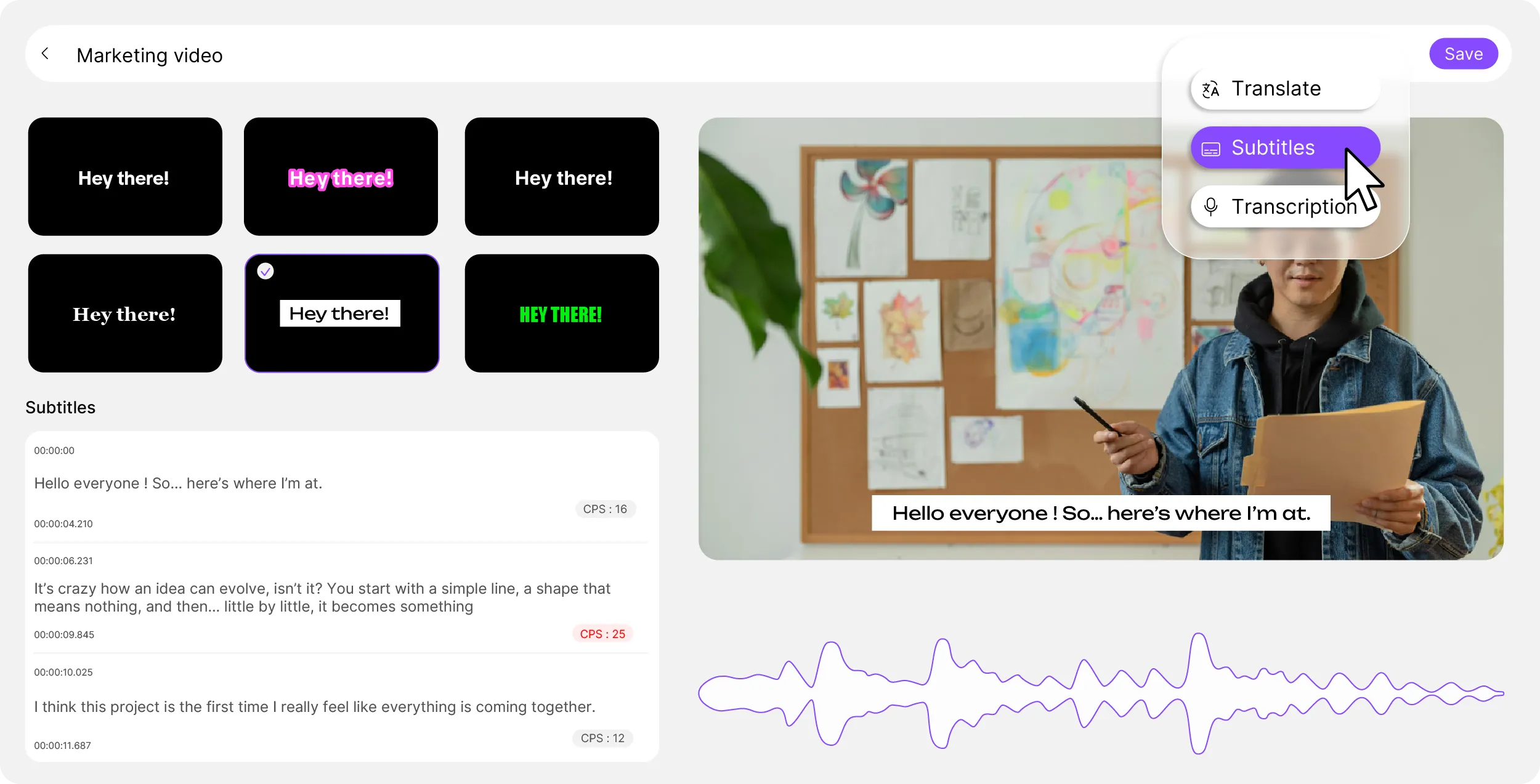
Videas Scribe, the Videas engine, transcribes the soundtrack in minutes. You correct it segment by segment in the editor, which flags in red the passages too dense to be read in time, and you tick off each segment as you verify it.

Videas sends a track to a native speaker or a subject expert. They listen, correct and approve it line by line inside Videas Scribe, with no account to create, and you get every change back as before-and-after.

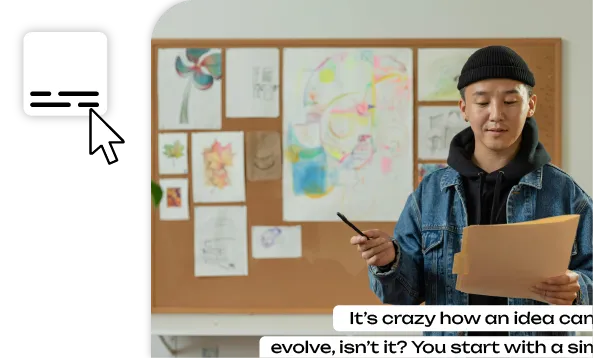
The Videas player offers subtitles in the browser language, or in the one you impose. You also decide which tracks are offered to viewers and which ones stay internal.
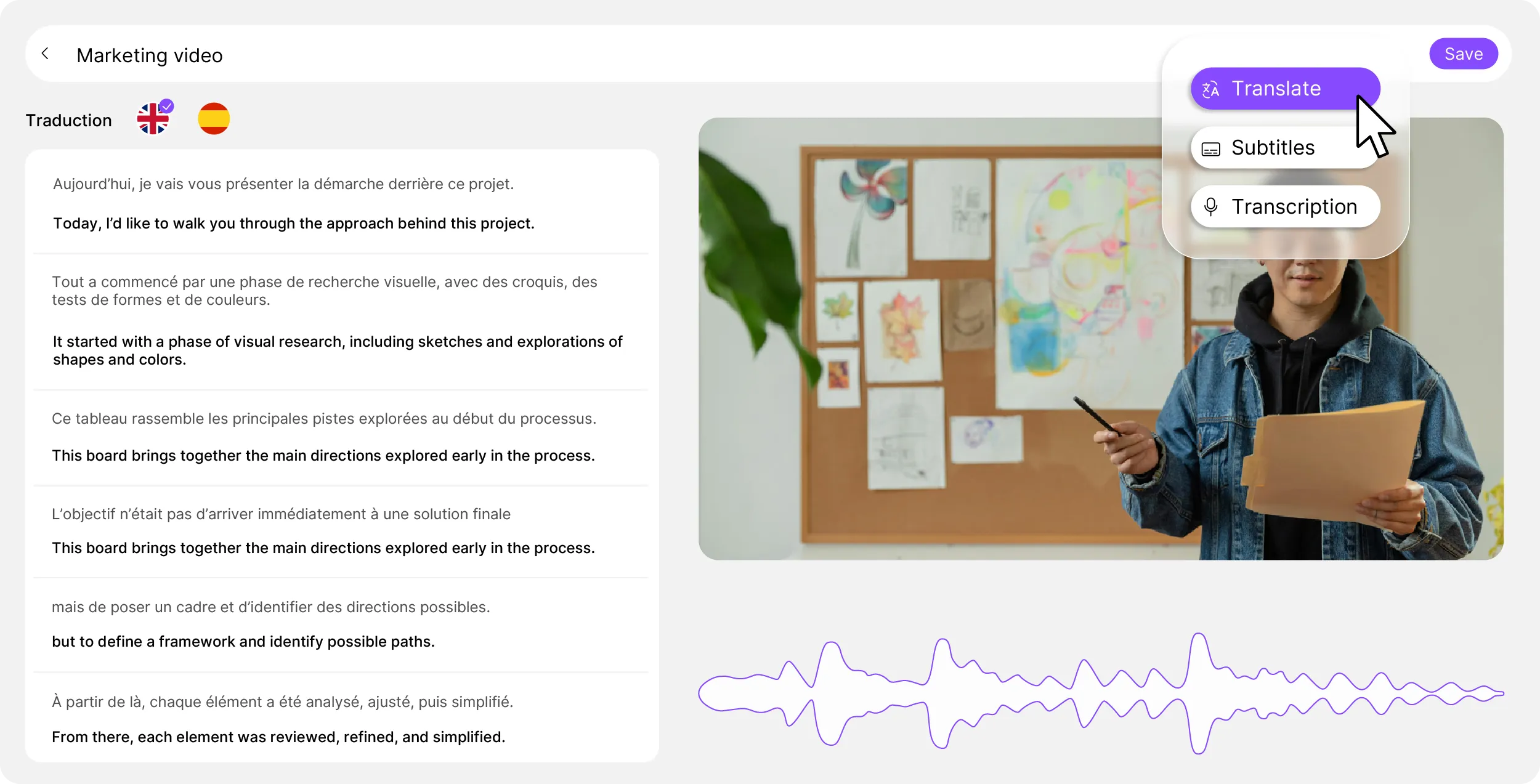
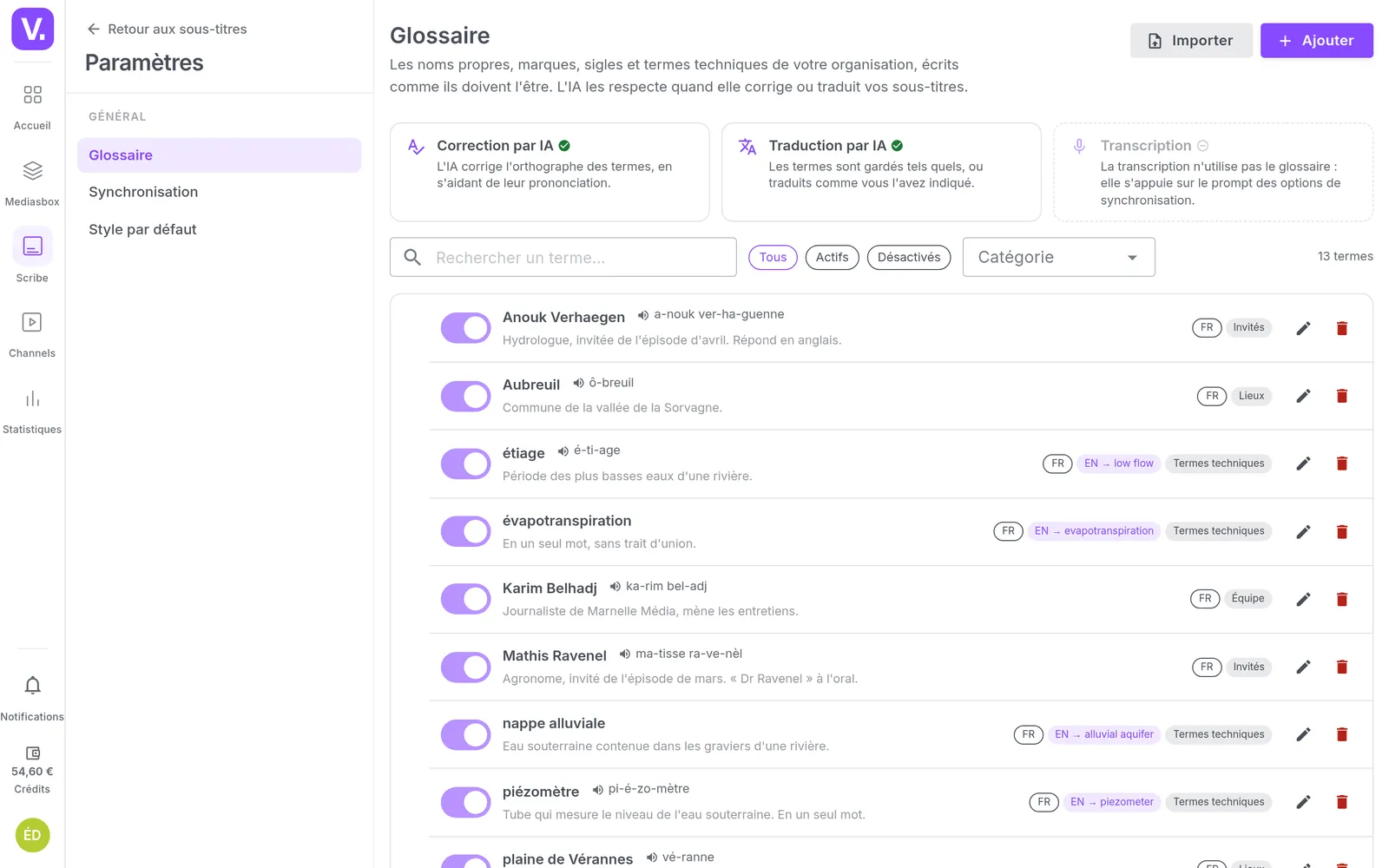
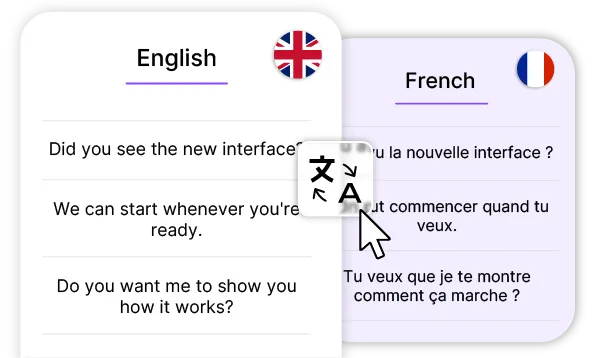
From the original track, Videas starts several languages at once. Each becomes a track of its own that you review independently — and your organization's glossary keeps your proper nouns and acronyms spelled the way they should be, from one job to the next.
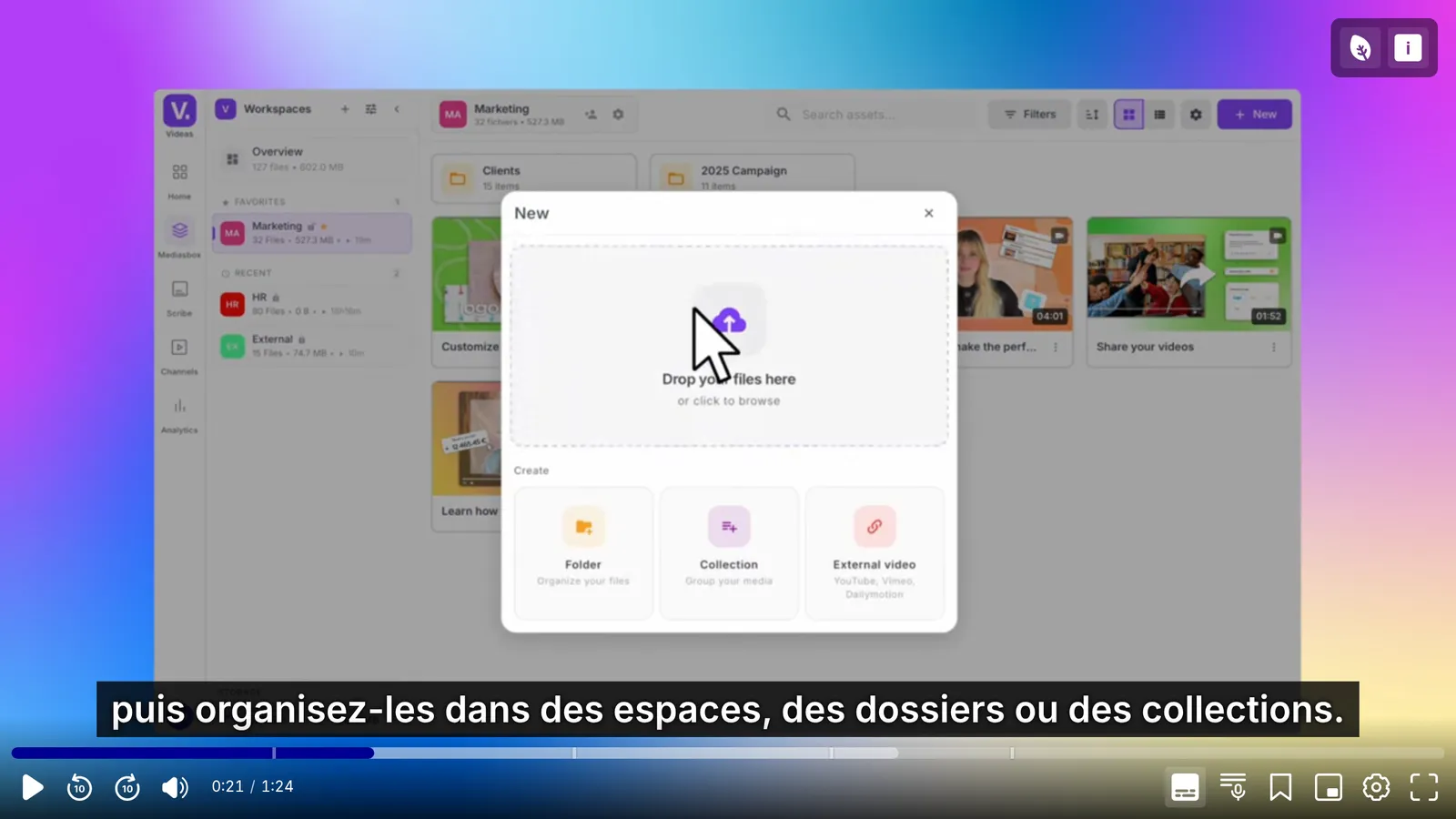
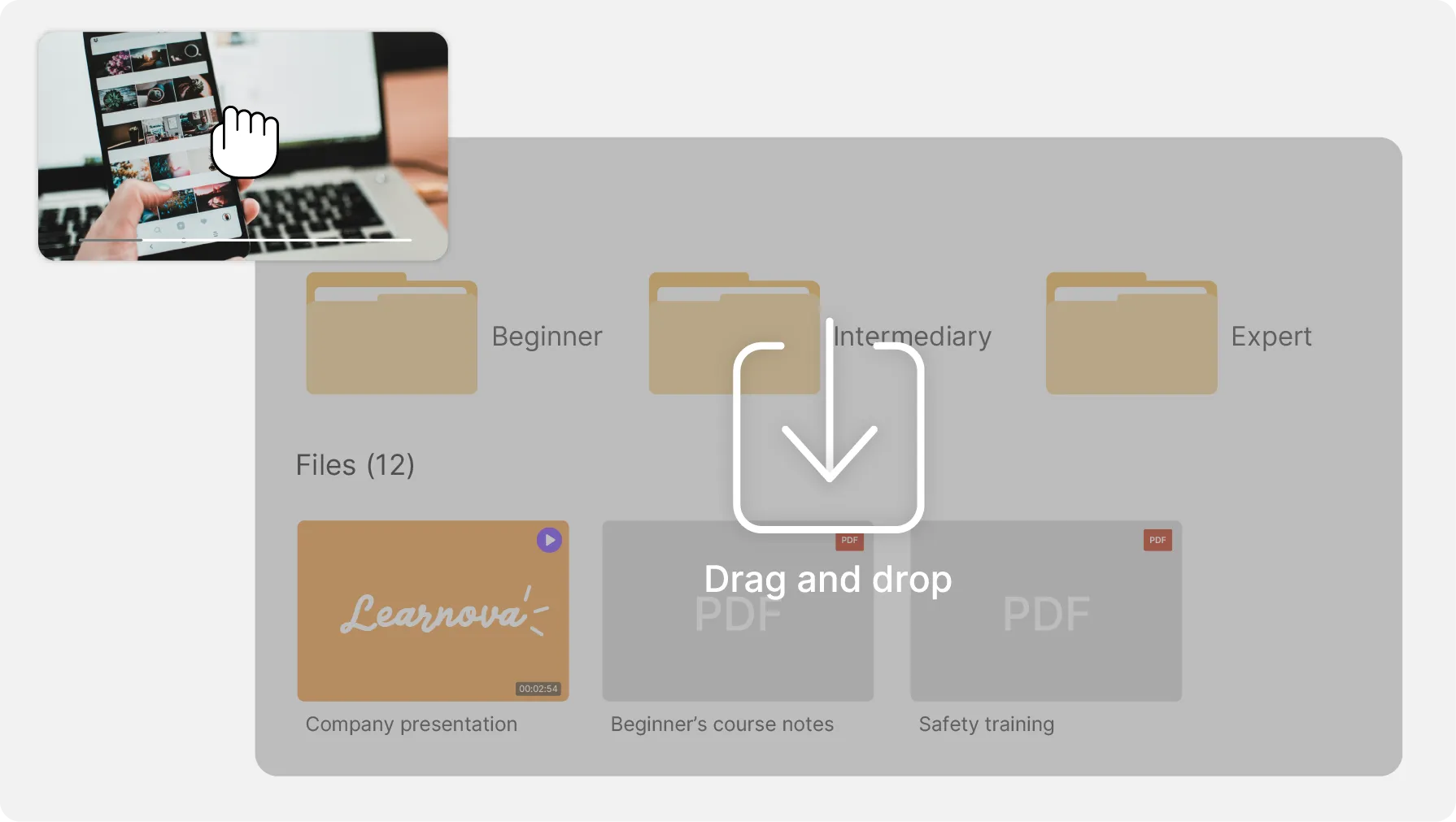
You drag your files into the Videas media library. Each item is analyzed to confirm it carries speech, then you start the transcription and choose the languages.
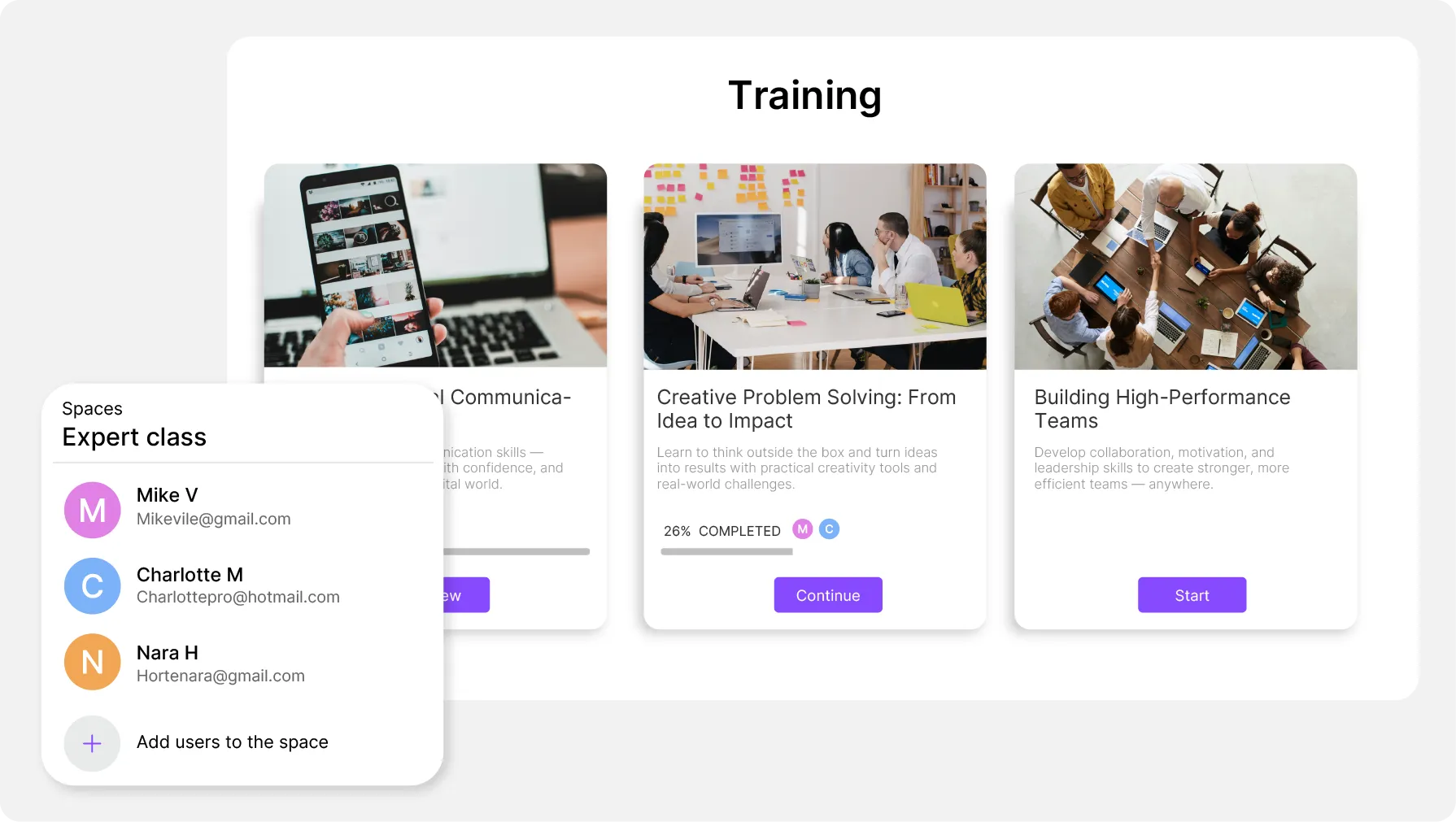
Videas opens a review to an outsider without giving them an account or access to the rest of your workspace. They see only the subtitles you share, and the link expires when you decide.
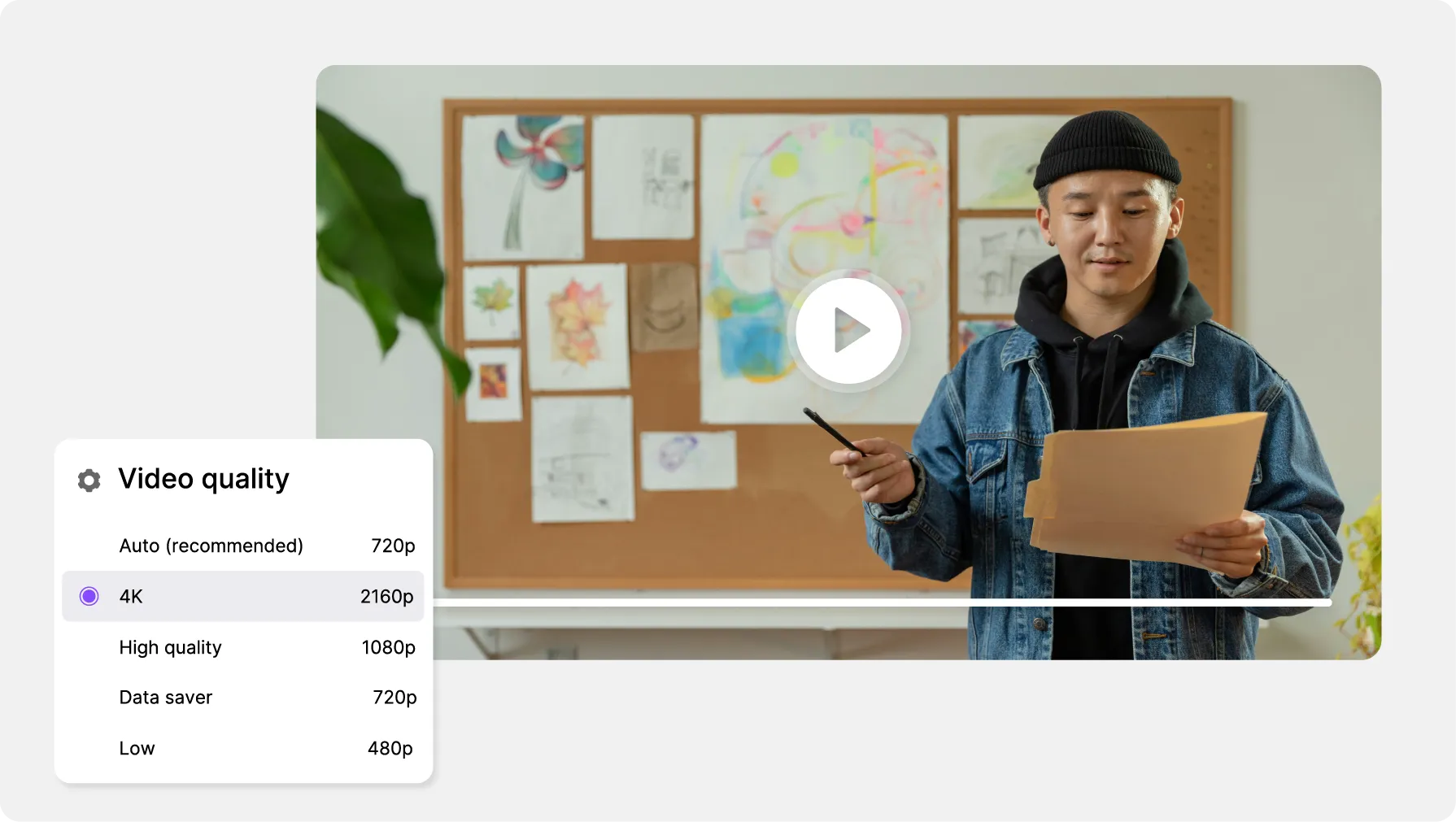
The Videas player opens its settings without interrupting playback: the subtitle track, the quality, the speed. Every control has a keyboard equivalent.
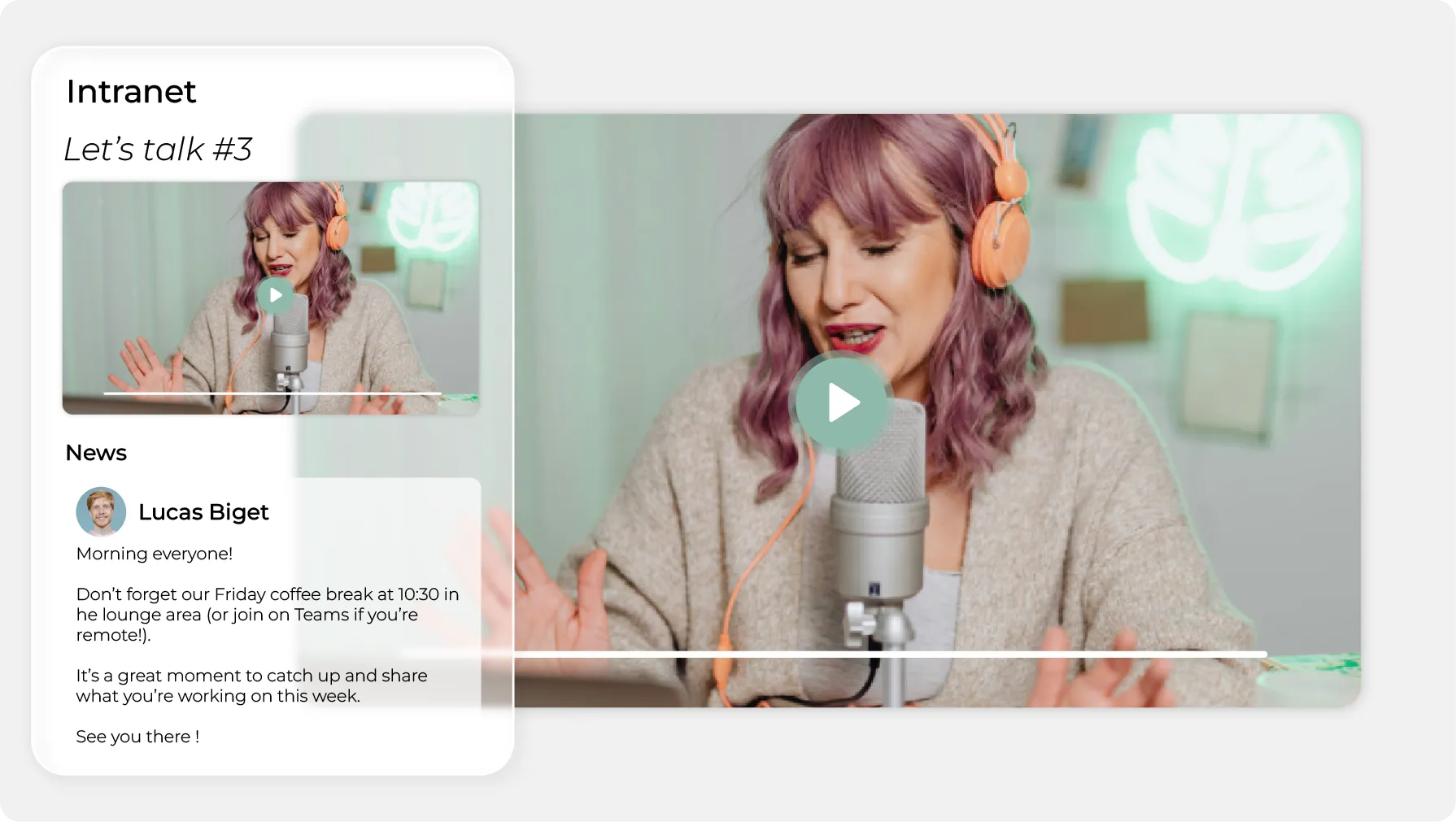
The tracks follow the video everywhere you embed it — intranet, public site, campaign page. Videas adds no cookie, no tracker and no advertising to the page that hosts it.
4 TBof educational video, subtitled and transcribed
ONISEP enriches the videos on ONISEP TV with automatic subtitling and a full transcript, on top of the metadata that makes them findable in a library that size.
26regional libraries, subtitled with nothing to order
France Travail has everything its regional offices publish subtitled and transcribed, without the local teams having anything to do video by video.
1,500employees served in French and in English
Yoplait publishes its internal communications in both languages between France and Canada, and Videas generates the subtitling and the transcript of its videos and its podcasts alike.
Organizations like yours, and the Videas setup that meets their need, screen by screen.
Studios & production companies
The client reviews the subtitles line by line from a link, and the agency decides.
Private companies
One transcript, corrected once, serves the article, the subtitles and the public.
Public institutions
Captions, transcript, chapters, audio description and keyboard control.
Videas produces neither audio description nor sign language: both of those are written and recorded, and the player carries the audio track you supply. And Videas does not proofread for you — generated text is checked before publication, by you or by the reviewer you send it to.
€0.10
per minute transcribed, per language
€0.20
per hour of video stored, every month
€0.02
per gigabyte delivered, first terabyte free every month after your first top-up
Videas has no subscription: you draw down a prepaid credit wallet, topped up whenever you decide to. A hundred hours of video subtitled in one language comes to €600, once — six thousand minutes at ten cents — and each further language costs the same again. The count is based on the length of the files, not on the speech detected: you know the amount before starting the job.
It follows the good practice of the French RGAA framework: every control has a keyboard equivalent, focus rings stay visible, subtitles and chapters display, and nothing forces advertising on a viewer. Videas issues no certificate for it, though: compliance is declared after an audit, and it covers your whole page, not the player alone.
Not for what comes next: subtitling is switched on at channel level, and Videas then runs it on every item added there, with nobody having to think about it. That is how France Travail's twenty-six regional teams publish subtitled. A library already online is caught up item by item.
Ten cents a minute, per language, transcription included. A hundred hours of video is six thousand minutes, so €600 for one language, and the same again for each further one. The count is based on the length of the file rather than the speech actually detected, which gives you the exact amount before anything starts.
Above 95% on clean audio — enough to publish after a quick review, not enough to publish unreviewed. Three things need checking: proper nouns, trade jargon and punctuation. Your organization's glossary settles the first two for good, since Videas Scribe takes it into account on every later job.
Yes, through a link or an email invitation. The reviewer opens the subtitles straight inside Videas Scribe, with no account to create, listens to each passage, corrects it and approves it line by line. The changes come back to you as before-and-after, to accept or dismiss one by one, and nothing else in your workspace is visible to them.
More than thirty, and you can start several at once: the jobs run in parallel, one track per language. Translating, in Videas, means generating a track in another language from the original one — review that original first, or every mistake in it gets copied into every target language you ask for.
If you set the default track to browser-language mode, yes: the player turns on the track matching the visitor's browser when it exists, without them touching the selector. The other mode imposes a single track on everyone. The same setting also turns subtitles on from the start of playback.
Both. Videas exports your tracks as .srt or .vtt, to reimport wherever you like, and can also produce an MP4 with the subtitles burned into the image, in H.264 or H.265. Burning in takes one language per file, and the text becomes permanent there: approve the track first.
Neither one: both are written, filmed and recorded before they reach us. The Videas player does read the multiple audio tracks carried by your source file or your HLS manifest, surfaces the ones flagged for accessibility with their own icon, and lets a viewer switch between them without interrupting playback.
Afterwards yes, during the broadcast no. Videas Scribe works on the recording once the live has ended, in more than a hundred languages, at the same ten cents per minute per language. Nothing appears in real time underneath a live still running, and the recording joins your library the moment you stop.