










Vimeo vs Videas

Your videos, streamed with no quota

A complete video platform — hosting, player, analytics, AI subtitles — with simple usage-based pricing and native GDPR compliance.

Vimeo and Videas both host and deliver business video, with analytics, live streaming and monetization. On Vimeo, the number of videos and the bandwidth are capped by tier, and data is hosted in the United States. Videas bills by usage with no video limit: €0.20 per hour stored and €0.02 per GB delivered beyond the free TB each month, with a cookie-free player delivered worldwide through a CDN.

Try for free
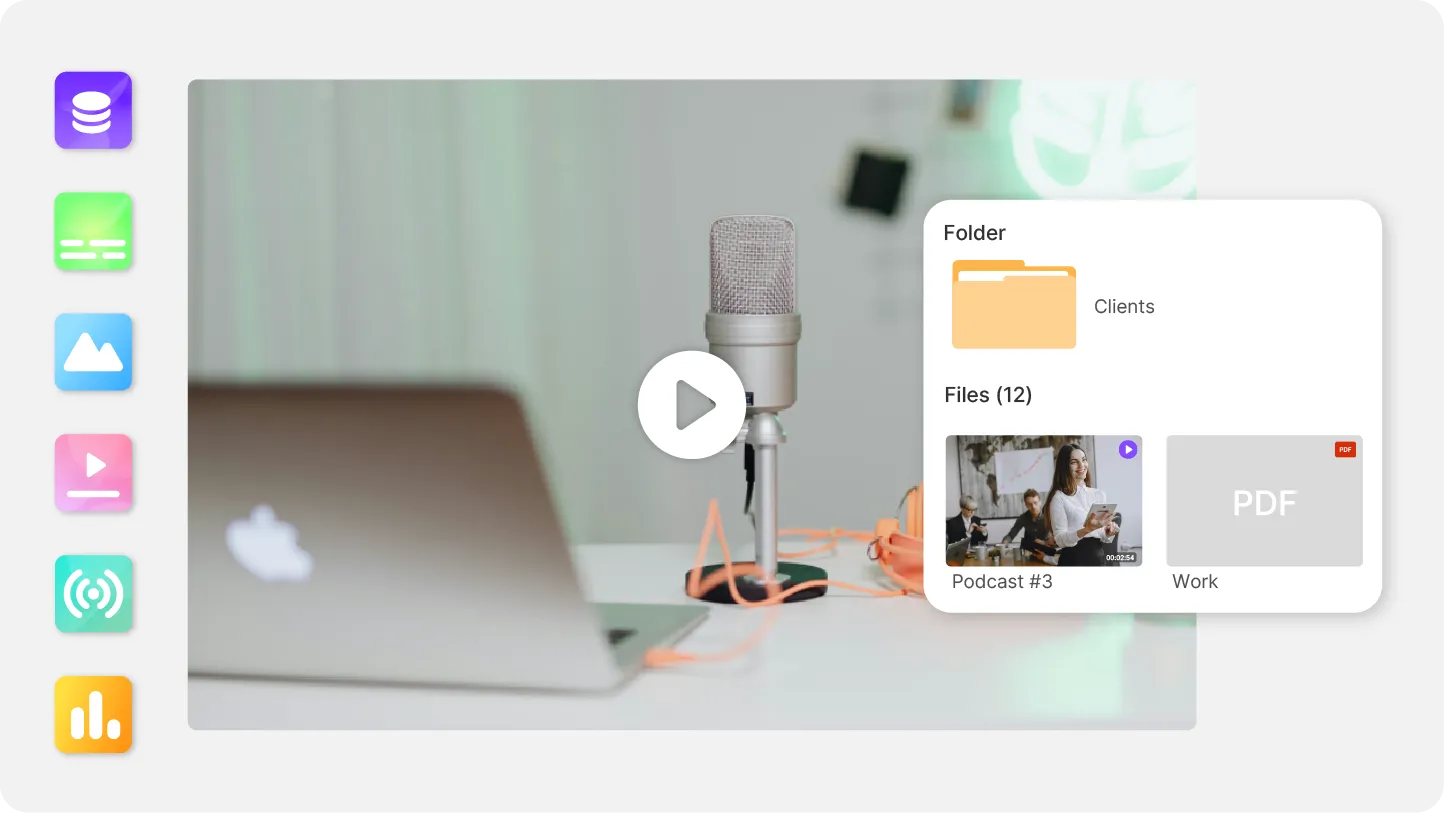
Videas video hosting platform interface with GDPR-compliant player
ONISEP
AFNOR
Ville de Roubaix
Safran
France-Soir
Crédit Agricole
France Travail
Magnard-Vuibert
Sodiaal
Yoplait
Call

Where Vimeo falls short

  • Every new use case means re-uploading everything

  • Bandwidth is capped

  • The number of videos is capped by tier

  • Data is hosted in the United States

  • GDPR compliance stays partial

  • The player drops third-party cookies

  • Prices climb with your audience

  • Vimeo On Demand has closed

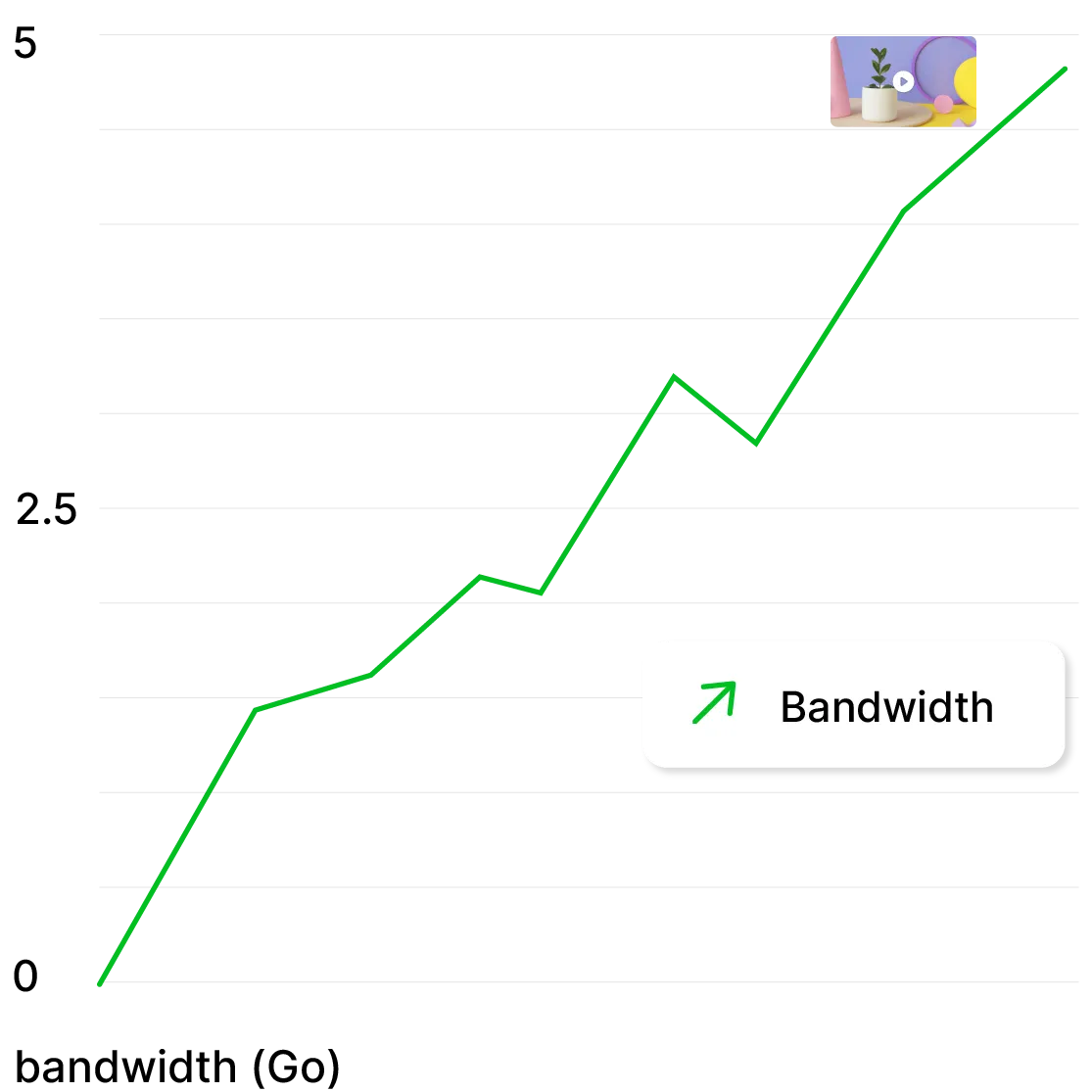
Bandwidth usage graph showing unlimited streaming with pay-as-you-go pricing

Stream without limits

Once your account is topped up: no monthly quota, no cap to monitor, no sales call to negotiate a higher tier. The first TB of delivery is free every month from the month after your first top-up, then you pay €0.02/GB consumed, delivered over a CDN, whether you serve 100 GB or 10 TB in a month. A traffic spike hits, your audience grows: streaming keeps running, and your bill follows with no cutoff and no surprise.
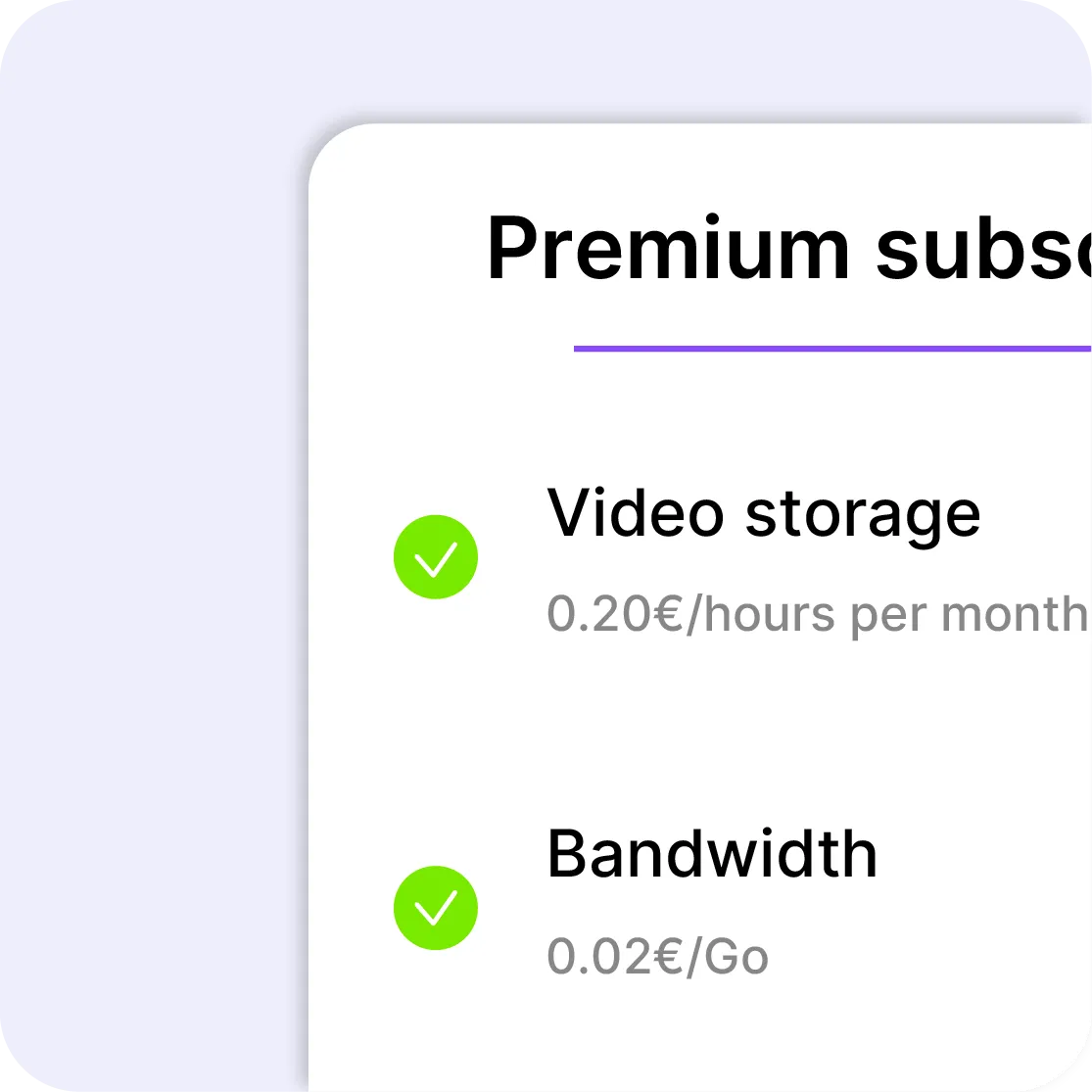

Videas pay-as-you-go pricing breakdown for storage and bandwidth

Pay only for what you use

A simple pay-as-you-go model: storage at €0.20/hour/month, bandwidth at €0.02/GB — no tier to cross, no contract to renegotiate the moment one more video gets added. No subscription, no commitment: you get €5 in credit on sign-up, valid for 30 days, then €5 every month to spend within the month; the credits you buy never expire.

Cookie-free video player embedded on a website without consent banner

Embed your videos without a cookie banner

The Videas player works without cookies or third-party trackers, however you embed it (iframe or script). Your pages stay clean, your visitors are not tracked, and you don't have to show a consent banner for the sole reason of having embedded a video.

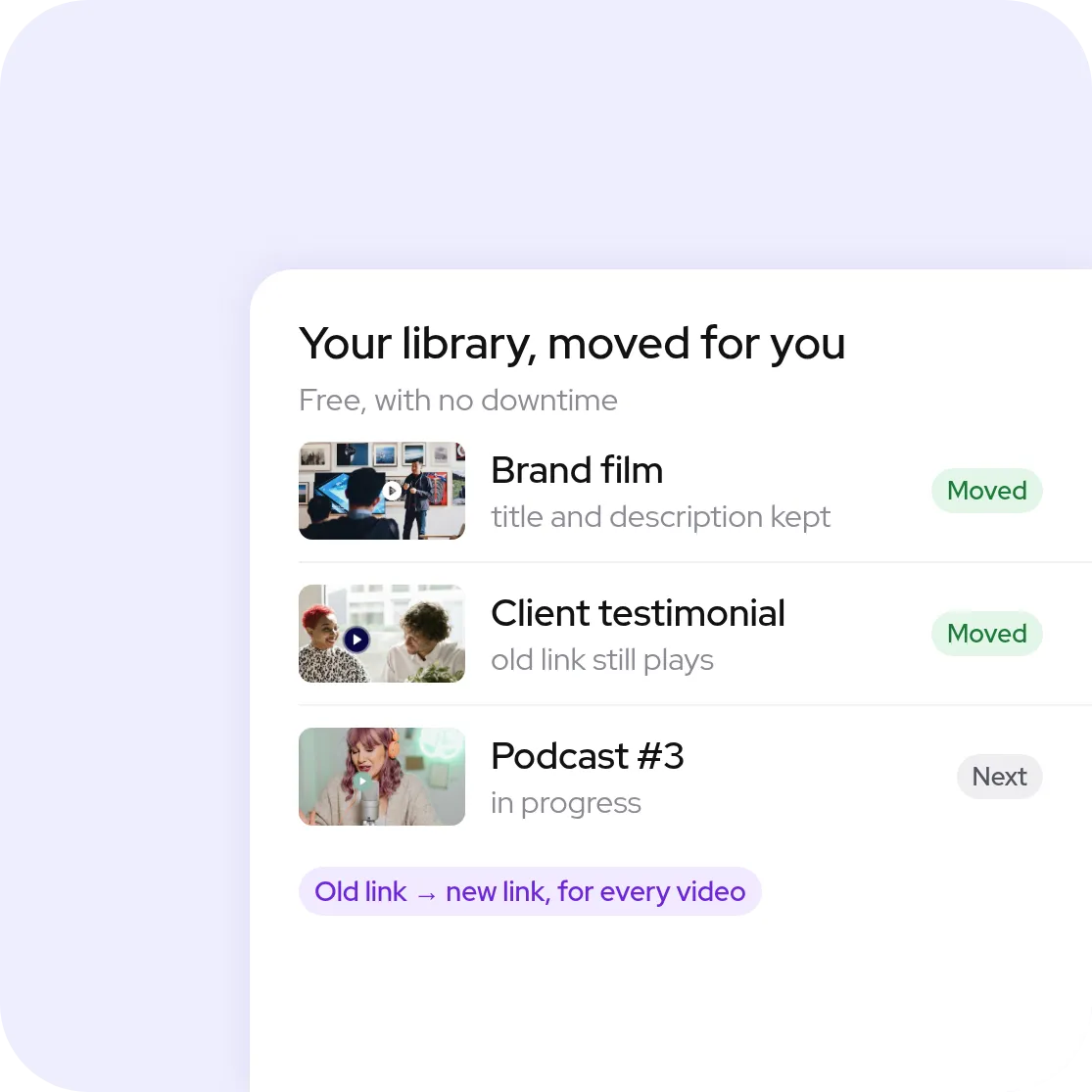
A video library moved by the Videas team: each video carried over with its title and description, the old link still live

Your catalog moved by our team

Migration is free and happens without a break: our team pulls your videos straight from Vimeo, with their titles and descriptions, while your old links keep playing. You then get a mapping table from every old link to its new one, so you can replace your embeds at your own pace.

Videas vs Vimeo, feature by feature

Feature
videas.Try it
Vimeo
Advanced analyticsAdvanced analyticsYesYes
Viewing heatmapsViewing heatmapsYesNo
Automatic AI subtitlingAutomatic AI subtitlingYesLimited
No adsNo adsYesYes
Native GDPR complianceNative GDPR complianceYesPartial
Cookie-free playerCookie-free playerYesNo
No video limitNo video limitYesNo
Unlimited bandwidthUnlimited bandwidth1 TB free every month after your first top-up, then pay-as-you-go2 TB/month
Built-in monetizationBuilt-in monetizationYesYes
Pay-per-view video salesPay-per-view video salesYesShutting down
Live streamingLive streamingYesYes
Full APIFull APIYesYes

Frequently asked questions

Can I migrate my videos from Vimeo to Videas?

Yes. Videas offers a free migration service from Vimeo. The team handles the transfer of your files, metadata and organization. Contact support to schedule your migration.

Vimeo On Demand has closed — do I need to migrate urgently?

Yes, if you sold videos on Vimeo On Demand: your buyers have lost access to what they paid for, and your videos only stay in your Vimeo account for as long as your plan allows. With Videas, migration is free and handled by our team: we pull your videos straight from Vimeo, and you reopen your sales on a channel in your own name. Where to sell next: Vimeo On Demand alternatives. All eight reasons teams give for leaving are covered in the article Why leave Vimeo.

Vimeo or Videas: which is cheaper?

It depends on your usage. For moderate and stable volume, costs are comparable. For variable or growing volume, Videas' pay-as-you-go model can be more economical since you only pay for what you consume.

Videas or Vimeo: which one works without cookies?

Videas: its player sets no cookies or trackers. You can embed it on your site without displaying a GDPR consent banner for video.

Does Videas offer live streaming?

Yes. Videas offers live streaming via its Stream product. You can broadcast live and automatically keep the replay in your media library.

Where is data hosted with Videas?

All data is hosted in the EU, with native GDPR compliance and no transfer to the United States.

Can I import a video from its URL, without downloading it first?

Yes, as long as it is public. In the media library, New then External video pulls a video from a Vimeo, YouTube or Dailymotion URL, along with its title and description. Private, unlisted or password-protected videos cannot be fetched this way: for those, and for a whole catalog, the assisted migration takes over.

How large can my files be?

Up to 100 GB per file, with three files uploading in parallel. Uploads are resumable: if your connection drops, the transfer picks up where it stopped instead of starting over. Common formats are accepted — MP4, MOV, AVI, MKV, WebM — and transcoding follows automatically.

Do I need a credit card to open an account?

No. You get €5 in credit on sign-up, then €5 every month: enough to host and stream your first videos before spending anything. After your first top-up, the first terabyte of delivery is free each month too, from the following month. There is no subscription to sign up for, and therefore none to cancel later.

What happens if my credit balance reaches zero?

Playback pauses, and nothing is ever charged beyond what you have topped up. You get a low-balance alert, auto top-up is optional, and everything resumes as soon as you add credit. Channels and custom domains follow a different rhythm: left unpaid, they are suspended after 14 days, then brought back online if you top up within 30 days.