

Studios & Video Production

Your studio shoots all year, and the footage stays filed

Videas keeps the footage, the edits and the files of every project in one workspace, open to whoever you decide.

ONISEP
AFNOR
Ville de Roubaix
Safran
France-Soir
Crédit Agricole
France Travail
Magnard-Vuibert
Sodiaal
Yoplait
Call

Several projects at once, one place to look

You run a studio, and video never stops moving: shoots that overlap, editors working from home, clients waiting on a version. Videas gathers the footage, the edits and the files of a project in one place, opens a workspace for each client, and keeps all of it readable once the project is over.

What Videas brings into your studio

A 100 GB master goes out uncompressed

From a Videas account, a single file can reach 100 GB and comes out untouched. Your client opens it in a browser, with no account to create and no wait for a download to finish.

Sending a large video file through a secure link

Footage and edits in the same folder

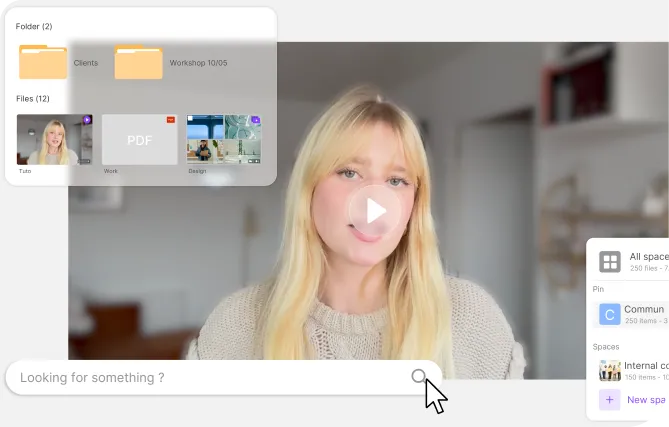
Videas keeps the master, the footage, the script, the artwork and the exports of a project together, sorted into collections and indexed by their metadata. A version turns up in a search, not on a shelf of drives.

Footage, edits and files gathered inside one project

A finished project becomes an archive

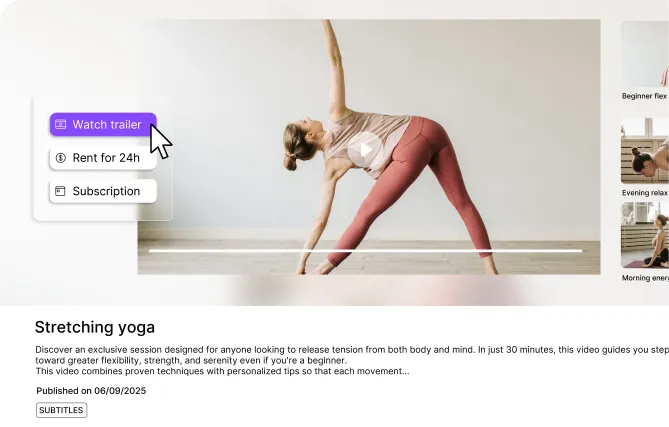
Once the client is served, the project stays with you: Videas holds the catalog of everything your studio has produced, ready to pull back out for a rework or for the next pitch.

Catalog of the projects a studio has already produced

What jams between the shoot and the client.

  • A master too heavy to email?

    From an account, Videas takes files of up to 100 GB and recompresses nothing. Your client watches in a browser, without downloading anything.

  • Worried about a banner on your links?

    The Videas player runs no advertising, suggests no other video at the end and puts no banner of ours on what you send. Your clients see your brand.

  • Link expired before they opened it?

    In Videas you set the expiry date, extend it in one click when sign-off drags on, or decide the link never goes dark at all.

  • A project to find two years later?

    Videas indexes every file by its metadata: a client, a format or a version comes back through search, without opening a cupboard full of drives.

Three video catalogs we already host

  • 20 TBof raw footage, edits and photographs on a single platform

    Raw footage and finished edits in one place

    Télégohelle, the local television channel of the Lens-Liévin urban district, produces reports all year round. Its content is sorted into collections — by type, by year, by theme — and its teams send the press a temporary link to one specific excerpt, without opening the rest of the library.
    Read the Télégohelle case study

  • 4,000 hof shows and video podcasts produced across ten years

    A catalog moved without a break in service

    Online media outlet BTLV pulled its whole catalog off Vimeo, where the bill climbed with the audience, and now serves it to subscribers from its own WordPress site.

    Read the BTLV case study

  • 24/7of tutorials opened one client at a time, one contract at a time

    Access is granted client by client

    Aerospace manufacturer Safran Nacelles files its maintenance tutorials by aircraft model and only opens them to the airlines whose service contract covers them.

    Read the Safran Nacelles case study

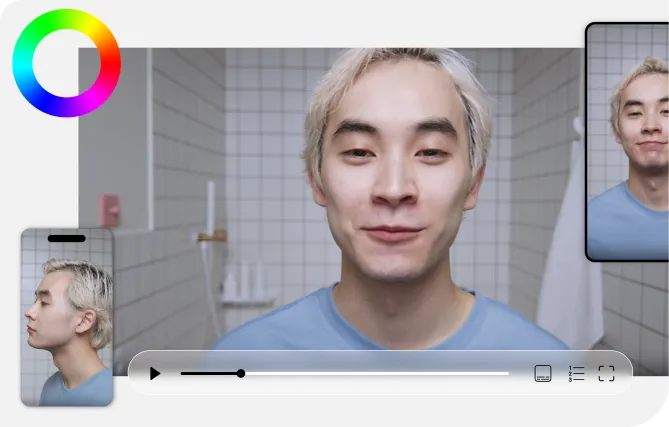
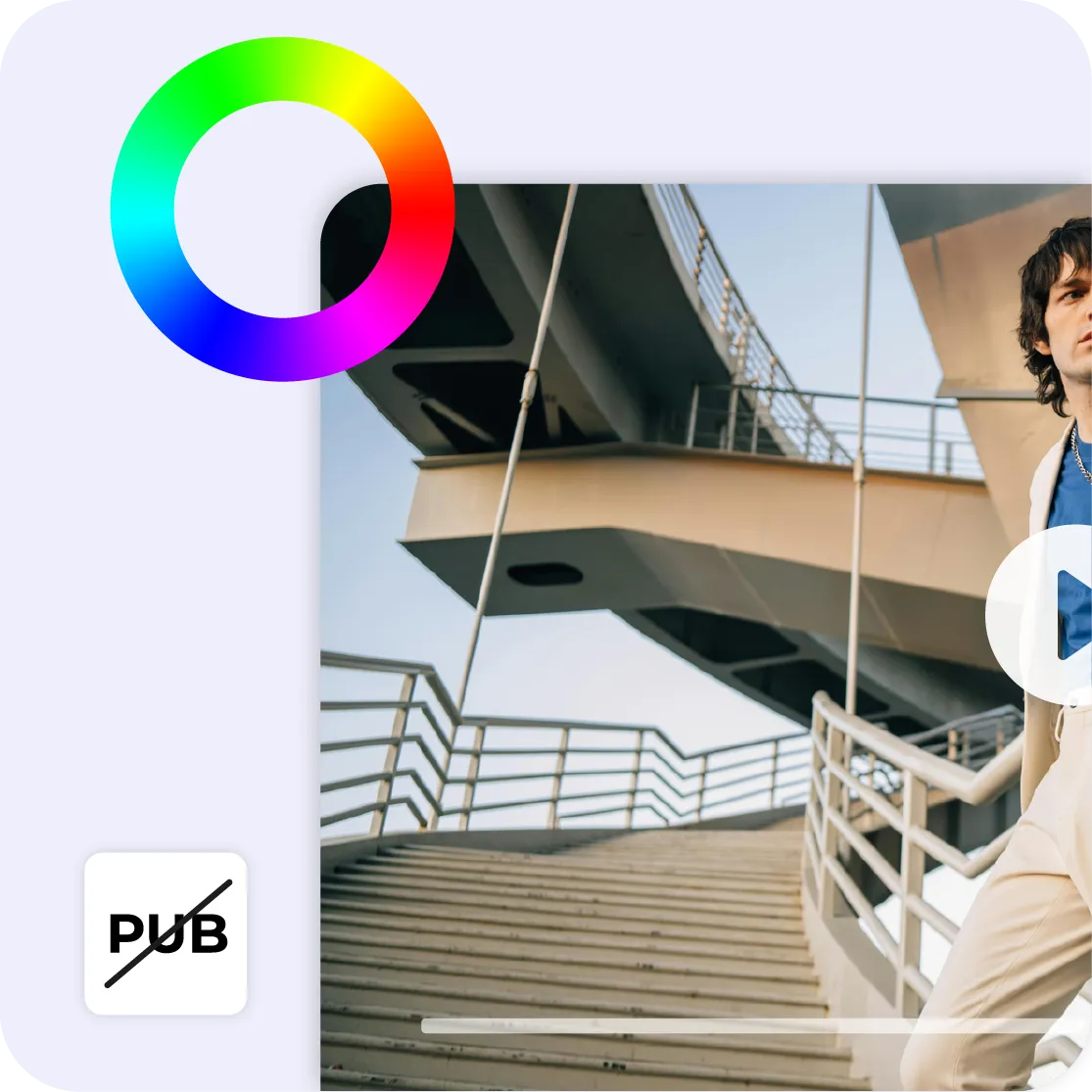
Videas video player in the studio's colors, with no advertising

What your client sees when the link opens

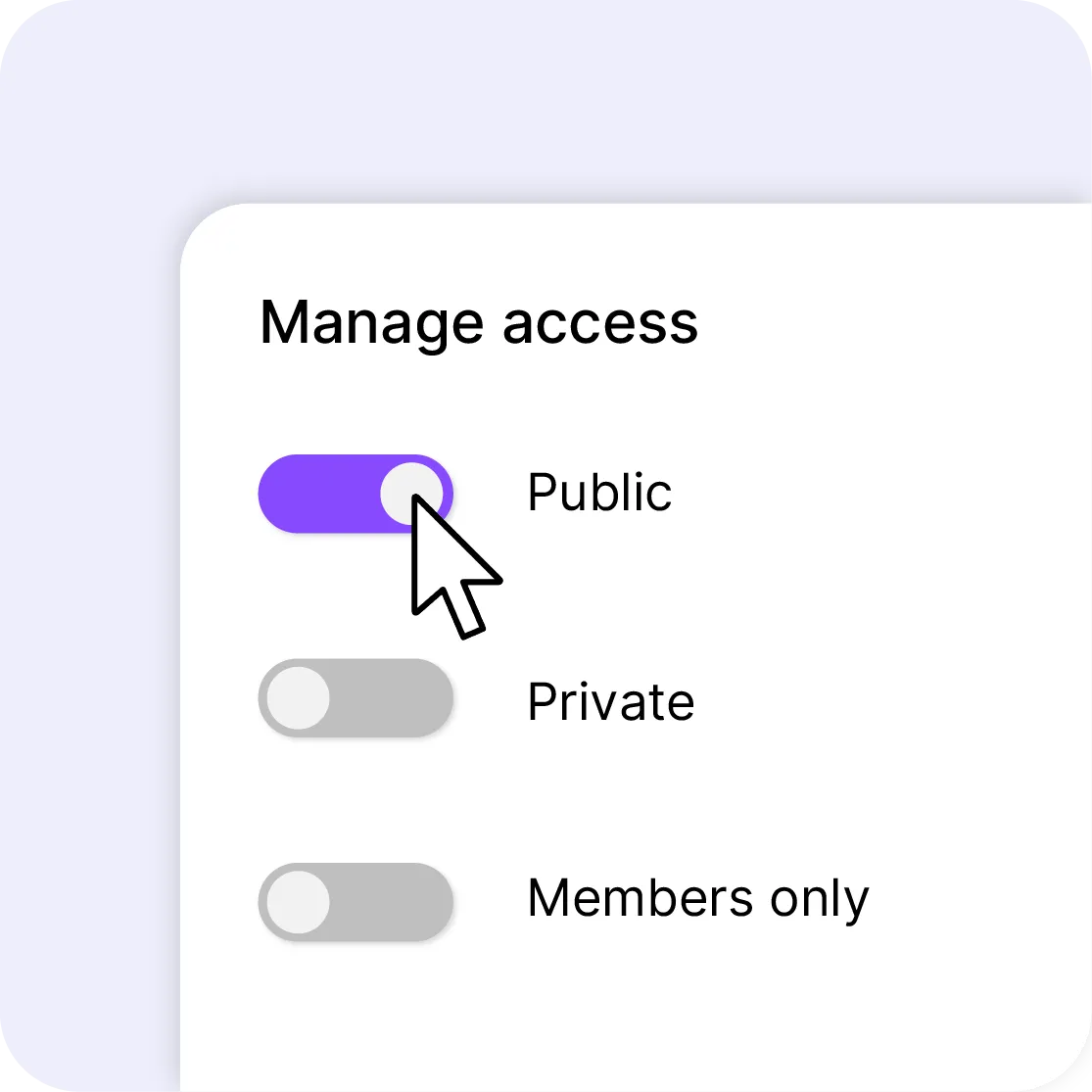
Your client opens the link in a browser: no account to create, no application to install, and playback starts without waiting for several gigabytes to come down first. The Videas player carries your colors and, if you want it to, your own domain name; it runs no advertising, suggests no other video at the end and puts no banner of ours on the page. You decide along the way whether the file can be downloaded or only watched, and the link opens only what you put in it — one excerpt, one version, one project, never the rest of your library. You then see who opened the share, when, and how many times.

Client workspaces with roles and access rights

A workspace per client, rights per person

In Videas, every client gets a workspace of its own: its projects, its folders, its members and its rights. Your editors drop their exports in without seeing the other accounts, your client finds only what concerns them, and a role — admin, manager or viewer — decides who can add, who can edit and who only watches. The files are hosted in France, under GDPR, and they are never analyzed, never indexed and never used to train a model.

What Videas does not do

Videas does not run the sign-off on an edit: no frame-accurate comments, no versioned round of notes. It does not cut your videos either. You edit and get sign-off in your own tools, then file, host and publish with us.

What it costs a studio that shoots all year

  • €0.20

    per hour of video stored, every month

  • €0.05

    per gigabyte of project files, audio and stills

  • €0

    to migrate your catalog from Vimeo or a Drive

There is no subscription: you draw on a prepaid credit wallet, topped up whenever you decide. Video is counted by the hour and everything else by the gigabyte: two hundred hours of rushes and cuts come to €40 a month, five hundred gigabytes of project files, audio and stills to €25 — €65 in all. On top of that you pay for what your clients actually watch, at €0.02 per gigabyte delivered, with the first terabyte free every month.

See the full pricing

What our clients say about us

Six tools working on the same files

You upload a file once: it is stored, encoded and served over a CDN, then picked up as is by the channel, the page or the player. What Stream records comes back into the library. Nothing to wire together.

Frequently asked questions

Can I open a workspace for each client?

Yes, as many as you have clients. In Videas every workspace has its own folders, members and rights: your editors drop files into the one for the project, your client sees only their own. A role — admin, manager or viewer — decides who adds, who edits and who simply watches.

How large a file can I send to a client?

From a Videas account, up to 100 GB per file, with no recompression at all: the master arrives exactly as it left your edit suite. Without an account the ceiling drops to 2 GB and ten minutes of video, and it shows before the upload rather than twenty minutes into the transfer.

Does my client need an account to watch?

No. They click your link and the video starts in their browser, with no account to create and no application to install. Playback begins straight away: they do not wait for several gigabytes to download before seeing the first frame of your edit.

How long does my link stay alive?

That is up to you. From a Videas account you set the expiry date, extend it in one click when sign-off drags on, or leave the link active indefinitely. Without an account a share lives seven days at most, after which the file and its link are erased automatically.

Can I stop a master from being downloaded?

Yes, and four settings stack. View-only blocks downloading and still lets the video be watched as a stream. Add a password, a download cap beyond which the link closes, and, for a share sent by email, a verification code the recipient has to enter before it opens.

Is there advertising or a banner on my links?

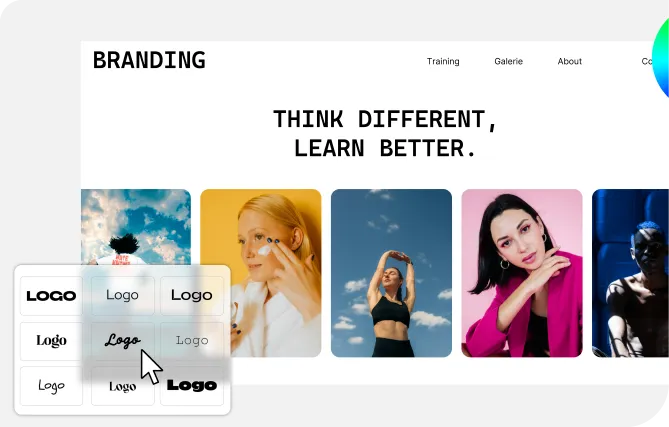
No, and that is a rule rather than a box to untick. The Videas player runs no advertising, suggests no other video at the end and puts no banner of ours on the pages you send out. It carries your colors, your logo and, if you want it to, your own domain name.

Does Videas replace Frame.io for signing off an edit?

No. Videas has no frame-accurate comments on a timeline, no versioned round of notes and no panel inside Premiere; on review alone, Frame.io does it better. Nothing stops you keeping both: sign-off over there, then hosting, archiving and publishing here, on the same files.

Can I subtitle a deliverable without an outside supplier?

Yes. Videas transcribes and subtitles with AI in a few minutes, at €0.10 per minute and per language, and you correct the text in an editor that shows the waveform and the segments. The subtitle stays attached to the video: there is no SRT file to export and reimport elsewhere.

Can I find a delivered project years later?

Yes, that is what the media library is for. Every file carries its metadata — client, project, format, date, keywords — and search cuts across all of it. You pull a version, a shot or an export back out for a rework or for a new pitch, without plugging in an old hard drive.

Where are my footage and my masters hosted?

In France, with French hosting providers, under GDPR. Your files are never analyzed, never indexed and never used to train a model, and the player sets no advertising cookies. Our team also moves an existing catalog across from Vimeo, YouTube, a Drive, Dropbox or OneDrive at no charge.