A full interface, not just an API
Mux is designed for developers: limited dashboard, everything goes through the API. Videas offers a complete interface where you manage your videos, analytics, and settings without writing a single line of code.
Mux vs Videas
Hosting, player, analytics, AI subtitles — everything you need, in an intuitive interface. No technical team needed to manage your videos.
Try for free











Mux is built for developers. Without a technical team, you can't upload or deliver a single video.
Encoding, storage, streaming, analytics: every building block is billed separately, by GB and by resolution. There is no way to predict your bill.
The Mux interface is limited to technical monitoring. To manage your videos day to day, you have to build your own dashboard.
Need help? Mux points you to its documentation. No dedicated contact.
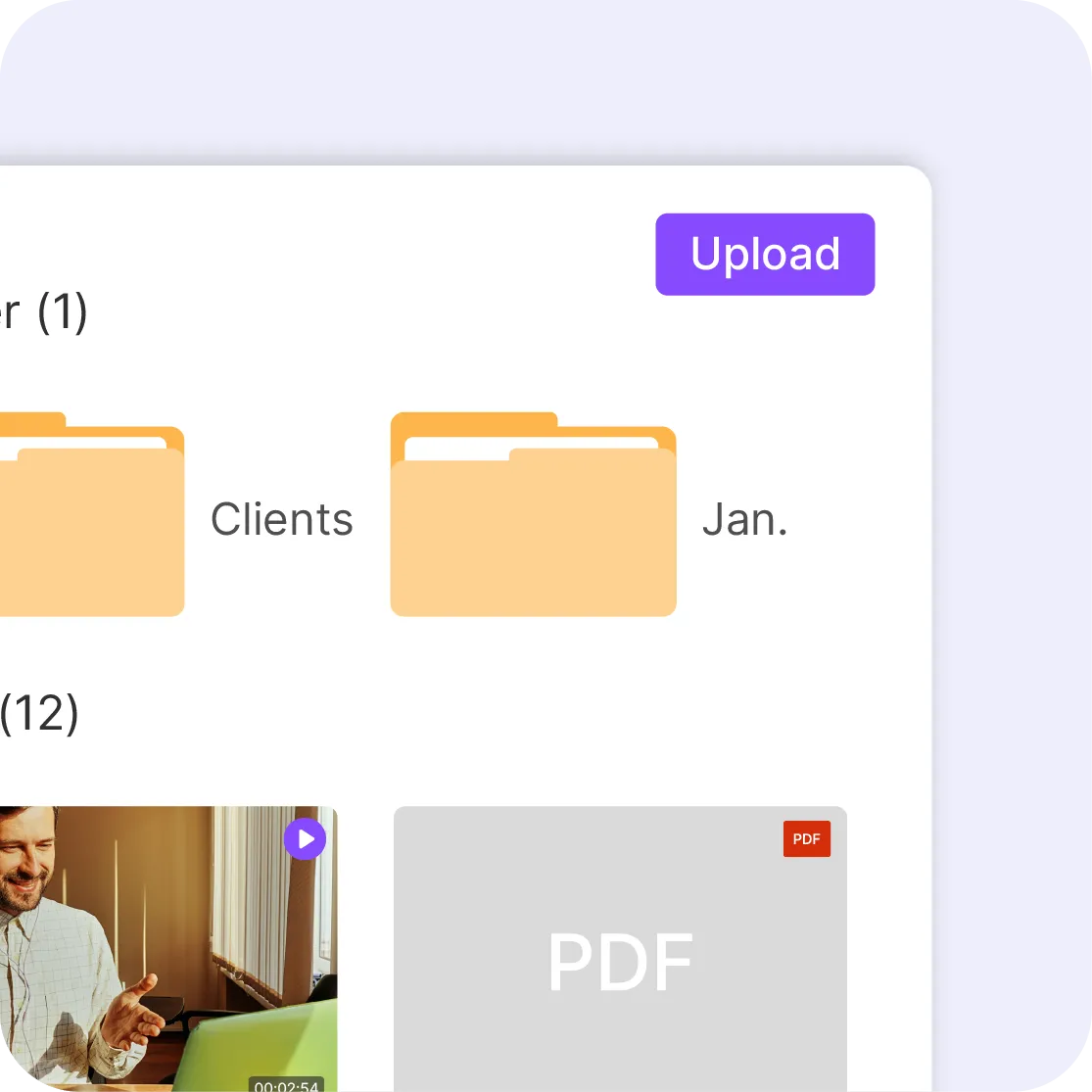
Mux is designed for developers: limited dashboard, everything goes through the API. Videas offers a complete interface where you manage your videos, analytics, and settings without writing a single line of code.

Customizable player, AI subtitles, video channels, analytics with heatmaps: everything is built in. No need to combine multiple services or develop your own interface.
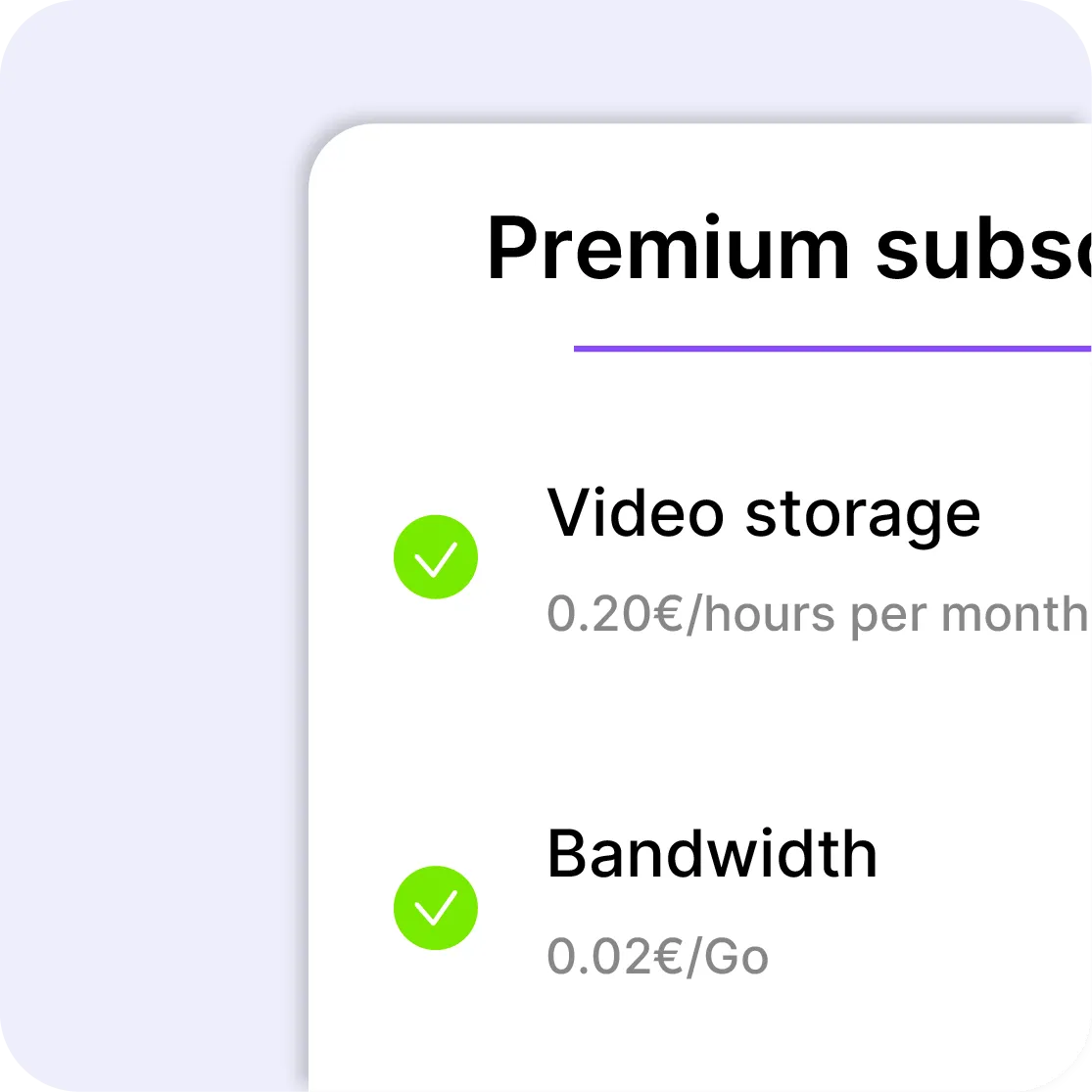
Mux charges separately for encoding, storage, streaming, and analytics — per GB and per resolution. Videas keeps it simple: €0.20/hour stored, €0.02/GB of bandwidth. That's it.

Mux relies on documentation and self-service. Videas offers responsive human support that understands your business needs — not just the technical ones.
| Feature | videas.Try it | Mux |
|---|---|---|
| Video hostingVideo hosting | Yes | Yes |
| Customizable playerCustomizable player | Included | Integration required |
| Advanced analyticsAdvanced analytics | Included | Billed separately |
| AI subtitlingAI subtitling | Yes | No |
| Live streamingLive streaming | Yes | Yes |
| Full user interfaceFull user interface | Yes | API-first |
| Usable without a developerUsable without a developer | Yes | No |
| Simple pricingSimple pricing | Yes | No |
| Video channels / portalsVideo channels / portals | Yes | No |
| Built-in monetizationBuilt-in monetization | Yes | No |
| Hosting in the EUHosting in the EU | Yes | No |
| API availableAPI available | Yes | Yes |
Bodytime dropped a branded player into its existing site, with no rebuild; BTLV put one in every WordPress page, across a 4,000-hour catalogue.
Bodytime
Bodytime, a leading online fitness coaching brand, integrated Videas to deliver its training programs: a …
BTLV
4,000 hours of replays migrated from Vimeo to sovereign hosting at controlled costs, natively integrated …
No. Mux is a developer-oriented video infrastructure, based on an API-first approach. Videas is a turnkey video platform with a complete user interface, usable without technical skills.
Yes. Videas has a complete API for teams who want to integrate video into their applications. Unlike Mux, the API is not required to use Videas.
Pricing is usage-based: €0.20 per hour of stored video per month, €0.02 per GB of bandwidth. Encoding and analytics are included. €5 free credit on sign-up, then €5/month.
Yes. Videas offers an assisted migration service. Our team handles the transfer of your files.
All data is hosted in the EU. GDPR compliance is native, with no transfer outside the European Union.
No. There is no per-call cost and no tier to buy: API access is included, and only throughput is capped — 1,000 requests per hour per key by default. What your calls trigger, on the other hand, is charged at the published rates: storage, delivery, subtitles.
Yes, two: @videas/sdk for JavaScript and TypeScript, videas-sdk for Python. Uploads use the resumable TUS protocol, so an interrupted transfer picks up where it stopped. The REST API on its own is enough if you prefer: a Bearer key and plain HTTP calls.
Yes. Your server requests a playback token valid for four hours, your page exchanges it for a signed HLS URL, and you hand that to hls.js or a native video element. The Videas player stays available if you would rather not maintain one.
No, and that is deliberate: there is no encoding setting at all, neither in the interface nor in the API — no resolution, codec or bitrate to pick. Every video is transcoded to adaptive HLS up to 1080p, in H.264 and VP9. So there is nothing to configure, but nothing to tune either.
Videos and files first: list them with filters — status, tag, search, creation date —, read, update, delete. Then resumable uploads, workspace folders, playback information and the domains allowed to embed the player. Lists are paginated, 100 items per page at most.