










HappyScribe vs Videas

Subtitle and host in the same place

Generate your AI subtitles and deliver your videos from a single platform. No more juggling a transcription tool and a video host.

Try for free
Videas interface showing video player with integrated automatic subtitles
ONISEP
AFNOR
Ville de Roubaix
Safran
France-Soir
Crédit Agricole
France Travail
Magnard-Vuibert
Sodiaal
Yoplait
Call

Where HappyScribe falls short

  • Two separate tools: one for subtitles, one for hosting

    HappyScribe generates your subtitles, but you then have to export them and import them into a video host. Two tools, two invoices, two interfaces.

  • Manual SRT export and import every time

    Every time you make a change, you have to export the SRT, download it, then re-import it into your host. A tedious workflow, and an easy way to introduce errors.

  • Higher subtitling costs

    HappyScribe charges €0.20/min for AI subtitling. Videas offers the same service at €0.10/min: twice as cheap.

  • No media organization, no library

    HappyScribe is not a host: no media library, no player, no analytics. Your videos stay scattered across several tools.

  • The free trial hides a paywall at export

    Payment is demanded at export, after the upload and the customization: the 10-minute limit is never shown before upload.

  • Billing changes without warning

    A subscription jumping from €120/year to five times the price overnight, AI dubbing billed as an extra: billing can change without warning.

  • The editor loses edits on long videos

    On a 40-minute video, the page refreshes every two minutes, resets playback to zero, and erases the work already done.

  • Translation quality becomes inconsistent

    Since a change in AI model, translation sometimes produces incoherent sentences and struggles with less common languages like Dutch.

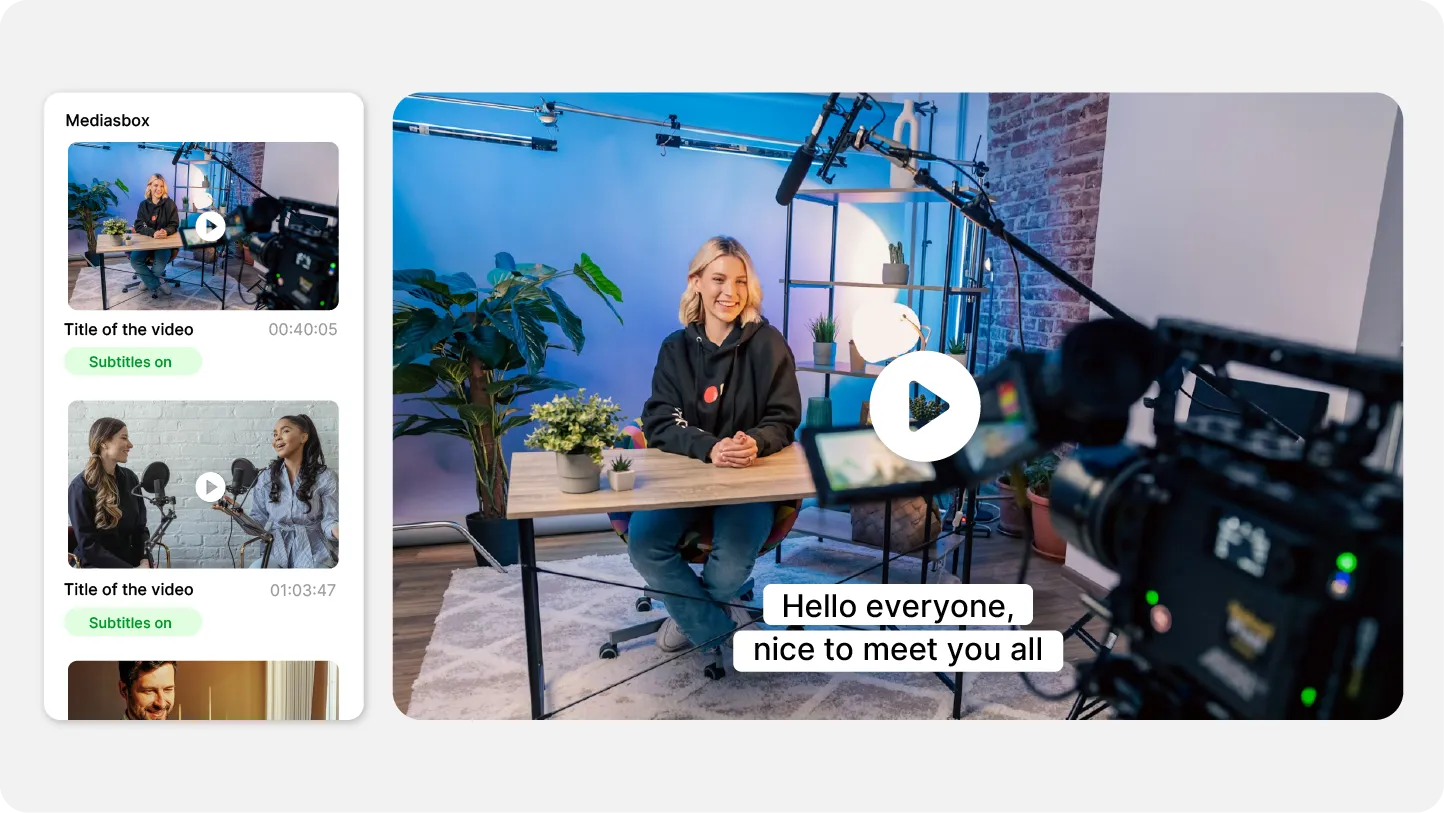
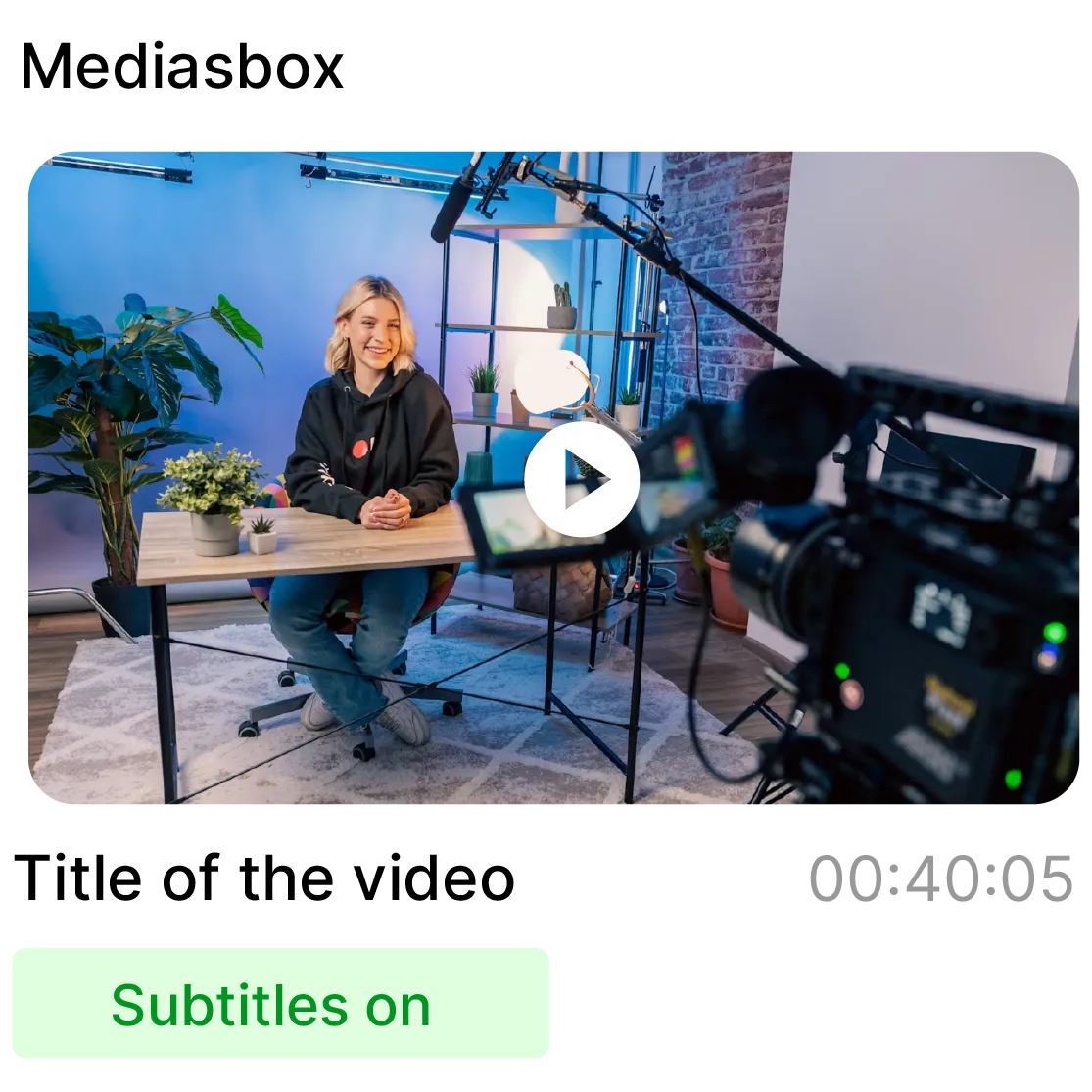
Videas Mediasbox interface displaying a video with subtitles enabled

Subtitles + hosting in a single tool

HappyScribe generates your subtitles, but then you have to export and upload them to another host. Videas does both in the same interface: AI subtitling at €0.10/min and video hosting, with a single account, a single invoice, and a player where subtitles appear automatically as soon as generation finishes.
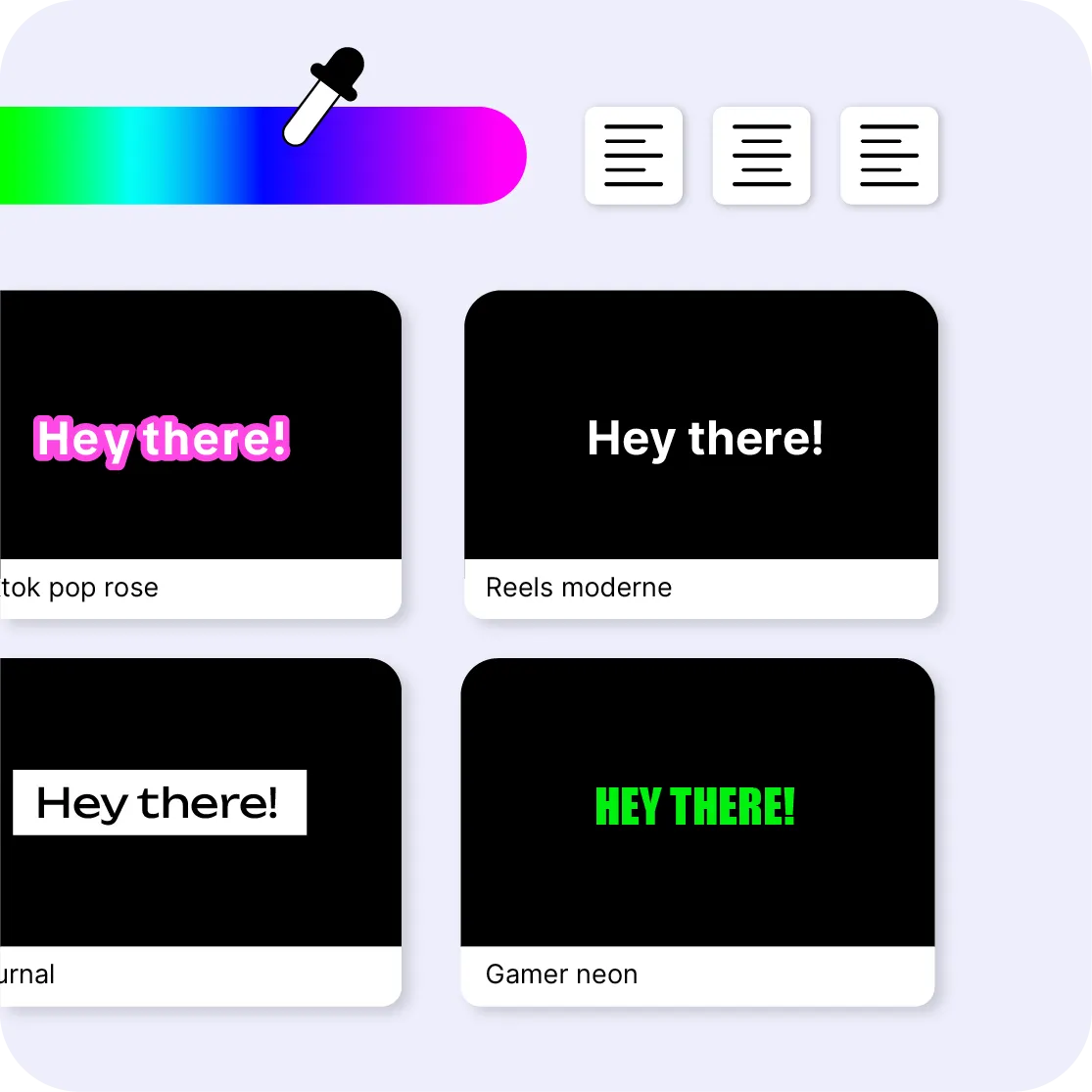

Subtitle customization panel in the Videas interface

Customize and export for all your channels

Edit your subtitles from any device: desktop, tablet, or mobile, with nothing to install. Customize the style (font, colors, size, position) for a result consistent with your visual identity, then export as SRT, VTT, or burned-in video, ready for your social media, your website, or your intranet.

Video example with automatic subtitles in the Videas player

Your subtitles appear automatically

No need to export an SRT file and import it elsewhere: as soon as generation finishes, your subtitles are directly available in the Videas player. Your viewers turn them on in one click, in the language of their choice, with no extra work on your side.

Multiple flags representing available languages for automatic subtitle translation on Videas

Automatic transcription and translation

Generate subtitles in the original language, then translate them automatically into 100+ languages to reach an international audience. Correct them line by line in the built-in editor, the glossary remembers your proper nouns and acronyms, and a batch export retrieves every file in a library at once.

Videas vs HappyScribe, feature by feature

Feature
videas.Try it
HappyScribe
AI subtitlingAI subtitling0.10€/min0.20€/min
Human transcriptionHuman transcriptionNo2€/min
Video hostingVideo hostingYesNo
Built-in playerBuilt-in playerYesNo
Subtitles in the playerSubtitles in the playerAutomaticExport required
Automatic translationAutomatic translationYesYes
100+ languages100+ languagesYesYes
Video analyticsVideo analyticsYesNo
Video channelsVideo channelsYesNo
Live streamingLive streamingYesNo
No subscriptionNo subscriptionYesNo
Hosting in FranceHosting in FranceYesNo
French-language supportFrench-language supportYesYes

Frequently asked questions

Do HappyScribe and Videas do the same thing?

No. HappyScribe is a transcription and subtitling tool only. Videas is a complete video platform (hosting, player, analytics, channels) with AI subtitling directly integrated.

Can I try it without creating an account?

Yes, enough to judge the result: the online subtitling tool takes a file of up to 2 GB and ten minutes, and that limit is shown before upload, not discovered at export. You proofread the subtitles in the editor with no sign-up. The free account is what lets you take the work away (export, publishing to the player), and it is also what unlocks translation. Whatever you have already done is attached to the account when you register.

How much does subtitling cost, and how is a video in several languages billed?

€0.10 per minute of video, per language generated: ten minutes subtitled in three languages costs €3. Billing is based on the length of the media, not on how much speech is actually detected, so you know the price before you start, and it doesn't change with your volume or your history. No subscription and no minimum; purchased credits do not expire. The editor, the exports and publishing to the player cost nothing extra.

Are Videas subtitles as accurate as HappyScribe's?

Videas uses state-of-the-art AI models for transcription. Accuracy is comparable, with the advantage of direct integration into the video player.

Can I correct the generated subtitles?

Yes, line by line: the text, the start, the end. You merge two cues that are too short, split one that is too long, and a global replace fixes a misheard word everywhere at once. The glossary learns your proper nouns, brands and acronyms, and Scribe applies them from the next generation onwards.

Does the editor handle long videos?

Yes. Once your account is created, the video is no longer capped at ten minutes, and your edits stay saved no matter how long the file is.

Does Videas offer human transcription?

No. Videas only does automatic transcription: on a noisy recording, a strong accent or specialist vocabulary, the AI gets things wrong, and proofreading is on you: count a few minutes per video, not zero. The glossary reduces recurring errors, it does not remove them.

Where is the data hosted?

Your videos and audio files are hosted in France, and transcription runs there, on Videas' own infrastructure. Only translation sends the transcribed text to a provider based in the United States, under GDPR safeguards and with no model training: it is optional, and a European provider is available on request.

Can I process a whole library in one go?

Yes. You queue several files and the AI works through them while you do something else, then a batch export retrieves all the subtitle files at once. Exports come out as SRT and VTT for subtitles, TXT and DOCX for the full transcript.

Can subtitles be translated automatically?

Yes. Once the transcription is generated, subtitles can be automatically translated into over 100 languages in just a few clicks.