










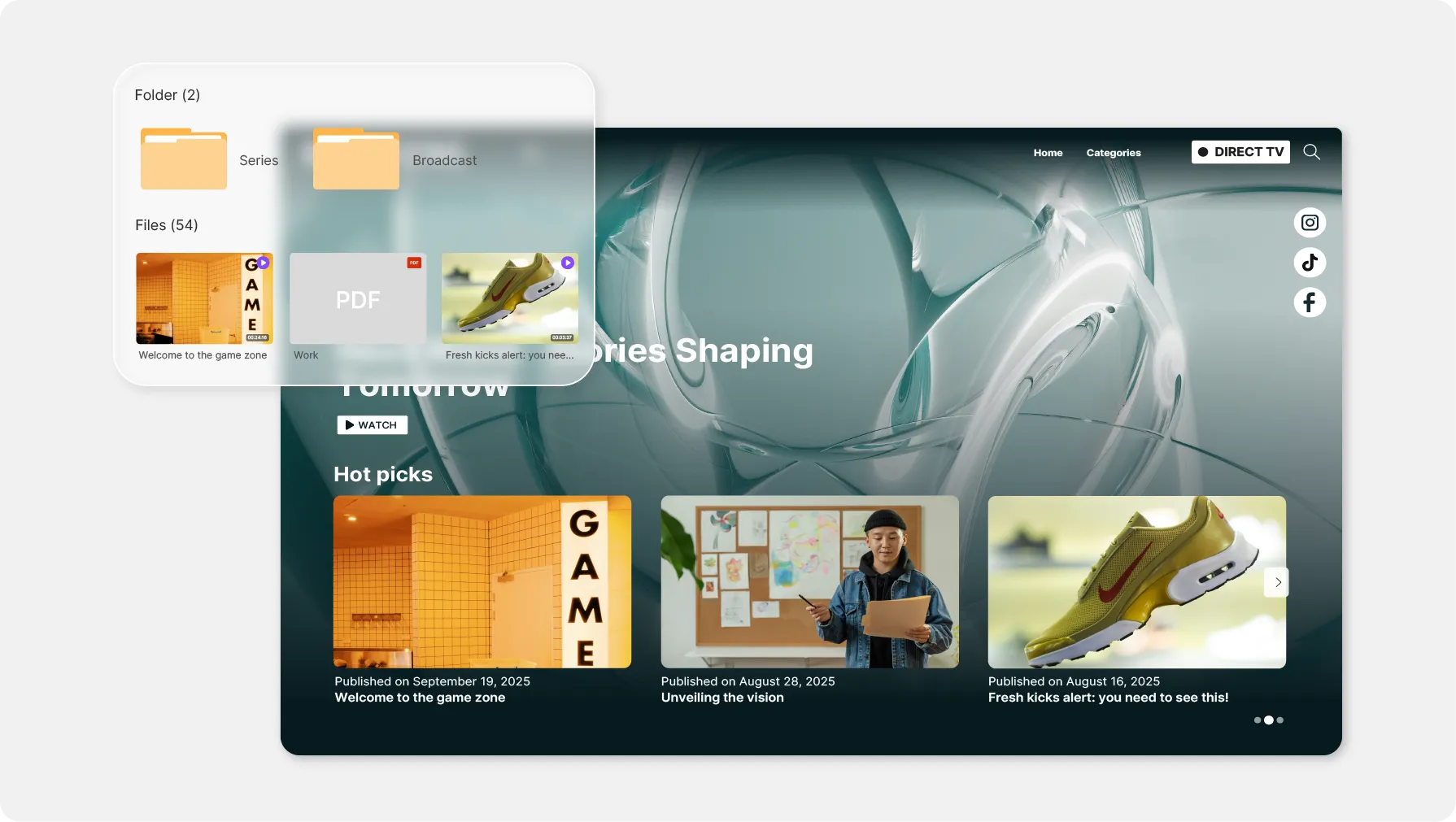
Private video sharing

Private videos that stay protected, not just hidden

A link search engines never index, a password, an end date: only the people you choose get to watch.

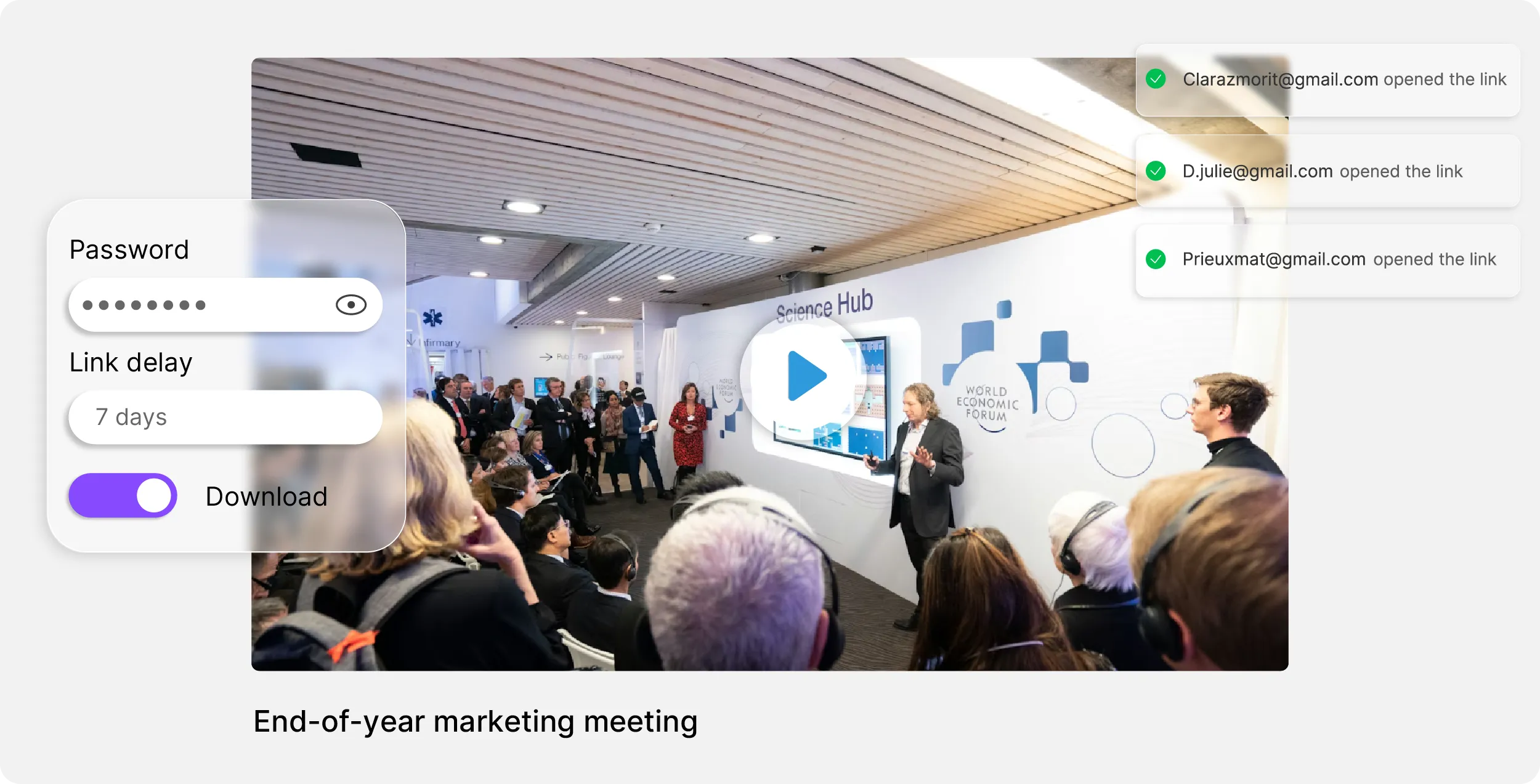
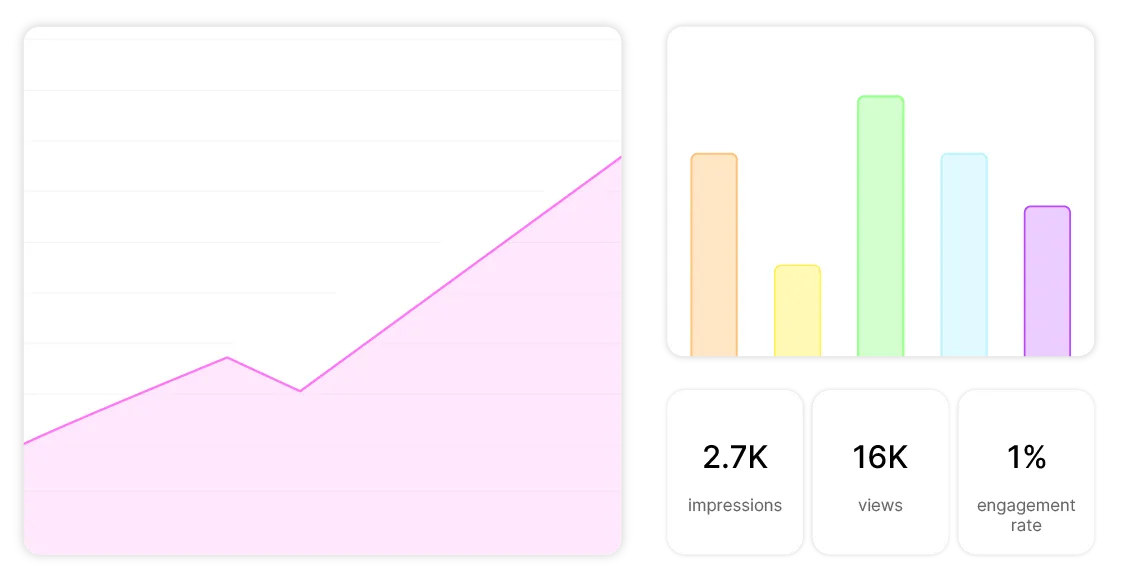
Settings of a video share link: password, validity period and per-recipient open tracking
ONISEP
AFNOR
Ville de Roubaix
Safran
France-Soir
Crédit Agricole
France Travail
Magnard-Vuibert
Sodiaal
Yoplait
Call

A video for a few people, not for the internet

A cut the client has to sign off, a board meeting replay, an internal training before launch: these videos have an audience of three people, not three million. On a consumer platform, “unlisted” means hidden, not protected. In Videas, you decide who opens the video, until when, and how many times.

What leaks out of a video you thought was private.

  • A link that ends up in Google?

    A Videas share page is linked from no public navigation, and search engines do not index it. Only the people you send the link to can find it.

  • A forgotten link that still works a year later?

    Every Videas link expires after seven days by default. Bring the date closer, or set a number of opens after which the link switches itself off.

  • An address forwarded to anyone?

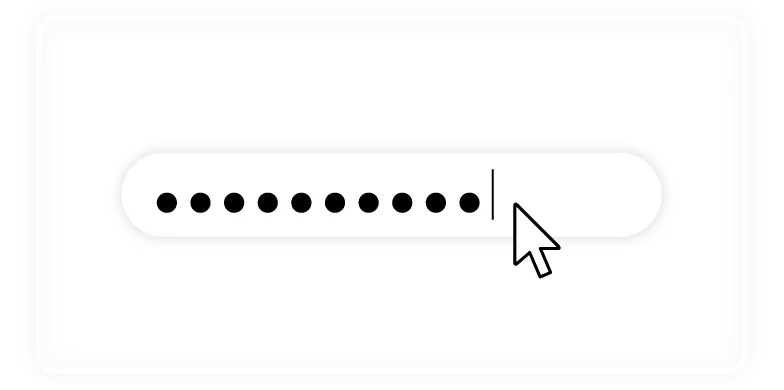
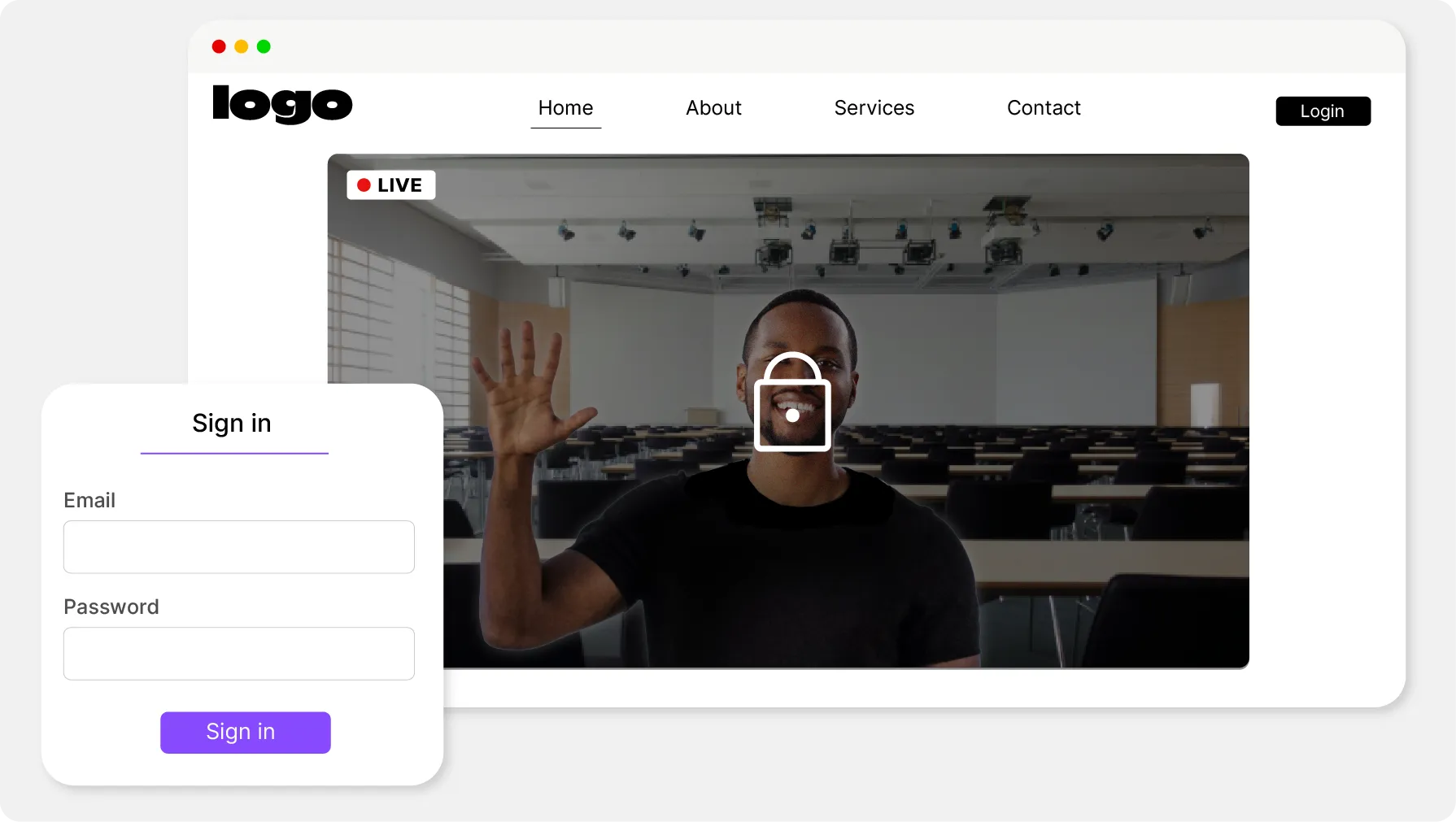
    Add a password, sent through a different channel than the link. Without it, the address shows an input field, never the video.

  • No idea who watched?

    Send the link by email from Videas: each recipient gets their own, you see who opened it, and you revoke one without touching the others.

What a Videas share link locks down

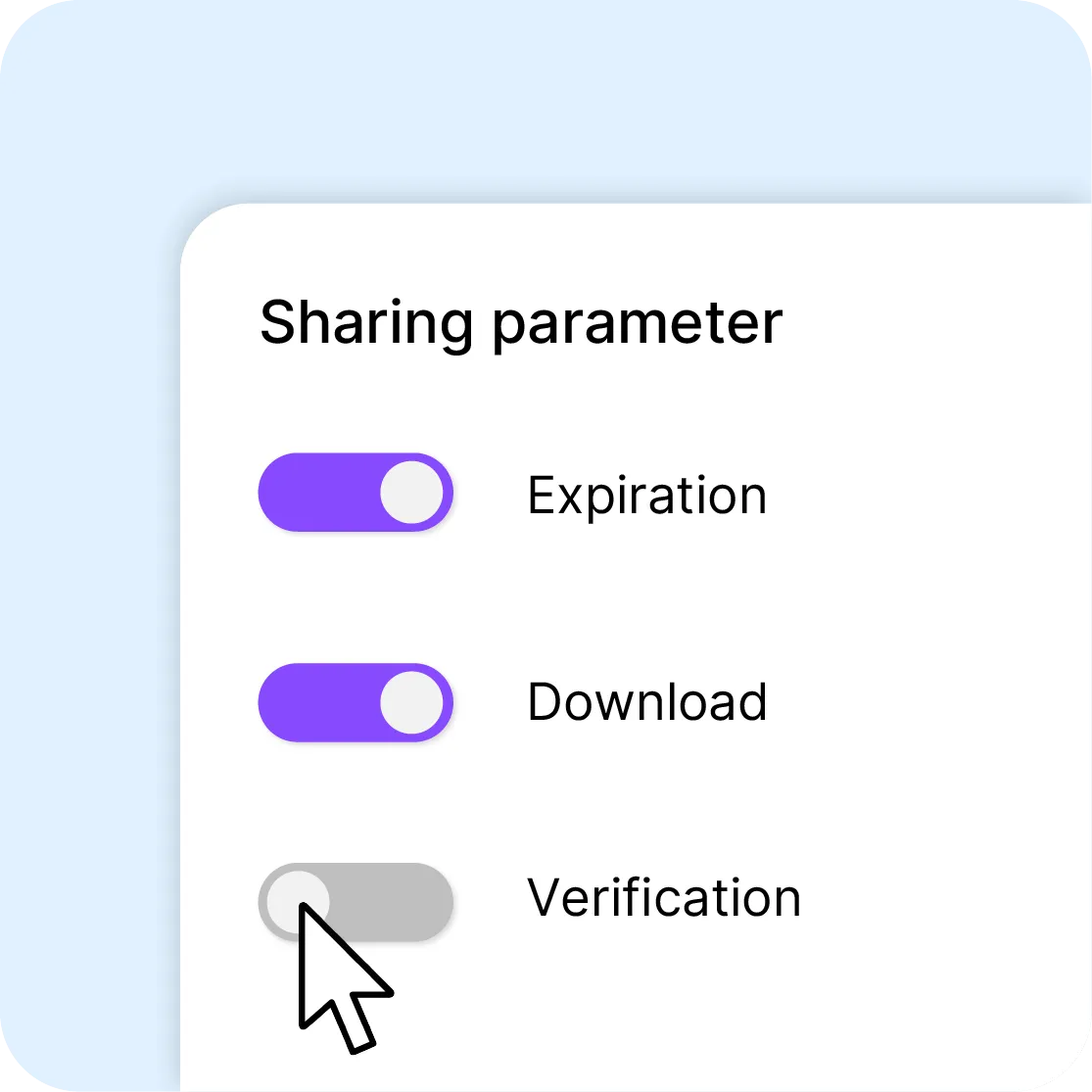
Expiry and download toggles in a share's settings

Password, expiry, counted opens

In the Share window, three toggles protect the link: a password to enter before the player, a date after which it stops answering, a number of opens after which it switches off. Downloading the original file stays off until you allow it.

A video share page with no title or description shown

Nothing on the page that gives the context away

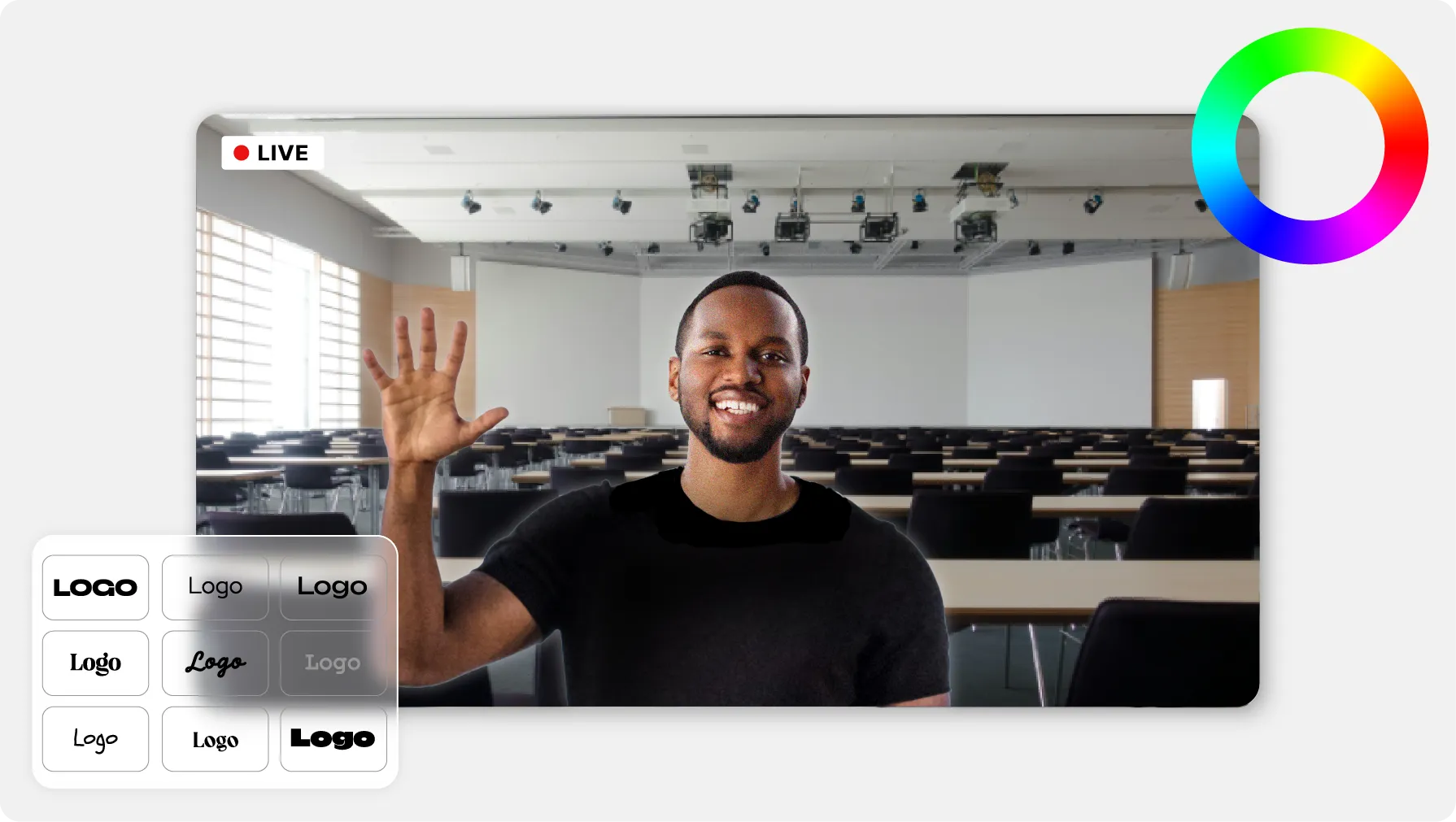
Hide the title, the description and the duration: the recipient sees the video, not your internal file name. The share page header carries your workspace's logo.

Several videos grouped behind a single share link

One video, a folder or a collection

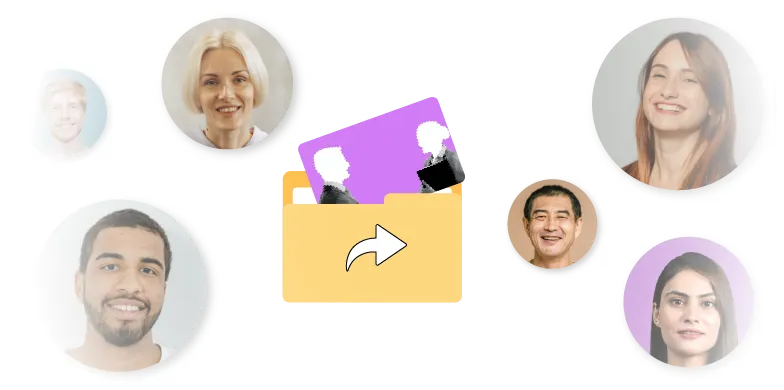
Select several files before clicking Share: they fit in a single link, with the same protections. A collection opens as a playlist; an attached PDF or audio file opens in the browser, next to the video.

Open and playback statistics for a share link

Know who opened it, and cut access

Every link has its own statistics: opens, plays, unique visitors, completion rate. Sent by email, it is tracked recipient by recipient. One toggle switches it off on the spot; deleting it revokes access for everyone who holds it.

What the person who gets the link sees

The recipient opens the link in their browser, types the password if there is one, and watches. Nothing to install, nothing to sign up for, and no multi-gigabyte file to download.

No account
Playback
No advertising
Access cut off

Three organizations already sharing privately

  • 4school brands, reviewed by outside authors with no account

    Reviewing a clip before it goes into the textbook

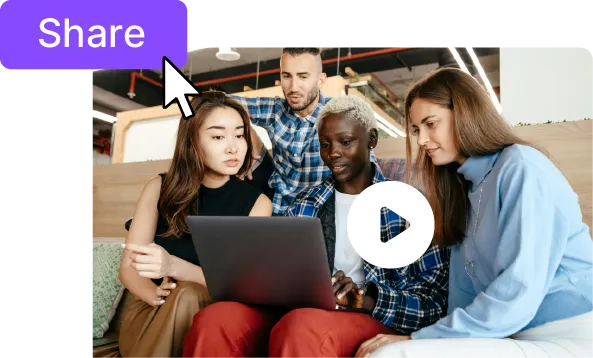
    At Magnard-Vuibert, clips bound for textbooks are reviewed by authors and reviewers who are not on the payroll. A share link opens the video for them with no account and no download, and the file never leaves its brand's space.
    Read the Magnard-Vuibert case study

  • 26regional video libraries, and videos approved from outside

    Getting sign-off without sending a file

    At France Travail, an outside contributor gets an address and watches the video in their browser, with no multi-gigabyte download and nothing to install. The link stays valid for as long as the review takes, not for a few days.

    Read the France Travail case study

  • 10,000+employees, signed in with the credentials they already use

    Internal videos reserved for authorized audiences

    Crédit Agricole runs its internal web TV for tens of thousands of employees. Financial results and strategic directions open only to authorized audiences, by subsidiary or by level in the hierarchy.

    Read the Crédit Agricole case study

What Videas does not do

Videas controls who opens the video, not what they do with it afterwards: no DRM, no screen-recording block, and anyone holding the link and its password can pass them on. Watermarking is not delivered as standard — if your videos need one, talk to us.

How much does a privately shared video cost?

  • €0.20

    per hour of video stored, each month

  • €0.02

    per gigabyte streamed, the first terabyte free

  • €0

    per share link, as many as you like

There is no subscription: you draw on a wallet of prepaid credits, topped up when you decide. Ten hours of stored video come to €2 a month. A one-hour replay watched by thirty people stays far below the terabyte of streaming offered every month. Creating a link costs nothing: what gets watched is what counts.

See the full pricing

What our customers say about us

Frequently asked questions

Can a private Videas video show up in Google?

No. The page a share link opens is linked from no public navigation, and search engines do not index it. Only the people you send the link to can find it. Add a password, and even someone who gets hold of the address sees an input field, not the video.

What is the difference between a private and an unlisted video?

An unlisted video is hidden: anyone who gets the link can watch it, with no limit in time or number. A Videas link comes with protection: password, expiry date, number of opens, switch-off at any time. The video is not merely missing from the listings, it plays only on the terms you set.

Does the recipient need to create an account?

No. They open the link in their browser, type the password if you set one, and watch the video. They install nothing and download no file. That is what lets you send a video to a client, a jury or an outside author without asking anything else of them.

How long does a share link stay valid?

Seven days by default: expiry is switched on for every new link. You pick another date, from the next day onwards, or you turn it off for a permanent link. An administrator can also change this default duration for the whole organization, anywhere from one day to ten years.

Can I limit how many times a video is opened?

Yes. Switch on the open limit and set a number: once that total is reached, the link turns itself off. For a video sent to a single person, three to five opens are enough. The counter tracks opens, not people: a recipient who reloads the page three times uses up three.

How do I know who watched the video?

Send the link from the Send by email tab, to up to twenty recipients: each one gets their own link, and you follow opens and clicks person by person. A copied-and-pasted link gives you opens, plays and the completion rate, but never the name of whoever watched.

How do I cut access to a video I have already sent?

Reopen Share on the video and switch off the Active toggle: the link stops working at once, and you can turn it back on later. To cut it for good, delete it from the My share links page. Regenerating a link revokes nothing: it creates a second address and leaves the old one open.

Can I send a cut to a client for review?

Yes: a private link with downloads off, valid for seven to fourteen days, is enough for a work-in-progress version, and sending it by email tells you when the client opened it. Videas does not collect comments pinned to a timecode: notes come back through your usual channel. The full workflow is on the Deliver to your clients page.

Can the recipient download the video?

Not until you allow it: downloading is off by default, and the recipient watches the video as a stream. Once the option is on, they get the original file. The link protects access, not use: a determined recipient can always film their screen, which no share link prevents.

Where are private videos hosted?

In France, within the European Union. Your private videos feed no recommendation algorithm, are tied to no advertising and no third-party tracker, and are never used to train a model. You delete them whenever you decide, from your own workspace, without going through us.