










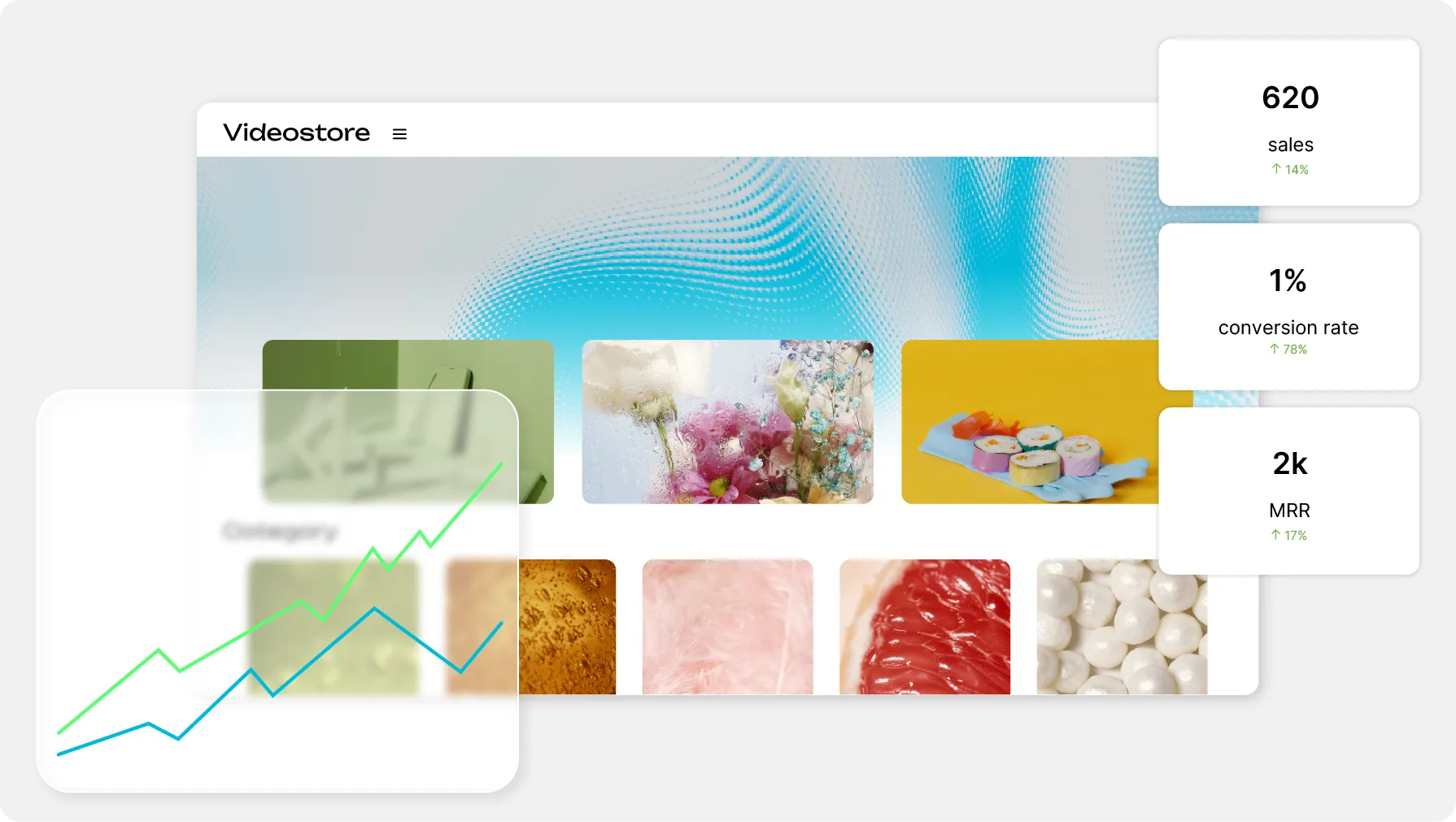
Video Delivery & Monetization

Your videos can be sold, one at a time or by subscription

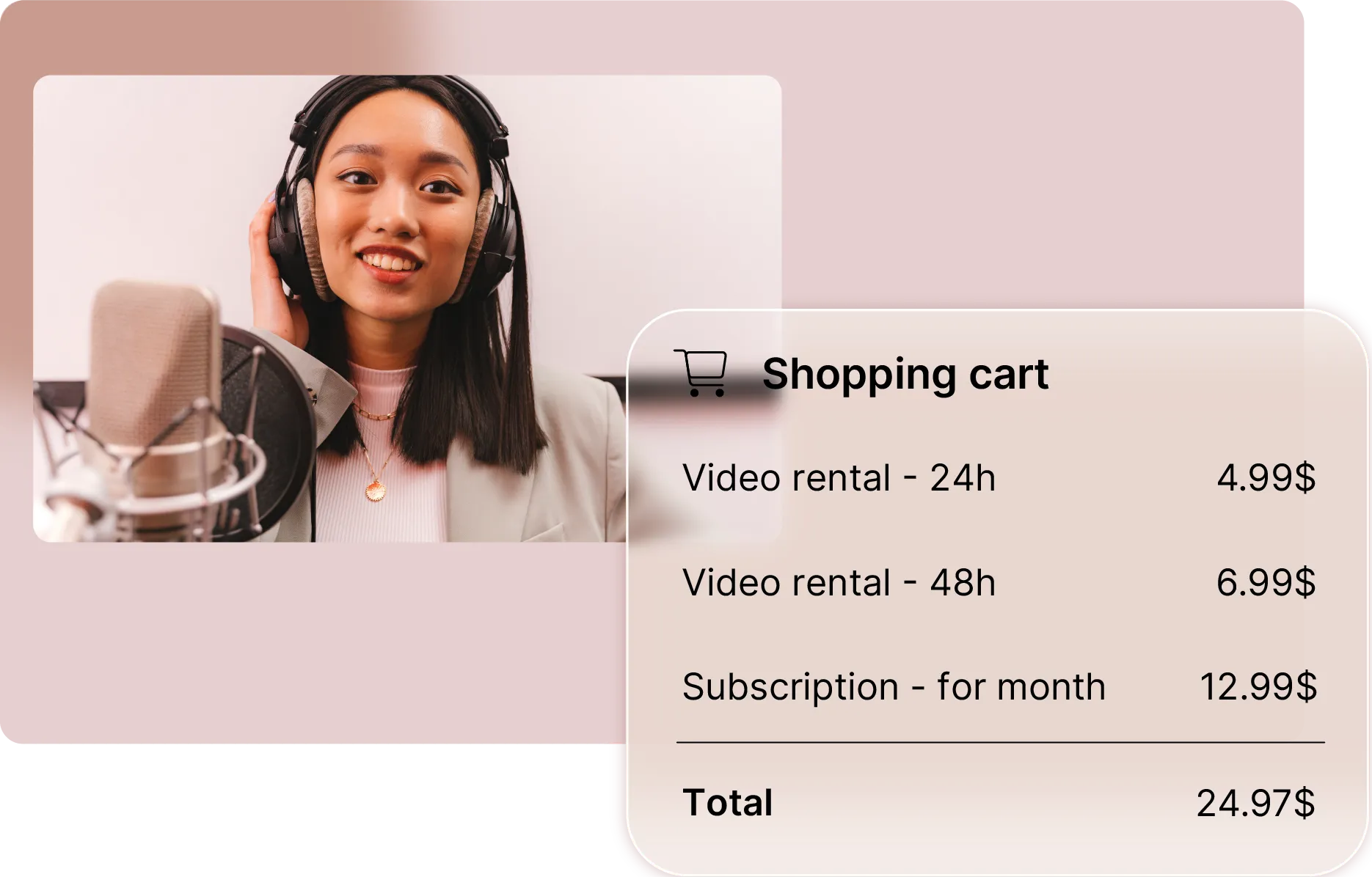
Subscription, one-off purchase or rental: you set the prices, the buyer pays on your own domain, and Stripe pays the money out to you.

ONISEP
AFNOR
Ville de Roubaix
Safran
France-Soir
Crédit Agricole
France Travail
Magnard-Vuibert
Sodiaal
Yoplait
Call

Putting a price on what you have already filmed

The catalog is filmed, the channel is online: all that is left is how to charge for it. One at a time when a video stands alone, by rental when it is watched once, in packs when it takes several, by subscription when the catalog grows. Videas carries all four, collects through Stripe and pays you out.

What gets in the way when you put a price on a video.

  • Unsure which model to pick?

    Purchase, rental, pack and subscription coexist on one channel, and a single video can carry several of them at once.

  • Afraid of losing buyers at checkout?

    Cart, billing details and card entry all stay on your own domain: there is no redirect in the middle of a payment.

  • No idea when you actually get paid?

    The money lands on your own Stripe account, which then pays it out to your bank account on the schedule you set there.

  • Is VAT and invoicing what stops you?

    Videas works out the tax from the buyer's country, handles EU reverse charge and issues the receipts for you.

Put it on sale, take the money, follow the figures

Monetization tab of a video, showing its purchase and rental prices

Pricing happens video by video

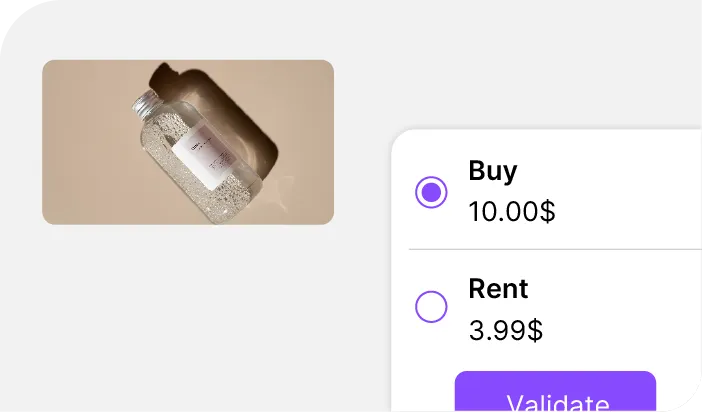
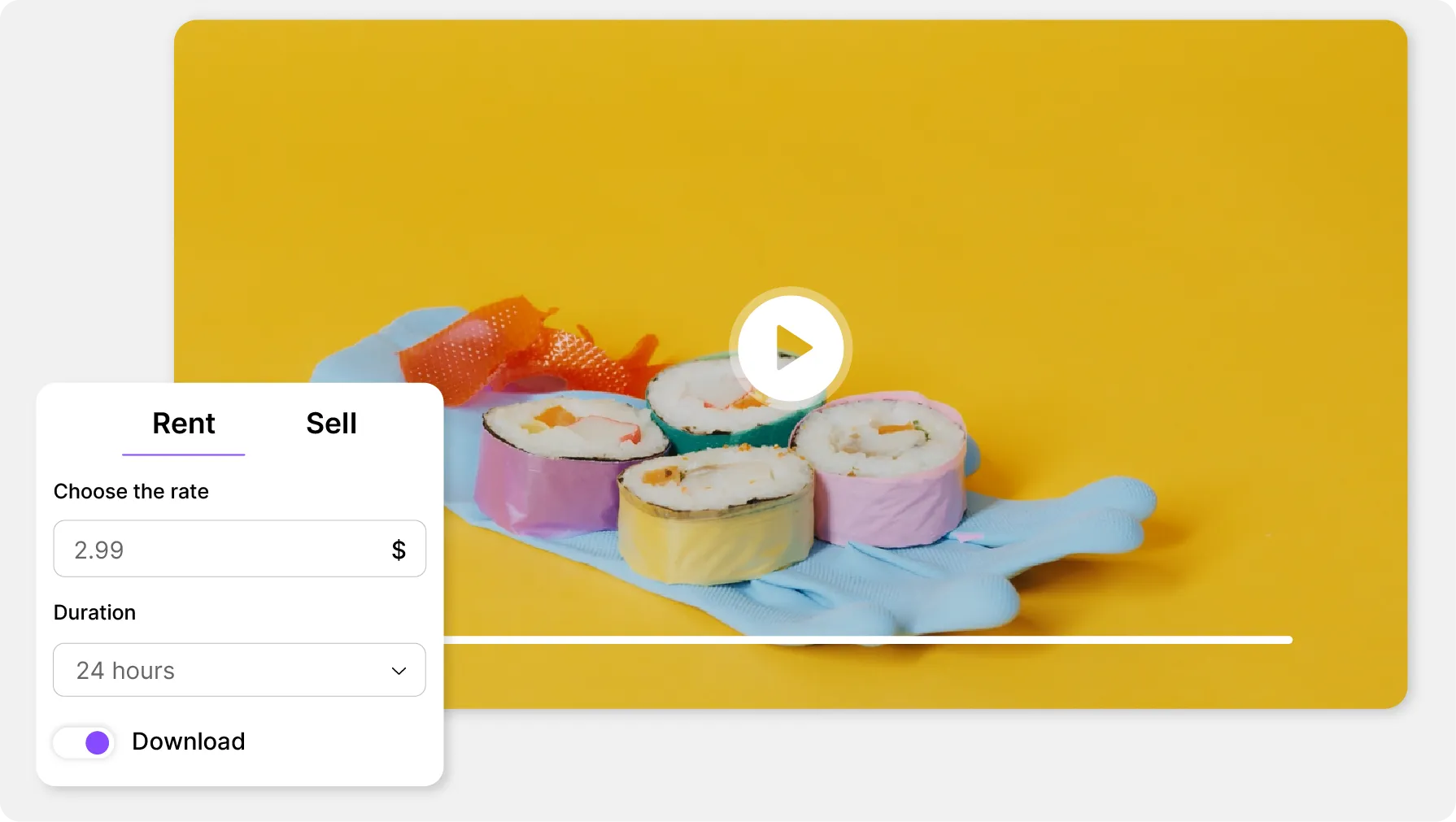
In Videas you switch a video to Paid and its Monetization tab appears: price, access period, download, trailer. One video can carry several prices, and the buyer picks the card that suits.

Monthly sales statement with the net revenue column

Your sales, your net, your paperwork

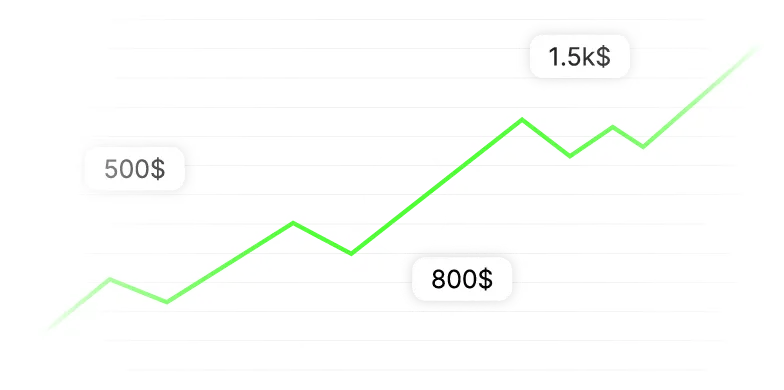
The Sales section holds the transactions, the monthly statement and the commission invoice. The Net column is the only place in Videas that tells you what actually comes back to you.

Secure payment step of the cart, on the seller's own domain

A purchase that never leaves your site

Cart, sign-in, billing and payment all run on your domain, card entry included. Videas stores no card number — that lives at Stripe — and access opens the moment the payment clears.

The four selling models available on a Videas channel

Four ways to charge, and no need to choose

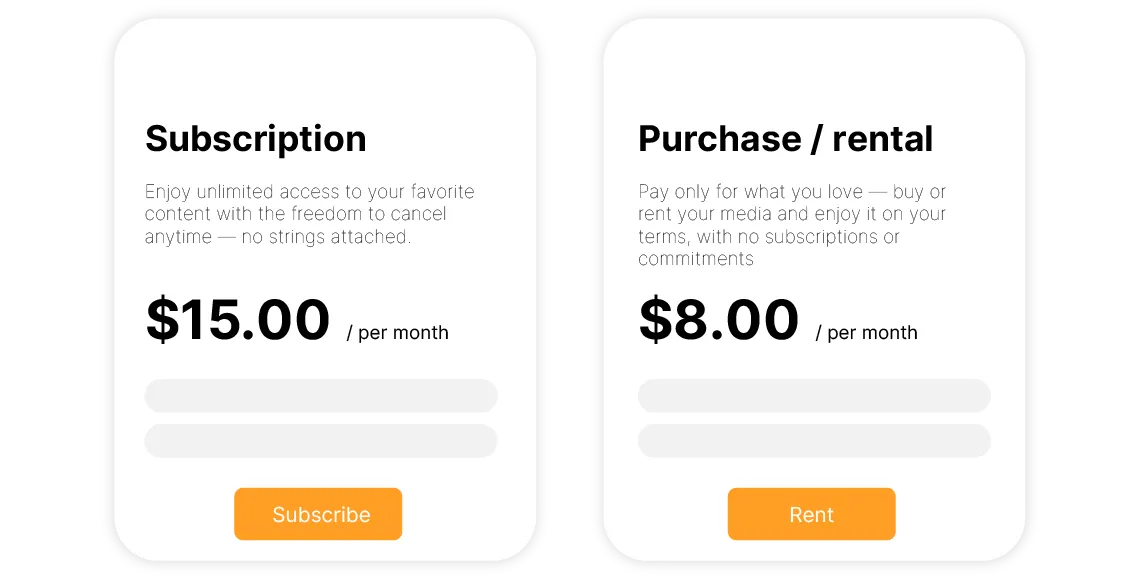
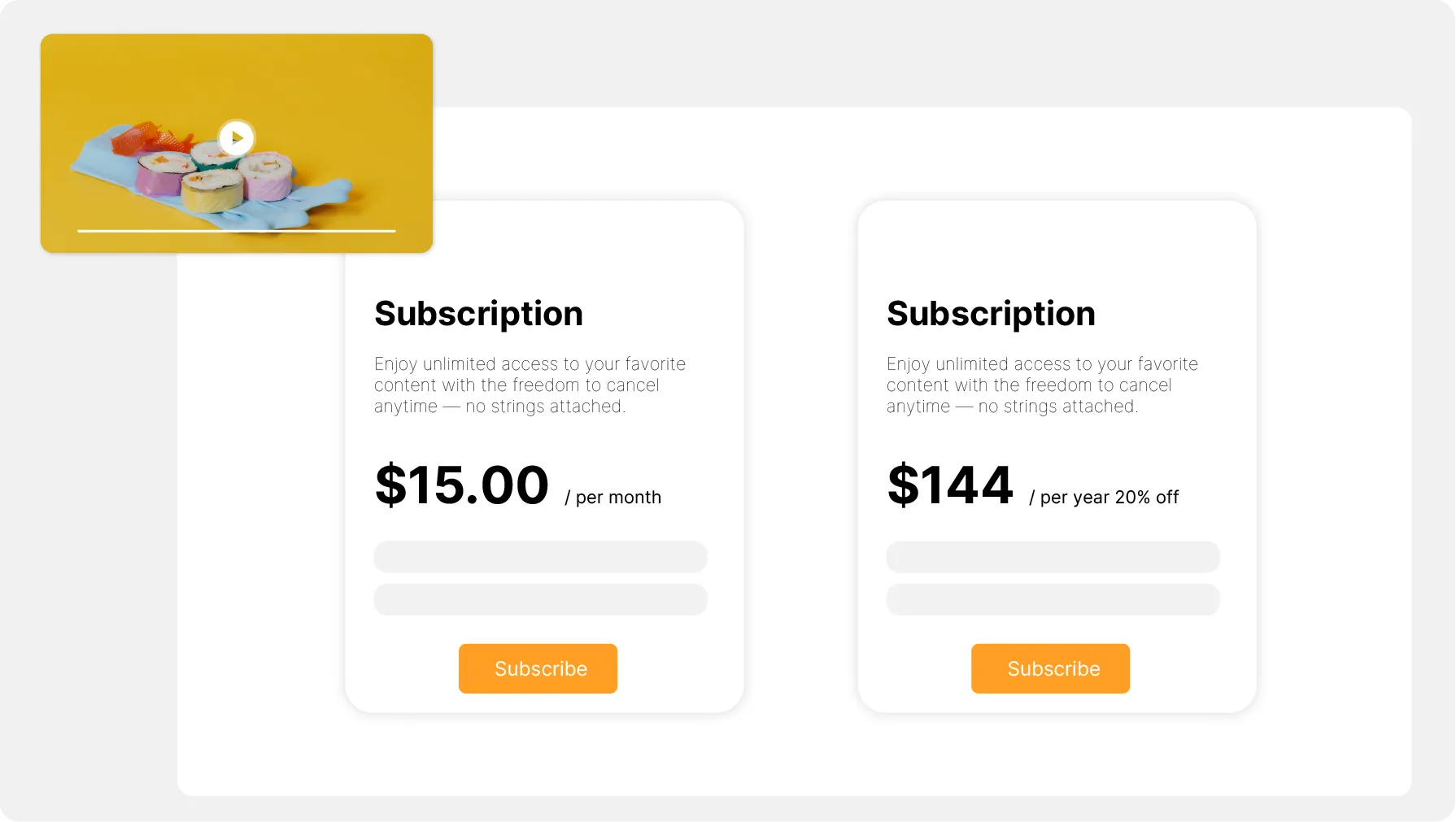
One at a time, as a time-limited rental, as a pack of several videos, or by subscription to the whole catalog, new releases included. The same video can be bought outright, rented for less and sit inside a plan.

From putting it on sale to getting paid

An activation request that Videas reviews within two working days, then a Stripe account in your company's name. Both the seller identity and the account serve every channel you run.

Opening sales on your channel
The cart and the payment
Promo codes and complimentary access
The statement and the transfer

Three paid catalogs, three different setups

  • Buy + rentboth models on one channel, with no duplicate catalog to keep

    The viewer chooses how to pay

    GussDX sells its investigations outright and rents them for a limited window from a channel of its own, with viewer accounts and a checkout carrying its brand.
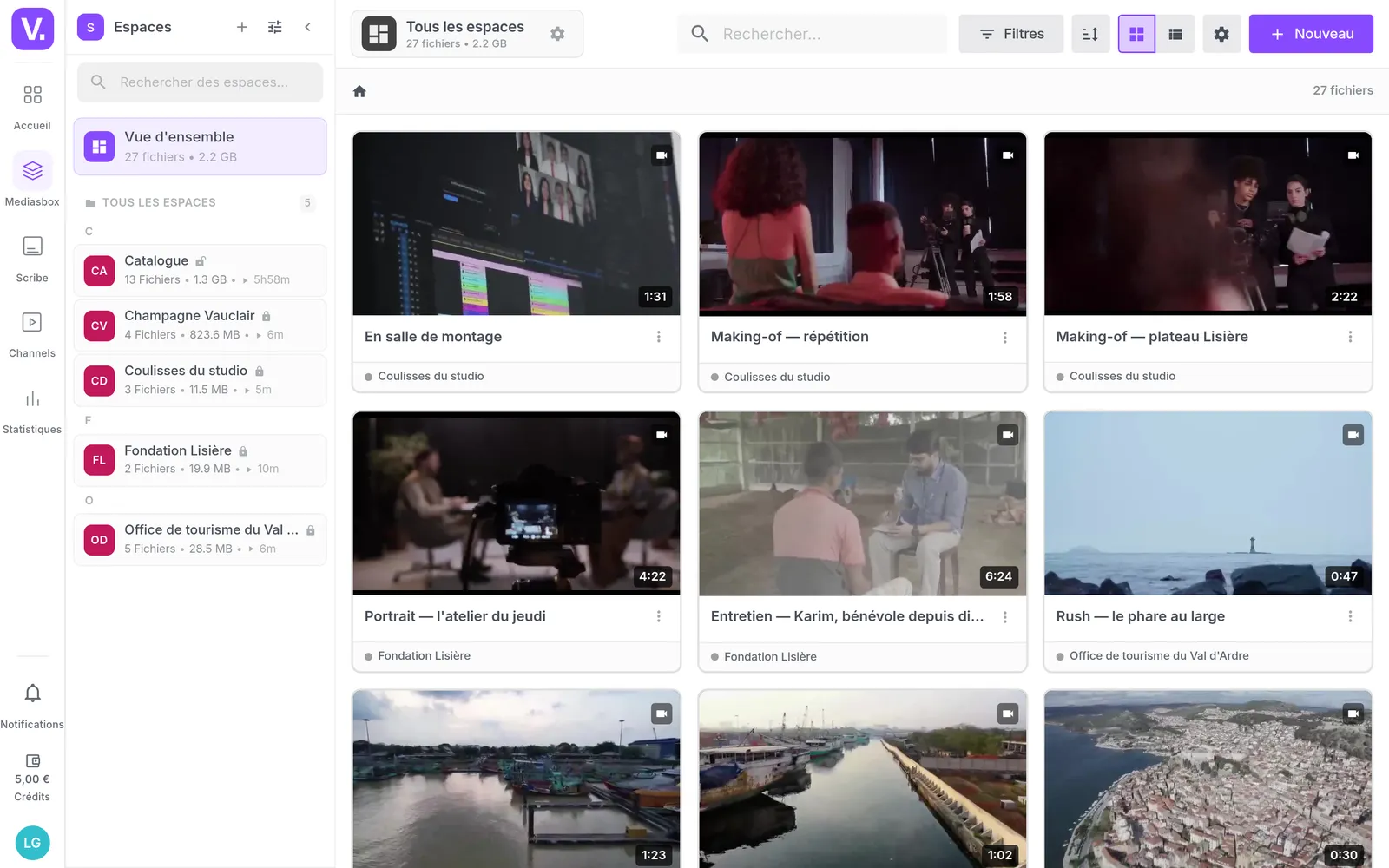
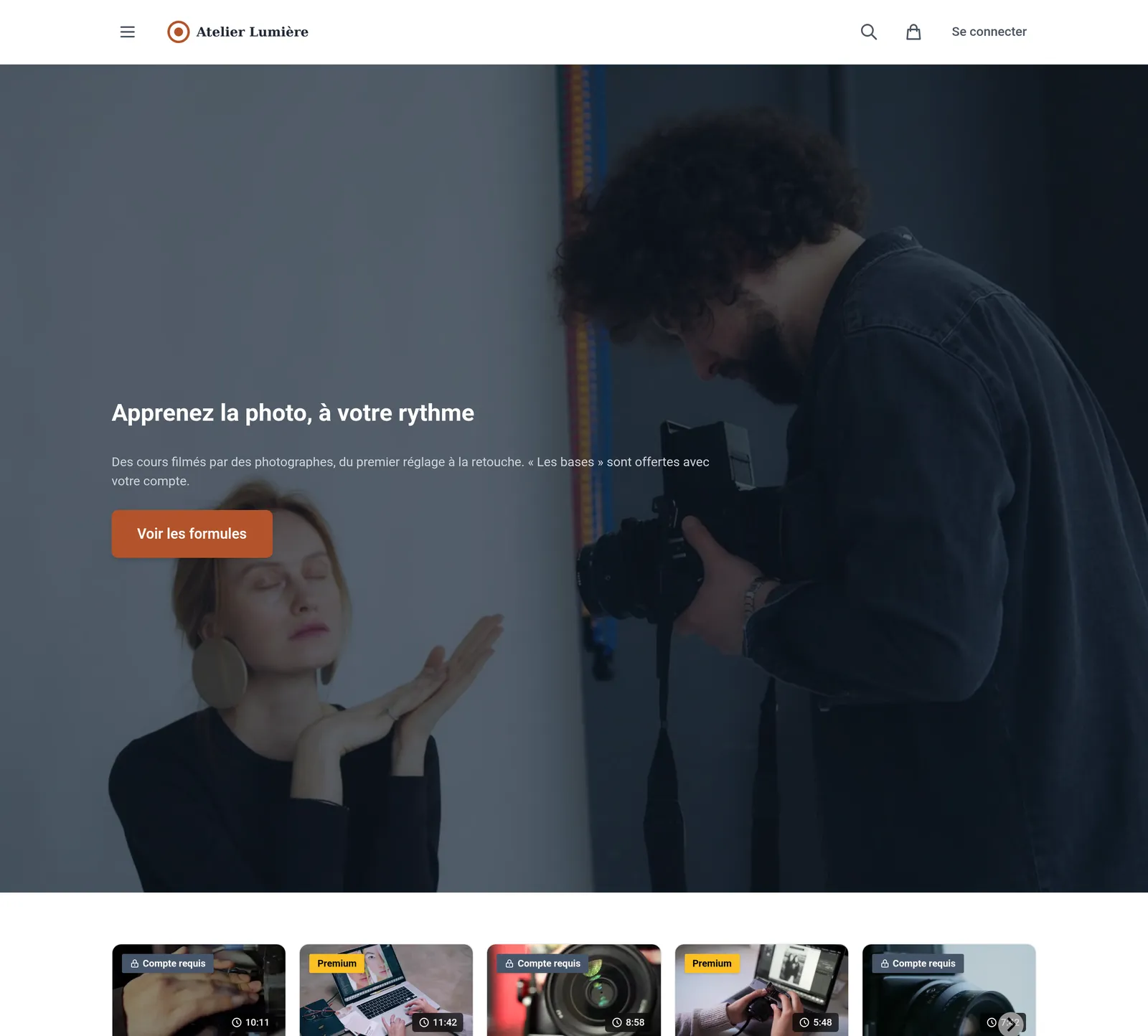
    Read the GussDX case study

  • 4,000 hof replays kept for subscribers, migrated off Vimeo

    A bill that does not climb with the audience

    BTLV sells access to its catalog by subscription, and left Vimeo the day the price followed its growth. Its shows are hosted with us and played inside its own website, with no advertising and no cookies.

    Read the BTLV case study

  • 0playback possible outside the domains you allow

    What you sell does not play anywhere else

    AFNOR Éditions sells interactive training courses on standards: the videos are restricted to its own domains, and the embed code pasted onto any other site plays nothing at all.

    Read the AFNOR case study

What Videas does not do

Videas does not create the demand: no sales funnel, no email sequence, no abandoned-cart reminder. You bring the buyers, Videas takes the payment. And the checkout is standardized: your levers are the prices and the plans, not the order of the steps.

What selling actually costs you

  • 15%

    commission on every sale, payment fees included

  • €10

    a month for the channel that carries your storefront

  • €0.20

    per hour of video stored, every month

There is no platform subscription: you pay for what you use, plus 15% of what you sell — Stripe's processing fees are inside that, with nothing added on top. A €12 subscription taken by fifty people makes €600 in the month: €90 of commission, €10 of channel and €40 for two hundred hours of catalog stored. That leaves you €460, and the first terabyte delivered each month is free.

See the full pricing

What our customers say about us

Frequently asked questions

Purchase, rental or subscription: which one fits?

Purchase suits a video people come back to, a talk or a reference tutorial. Rental suits what gets watched once: a webinar replay works well at forty-eight hours. Subscription suits a catalog that keeps growing, since every new release strengthens the offer instead of being one more sale to make.

How do I sell a pack of several videos?

Two routes in Videas. Publish a collection on your channel, switch it to Paid and give it a price: buying it unlocks every episode, and renting stays possible. Or build a pack plan, the only route that allows a free trial and lets the same video appear inside several different offers.

How much does Videas take on each sale?

15% of the amount, all inclusive: payment processing sits inside it, so no Stripe fee is added on top. There is no entry fee and no cost per subscriber. The commission is withheld as sales come in, with a monthly invoice as proof; on a refund, Videas returns it, less what Stripe keeps.

What has to happen before I can sell?

One activation request, from your channel settings: seller identity, activity, currency. Our team reviews it within two working days, then you open your Stripe account with an ID document, a registration certificate and an IBAN. Identity and account cover the whole organization; the currency is fixed at activation.

Can I sell as a private individual?

No. Collecting payments requires a registered entity: a company, an association or a registered sole trader. Stripe checks those details against official registers, and an incomplete identity gets the file refused. Your seller name is what appears on the invoices handed to your buyers, and it is what commits.

What does the buying journey look like?

Six steps, all on your domain: add to cart, sign in, billing, payment, confirmation, access. Purchases and rentals go through a multi-item cart, while a subscription goes straight to payment. Signing in is compulsory, there is no guest checkout, and access opens as soon as the payment clears.

How are VAT and invoicing handled?

You enter prices excluding tax, and VAT is added at payment according to the country and the type of buyer. An EU company outside your own country, holding a valid VAT number, gets the reverse charge. Videas works all of that out, issues your customer's receipt and invoices you its commission.

When do I get paid, and where do I see my net?

Transfers are driven by Stripe, usually daily with a two-day lag, and adjustable from its dashboard. A missing document suspends payouts without stopping sales. Your net appears in exactly one place, the monthly statement; every other amount shown across Videas is a gross sales figure.

Can I run promotions or give access away?

Yes, without asking us. A promo code discounts by a percentage or a fixed amount, with a cap, a quota and an end date; attached to a Pricing block, it applies by itself from your campaign page. A code at 100% gives the content away, and a subscription can be granted from someone's profile.

Can I sell from my own website?

Yes, provided your channel has a domain. The embed code carries the video's access rules: on your site a paid video shows its trailer or a card reading “From €X”, then sends the visitor back to the channel. Nothing unlocks inside the iframe, where the visitor stays anonymous.