












Events & Live Streaming

Your live goes out in seconds, and the replay stays online

You plug in the encoder you already use, Videas takes the stream and delivers it wherever you embedded it, replay included.

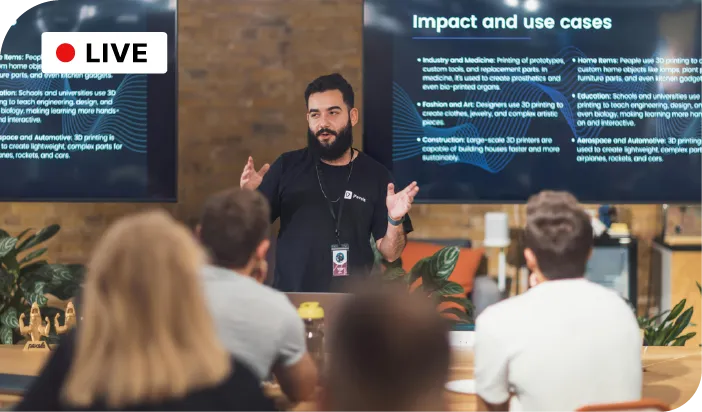
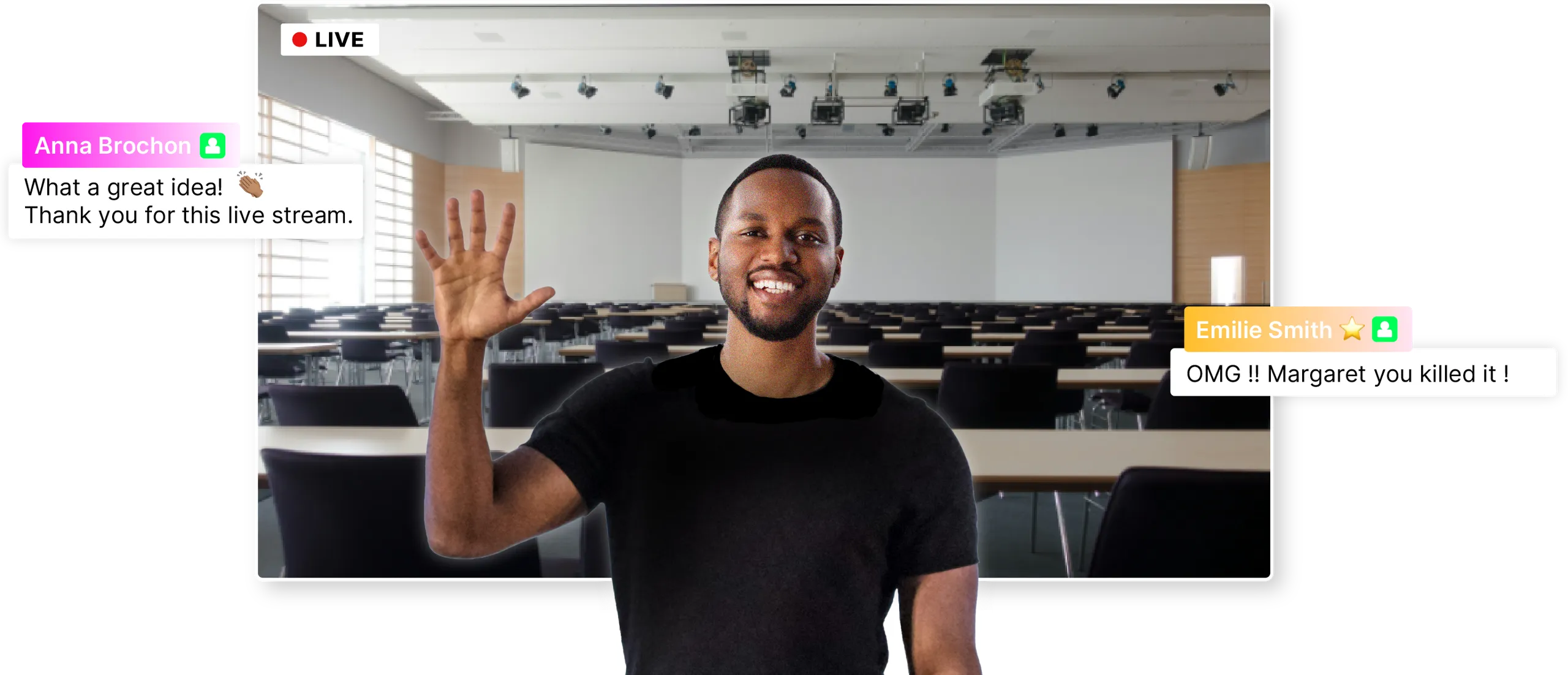
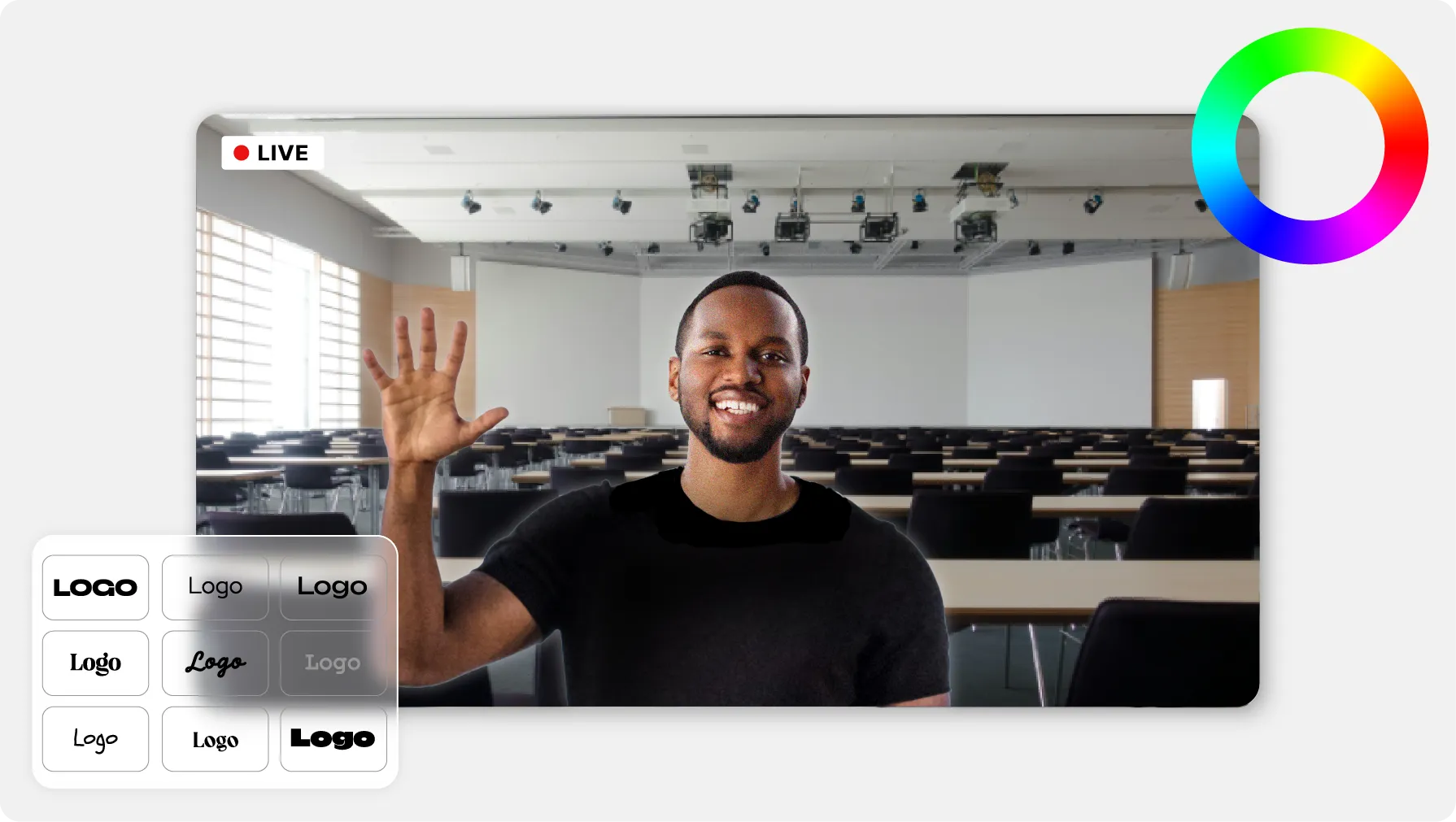
Smiling man live from a conference room, positive comments.
ONISEP
AFNOR
Ville de Roubaix
Safran
France-Soir
Crédit Agricole
France Travail
Magnard-Vuibert
Sodiaal
Yoplait
Call

A date, a time, and nothing to build first

The event has a date, a time, and one chance to go well. Videas takes the stream from your encoder and delivers it through its CDN, on the page you chose; the chat opens beside the player, the viewer counter runs, and the recording lands in your media library the moment you stop.

What can go wrong on the day of the live.

  • A server to set up before the event?

    Videas asks for no delivery server and no reserved bandwidth: you paste the stream key into your encoder and you start.

  • Afraid it drops at the worst moment?

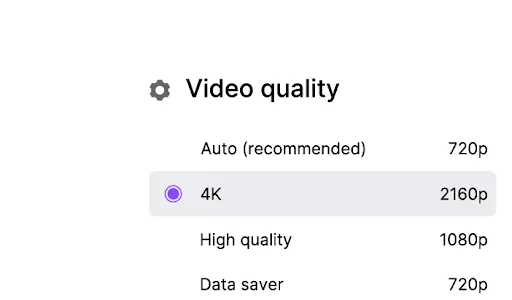
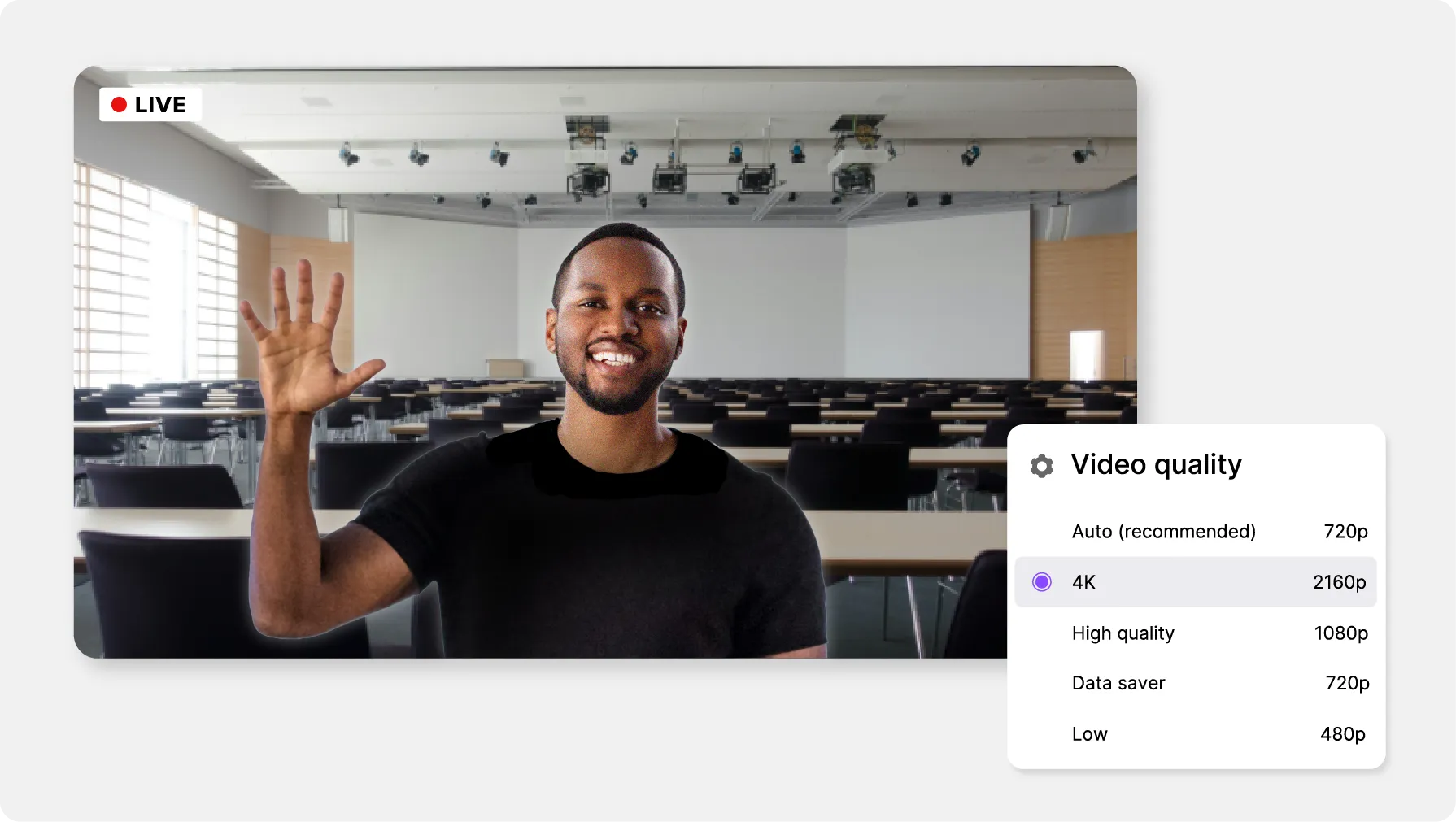
    Videas transcodes your stream into several qualities and delivers it through a CDN that absorbs the load with no setting to change.

  • An audience watching in silence?

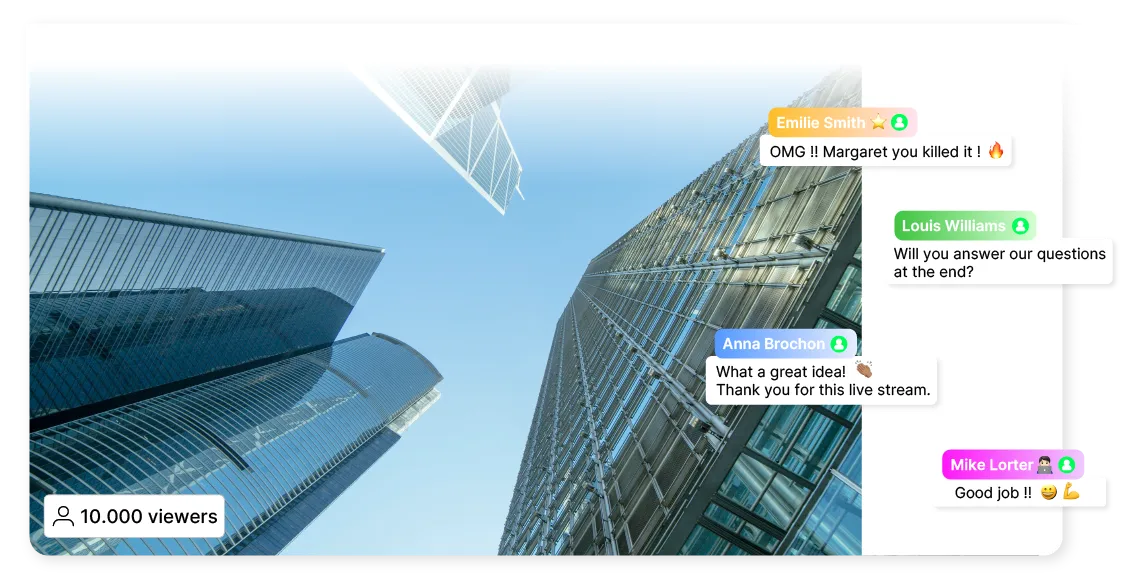
    The chat opens beside the player: your viewers ask their questions, and your moderators surface the ones that deserve an answer.

  • Nothing left once the live ends?

    The recording joins your Videas media library the moment you stop, ready to subtitle, to publish or to sell.

What Videas does while you are broadcasting

Stable and high quality video stream indicator

The stream goes out, the CDN takes the load

Videas receives your RTMP stream, transcodes it into several qualities and delivers it through a CDN. Ten viewers or ten thousand, playback starts the same way, and the bitrate follows each connection.

Multi-platform sharing pictogram

The live shows up wherever you put it

In Videas, you copy an embed code and drop the player into your website, your intranet, an event page or your own branded channel.

REPLAY word

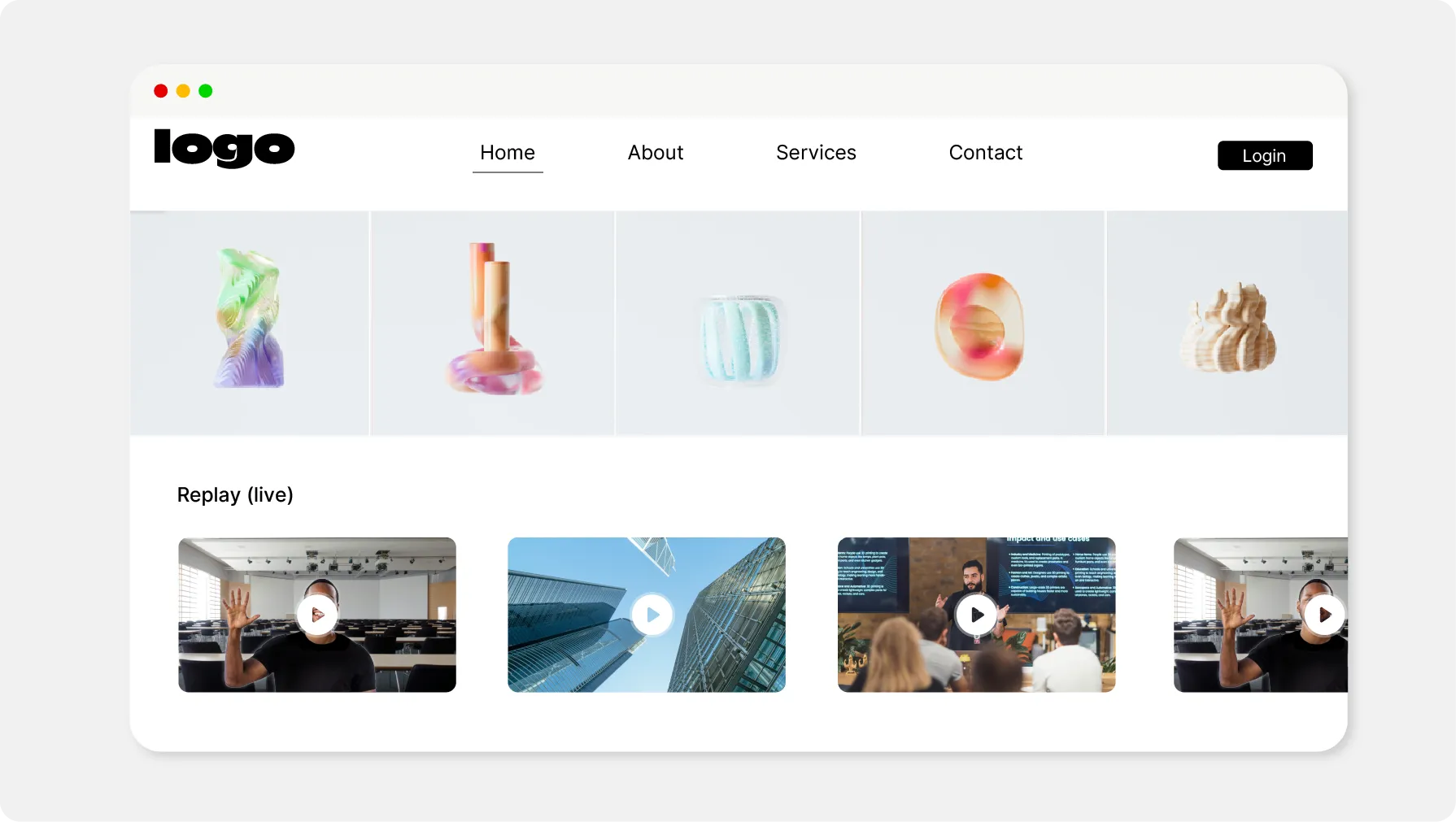
The replay is there when you stop

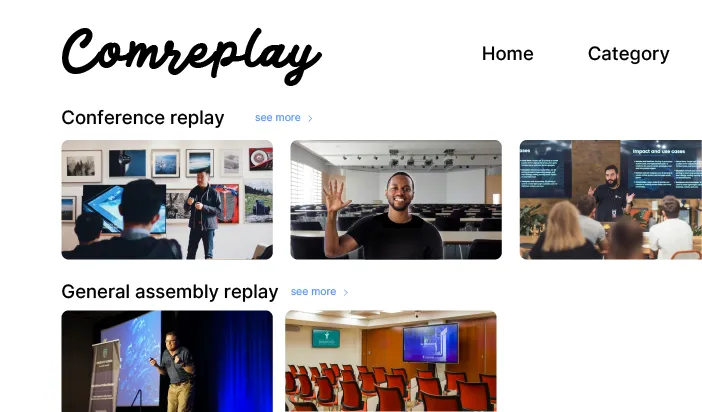
The recording joins your Mediasbox library the second the broadcast ends. Nothing to re-upload, nothing to convert, nothing to schedule again.

Colorful chart

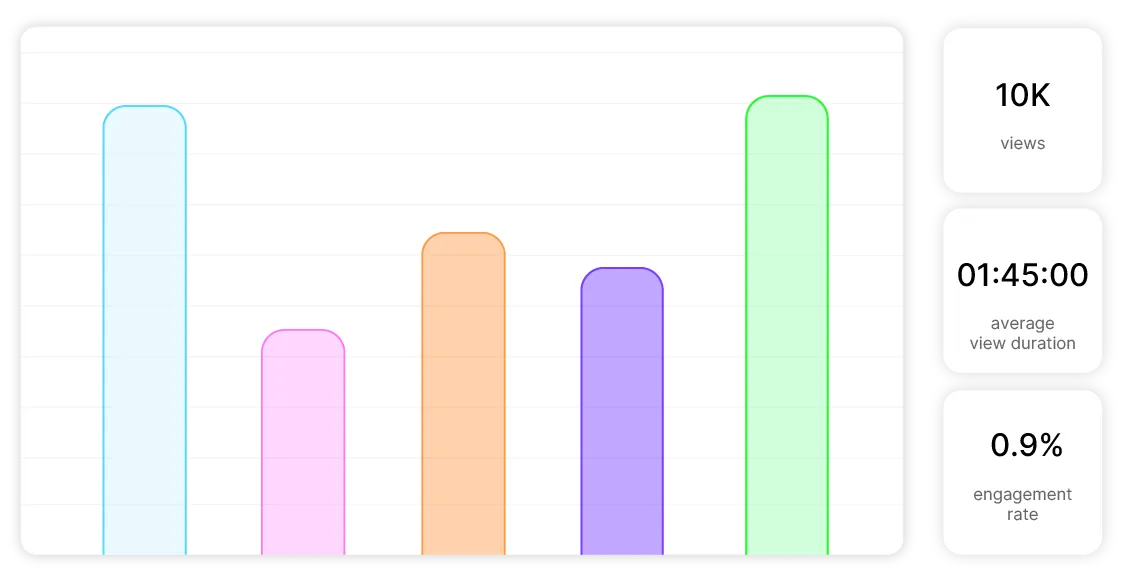
The counter during, the numbers after

You watch the number of people connected in real time, then Videas Analytics gives you the peak audience, the average watch time and the replay audience.

What you settle before you hit Start

Videas takes RTMP: OBS, vMix, Wirecast or the hardware encoder your production company brings. A server URL, a stream key, and you are on air.

The stream
The player
The access
The replay

Three customers already broadcasting on Videas

  • 20 TBof rushes, edits and stills gathered across the area

    A local channel that covers the events on its doorstep

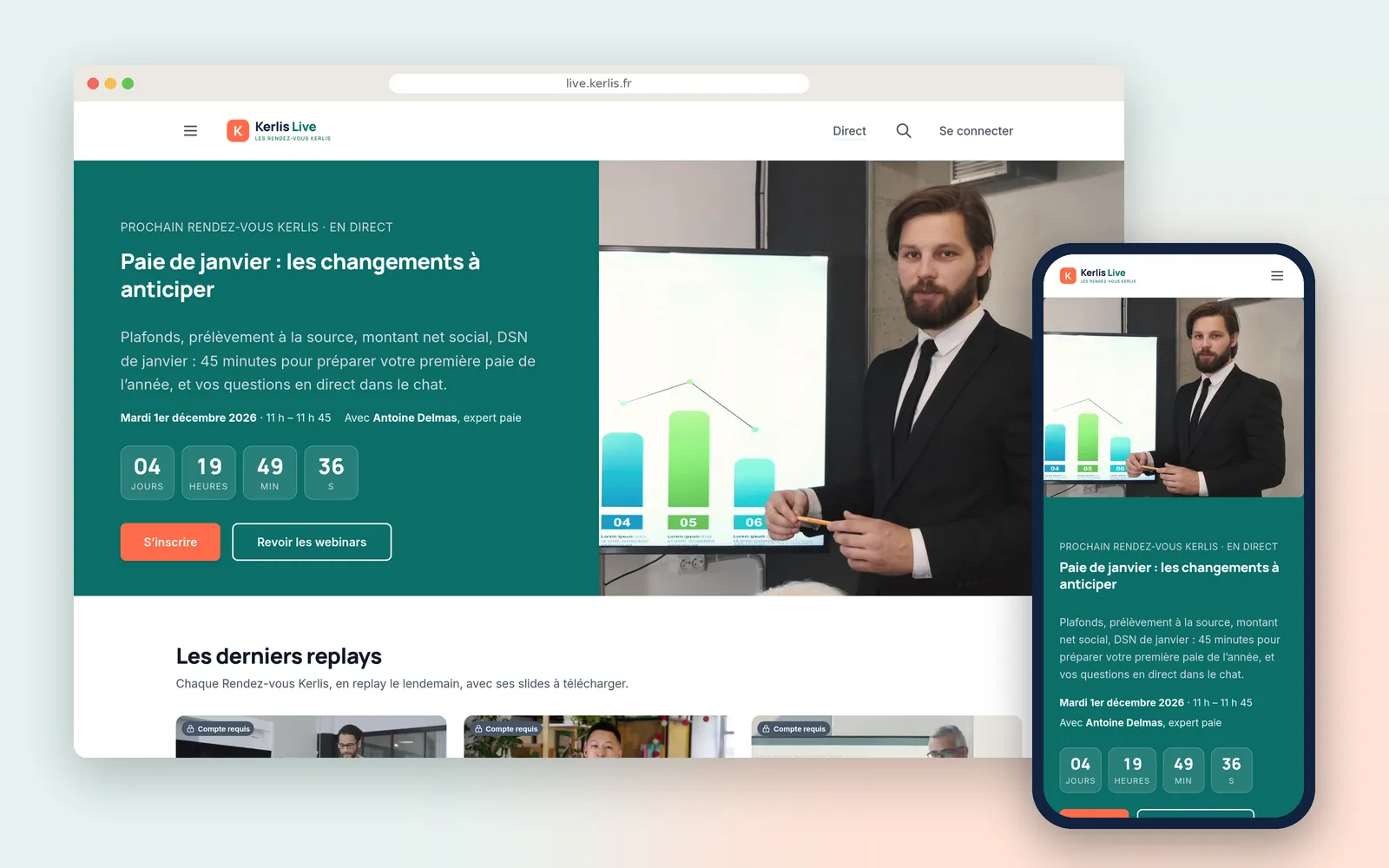
    Télégohelle, the channel of the Lens-Liévin urban authority, films the civic, cultural and sporting events of its area, publishes them to the public in the Videas player, and opens temporary links to the press for the footage it picks.
    Read the Télégohelle case study

  • Hundredsof employees on the same live broadcast, every week

    The chief executive speaks to a whole network

    Crédit Agricole runs a weekly live with its chief executive, internally: everyone signs in through the intranet SSO and asks questions in the chat, under a bank's security constraints.

    Read the Crédit Agricole case study

What Videas does not do

Videas carries your feed, it does not make the picture: the vision mixer, the titling and the branding stay in OBS, vMix or Wirecast. And subtitles arrive after the broadcast, not during it.

What does a live cost, and its replay?

  • €0

    per event, whatever the audience size

  • €0.02

    per gigabyte delivered, live and replay

  • 1 TB

    of delivery free every month

There is no price per event, no viewer tier and no subscription, and the chat is included. What gets counted is bandwidth: what your viewers receive during the live, then on the replay, at €0.02 per gigabyte, with the first terabyte free every month. A heavily watched live therefore costs more than a quiet one. The stored replay adds to it — two hours kept costs €0.40 a month. You receive €5 of credits on sign-up, then €5 every month.

See the full pricing

What our customers say about us

Frequently asked questions

How do I stream an event live with Videas?

Videas gives you a server URL and a stream key. You paste them into OBS, vMix, Wirecast or any RTMP-compatible software, then you hit start. The live goes out a few seconds later on the page you chose, with no server to install and no port to open on your network.

Can I run the live on my own website or intranet?

Yes. In Videas, you copy an embed code — iframe or script — and paste it into a page of your site, an article or your intranet. The player takes the width of the block that holds it and adapts to mobile. Your viewers install nothing and create no account.

How many viewers can follow the live at the same time?

There is no tier to buy and no quota to declare before the event. Videas transcodes your stream and delivers it through a CDN that scales on its own: ten people connected or ten thousand, playback starts the same way, and a live is never charged per viewer.

Is the replay available right after the live ends?

Yes, with nothing to do. The moment you stop broadcasting, the recording joins your Videas media library like any other video. You can subtitle it, file it in a collection, publish it on your channel or sell it. Nothing expires as long as you keep the video with us.

Can I restrict my live to certain people?

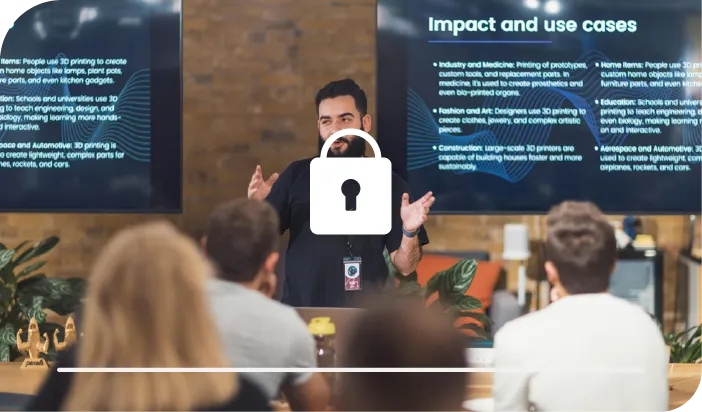
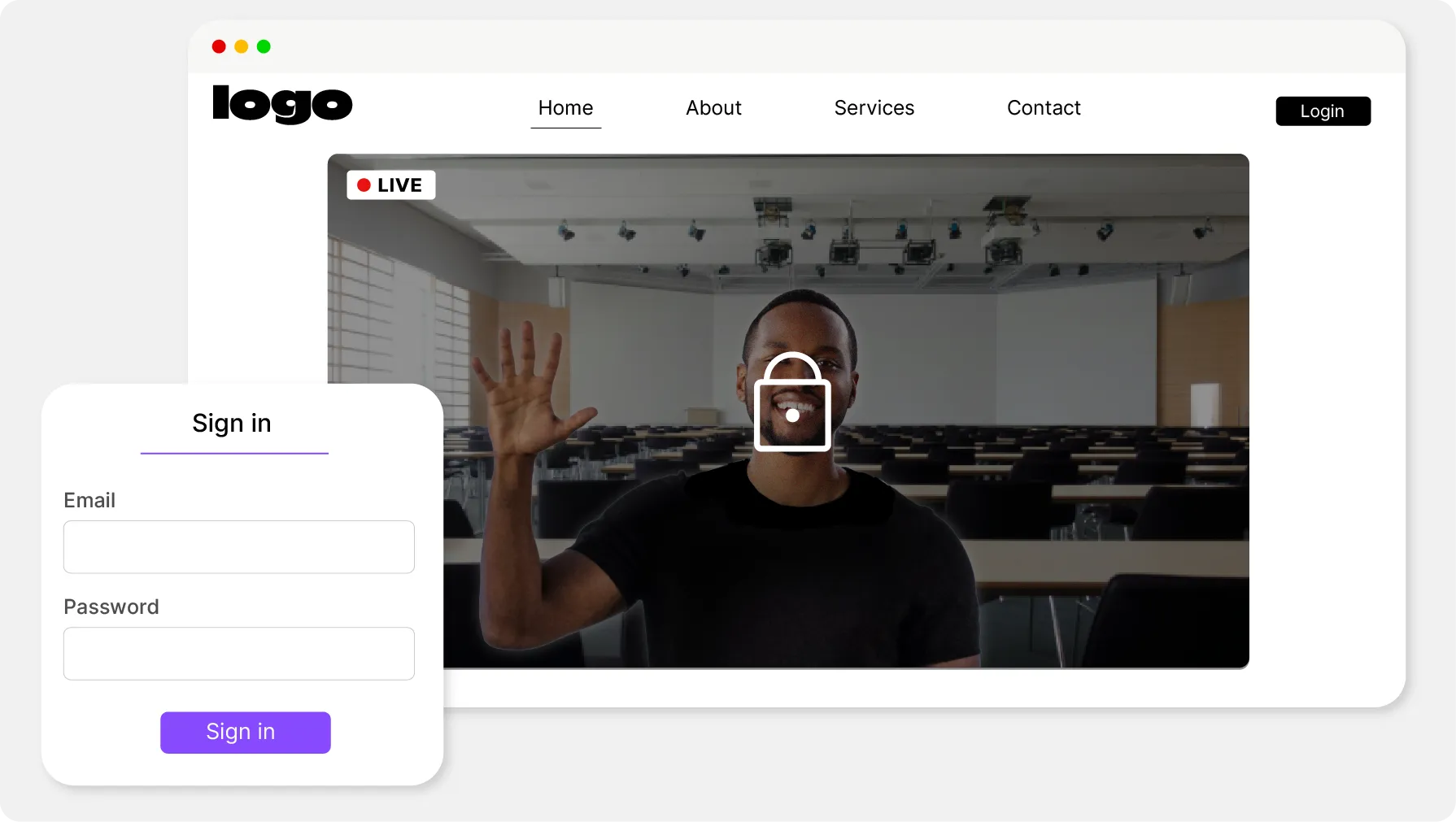
Yes, in three ways inside Videas. A private link, which you send only to the people concerned. A password, asked for before playback starts. Or an authenticated channel, where each viewer holds an account, with your company SSO. You can also limit playback to your own domains.

Can my viewers ask questions during the broadcast?

Yes, through the built-in chat, which opens beside the player. Your viewers react and ask their questions without leaving the page, and your moderators follow the messages in real time to surface what deserves an answer on air. Crédit Agricole does exactly that every week.

What is the latency, and can the room speak up?

Expect a few seconds between what your camera films and what your viewers see. That is short enough to run a chat and answer during the broadcast, but it is not a video call: nobody takes the floor from their own desk, and feedback comes through the chat.

Can I charge for access to the live or its replay?

Yes, if the live goes out from a Videas channel. You sell access outright, by rental or by subscription, and one plan can cover both your live broadcasts and their replays. Videas takes 15% of each sale, payment fees included, and the channel costs €10 a month.

Can a live broadcast be subtitled?

Afterwards yes, during the broadcast no. Scribe, the Videas transcription engine, works on the recording once the live has ended, in more than a hundred languages, at €0.10 per minute per language. Nothing appears in real time underneath a live that is still running.

Where is my live hosted, and do I need a consent banner?

The stream, the recording and the statistics all stay on servers located in France, with no transfer outside the European Union. The Videas player sets no advertising cookie and no third-party tracker, so you have nothing to add to your consent banner to run a live.