Hundredsof employees on the same live, every week
One live for a whole network
The chief executive addresses his teams live every week from the group intranet: everyone signs in with their company credentials and asks questions in the chat.
Connect your encoder: the live goes out on your own site, inside your channel or behind a password. Viewers ask their questions in the chat, you watch the counter in real time, and when it ends the replay is already filed in Mediasbox.
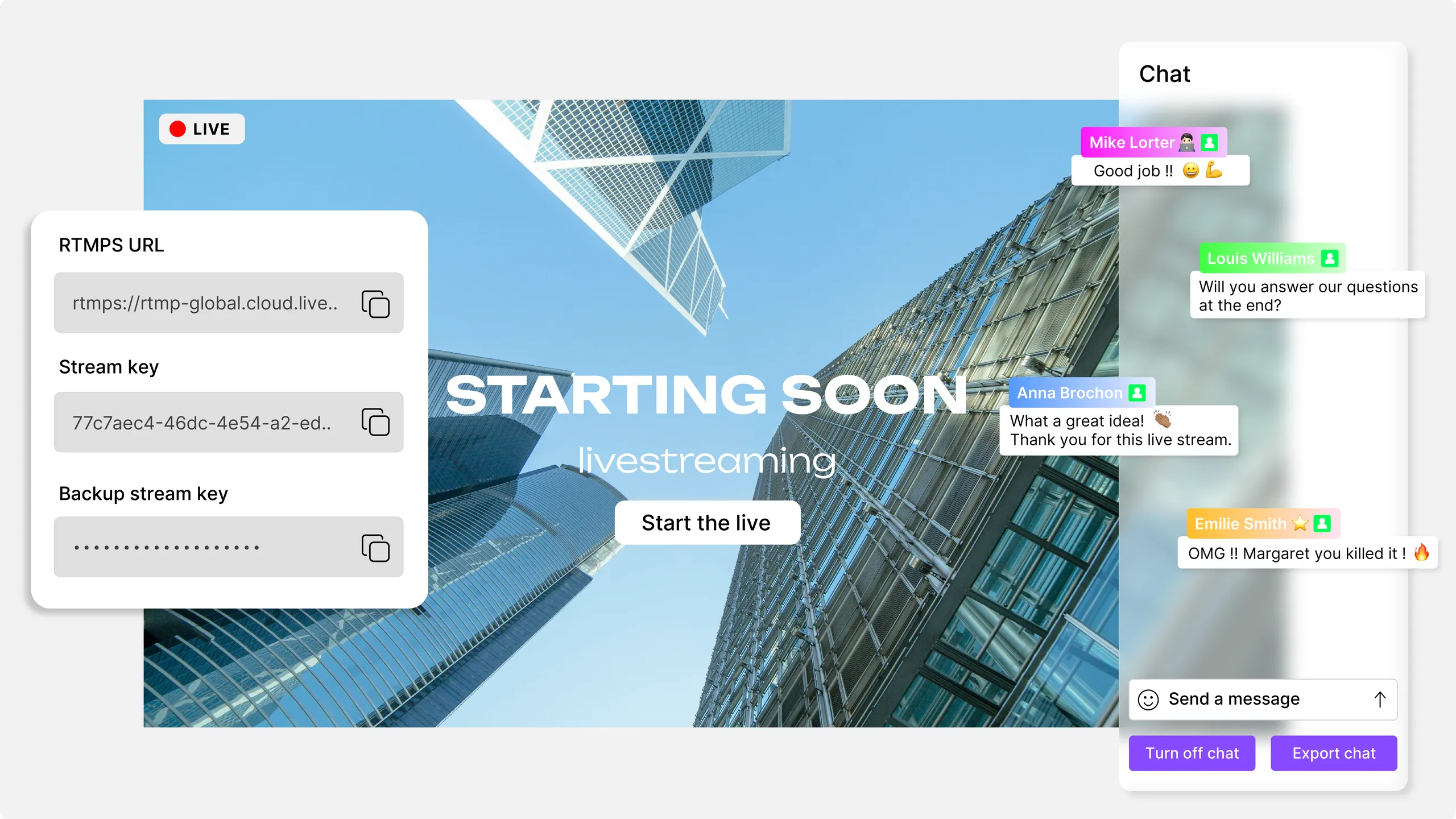
Paste the server URL and stream key Videas gives you into OBS, vMix or any RTMP-compatible software, then hit start. The live goes out a few seconds later, with no server to set up and no port to open.
Embed the player in your site, inside your channel or on an event page. Leave the broadcast public, set a password, or restrict it to authenticated accounts. The CDN absorbs the load as viewers arrive.
During the broadcast you follow the number of people connected. When it ends, the recording lands in your media library and the full statistics — peak audience, average watch time, engagement — appear in Videas Analytics.
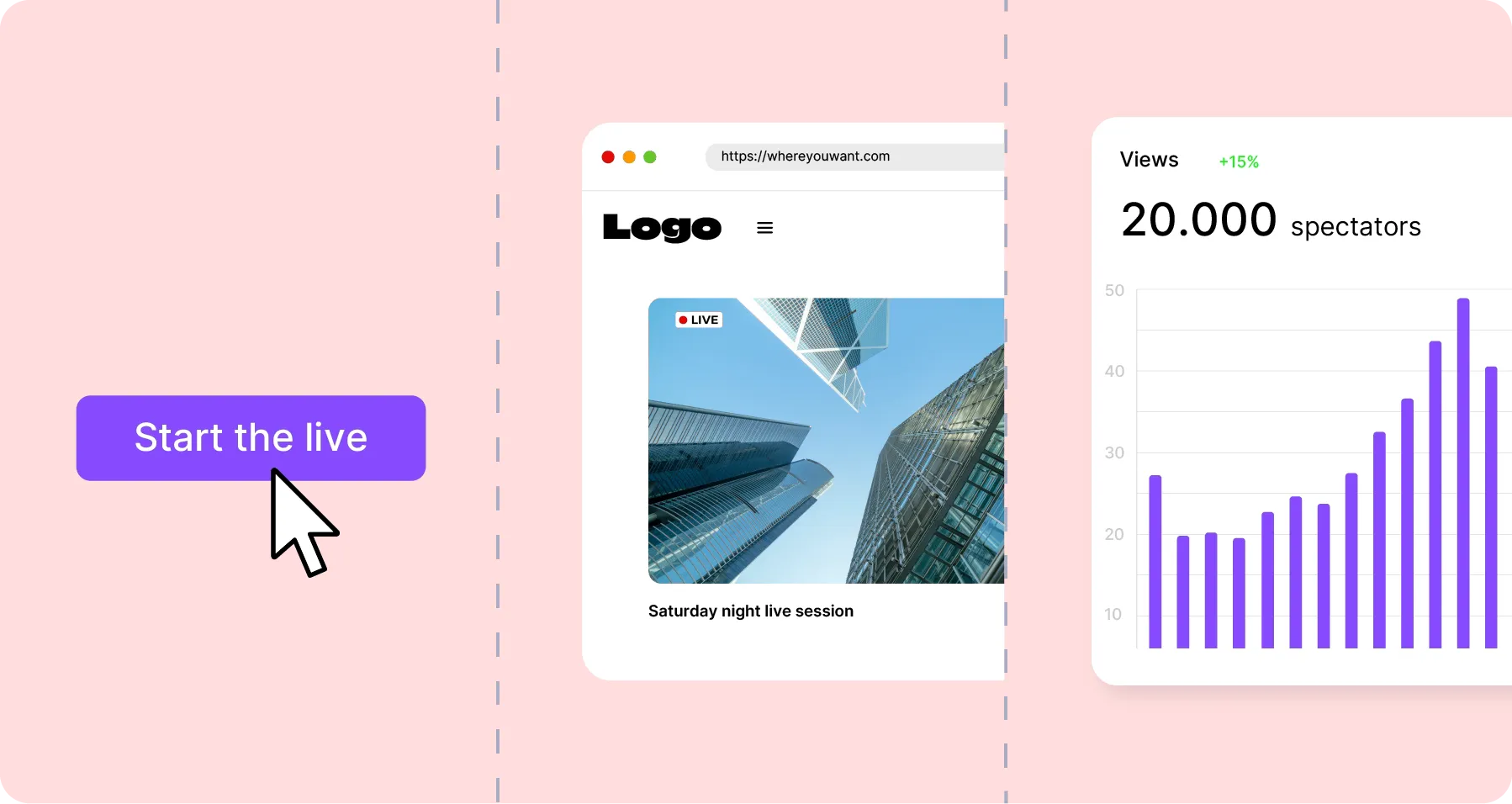
Videas takes your RTMP stream and delivers it through its CDN, on your own site, inside your channel or on an event page. The chat opens beside the player, the viewer counter runs in real time, and you decide who gets in: private link, password, or authenticated accounts. When the live ends, the recording is filed in Mediasbox — ready to subtitle, publish or sell.

Videas receives your RTMP stream, transcodes it into several qualities and delivers it through a CDN. The bitrate adapts to every connection, from 4G mobile to fibre. Scaling happens on its own, from ten viewers to several thousand, with no setting to change and no interruption during the event.
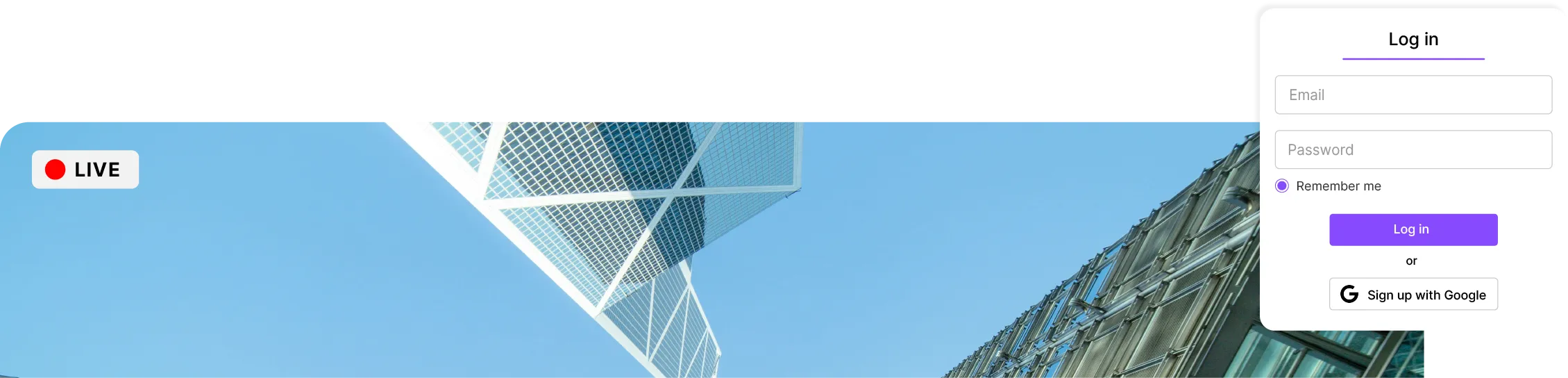
You decide who gets into your live: a private link, a password, or an authenticated channel with user accounts and company SSO. Playback can also be limited to your own domains. The player sets no advertising cookie and no third-party tracker, and the data stays hosted in the EU, with no transfer outside the European Union.
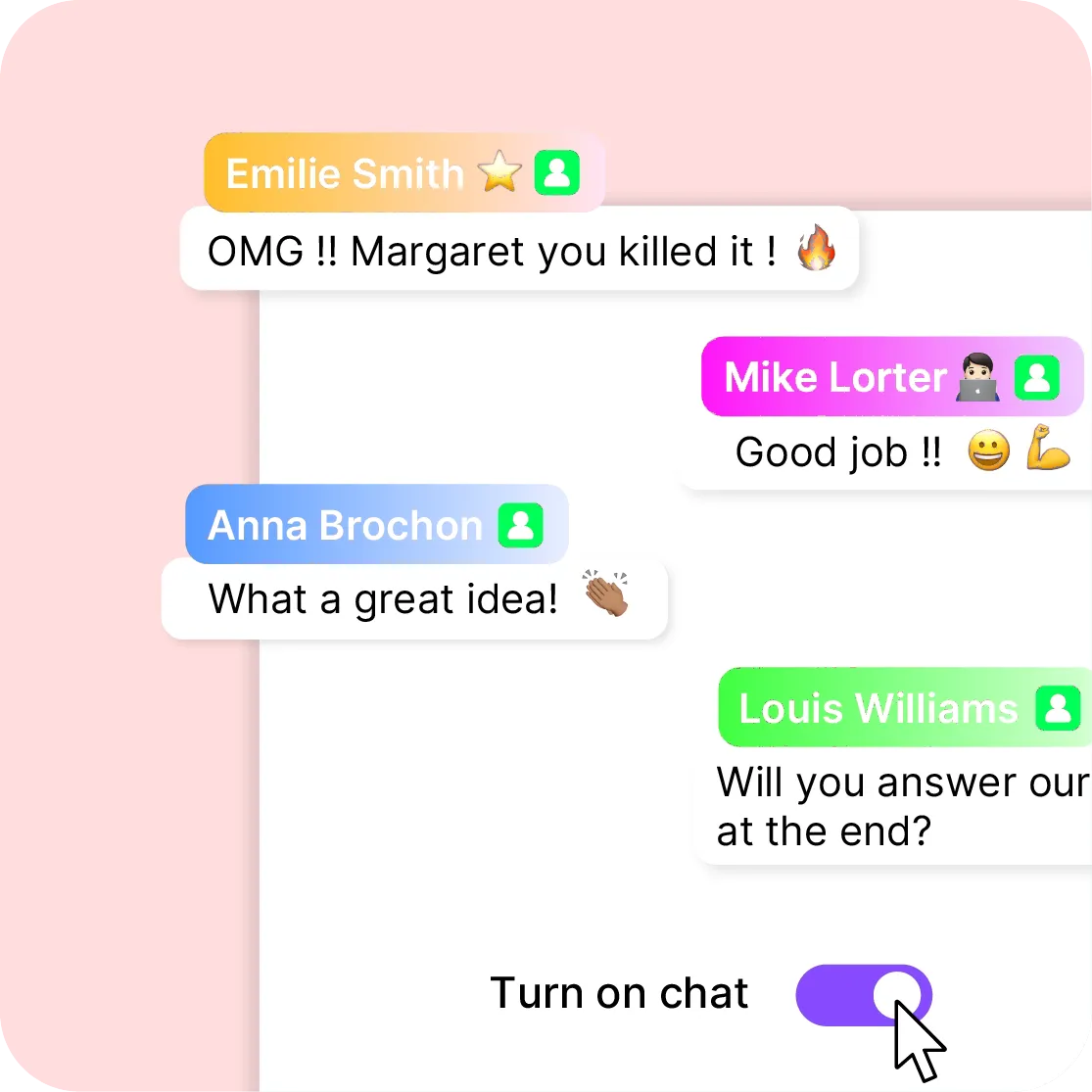
Turn on the chat so your audience can react and ask questions during the broadcast. Your moderators follow the messages in real time and surface what deserves an answer on air. The live stops being a one-way speech and becomes a conversation, without anyone leaving the page.
Hundredsof employees on the same live, every week
The chief executive addresses his teams live every week from the group intranet: everyone signs in with their company credentials and asks questions in the chat.
No delivery server to install, no infrastructure to size the day before. You plug in the encoder you already use and Videas takes over: stream ingest, transcoding, delivery and scaling.
The CDN handles audience peaks with no action from you. Quality is set by each viewer's own connection, wherever they are, and playback starts the same way for the first person connected and for the last.
Your live streams are hosted in the EU, with no data transfer outside the European Union. No advertising cookie, no third-party tracker, nothing to add to your consent banner. An external DPO oversees data protection.
Every broadcast is recorded and joins your media library. You subtitle it with Scribe, file it away, and republish it as on-demand training, as paid content on a channel or as a video on a sales page.
Videas Analytics counts concurrent viewers during the broadcast, then average watch time, completion rate and replay audience — in the same dashboard as the rest of your videos.
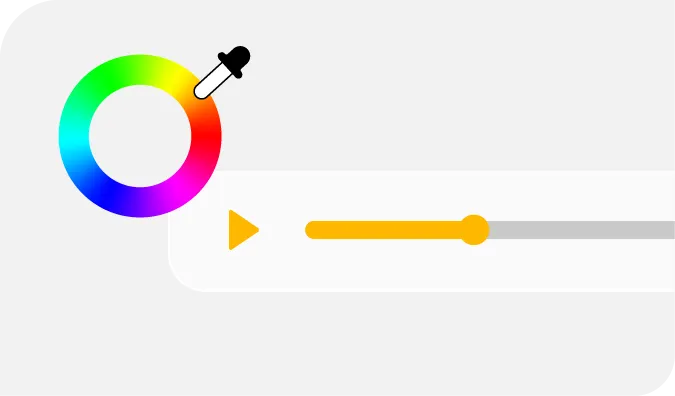
The live plays in the Videas player, in your colours and with your logo, with no advertising and no suggested video at the end. Your brand stays front and centre from the first second of the live to the last of the replay.
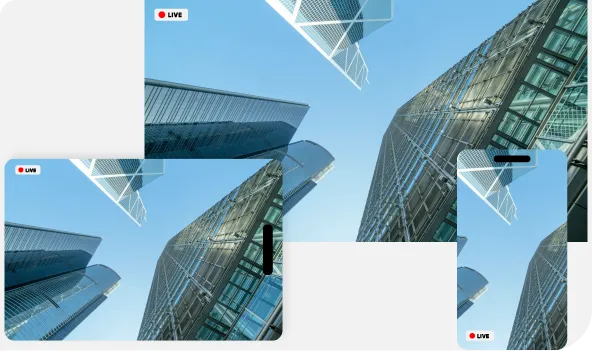
Your viewers watch without installing anything: the player is responsive and adapts to the screen size as well as to the block that holds it in your page.
At the end of every broadcast, the recording is dropped into your Mediasbox library. Add subtitles with Scribe, file it in a collection and publish it on your channel, all from the same interface.
Videas carries your stream, it does not make the picture: the camera, the vision mixer, the lower thirds and the branding stay with you, in OBS, vMix or the encoder you already use. A live is not a video call either — a few seconds separate the room from your viewers' screens, and they answer in the chat, not out loud. And the stream goes to your own Videas pages, your channel or your site: Videas does not relay it anywhere else.
€0
per event, whatever the audience size
€0.02
per gigabyte delivered, live and replay
1 TB
of delivery free every month
There is no price per event, no viewer tier and no subscription, and the chat is included. What gets counted is bandwidth: what your viewers receive during the live, then on the replay, at €0.02 per gigabyte beyond the free terabyte each month — a heavily watched live therefore costs more than a quiet one. The stored replay adds €0.20 per hour per month. You receive €5 of credits on sign-up, then €5 every month.
"Your solution is high quality, your team is responsive and attentive, and the results more than meet our expectations."

"The rigor, availability and responsiveness VIDEAS shows are exemplary. Feedback from users of my VOD site is very good too."

"The interface meets our expectations in every respect. Simple, affordable and easy to use — we are delighted with it."

"Videas is the ideal platform to store our videos and run a custom channel for our media outlet."

"Videas is an easy platform to get to grips with, and it lets you create a VOD channel quickly. The team listens and is very responsive."

Videas gives you a server URL and a stream key. You paste them into your encoder — OBS, vMix, Wirecast or any RTMP-compatible software — and press start. The live goes out a few seconds later on the page you chose, with no server to install and no special network setup.
Yes, in three ways. A private link you only send to the people concerned. A password, asked for before playback starts. Or an authenticated channel where every viewer has an account — through your company SSO if you have one. You can also limit playback to your own domains.
Yes, with nothing to do. As soon as the broadcast ends, the recording joins your Videas media library like any other video: you can subtitle it, file it in a collection, publish it on your channel or sell it. Nothing expires and nothing is deleted while you keep the video.
Yes. A live uses the same player as your on-demand videos: your logo, your colours, your waiting thumbnail. No advertising appears in it, no suggested videos at the end, and no third-party tracker is dropped on your viewers. The player goes into your site through an embed code.
Count a few seconds between what your camera films and what your viewers see. That is short enough to run a chat and answer questions during the broadcast, but it is not a video call: nobody speaks back from the audience. The exact figure depends on your encoder and on each connection.
There is no tier to buy and no quota to declare before the event. The stream is delivered by a CDN that scales on its own: ten viewers or ten thousand, playback starts the same way. And the live itself is not charged per viewer, with no plan to take out before you open the broadcast.
Yes. You copy an embed code — iframe or script — and paste it into a page of your site, an article or your CMS. The player takes the width of the block that holds it and adapts to mobile. Your viewers install nothing and create no account, unless you closed the access yourself.
During the broadcast you see how many viewers are connected at any moment. After the event you get the same statistics as for your other videos: peak audience, average watch time, completion rate and replay audience. All of it in Videas Analytics, with no third-party measurement tool to plug in.
The stream, the recording and the statistics stay on servers located in the EU, with no transfer outside the European Union. The player sets no advertising cookie and no third-party tracker: you have nothing to add to your consent banner for a live. An external DPO oversees data protection.
Yes, it is the same account and the same library. A live becomes an on-demand video the moment it ends, in the same catalogue as the rest of your content. So you can sell one subscription that opens both the lives and the replays, or keep some public and others reserved.


