1 M+player visits every month
Load changes nothing about playback
The agency serves its careers videos from its own pages, to a hundred thousand unique viewers a month.
Paste an embed code into your site or your CMS: the player takes your logo and your colors, starts in under two seconds, shows subtitles and chapters. No advertising, no suggested videos, no tracker to declare in your consent banner.
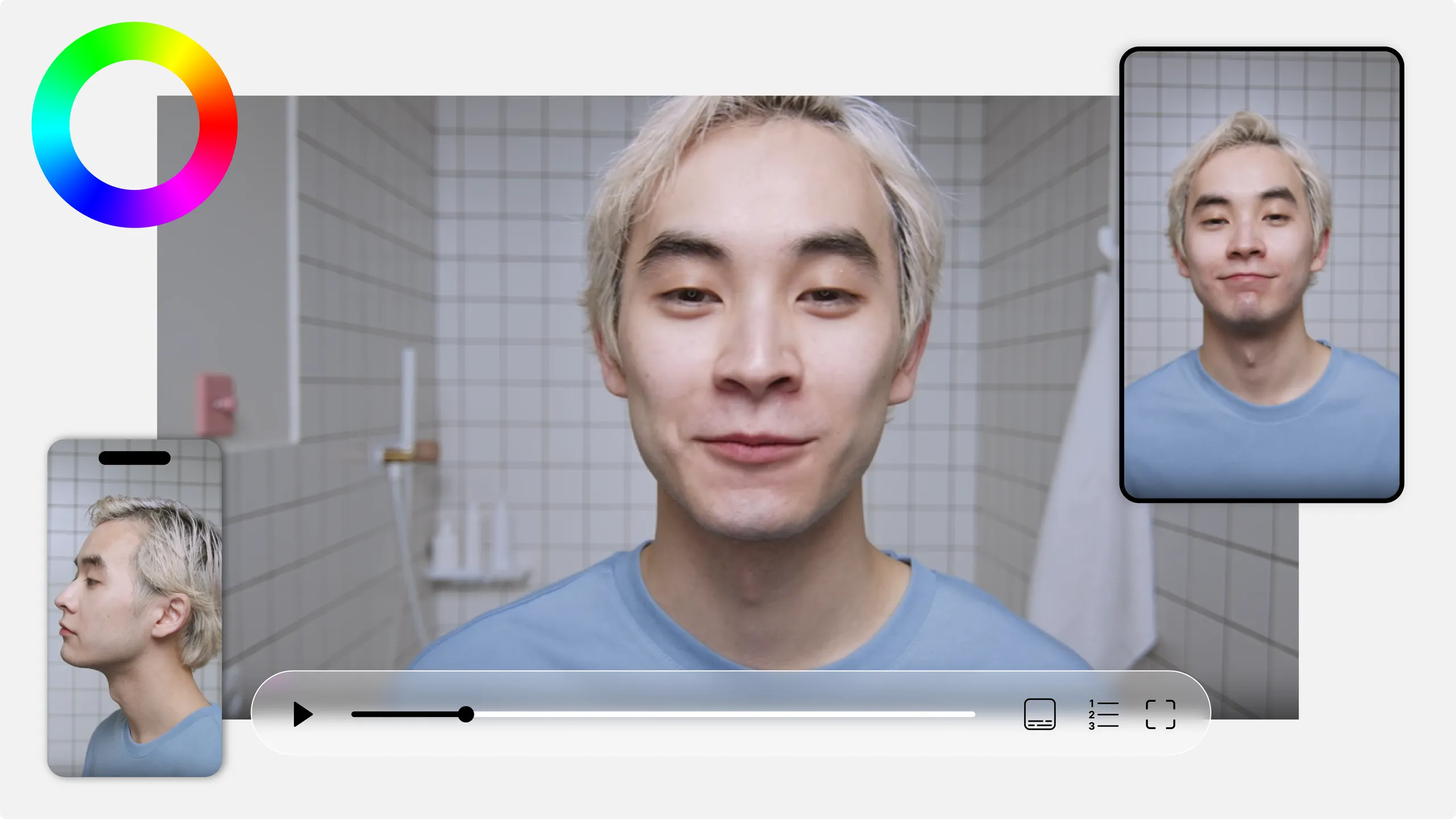
Import your video into Mediasbox. Add subtitles with Scribe and chapters for instant navigation if needed.
Choose your logo, brand colors, thumbnail and visible controls. Create multiple player themes to match different integration contexts.
Copy the embed code (iframe or script) into your site or CMS (WordPress, Drupal, custom site). The player adapts instantly to the container and screen size.
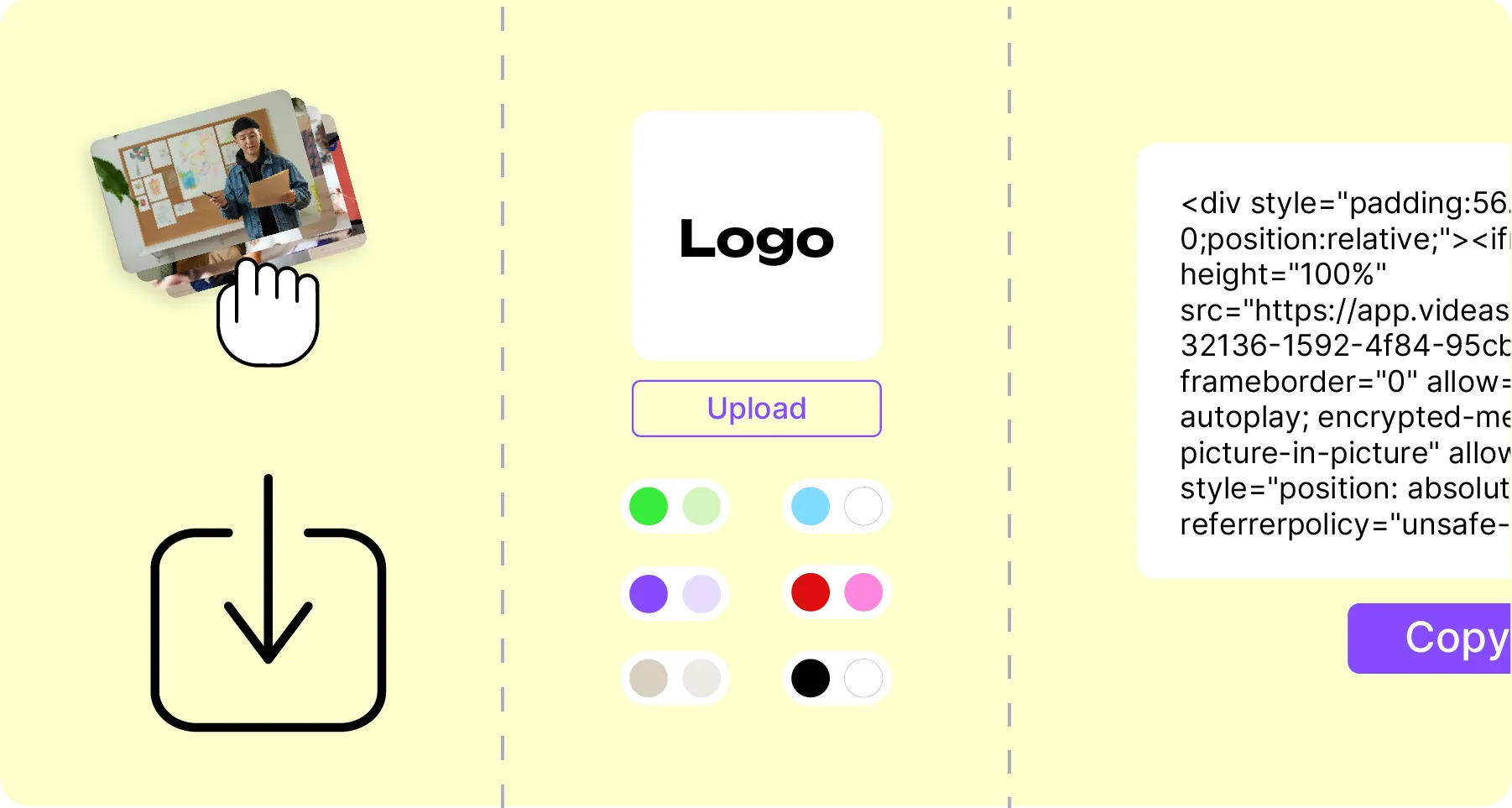
The Videas Player offers a smooth playback experience, accessible and consistent with your brand identity. Embed it instantly in your web pages and CMS, display subtitles and chapters, control every option, and measure impact with precise statistics — without imposed advertising. Videos are delivered through a global CDN for fast start and reliable playback worldwide. Twenty-eight live demos show every setting on a real video, from chapters to theming.
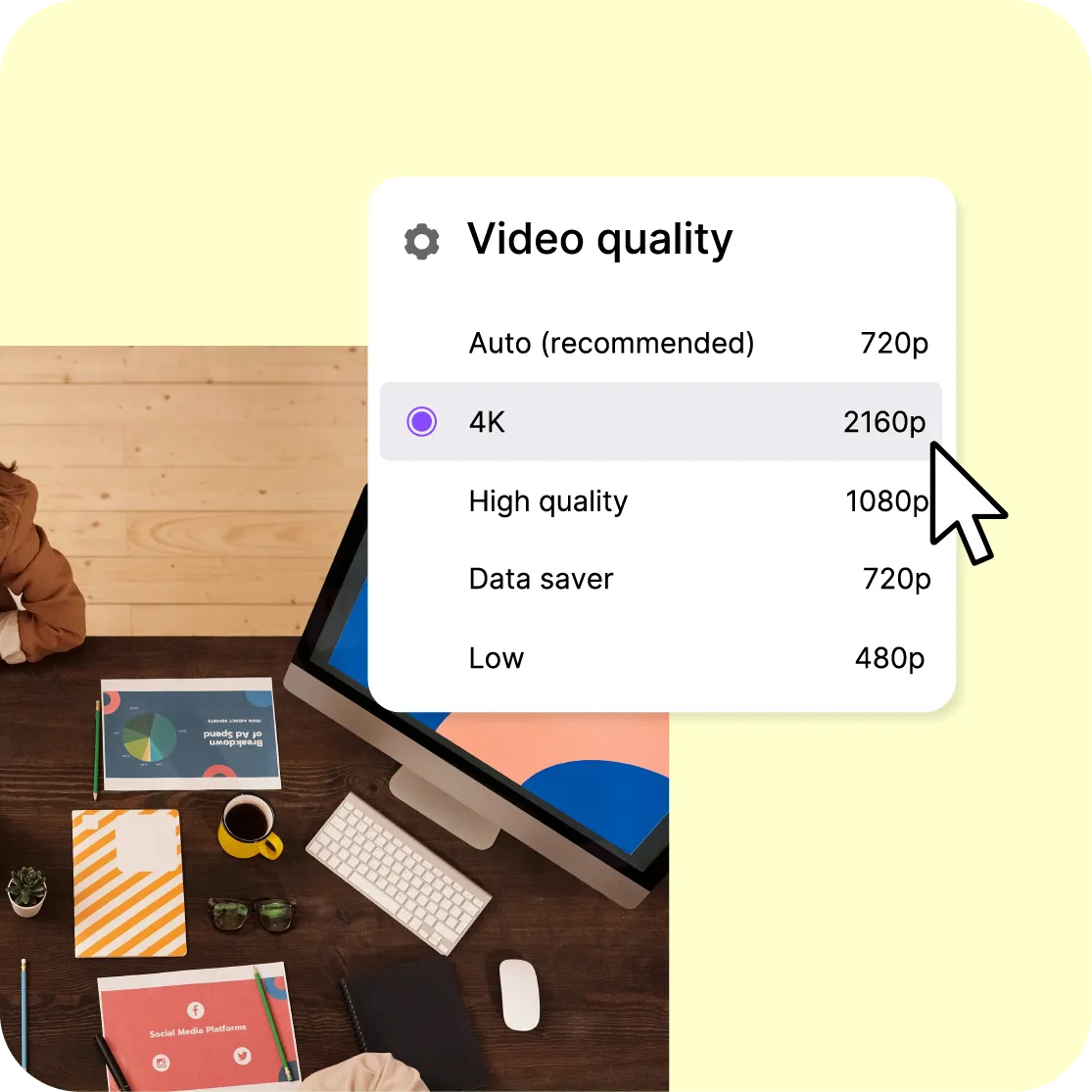
Smooth playback and fast start with adaptive HLS streaming that adjusts quality to each viewer's network speed in real time. No imposed advertising and no recommended videos competing for attention — all focus stays on your content.
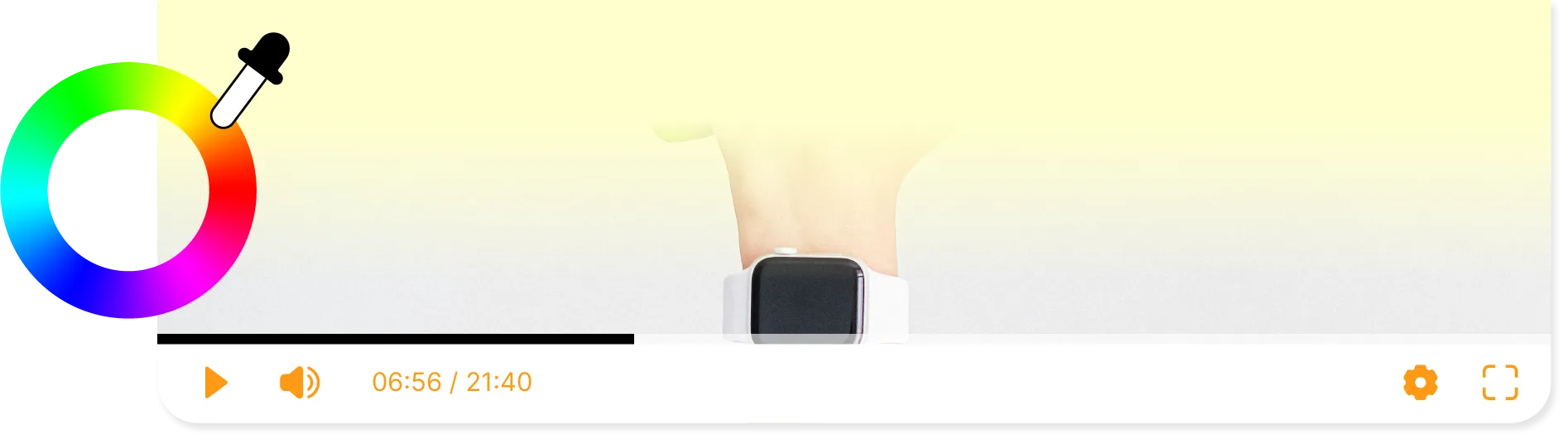
A player fully in your image: logo, brand colors and polished opening visual. Create multiple player themes for different contexts — website, intranet, social. The result: an elegant, consistent and conversion-oriented experience, perfectly aligned with your brand identity.

Multilingual subtitles for comprehension and accessibility, chapters for instant navigation to any section, keyboard controls and careful readability following RGAA best practices. Your videos are watchable by the widest possible audience.
1 M+player visits every month
The agency serves its careers videos from its own pages, to a hundred thousand unique viewers a month.
4,000 hof replays played inside WordPress pages
The outlet brought its whole catalogue back from Vimeo; its videos play inside its WordPress pages, with no change of site or habits.
Zerocookies, zero trackers, on paid content
The publisher serves its training paths inside its own modules, in its own colors: domain restriction stops the player from starting anywhere else.
Embed the player in your web pages and CMS via a simple embed code (iframe or script). Compatible with WordPress, Drupal, custom sites and any HTML page.
Allow embedding only on your authorized domains (allowlist) to prevent unauthorized distribution and maintain full control over where your content appears.
Share a video that starts at a specific moment (e.g. 00:01:23) to get straight to the point. Ideal for referencing a passage in training, documentation or presentations.
Flawless playback on desktop, mobile and tablet. The player adapts automatically to any container size for a polished experience on every screen.
Track plays, completions, retention and engagement to understand real viewer impact. Combined with Videas Analytics, get per-user and per-channel reports.
The Videas Player sets no advertising cookies or third-party trackers — no consent banner modification required. Videos are European-hosted with no data transfer outside the EU, and a dedicated DPO oversees data protection.
The player embeds, it does not publish: it needs a page to live in. If you have no site to put it on, what you need is a channel, not a player. And its protection has a limit: domain restriction stops your embed code from working anywhere else, but there is no DRM encryption. Someone allowed to watch can film their screen, and no player setting will prevent it.
€0
for the player, its themes and its settings
€0.02
per gigabyte delivered to your viewers
1 TB
of delivery free every month
The player has no line on the invoice: no licence, no price per play, no viewer tier. You pay for what you store and what your viewers watch — €0.20 per hour of video stored each month, €0.02 per gigabyte delivered beyond the free terabyte. You receive €5 of credits on sign-up, then €5 every month.
"Your solution is high quality, your team is responsive and attentive, and the results more than meet our expectations."

"The rigor, availability and responsiveness VIDEAS shows are exemplary. Feedback from users of my VOD site is very good too."

"The interface meets our expectations in every respect. Simple, affordable and easy to use — we are delighted with it."

"Videas is the ideal platform to store our videos and run a custom channel for our media outlet."

"Videas is an easy platform to get to grips with, and it lets you create a VOD channel quickly. The team listens and is very responsive."

YouTube exposes you to its audience, but it places its own ads, suggests other people's videos at the end of yours, and drops its trackers on your visitors. The Videas player does none of that: your page keeps the attention it captured, and your playback statistics belong to you.
Yes, both. Subtitles load in several languages and the viewer picks their own; Scribe can generate them automatically. Chapters split the video into named sections, listed under the player: one click jumps straight to the passage you want. Keyboard navigation follows RGAA best practices.
Yes. The end screen can carry a link to the page of your choice, a form or a review request. That is the moment when attention is highest: rather than letting the viewer leave, you offer them the next step — a quote, a sign-up, another video from your catalogue.
Adaptive HLS. Every video is encoded in several qualities, up to HD, and the player switches between them mid-playback according to the bandwidth actually available. In practice: the video starts in under two seconds on a slow connection, then climbs in quality without interrupting the viewer.
You copy an embed code — an iframe or a script — and paste it into your page. It works on WordPress, Drupal, a custom-built site or any HTML page. The player then takes the width of its container and adjusts itself to the screen size, with no further setting to change.
Yes, with a domain allowlist. You declare the sites allowed to display the player; anywhere else, playback is refused. Someone who copies your embed code onto their own site gets a player that will not start. This is the setting that protects paid content and internal videos.
It adapts to any container size, from desktop to mobile by way of tablet, with no separate version to maintain. On accessibility, it follows RGAA best practices: subtitles, chapters, controls reachable by keyboard and readable contrast. Your videos stay watchable by the widest possible audience.
The player reports plays, completion rates, the retention curve and the most-watched content. The retention curve is the most useful of these: it shows the exact second at which viewers drop off. With Analytics, those figures can be filtered by country, by device and by period.
Yes: logo, brand colors, light or dark theme, opening image and choice of visible controls. You can save several themes and apply them by context — one for your public site, another for the intranet, a third for the videos you send to your customers.
Yes, both. Autoplay starts muted — that is the condition browsers impose, blocking sound until the visitor has clicked something. Looping runs the video back into itself, and the controls can be hidden: enough to place a video as an animated banner at the top of a page.
No. The player sets no advertising cookie and no third-party tracker, and calls no ad network domain. So you have nothing to add to your consent banner in order to embed it, in the sense of ePrivacy and the CNIL recommendations. Videos are hosted in the EU, with no transfer outside the European Union.


