20 TBof footage, video and photographs
Not only video goes in
The local channel of Lens-Liévin poured years of reporting into it, photographs included.
Bring videos, photos, audio and documents together in one media library, filed by folders, tags and collections. Each team gets its own space and sees only that one. A file surfaces from among thousands in seconds. Hosted in Europe, GDPR compliant.
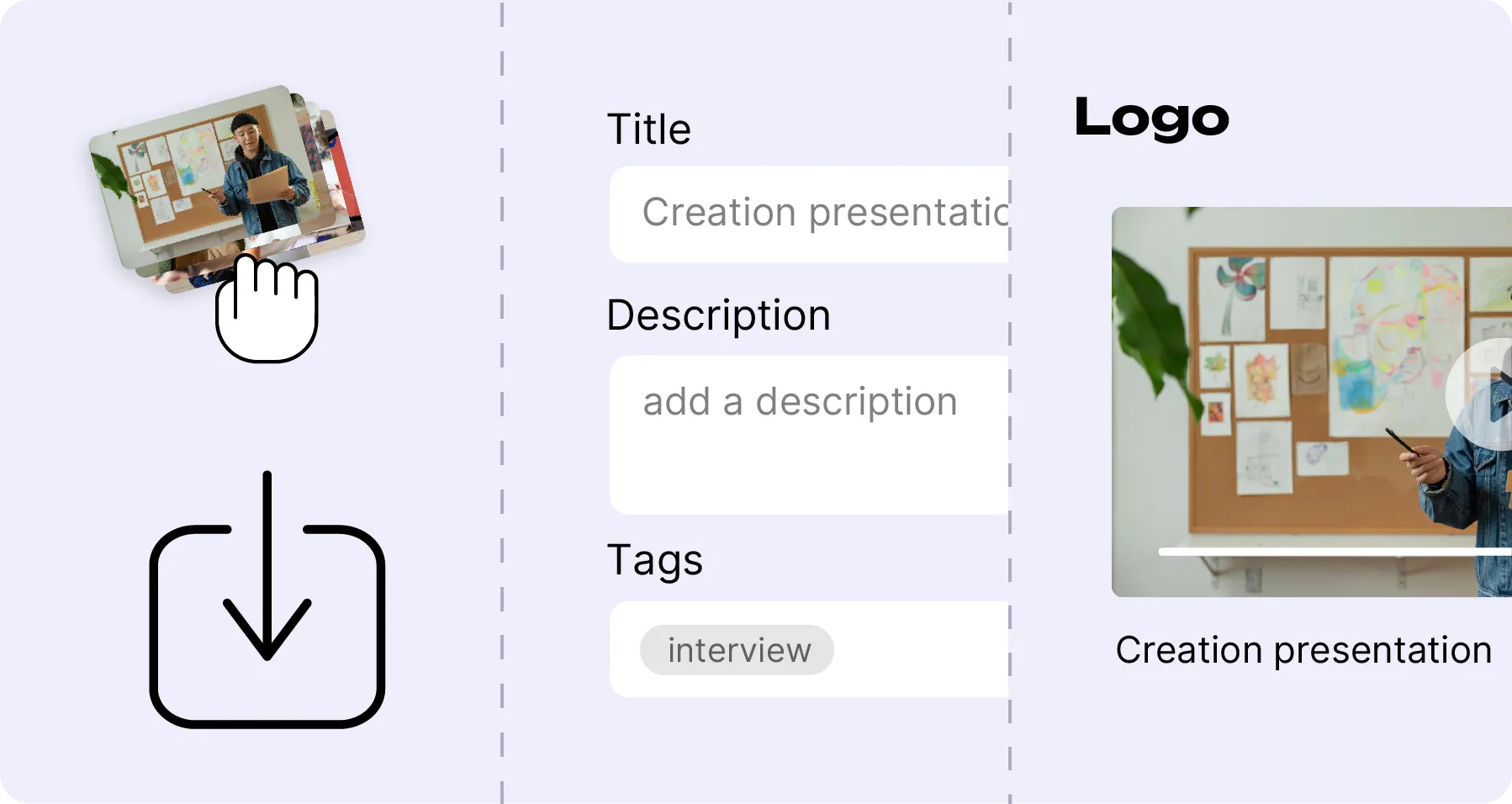
Drag and drop videos, images, audio or documents into Mediasbox. Upload resumes automatically if interrupted, even for large files.
Add titles, descriptions, tags and categories. Structure with folders and collections to keep everything findable.
Distribute via secure links, private spaces or collections. Control who sees what with fine-grained permissions.
Mediasbox centralizes and simplifies the management of all your digital content. Whether you're an independent creator managing hundreds of files, a trainer organizing course materials, or an organization coordinating media across departments, Mediasbox gives you a structured, searchable and secure media library. Your files are accessible from anywhere, enriched with metadata, and shareable in just a few clicks — without ever leaving your browser. Every type has its own player, and the demos show all four: video, audio, image gallery and PDF.

Create folders, subfolders and collections to structure your content exactly the way your team works. Add tags, categories and custom metadata to classify every file. With a clear hierarchy and powerful filters, you find any media in seconds — even across thousands of files. Replace a file and its previous versions stay in its history: you always know what changed and when, and can restore an earlier version.
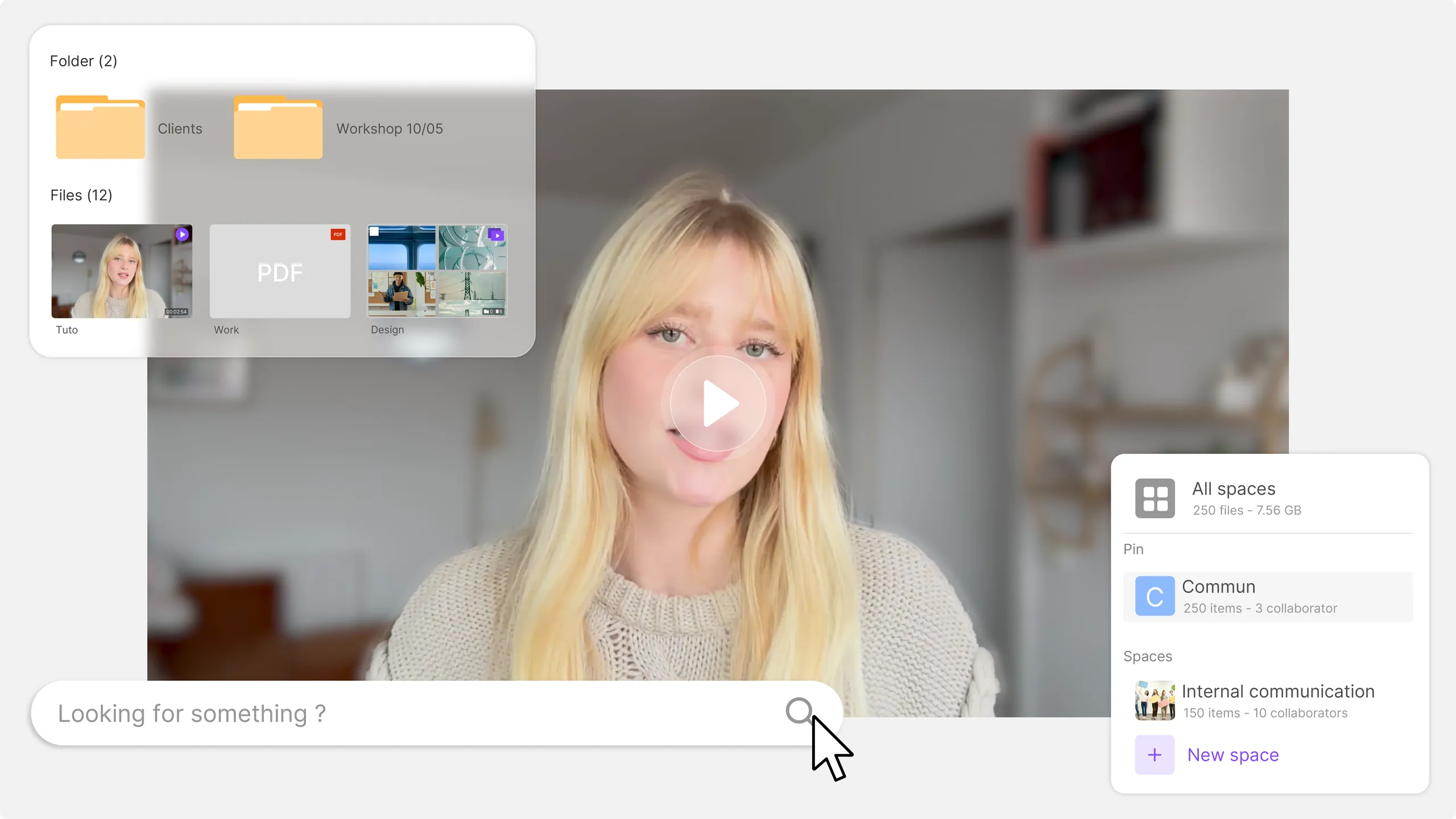
Instantly find any file with full-text search across titles, descriptions and tags. Combine with advanced filters — by format, date, space or category — to pinpoint exactly what you need, even in a library of thousands of assets.

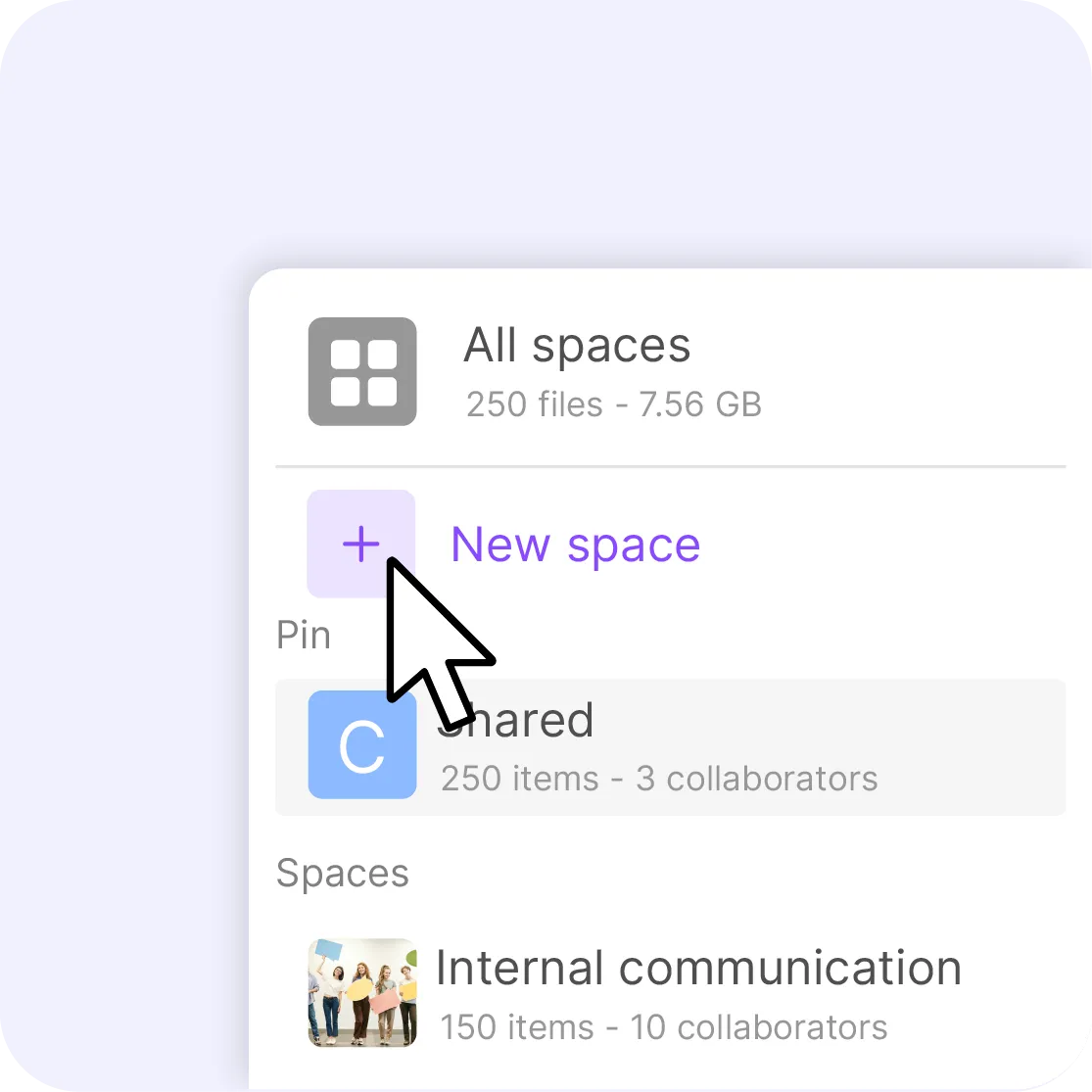
Create dedicated spaces for your teams, projects or clients. Each space has its own folders, members and access rights, so collaborators only see what's relevant to them. Assign roles — admin, manager or viewer — to keep full control while enabling efficient teamwork across your organization.
20 TBof footage, video and photographs
The local channel of Lens-Liévin poured years of reporting into it, photographs included.
4 TBindexed, open to hundreds of partners
The agency lets its partners upload their own content, each in their own space, without ever seeing anyone else's.
26media libraries opened for its regional offices
Each office runs its own with its branding and its permissions, while the national team keeps a view across all of them.
Stop scattering files across drives, emails and cloud services. Centralize everything in one organized, always-accessible library.
Collaborate efficiently with spaces, roles and permissions tailored to each project. Everyone accesses what they need, nothing more.
Share internally with your team or externally with clients and partners. Public, private or password-protected links — you decide.
Your content is GDPR compliant, European-hosted, with no advertising and no data transfer outside the EU. A dedicated DPO oversees data protection.
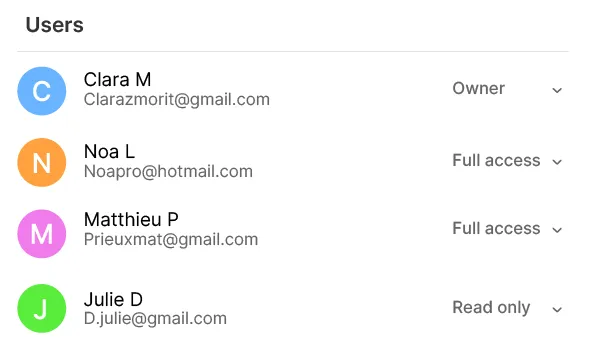
Assign the right permissions by space, folder or role. Admins manage the library, managers organize content, viewers consume it. Fine-grained control keeps sensitive files protected.
Centralize videos, audio, images, PDFs and office documents in one place. Mediasbox handles all common formats, with preview and playback built in.
Drag and drop your files — even large videos. Upload resumes automatically if your connection drops, so you never have to start over.

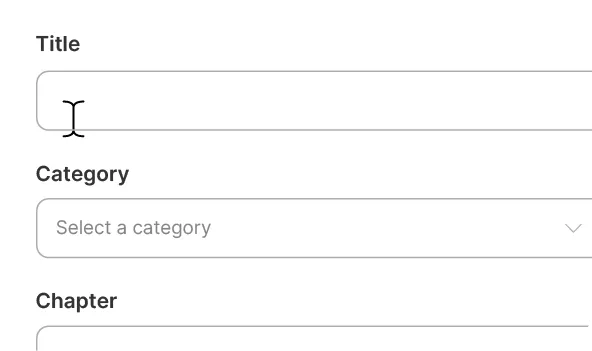
Add titles, descriptions, chapters, categories and tags to make every file searchable and discoverable. Rich metadata turns a simple file dump into a structured knowledge base.
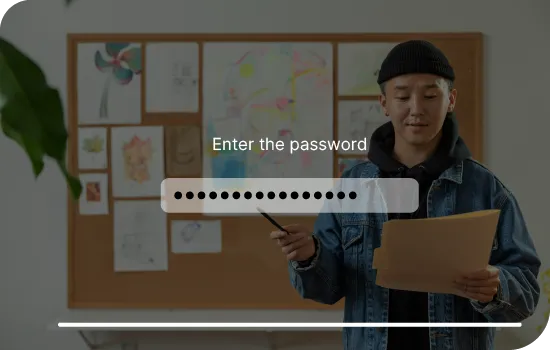
Share individual files or entire collections via public, private or password-protected links. Control expiration dates and track who accessed what.
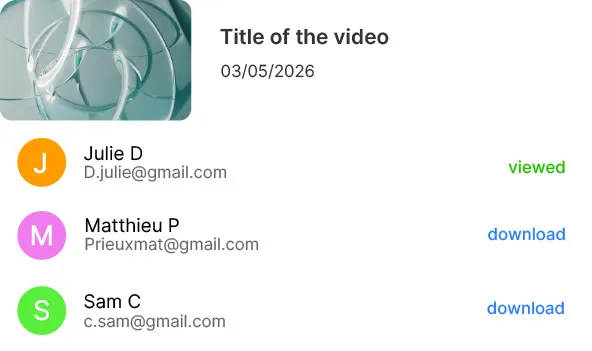
See who uploaded, viewed or downloaded each file. Activity logs give you a clear audit trail for compliance and internal governance.
Mediasbox files and finds; it does not transform. You will not edit a video or retouch a photo in it. There is no folder synced to your hard drive either — everything runs through the browser, which spares you local copies but assumes a connection.
€0.20
per hour of video stored, every month
€0.05
per gigabyte of non-video files: audio, stills, documents
€0
per collaborator, however many there are
There is no subscription and no per-seat price: you draw on a prepaid credit wallet that you top up whenever you like. Video is counted by the hour, and audio, stills and documents by the gigabyte: a hundred hours of video and two hundred gigabytes of files come to about €30 a month, whatever the number of people working in it. You get €5 in credits when you sign up, then €5 every month.
"Your solution is high quality, your team is responsive and attentive, and the results more than meet our expectations."

"The rigor, availability and responsiveness VIDEAS shows are exemplary. Feedback from users of my VOD site is very good too."

"The interface meets our expectations in every respect. Simple, affordable and easy to use — we are delighted with it."

"Videas is the ideal platform to store our videos and run a custom channel for our media outlet."

"Videas is an easy platform to get to grips with, and it lets you create a VOD channel quickly. The team listens and is very responsive."

Every common format: video (MP4, MOV, AVI, MKV), audio (MP3, WAV, FLAC), images (JPG, PNG, WebP) and office documents (PDF, DOCX, PPTX). Videos are encoded for online playback, images and PDFs get a built-in preview: you can look at a file without downloading it or leaving the browser.
Yes. Mediasbox lets you create a complete folder hierarchy with unlimited depth — folders, subfolders and collections. You can also add tags, categories and custom metadata to classify every file. Combined with the search engine, you find any media in seconds even across thousands of assets.
Absolutely. Mediasbox provides fine-grained access control at every level. Create collaborative spaces with their own members and permissions. Assign roles — admin, manager or viewer — so each collaborator only sees what's relevant to them. You can also share files via public, private or password-protected links.
Yes. Mediasbox includes a powerful search engine that searches across titles, descriptions and tags in real time. Combine with filters by format, date, space or category to pinpoint exactly what you need. The more metadata you add, the more precise the results.
Yes. All content is hosted on Videas servers in the European Union, with no data transfer outside the EU. Videas is fully GDPR compliant, with a dedicated DPO who oversees data protection. There is no advertising, no tracking cookies and no data shared with third parties.
Yes. Uploads are resumable: if your connection drops mid-transfer, it picks up where it stopped instead of starting over, even on multi-gigabyte video files. You can drag a whole folder in at once and leave it running — nothing is lost if the tab closes before the transfer finishes.
Yes. Mediasbox is built for team collaboration. You can create separate spaces for different teams, projects or clients. Each space has its own file structure and member permissions. This makes it easy for marketing, training and communication teams to work together without stepping on each other.
Unlike generic cloud storage, Mediasbox is purpose-built for media management. It offers built-in video playback, image previews, structured metadata, advanced search filters and role-based access control. All content is hosted in the EU and GDPR compliant, with no advertising and a dedicated DPO — which generic cloud services don't provide.
Yes. Share a single file or a whole collection through a public, private or password-protected link, with an expiry date if you need one. Clients, agencies and partners open it without an account and without installing anything, and you can see who opened what.
Yes. Mediasbox is well suited for archiving large volumes of video. Its folder structure, tags and search engine make it easy to organize and retrieve footage from years of production. Secure hosting in the EU and fine-grained access control ensure your archive stays protected and accessible.


