










WeTransfer vs Videas

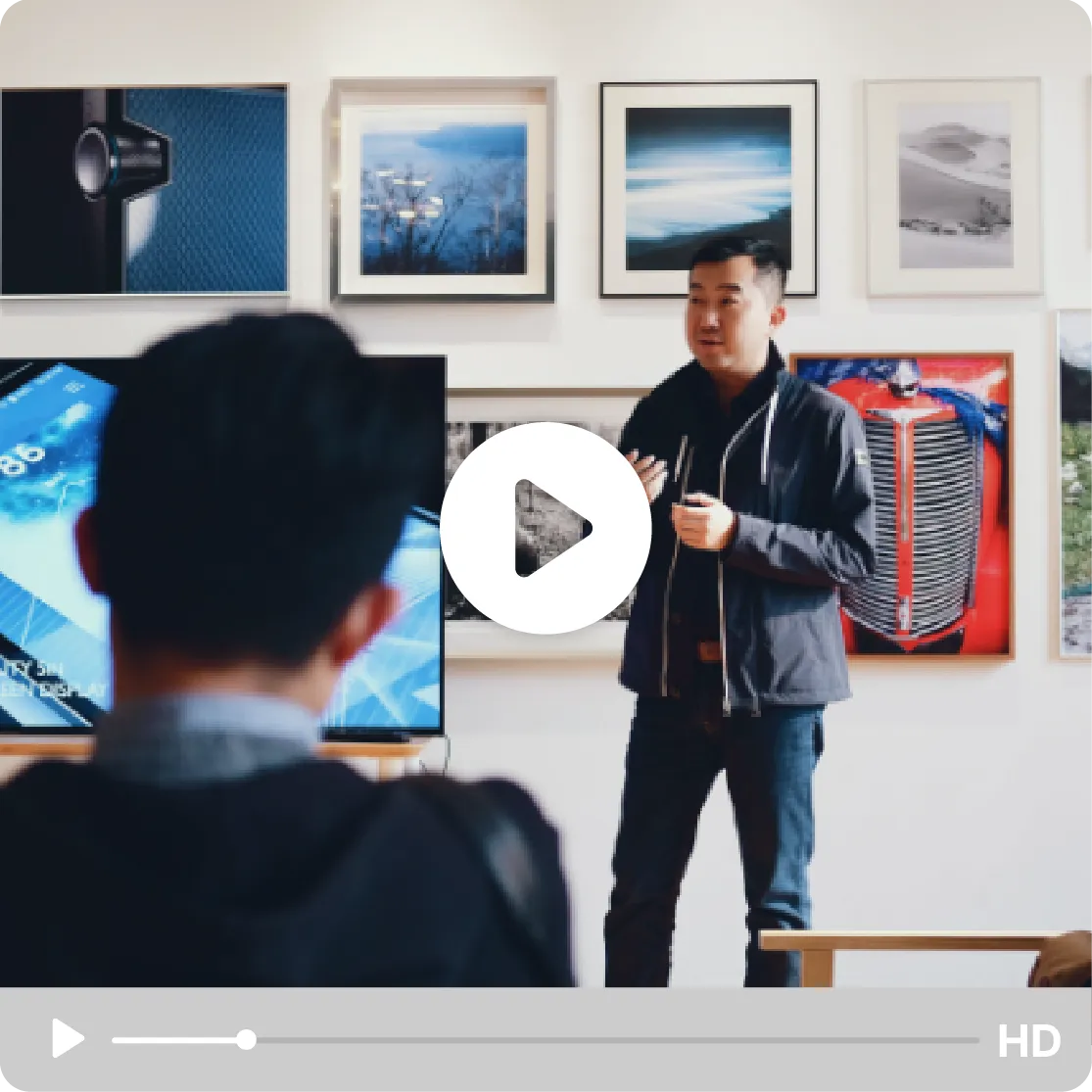
No need to download your files to watch them

Your videos play in streaming the moment someone clicks, stay reachable on a permanent link, and live in a real media library instead of a one-off transfer.

Try for free
Videas media library interface for organizing and streaming videos
ONISEP
AFNOR
Ville de Roubaix
Safran
France-Soir
Crédit Agricole
France Travail
Magnard-Vuibert
Sodiaal
Yoplait
Call

Where WeTransfer falls short

  • Links that expire after 7 to 28 days

    Your files are deleted automatically. You can't share a lasting link with your clients or colleagues.

  • No streaming: downloading is mandatory

    Your recipients have to download the entire file before they can watch. For a 2 GB video, that's a deal-breaker.

  • No file organization, no media library

    No folders, no tags, no search. Every transfer stands alone, with no usable history.

  • Controversy over using files to train AI

    In 2025, WeTransfer tried to use its users' files to train AI models. A risk to the confidentiality of your content.

  • Big transfers fail at the worst moment

    An upload freezing at 98%, a link your recipient can't open: on a heavy file, the transfer gives out and you have to start over.

  • The free plan caps at 2 GB, between two ads

    The free version stops at 2 GB per transfer and shows full-screen ads. To send anything heavier, or to drop the ads, you have to move to a paid subscription.

  • You don't know if it was watched

    WeTransfer notifies you of the download, never the viewing: you don't know whether your video was watched, or for how long. You have to chase them to find out.

  • No control over the link once it's out

    No password, no view-only mode, no way to kill a link you've already sent. Whatever you transfer slips out of your hands entirely.

Instant HD video streaming in the Videas player without downloading

Instant streaming

One click on the link and the video plays in HD streaming right in the browser, with nothing to download and nothing to install. Videas adjusts the quality to your recipient's connection and serves the player without cookies; an attached image or PDF opens in preview, directly. Where WeTransfer makes them wait to pull several gigabytes, yours plays straight away.
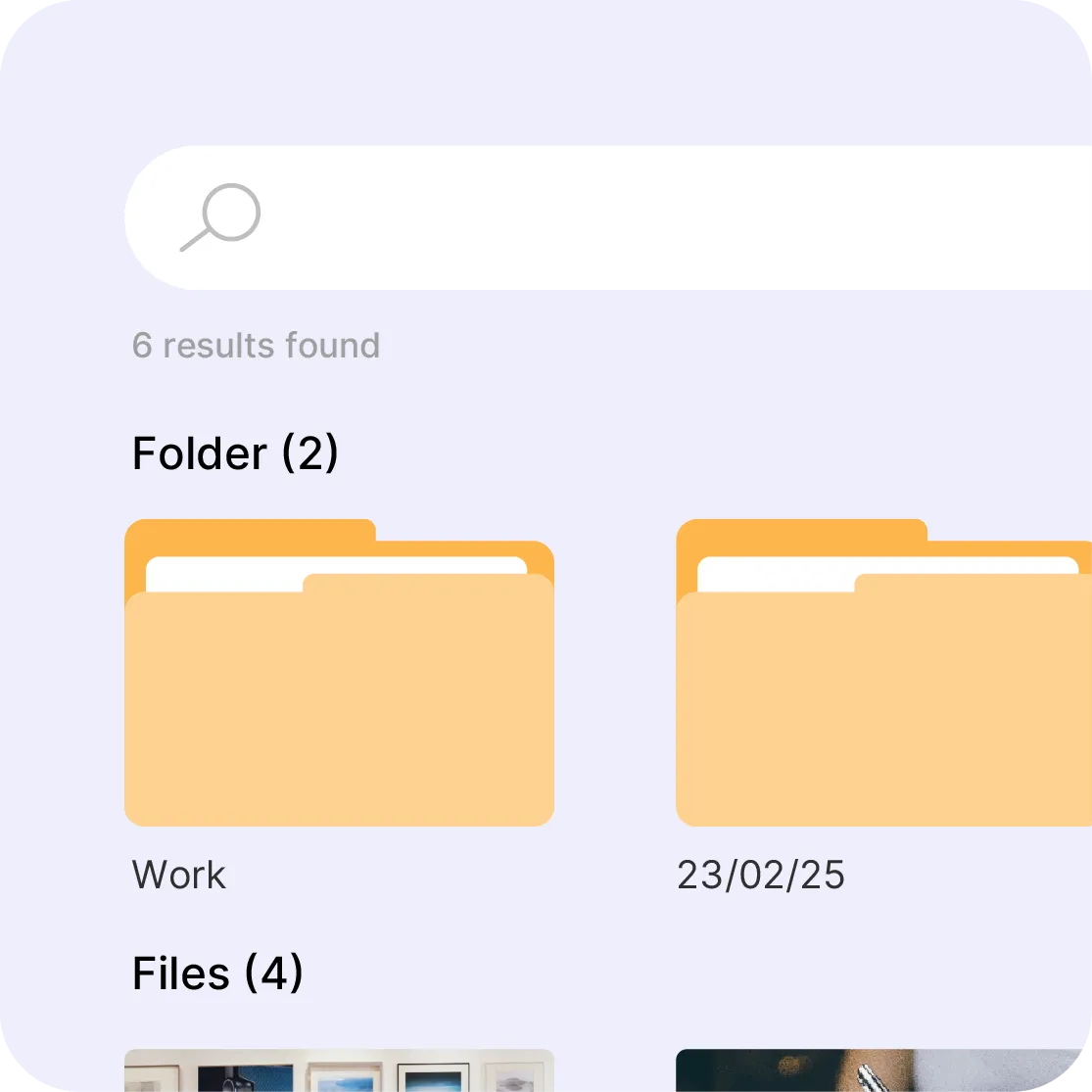
Videas media library with folders, subfolders, and tags for file organization

Organize all your files

Folders, subfolders, tags, search by keyword or format, shared spaces for collaborators: your videos, images, and documents live in a real Videas media library. You find a file you sent six months ago in seconds and reshare it without re-uploading, whereas every WeTransfer send stays an isolated transfer that leaves nothing once the link expires.

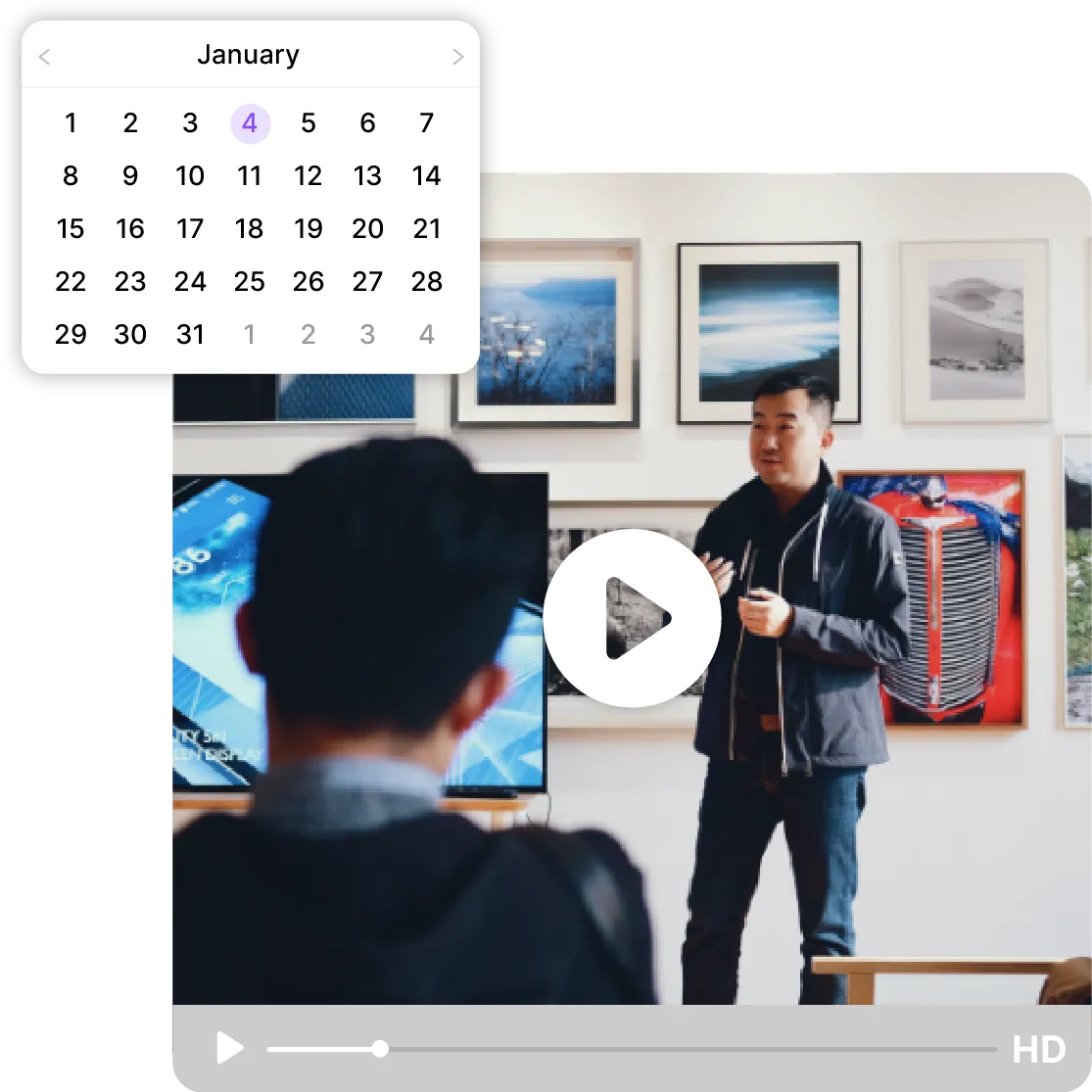
Permanent sharing link that never expires on the Videas platform

Your links never expire

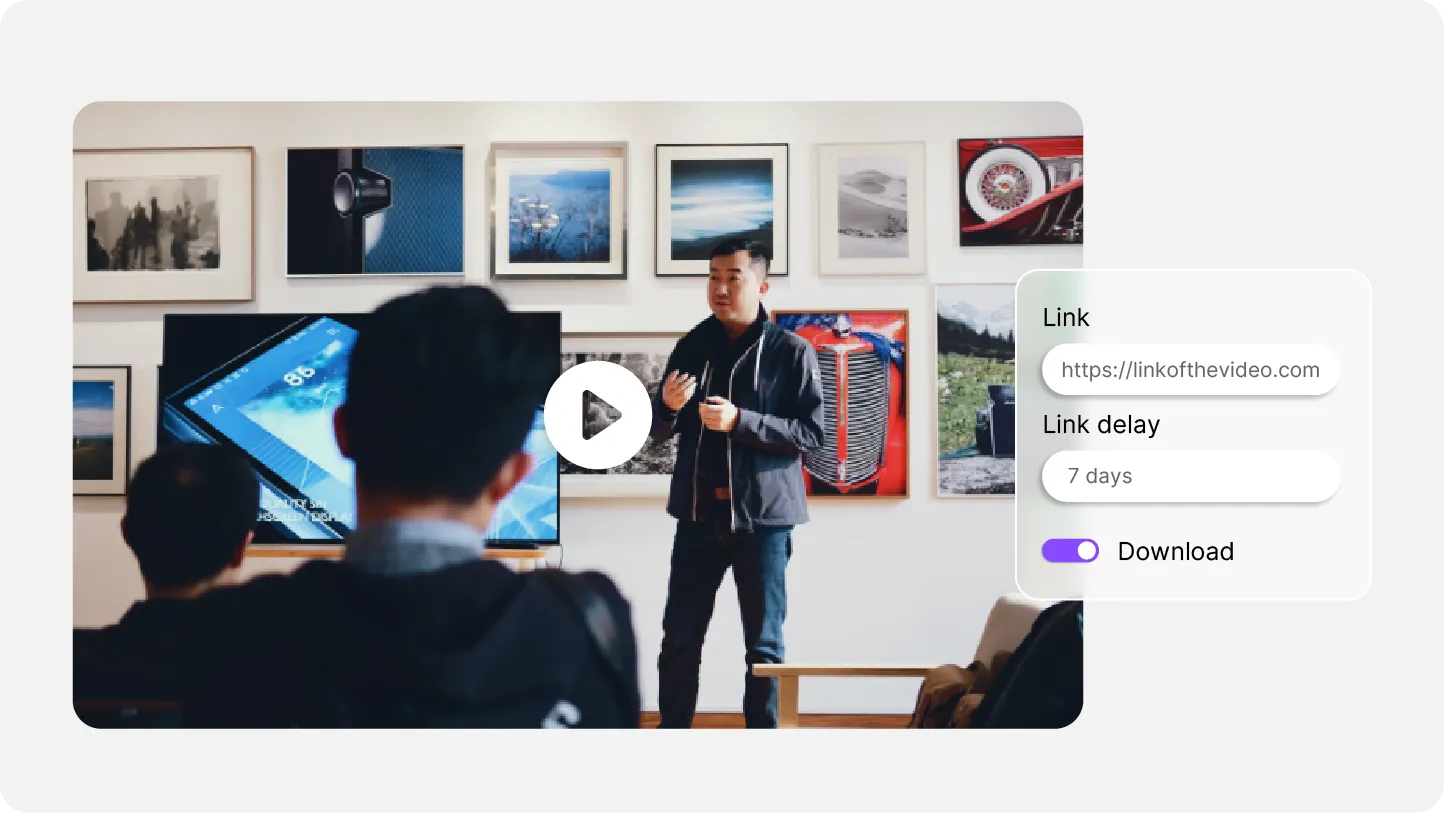
The same Videas link stays valid as long as you want, and your recipients come back to your content without asking you for a fresh send. You keep control: a password, an expiry date of your choosing, a download cap, view-only mode, and a notification on every open. WeTransfer, by contrast, deletes your files after 7 to 28 days and forces you to resend everything.

Privacy shield icon representing that your content is never used for AI training

Your content is never used for AI

Your files are hosted in Europe, with native GDPR compliance: Videas never uses them to train an AI, never sells them, never shares them. No transfer outside Europe, no hidden clause. In 2025, WeTransfer had to back down after changing its terms to allow itself to exploit its users' files; at Videas, the question doesn't arise.

Videas vs WeTransfer, feature by feature

Feature
videas.Try it
WeTransfer
File transferFile transferYesYes
Built-in video streamingBuilt-in video streamingYesNo
Permanent linksPermanent linksYesNo
Permanent storagePermanent storageYesNo
Organization (folders, tags)Organization (folders, tags)YesNo
Built-in photo galleryBuilt-in photo galleryYesNo
Viewing analyticsViewing analyticsYesNo
AI subtitlesAI subtitlesYesNo
Password protectionPassword protectionYesYes
Files not used for AIFiles not used for AIGuaranteed⚠ Controversy

Frequently asked questions

Does Videas allow sharing more than just videos?

Yes. Videas is a complete media library that allows you to store and share videos, images, documents, audio files and even entire folders.

Do Videas sharing links expire?

No. By default, sharing links are permanent. However, you can set an expiration date if needed.

How much does Videas cost?

Pricing is usage-based: €0.20 per hour of stored video per month, €0.02 per GB of bandwidth. No subscription. €5 free credit on sign-up, then €5/month.

Does Videas use my files to train AI?

No, never. Your files belong to you. They are not used to train AI, sold or shared.

Where is the data hosted?

All data is hosted in the EU. GDPR compliance is native, with no transfer outside the European Union.

How large can the files I send be?

Up to 100 GB per file from an account, and uploads are resumable: if your connection drops, the transfer picks up where it stopped. Without an account, the online tool stops at 2 GB per file, ten minutes for a video, and the link lives seven days. Either way, Videas never re-compresses your original file.

Does my recipient need an account to open the link?

No, and that is the whole point: they click and watch in their browser, no sign-up, no extension, no app. A video streams at whatever quality their connection supports, an image or a PDF opens in preview. They download nothing to see what you sent.

Am I notified when someone opens my link?

Yes. Videas notifies you on every opening and keeps the full share history: who opened the link, when, and what was downloaded. That is what makes the link usable for a client delivery: you know the file arrived without having to ask.

Can I revoke a link I have already sent?

Yes, at any time: revoking the share closes the link immediately, and anyone who received it lands on a page saying the share is over. You can also set a password, an expiry date, a download cap, or view-only access that blocks downloading altogether.

Can I put several files in the same link?

Yes, as many as you need (a shoot's rushes, an edit and its versions, a master with its subtitle files), and it still produces a single link. Your recipient sees the list and opens what matters to them, without taking everything.