Network training
Train your teams with video they actually finish
Short lessons, progress that resumes, and a head office that sees who is moving.
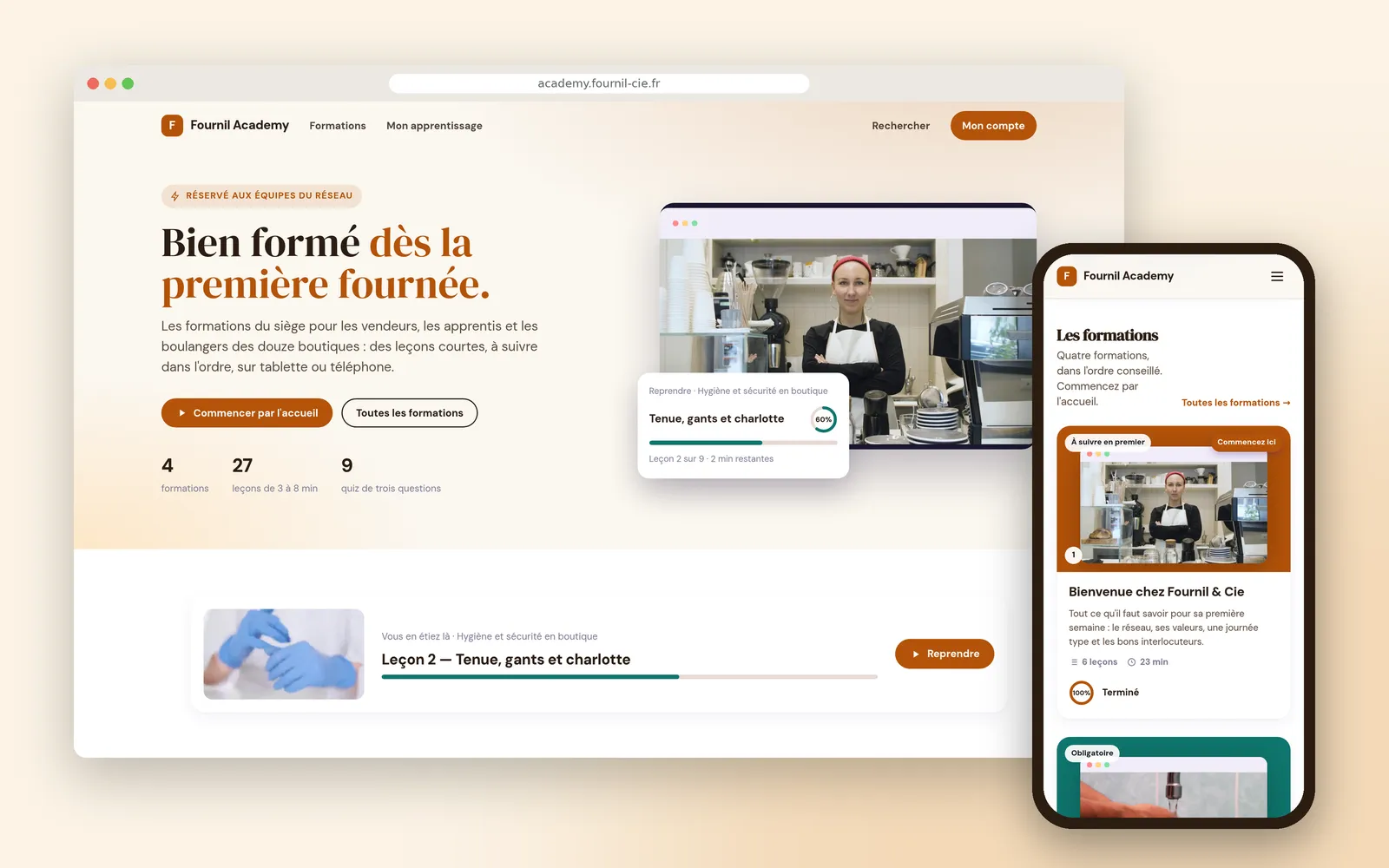











The training mode of Videas channels lets you train your teams with video: categories become courses and modules, videos become lessons. Each learner's progress resumes, with or without an account, a quiz closes each module, and head office sees who is moving and the minute where a lesson loses people.
“Fournil Academy” belongs to Fournil & Cie, the chain of bakery cafés invented for this walkthrough: one head office, twelve franchised shops. Claire Moreau runs communications and training.
Training videos nobody finishes
Every shop hires salespeople and apprentices all year. Head office cannot train everyone on site, and the franchisees have no time to explain it all again.
So videos get sent. They are watched by whoever opens them, out of order, and nobody knows who reached the end.
A training path built on the videos you have
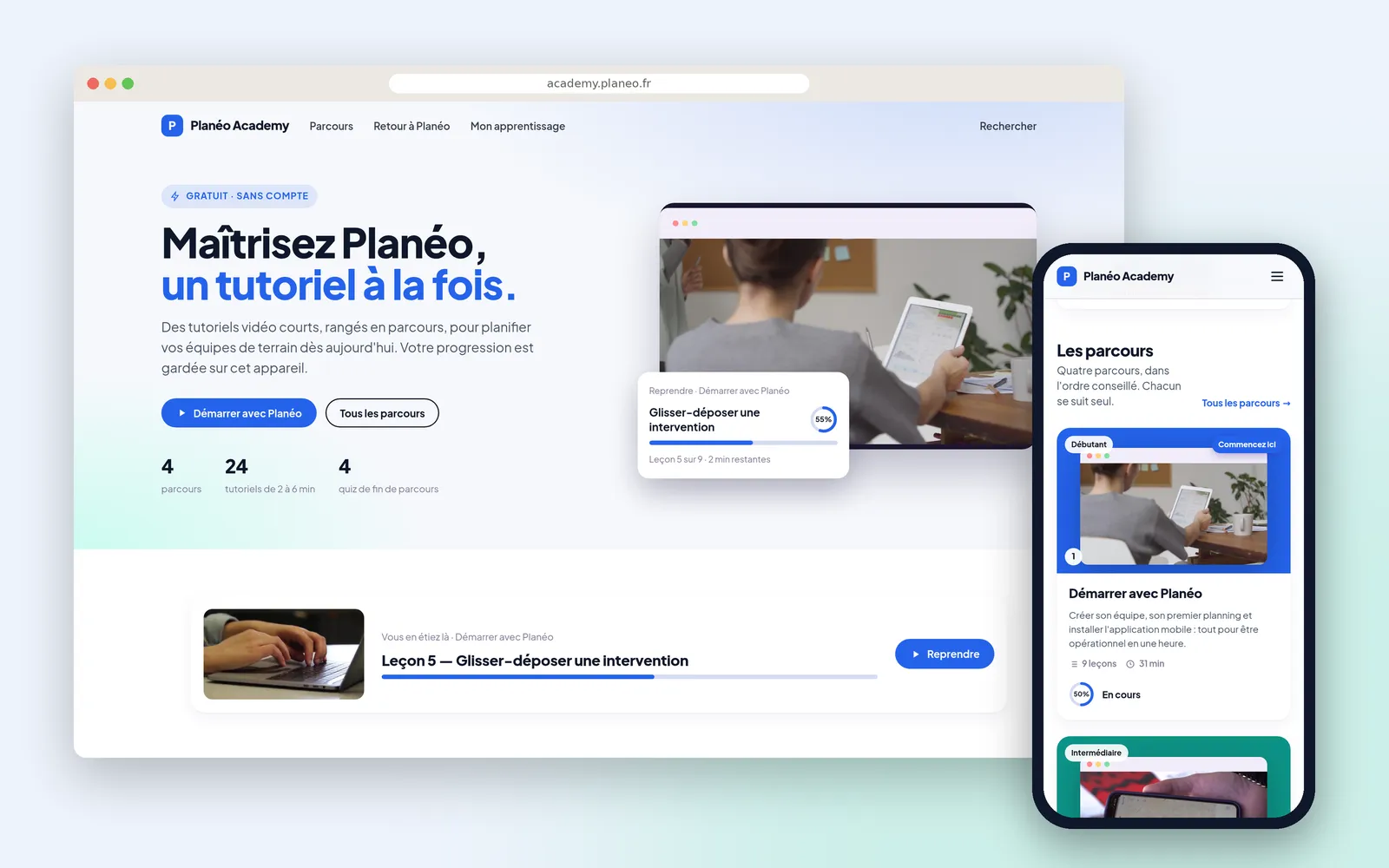
The channel switches into training mode, and the videos already filed in the network’s library become a path: categories make the courses and the modules, videos make the lessons. Nothing is redone, and the same files keep serving elsewhere.
The learner, meanwhile, gets their own progress: what they have watched, what is left, and the lesson to resume. It works without an account, on their device, and follows them if they create one later. A lesson only counts as watched at 90%, seeking locks on the content that demands it, and a quiz closes each module: watching a video is not understanding it.
Knowing who is moving, and where the path loses people
Head office sees each learner’s progress and last activity. But the useful part is elsewhere: each lesson’s retention curve says at which minute people drop off. A drop-off at the same place for everybody is not about the teams, it points at the passage to redo.
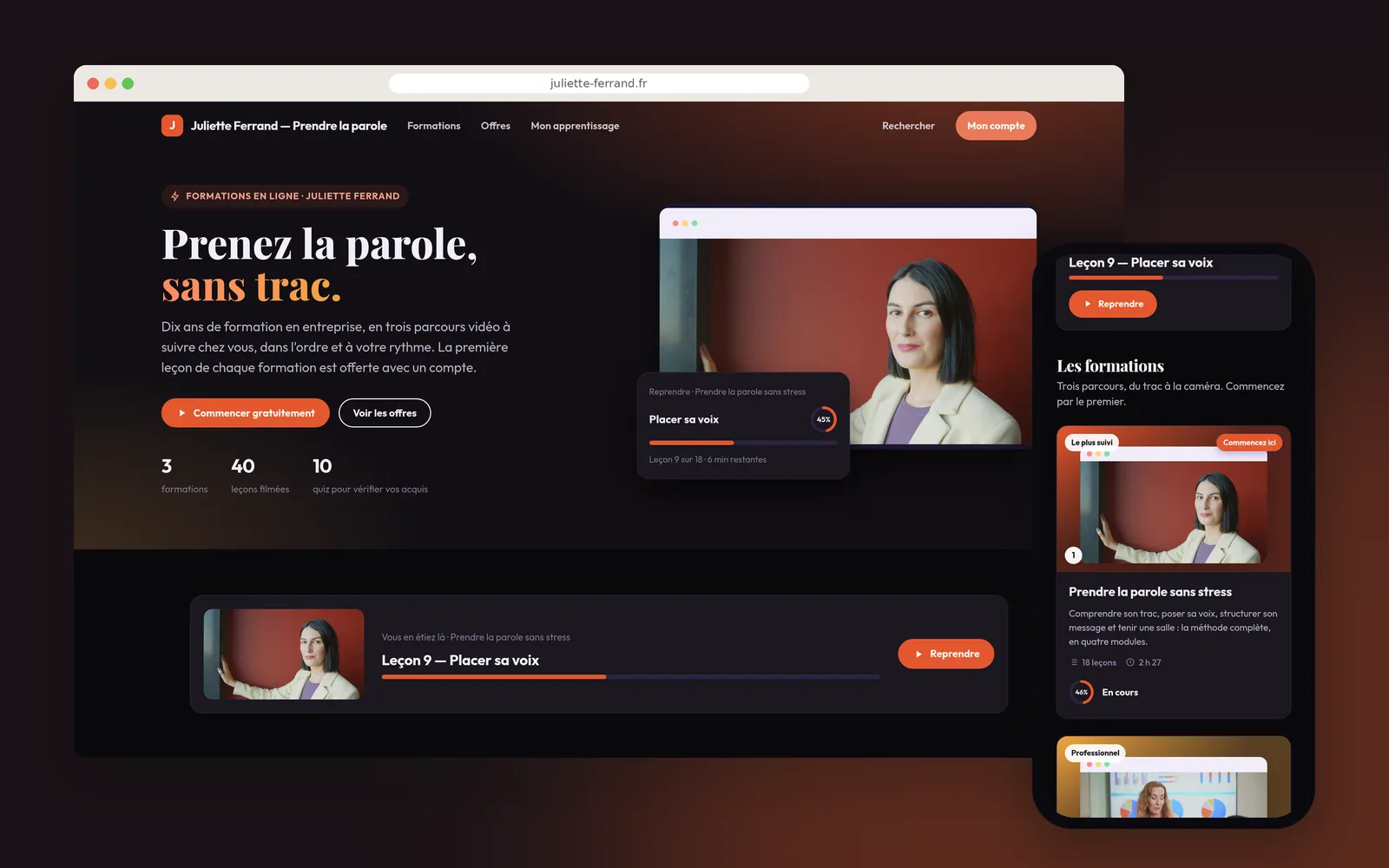
The same mechanism serves a trainer selling her courses and a public product academy.
How it works, step by step
The academy home page
Four courses, twenty-seven lessons, nine quizzes, and the lesson in progress offered straight away. The page composes itself when training mode is switched on: banner, resume card, courses in the recommended order.
Coming in by the need
« What do you want to do? »: six goals, each opening the right lesson. Underneath, the courses with their progress, and the short lessons for brushing up on a gesture before a shift.
A course
Three modules, nine lessons of three to eight minutes, and the quiz that closes each module. Watched lessons are ticked, the one in progress carries its bar, and a missed quiz shows as one to retake.
A lesson
The contents stay on the left, the next one follows after five seconds, and « Take a note » keeps what was worth keeping. Seeking was blocked here: the banner announces that it is now released.
The module quiz
Three questions at the end of the module, one right answer each. A video watched is not a module understood.
The result
Question by question, what is right and what to review, with the right answer alongside. You start again, or you carry on.
My learning
On the learner's side everything fits on one page: the lesson to resume, the courses under way, the ones finished, and the ones left to discover.
Tracking from head office
Who is where, and when they last came by. You look someone up by name or by address.
Where people drop off
Lesson by lesson, started and finished. On « Allergens », half the learners stop between the second and third minute: that is the passage to redo.
What our customers say about us
Videas enabled us to create a genuine connection between our French and Canadian teams. The platform has become the go-to hub for our internal communications: every employee can access content in their language, react, and get involved, wherever they are.
The Videas Web TV has become a must-attend event for our teams. The weekly live streams with the CEO have transformed our internal communications: employees ask questions live, react, and get involved. We've gone from one-way communication to a genuine dialogue.
Your solution is top quality, your team is responsive and attentive, and the results amply exceed our expectations. We hope to work with you for a long time to come, as you contribute to our success.

Videas provides exactly what we needed: uncompromising security for our premium content, native GDPR compliance, and an integration simplicity that saves our educational teams valuable time.
As an educational publisher working with the French national education system, we needed to guarantee that our video content was hosted in France, with no data transfers to the United States. Videas enabled us to migrate from Vimeo with a dedicated space per brand and a technical framework that meets our obligations.
Videas is an easy-to-use platform that lets you quickly create a VOD channel. The team is attentive and very responsive to our requests. As customers for nearly a year, we strongly recommend this platform for managing your video library and access.

Frequently asked questions
How do you turn your videos into training paths?
By switching a Videas channel into training mode: your categories become courses and modules, your videos become lessons. You file your videos once, the path follows, and the same files keep serving elsewhere, in your shared library or on your intranet.
Can a learner resume a lesson where they left off?
Yes, and it is the first thing they see on arrival: their My learning page gathers the paths under way, the lesson to resume and their notes. A lesson counts as finished when it has been watched to 90%, not when it has been opened.
Do people need an account to start a course?
No. Progress works without one, on the learner's device, and follows them if they create an account later. To track people by name, though, accounts are needed: each person's record then shows their progress and their last activity.
Can you stop people skipping to the end of a video?
Yes, optionally, on the content that really has to be watched: until the lesson has been seen, seeking is blocked, and the player then releases navigation. It is a serious deterrent, not tamper-proof proof.
How do you check the training was understood, not just played?
With a quiz at the end of a module or a course. The learner sees their result question by question, which they got right and which to review, and can start again. A video watched is not a module passed.
How do you find out where learners drop off in a lesson?
Each lesson's retention curve says at which minute viewers stop. A drop-off at the same place for everybody is not about the teams: it points at the passage to redo.
Can a course be reserved for one shop or one department?
Through access groups: you sort your members into groups, a shop or a department for instance, then open each piece of content to the group concerned. Everyone sees only what their group opens, and an access can carry an end date, for a seasonal worker or an apprentice.
How do you enrol the teams?
One by one, by invitation, or by circulating an invitation link to a shop. There is no import of an employee list: each person comes in through a named invitation or that link.
Does the price go up with the number of people to train?
No: no Videas price depends on the number of accounts. You pay for the video stored and for delivery beyond the first terabyte included each month, whatever the number of learners. The detail is on the pricing page.
Can you bring over training videos already on YouTube or a Drive?
Yes, and the migration is free: the Videas team moves your videos from Vimeo, YouTube, Google Drive, Dropbox or OneDrive, with the files, the metadata and the thumbnails. There is nothing to re-upload by hand.
Going further
More scenarios
All scenarios →Private companies
Publish video tutorials your software's users can find
An academy open to all, filed by what the customer is trying to do.
Studios & production companies
Have your client approve the subtitles, line by line
The client reviews the subtitles line by line from a link, and the agency decides.
Creators & coaches
Sell your courses as a path, on a site of your own
Lessons in order, notes taken while watching, and tracking of who is moving.