Professional training
Sell your courses as a path, on a site of your own
Lessons in order, notes taken while watching, and tracking of who is moving.











Who it is for
You sell courses and you want your students to reach the end.
What it settles
- Lessons in order, not a catalogue in bulk
- The first lesson free, to judge before buying
- The curve that says where students drop off
Products used
To sell an online course as a path rather than a playlist, a Videas channel on your own domain files videos into courses, modules and lessons in your order. The first lesson can be free while the rest stay visible but locked, and students take notes, pass quizzes and resume where they stopped.
“Juliette Ferrand — Speaking in public” is a freelance trainer invented for this walkthrough. She has trained in companies for ten years and wants to reach individuals and small teams.
A course sold is not a course followed
The student buys, watches two lessons, then something gets in the way and they do not come back. The trainer learns about it at the non-renewal, or never.
A catalogue of videos makes it no better: with no order and no visible progress, everyone picks and nobody finishes. And on a course marketplace, the student becomes somebody else’s customer.
Selling courses as paths, on your own site
The site is in Juliette’s name, on her own domain. Her videos are filed once into courses, modules and lessons, in the order she chooses, and it is that order which separates a list of videos from a course.
The first lesson of each course is free, and the rest stay visible, locked: the whole programme reads before anyone pays. The offers do not appear on a pricing page but where the student hits the wall, on the lesson they wanted to open: one course alone, or all three together.
While they watch, the student takes notes beside the video, a quiz closes each module, and everything comes back together in “My learning”, with the lesson to resume.
Seeing at which minute students drop off
Juliette sees each student’s progress, and above all each lesson’s retention curve. A drop-off at the same place for many students is not about them: it points at the passage to redo. The correct-answer rate per quiz says the same about the ideas.
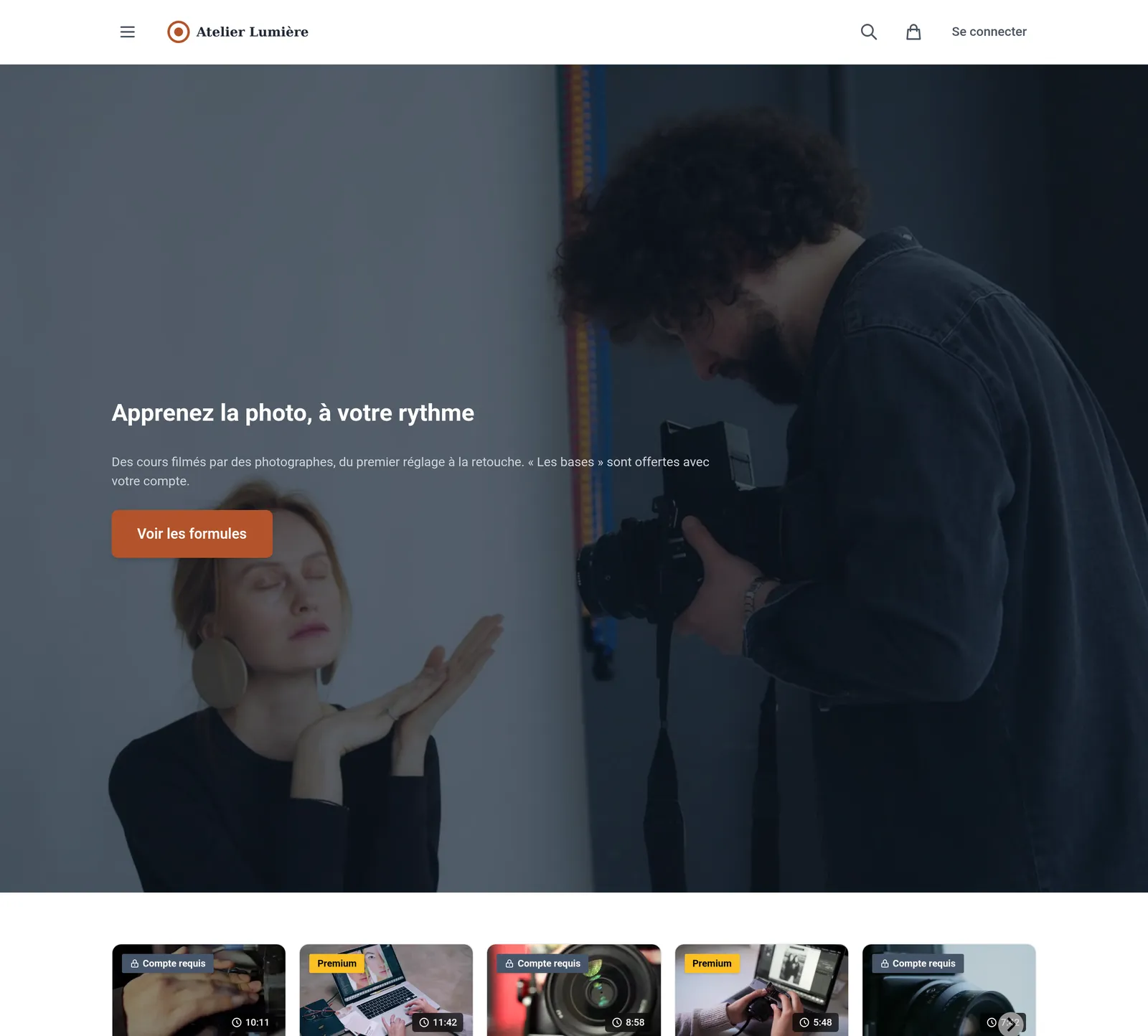
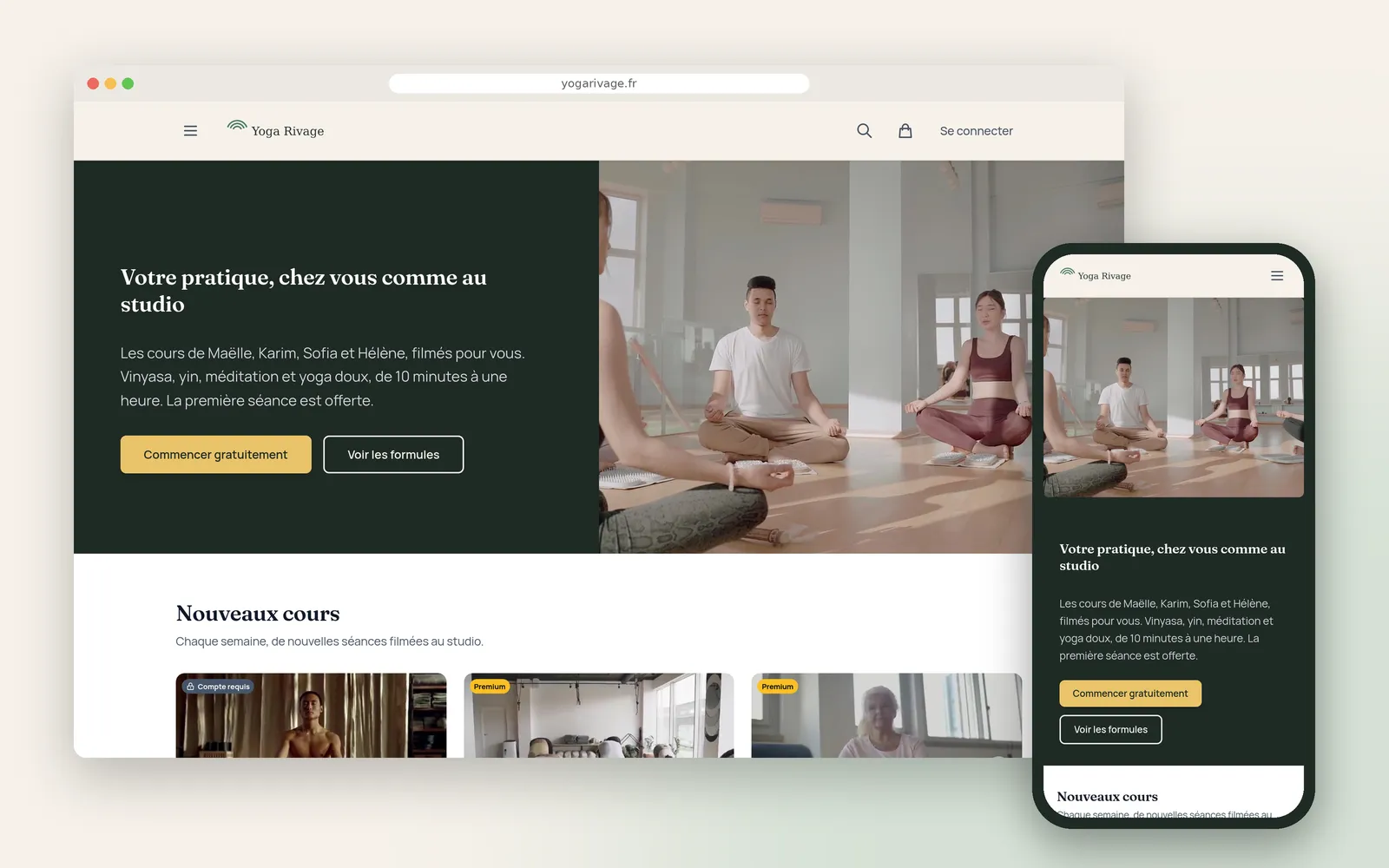
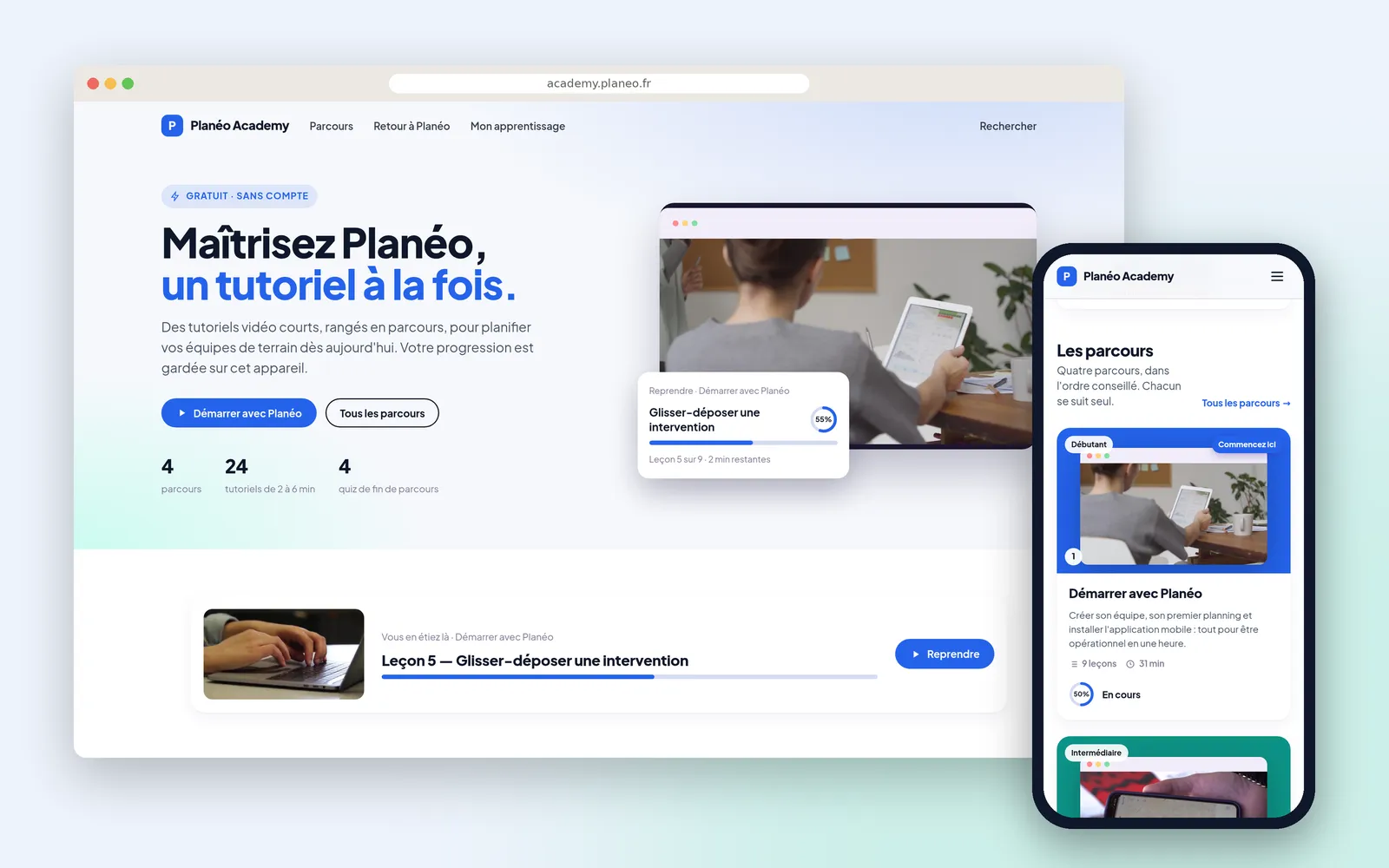
The same mechanism serves a network training its shops and a public product academy. To sell a catalogue rather than a path, see Atelier Lumière and Yoga Rivage.
How it works, step by step
The trainer's site
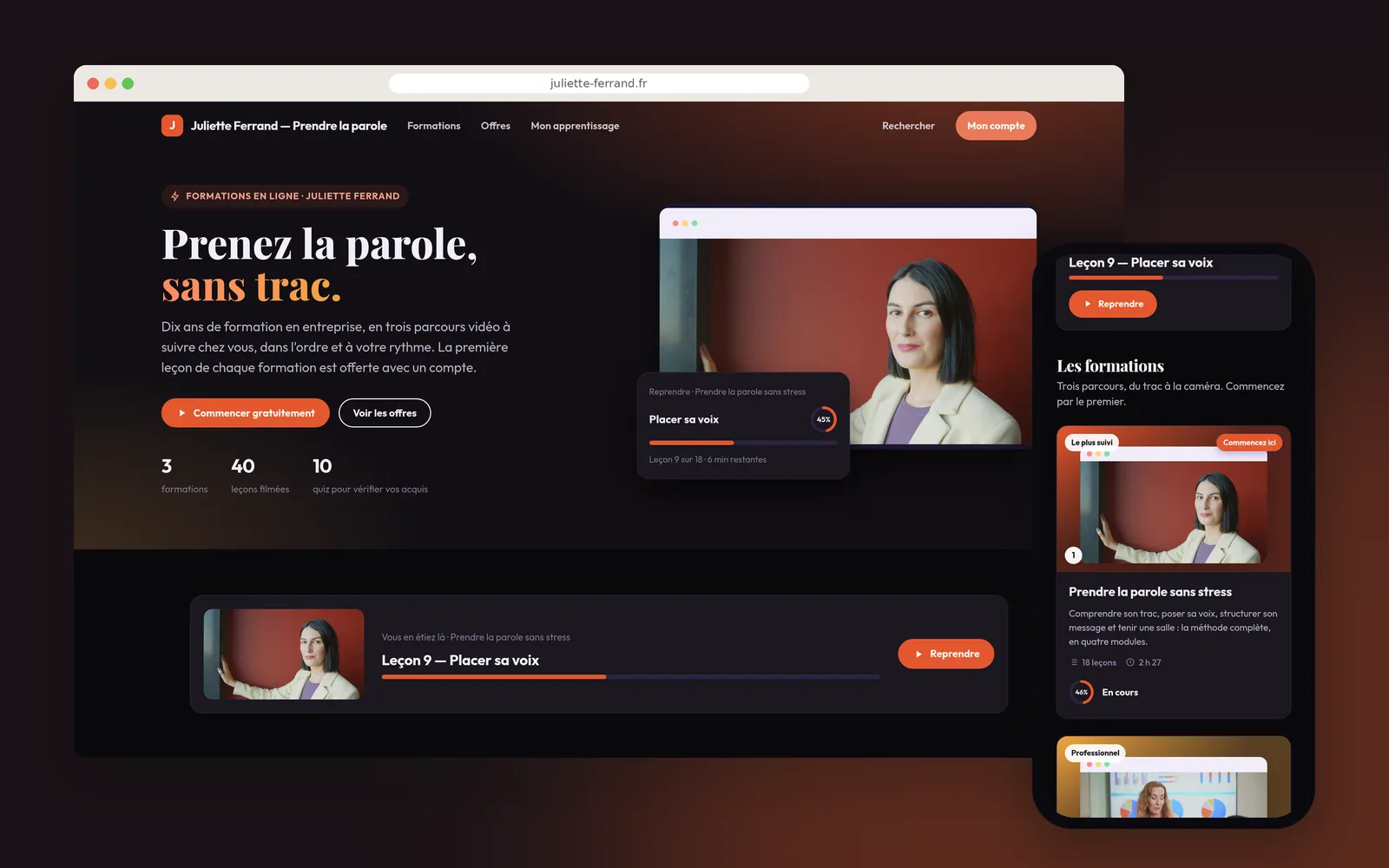
In her name, in her colours, on her own domain. Three courses, forty lessons, ten quizzes, and the lesson in progress offered on arrival.
The courses, and where to start
Three paths with their real running time, in the recommended order. Underneath, six concrete goals each opening the right lesson, for someone after one specific thing.
A course for sale
Seen by someone registered who has bought nothing: the first lesson is open, the other seventeen are locked but visible, with their title and their length. The whole programme reads before anyone pays.
The offers
They appear where the student hits the wall, on a locked lesson: one course alone, or all three together, each for a year.
A lesson
The contents show where you are across eighteen lessons, passed quizzes included. The student takes notes without leaving the video, timestamped at the second they write them.
The module quiz
Three questions to close the module. Having watched the lesson and having understood it are not the same thing.
The result
Question by question, what is right and what to review, the right answer alongside. You start again, or you carry on.
My learning
On the student's side, one page: the lesson to resume, the path under way with its lesson count, and the two other courses to discover.
Tracking the students
Who is where, and when they last came by. The one who paid and then vanished at the second lesson shows up, instead of being discovered at renewal.
Where people drop off
Lesson by lesson, started and finished, then each one's curve. And the correct-answer rate per quiz, which says which idea did not land.
What our customers say about us
I wanted to centralize my content on a platform that reflects my identity and lets my community fully enjoy it. With Videas, I launched my own VOD platform without getting bogged down in the technical side.

Videas is an easy-to-use platform that lets you quickly create a VOD channel. The team is attentive and very responsive to our requests. As customers for nearly a year, we strongly recommend this platform for managing your video library and access.

Frequently asked questions
Do you need a course platform to sell a video path?
Not for a video path. Lessons in order, visible progress, the student's notes and the tracking of who is moving are on the channel itself, in your name and on your own domain, with no course platform to configure before you start.
Where do you host the videos of an online course?
On a channel in your name. Paid lessons only play with an access, the ones you give away open without paying: there is no unlisted link doing the rounds, and your students have an account with you rather than on somebody else's platform.
Can you give the first lesson of a paid course away?
Yes. You choose which lessons open without paying, and the first is the most useful one to give: it is what lets someone judge how you teach before buying the whole path. The rest stay visible, locked, which invites rather than hides.
How do you know whether students reach the end?
The student tracking gives, for each one, their progress and their last activity. And each lesson's retention curve says at which minute people stop: a drop-off at the same place for many students points at the passage to redo.
Should a video course sell singly or by subscription?
Both at once: each course opens on its own, or all of them together through a subscription. You set the access period. Selling opens once Videas has validated the activity, and what the channel costs is on the pricing page.
Does a student who buys a course keep it for life?
Not in this walkthrough: Juliette sells each course with a year's access, presented as a subscription, and her annual subscription opens all three paths. While their access runs, the student finds the course and their progress in My learning.
Can you put a quiz at the end of a module?
Yes, a quiz can close a module or a course. The student sees their result question by question, with the right answer against the ones they missed, and can start again. It issues no mark, no attestation and no certificate.
Can you attach a PDF or exercises to a lesson?
Yes. Downloadable documents sit under a lesson, a summary sheet or exercises as a PDF. The student finds them in the same place as the video and their notes. A lesson stays a video: the document goes with it, it does not replace it.
Is a course sold on Videas eligible for public training funding?
No. Videas handles no training-provider certification, no public funding scheme and no regulatory attendance record. It is for the trainer selling her paths directly to her students.
Can students ask questions under a lesson?
Yes, through the comments under each lesson. There is no forum, no community space and no live virtual classroom.
More scenarios
All scenarios →Creators & coaches
Sell your filmed classes, by subscription or singly
A branded site, locked classes that stay visible, and two ways to pay.
Creators & coaches
Put your yoga studio's classes online for students at home
A site in the studio's colours, and members who get the online access included.
Private companies
Publish video tutorials your software's users can find
An academy open to all, filed by what the customer is trying to do.