Video monetization models: the 3, and the lever that sells them
Three models monetize a video: purchase, rental and subscription. Start by selling one at a time, and only move to a subscription once your catalogue genuinely keeps growing. On Videas all three live on the same catalogue, and one video can carry several at once.
The reflex is always the same, though. You hear “recurring revenue”, you open a subscription, and three months later you owe a new video every month to justify the monthly payment. The subscription is not the most profitable model, it is the most demanding.
| Purchase | Rental | Subscription | |
|---|---|---|---|
| The buyer pays | once | once, for a set length | every period |
| What they get | permanent access | access that closes again | a set of content, while they pay |
| What it commits you to | nothing | nothing | publishing regularly |
| Who it fits | a piece that stands on its own | something watched once | a catalogue that keeps growing |
Purchase: one video, one price
It is the simplest sale there is. The buyer pays once and keeps access for good. No commitment to sell them, no publishing rhythm to hold.
In Videas the setting sits on the content itself: switch its Access level to Paid, and a Monetization tab appears, where you add a public price incl. VAT of type Purchase. The industry calls this TVOD, video on demand paid per transaction. The walkthrough is in the help centre, at sell a video: purchase and rental pricing.
Selling a single film or documentary
One video is enough to start selling. A documentary, a feature film, a filmed show does not need a catalogue around it: the video has its own sales page, with its trailer and its price, and the link shares like any other page, in a newsletter, on social media, with the press. No catalogue to fill, no subscribers to keep, no publishing rhythm to hold: it is the lightest way to release a film online. The detail is in sell a single video.
Selling several videos as a bundle
Several videos that belong together, a series, the modules of a course, sell as a bundle. The most direct route is to sell the collection that groups them: it can be bought or rented like a single video, for whatever length you choose. The other route goes through a one-time-payment plan, which adds the free trial; the help centre compares the two.
Who it fits: a standalone piece that holds on its own, a filmed conference, a masterclass, a documentary.
Rental: paying for a window, not forever
Same tab, different price: Rental opens access for a length you set, then closes it again. One video can carry both, and let the visitor choose.
The dividing line is simple. Rental suits what gets watched once, purchase what gets returned to. The length follows real use, an evening or two for a film, a few weeks for a course module.
Who it fits: something watched once, a film, a filmed show, an event replay. A class someone redoes three times, or a method they consult along the way, sells better as a purchase.
Subscription: the revenue that commits you to publishing
This is the world of plans, under Sales → Plans and promo codes. A plan gives access to a set of content, or to your whole catalogue, for a periodic payment: you set the public price incl. VAT, the billing period, how long the commitment runs and, if you want one, a free trial of 1 to 90 days. Worth knowing: a plan is not necessarily recurring, it can also run in fixed cycles or as a single payment.
This is SVOD, and it has an entry condition nobody writes on a sales page: a subscriber pays for access to what is coming, not only to what already exists. A subscription on a frozen catalogue gets cancelled quickly. The full build is in create a subscription plan.
Who it fits: a catalogue that grows, with a publishing rhythm you actually hold, a library that keeps filling, an academy, a themed channel. If you have three videos and nothing scheduled, this is not your model yet: sell them one at a time, and come back to the subscription when the rhythm is there.
Free access: the lever that sells the other three
This one carries no price, and it is the one that unlocks the sales. Giving a subscription opens a plan to someone with no payment, with an end date or none at all: free access never renews and is never billed, the detail is in give a member free access. Next to it, promo codes do the same thing with a discount, and the trailer shows before the price applies.
A paid catalogue needs these doors. Nobody buys a video they have seen nothing of, and it is the trailer or the free access that earns the first minute of watching.
Who it fits: the press, a partner, a prospect you want to win over, or a goodwill gesture after an incident.
What about ads, like on YouTube?
There is one more model, AVOD: the video is free, and the platform passes you a share of the advertising shown around it. That is YouTube’s model, which first asks for 1,000 subscribers and 4,000 public watch hours over twelve months to join its partner programme, then pays a few euros per thousand views.
Advertising sells your audience, the other three models sell your content. It only pays at very large volume; direct sales pay from the first buyer, with an audience that is small but pays. The two are not alike, and a player with no ads is precisely what the buyer is paying for. What separates a YouTube channel from a Videas channel is laid out in our YouTube comparison.
What price to set
The models do not rule each other out, which is what complicates the maths. A video sold singly can also sit inside a plan: the one-off buyer pays once, the subscriber reaches it through their subscription. It is the most common combination, and it asks the two prices to hold together.
For a single sale, the benchmark is not your production cost, it is what the buyer would pay for the offline equivalent: a cinema ticket for a documentary, an entry ticket for a filmed show, a day of training for a full course. A masterclass that replaces a 400 € training day does not sell at the price of a film.
For a subscription the reasoning flips: the subscriber compares the monthly price to what they would have bought singly over a year. If your catalogue is not worth three purchases in twelve months, the subscription is too expensive whatever its price.
One last item in the maths: the price on display is not what you take home. Videas keeps 15% of the pre-tax amount of every sale, payment fees included, and the rest reaches your bank account by automatic transfer, commission already deducted. The detail is in what Videas keeps, and when you are paid.
Where to sell, and where to start
First, where the sale happens. A single video lives on its own sales page: one price, one link, nothing to build around it. A catalogue needs a shopfront, and that is what a channel is for, with its shelves, its plans and its own domain, what the industry calls an OTT platform. The step by step is in create a VOD platform in 5 steps, and if you are weighing the specialised platforms, our Uscreen comparison covers it. If you were selling on Vimeo On Demand, which closed on 20 November 2026, the Vimeo On Demand alternatives show where to pick your sales back up. If you already have a site, it can act as the shop window without hosting anything: the player of a paid video embeds there, shows the trailer and the price, and sends the visitor back to your channel to buy.
Then connect Stripe, which collects for you, and put a price on one video, not on the whole catalogue. Two weeks is enough to know whether that content sells, which no amount of theory will tell you, and the sales dashboard shows it to you in figures.
FAQ
How do you monetize your videos?
Three models take payment: purchase, which gives permanent access; rental, which opens it for a set length; and subscription, which bills periodically for access to a set of content. Next to them sits free access, which opens the door with no payment to set the other sales off. On Videas the setting sits on the content itself: its access level switches to Paid, and the Monetization tab appears.
Is it better to sell videos one at a time or by subscription?
It depends on what you produce, not on what pays best. A standalone piece, a filmed conference or a masterclass sells one at a time. A subscription only holds if the catalogue keeps growing: the subscriber pays for access to what is coming, not only to what already exists. If you have three videos and nothing scheduled, start with single sales.
Can you sell a video on its own and include it in a subscription?
Yes, the models do not rule each other out. One piece of content can carry several prices and belong to a plan: the one-off buyer pays once, the subscriber reaches it through their plan. It is in fact the most common combination, because it lets the visitor choose how far to commit.
Can you sell a single film or documentary online?
Yes, one video is enough. It has its own sales page, with its trailer and its price, to buy, to rent or both, and the link shares like any other page. No catalogue or subscription is needed: it is the lightest way to release a film or a documentary online.
What is the difference between TVOD, SVOD and AVOD?
TVOD is video paid per transaction, by purchase or rental. SVOD is the subscription, which opens a catalogue for a periodic payment. AVOD is free video funded by advertising, YouTube's model. The first two sell your content, the third sells your audience, and it only pays at very large volume.
What price should you sell a video for online?
The benchmark is not your production cost, it is what the buyer would pay for the offline equivalent: a cinema ticket for a documentary, an entry ticket for a filmed show, a day of training for a full course. For a subscription the calculation flips: the subscriber compares the monthly price to what they would have bought singly over a year, and if the catalogue is not worth three purchases in twelve months, the subscription is too expensive whatever its price.
Do you need a website to sell videos online?
Not necessarily. A single video sells from its own sales page, with its price and its link, and nothing to build around it. A catalogue does need a shopfront: that is what a channel is for, with its shelves, its plans and its own domain. Both builds are covered on the sell your videos page.
Monetizing your videos is not settled on a profitability spreadsheet, but on what you can realistically produce in six months. Purchase commits you to nothing, rental follows use, the subscription commits you to publishing, and free access brings in the ones hesitating at the price. The rest comes down to one video, one price and two weeks of hindsight.
Related articles
Video Platform
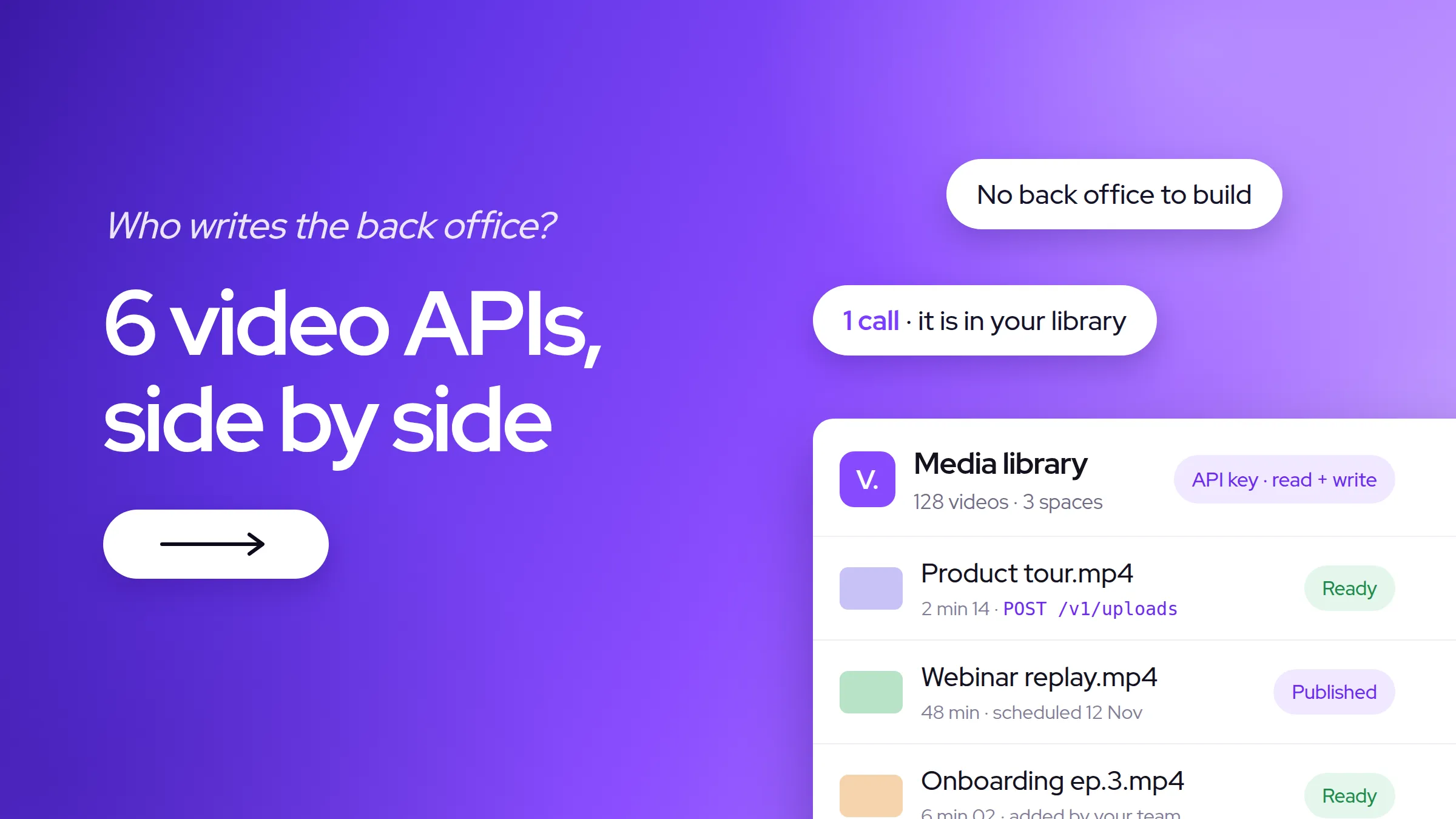
The 6 best video platforms with an API in 2026
Six video platforms you can drive by code, from the one with no interface at all to the one that keeps an interface for everybody else.
Video Platform
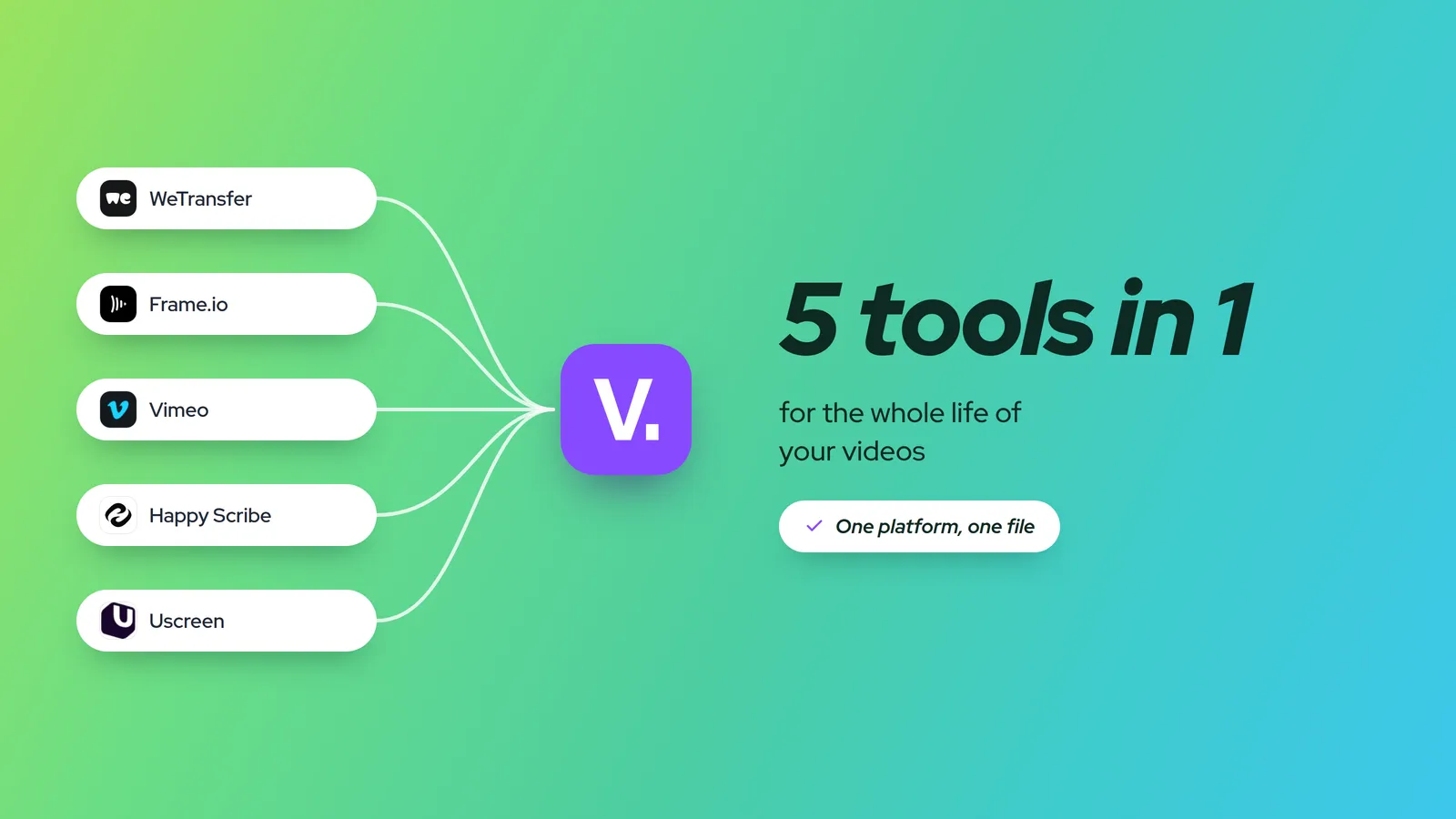
5 tools in 1: your whole video workflow in one place
Sending, review, hosting, subtitles, sales: a single video still travels through five platforms before anyone watches it. How the whole chain fits into one.
Video Platform
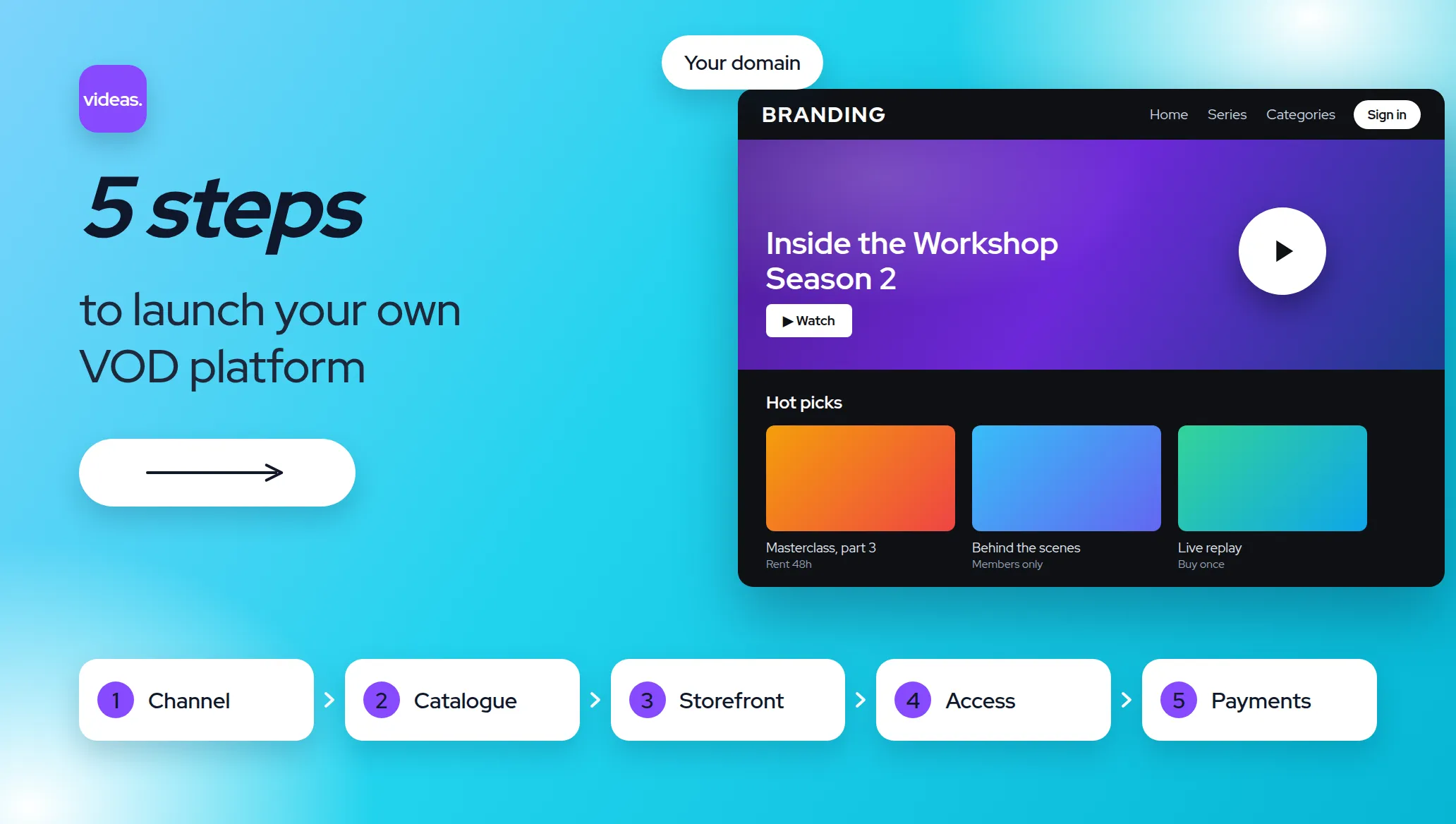
Create your own VOD platform in 5 steps
Creating a VOD platform takes 5 steps and, with Videas Channels, a single day if your videos are ready: open your channel, sort your catalogue, compose the storefront, decide who sees what, then set your prices.