5 tools in 1: your whole video workflow in one place
In 2026 you are still paying for five video platforms when one would do. Videas brings sending, review, hosting, subtitling and selling into the same place: the master goes in once, and it carries you from the first round of notes to the last viewer, without ever leaving the platform.
The usual stack lines up WeTransfer to send the file, Frame.io to get it approved, Vimeo to host it, Happy Scribe to subtitle it, Uscreen to sell it. Five accounts, five contracts, and the same file copied five times with nobody sure which one is current. The bill comes due at the first correction: one wrong subtitle, and you fix it in the transcription tool, export the SRT again, re-upload it to the hosting platform, then do it over for the version on sale. Three operations to fix one word.
1) Sending: a link that does not expire
A transfer service does one thing well, which is sending a file once. That is also where it stops: with WeTransfer or Dropbox, the link dies after a week or two, the file goes with it, and you never find out whether anyone opened it. One late reply and you are uploading all over again.
Videas Mediasbox replaces WeTransfer, and the file arrives once and stays. It sits in folders, carries tags and custom fields, comes back from a keyword search, and shares through a permanent link you lock with a password, an expiry date or a cap on the number of opens. It is the same media every later stage will use, with no second upload, and the large file sharing tool takes up to 100 GB on a free account.
2) Review: getting notes without shipping the file out
Frame.io set the standard for reviewing a cut: comments pinned to the timecode, annotations drawn on the frame, versions stacked on the same media, an approval status, and a reviewer who never has to create an account.
Videas review replaces Frame.io, on the video that is already hosted. The difference shows up after sign-off: Frame.io keeps the approved cut inside the workspace that was used to review it, next to the intermediate versions, and bills every person who walks in as another seat. On Videas the approved version does not move. It is already where it needs to be, ready to be published, subtitled and measured. Review stops being a stage in a separate tool and becomes a state of the media.
3) Hosting and the player: the video leaves the waiting room
This is the floor where most teams run Vimeo or YouTube. Vimeo ticks the right boxes, but bandwidth is capped and the price climbs fast past the quota. YouTube never really shows your video on its own: it wraps it in recommendations and monetises it under its own rules.
Videas hosting and Videas Player replace Vimeo and YouTube. Hosting keeps your files in the EU, with no advertising and no ad cookies, and Videas Player shows them in your colours, with adaptive bitrate streaming, chapters and subtitles already attached. The eight reasons European teams pack up and go are in why leave Vimeo.
4) Subtitles: attached to the video, not to a file you re-upload
A tool like Happy Scribe transcribes well, and hands you a file. That file is exactly what creates the work: export it, upload it somewhere else, then repeat the whole thing at every correction, for every platform the video is published on.
Videas Scribe replaces Happy Scribe, and transcribes the video where it is already hosted. The track stays attached to the media: you fix it in the editor, and the player serves the corrected version straight away, everywhere the video runs. Transcription happens on Videas servers in the EU, proofreading is shared through a link with no account to create, and SRT and VTT exports stay available for the day you do need them elsewhere.
5) Publishing and selling: your catalogue, your domain
To sell videos, most teams bolt on a subscription platform like Uscreen, or wire a WordPress site to Stripe. Two jobs, two problems: one bills per subscriber with transaction fees on top, the other means maintaining a website.
Videas Channels and Videas Pages replace Uscreen. Videas Channels builds the catalogue on your own domain, with your logo and your theme, without a line of code: categories, series and playlists, access set video by video, and one-off purchase, rental or subscription straight through Stripe. For a single video rather than a catalogue, Videas Pages puts up a branded page with payment built in, in minutes.
What the stack actually costs
Five tools is not one discomfort five times over. It is four different problems.
The file exists in five copies. The master in the transfer service, the copy in the review tool, the published version, the one in the transcription tool, the one on sale. The moment a correction lands, all five drift apart.
Subtitles fall behind. They live in one tool, the video in another. Nothing guarantees that the track on screen is the one that was last proofread.
The numbers are scattered. Link opens here, views there, sales somewhere else: no dashboard tells you what a video actually produced. Videas Analytics measures retention second by second, the point where attention drops and the clicks on your call-to-action buttons, on the same video from end to end.
Five processors, five contracts. This is the one IT raises first. Every tool wants its own data processing agreement, its own retention period and its own data location, and a single link outside the EU is enough to put the whole chain in question. Our guide to video and the GDPR sets out what each floor has to guarantee.
Where to start, without breaking anything
Nobody unplugs five tools on a Monday morning. The order that works starts at the centre of gravity: hosting first, because that is what holds the files, and because migrating from another platform is free. Once the videos have landed, review and subtitles have no reason to leave the platform, and publishing follows.
The remaining subscriptions fall away on their own, one at a time, as you notice they are no longer doing anything. Try it for free or book a demo to see the whole chain run on your own videos.
FAQ
What is an all-in-one video platform?
One platform that covers the whole life of a video without switching tools: importing and organising the files, review and approval, hosting and the player, transcription and subtitles, then publishing, monetisation and audience measurement. The file is imported once and serves every stage.
Do we have to migrate everything at once?
No, and it is rarely a good idea. Start with hosting, which holds the files: migrating from another platform is free. The other floors then plug into the videos already in place, and you cancel each subscription once it stops being used.
What does Videas do less well than a specialised tool?
Two things worth knowing up front. There are no native apps for mobile or connected TV of the kind OTT platforms ship: delivery runs through the web. And live, available with Videas Stream, is built for a bounded audience rather than an unlimited one.
Can a client approve a cut without creating an account?
Yes. The reviewer opens a link, comments at the timecode, annotates the frame and approves, with no account and nothing to install. Versions stack on the same media, so the history of the notes stays readable from v1 to sign-off.
Does the data stay in Europe?
Your videos, your audio files and the transcription stay in the EU. Only translation and the automatic writing of metadata send the transcribed text to a provider established in the United States, under GDPR safeguards: both functions are optional, and a European provider is available on request.
Related articles
Video Platform
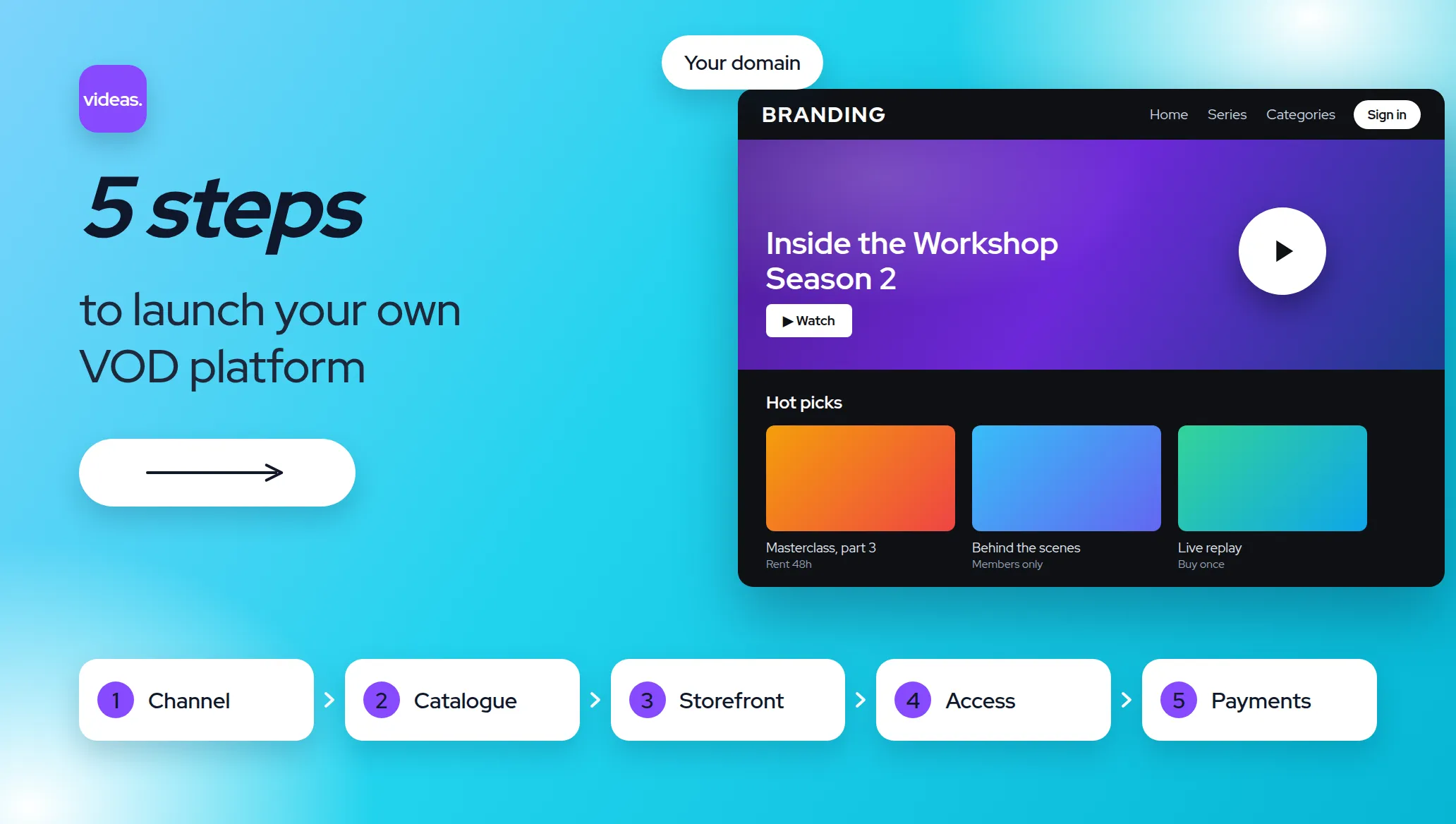
Create your own VOD platform in 5 steps
Creating a VOD platform takes 5 steps and, with Videas Channels, a single day if your videos are ready: open your channel, sort your catalogue, compose the storefront, decide who sees what, then set your prices.
Video Platform
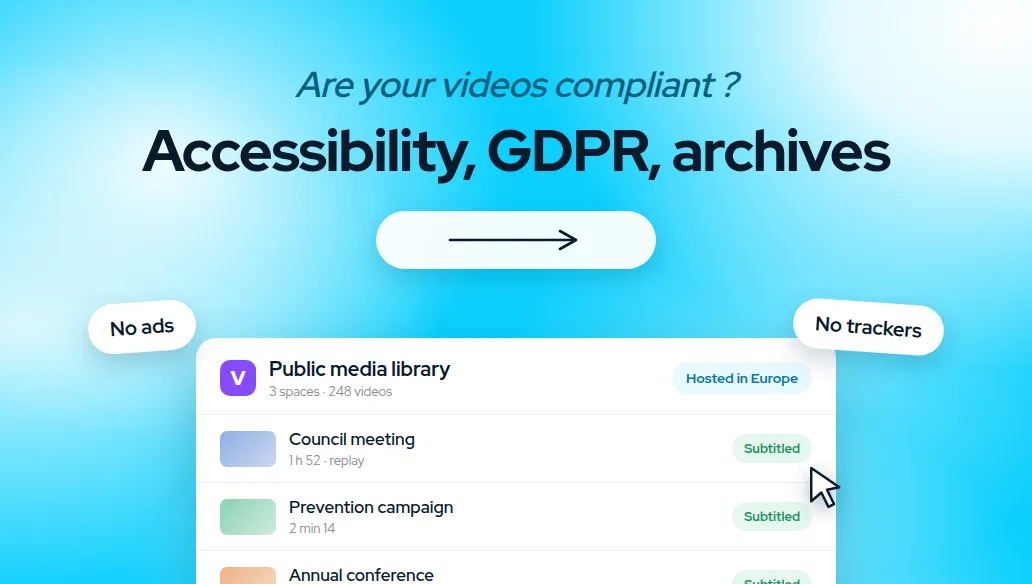
Publishing video in the public sector: the 3 rules to follow
Three rules govern video published by a public body: accessibility, data protection, archiving. EU hosting, an ad-free player: what to check before choosing.
Video Platform
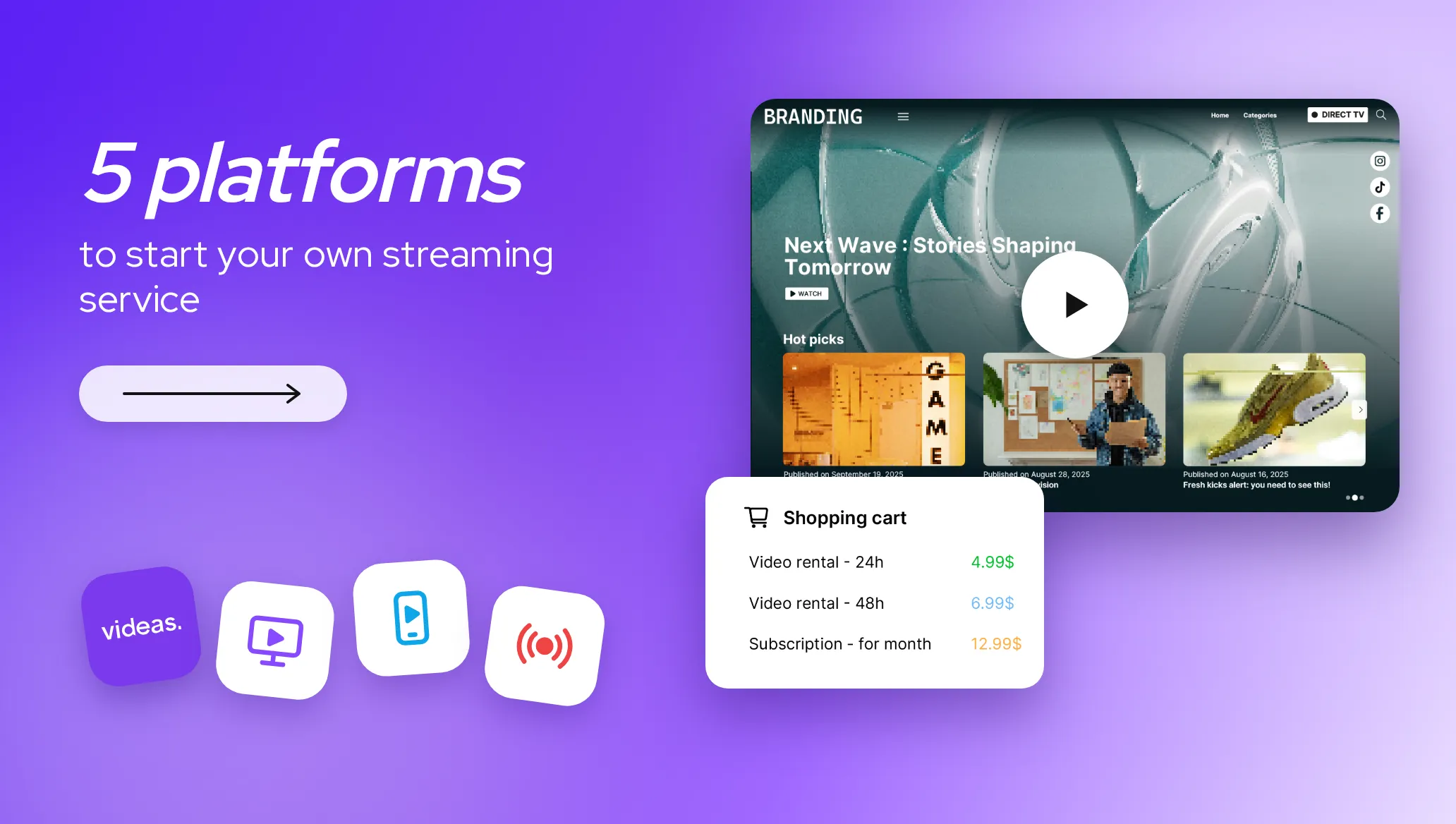
The 5 best platforms to start your own streaming service in 2026
There's no single best platform for launching a streaming service, only the best one for your situation. Our 2026 comparison, profile by profile, to help you find yours.