Client video delivery: one link that doesn't expire in 7 days
Delivering a video to a client means sending a playback link rather than the file: they watch the cut in their browser, with no account and nothing to download, and you decide how long the link stays open. That link should stay the same from one version to the next and let the client comment at the timecode, then approve the final version, so feedback stops travelling by email. In Videas, it is a share link or a review link, sent from the video itself.
The two tools people usually reach for each do half the job. A transfer service like WeTransfer moves a file and then forgets it: the link lives 7 to 28 days, your client has to download the whole thing before seeing a single frame, and once the clock runs out there is nothing left to reopen. A review tool like Frame.io does collect timecoded comments, but the approved cut stays in the workspace used to review it: to put it online, you export it to another platform. Our comparisons with WeTransfer and Frame.io, and our round-up of WeTransfer alternatives, lay out what each one does.
The symptom never changes. Your client opens the link the following Tuesday, and it has expired. V3 goes out in a second email, and half the team is still commenting on V2. Nobody knows whether the client watched the cut to the end. Two years later someone asks for the master, and you are digging through a mailbox. A video delivery workspace fixes all of it, because it keeps the file in one place instead of sending it travelling: the link follows the versions, review happens on the hosted video, and viewing statistics tell you who opened it and how far they watched.
One workspace per client, not a shared folder
In Videas, every client or project gets its own workspace: its own media library, its own members, its own branding. You invite the client or the editor with a role, viewer, editor or admin.
That split solves two problems at once. The editor you give the Editor role to uploads rushes straight into the project’s library without going through you, and Videas takes files up to 100 GB, resuming the upload where it stopped if the connection drops. And since the logo sits on the workspace, one workspace per client means one look per client: the player you send out carries your agency’s brand or your client’s, with nothing to set up on each delivery.
What your client gets: a player, not a file
The delivery link opens a player in the browser. Your client clicks, the video starts streaming, with no account to create and nothing to install. That is what makes file size a non-issue: a 40 GB master plays as fast as a two-minute rush, because nothing is downloaded, downloading being a separate setting that is off by default. And a delivery rarely fits in one file: tick several, or share the whole folder, and Videas gathers them under a single URL. Folder sharing is recursive, so walk through it before you send the link, or a stray work in progress goes out with the rest.
You keep control after you hit send, and that is where the comparison with a transfer is settled. A Videas link expires after 7 days by default, and that number is only a default. Push the date back, remove the expiry for a permanent link, or change the value for the whole organisation, from 1 to 3,650 days. More to the point, expiry applies to the link, never to the file: the video stays in your library, and reopening access is a switch, not a new send. Watch the Regenerate button, though, which creates a second link and leaves the first one in circulation.
While the cut is not public, restrict the share: a password of at least 12 characters, sent through a different channel than the link. A Videas share page is not linked from any public navigation and is not crawled by search engines, so a private video there is closed, not merely hidden.
V3 should not create a second link
This is where a delivery workflow breaks most often: every round of notes means a new export, so a new URL, and a conversation where nobody knows which version they are looking at. Videas treats the new version as a replacement, not as a new media item. On the media’s page, the Files tab offers “Replace file”: the previous version drops into the history, the new one becomes current, and the links you have already sent, the embeds and the stats keep pointing at it. Rolling back is one line to click, since the old file is still encoded. One caveat: Videas checks neither the duration nor the aspect ratio of the replacement, so a shorter cut can knock chapters and subtitles out of sync.
Then there is collecting the notes, because a client who watches is not a client who signs off: feedback arrives by email or over the phone, with rough timings your editor has to hunt down by hand. So review happens where the video already is, with comments pinned to the timecode, annotations drawn on the frame, threaded replies and an approval status, versions stacking on the same media item to follow the notes from V1 to V4. The reviewer has no account to create, the link is enough: the Studio Hublot scenario walks through it in screenshots. Our Frame.io comparison covers what each one handles, and above all what happens after the green light: with Videas the approved cut is already hosted, ready to publish, subtitle and measure, with no second tool and nothing to re-upload.
Knowing who opened it, and how far they got
A link pasted into your email client counts opens without ever saying who they came from. To know, send the share by email from Videas: up to 20 recipients, a personal link each, and a table giving opens, views and the last event. You can revoke one person without breaking everyone else’s link.
Beyond delivery tracking, Analytics and its heatmaps show the second where the audience drops off. It is the argument you did not have before: not “the video went out”, but “eleven people out of thirteen watched it to the end”.
Two years on, the delivery is an archive
A delivery done right does not end, it gets filed. Every media item stays indexed in the Mediasbox library with its name, its date and its tags, and advanced search filters by type, tag, status or whether it carries subtitles. The overview searches across all your workspaces at once, which helps the day you cannot remember which client the project belonged to.
That is the most concrete difference with a transfer: two years on, one has deleted everything, the other hands you back the master in three clicks. The full circuit, from taking in the rushes to the archive, is laid out on our deliver to your clients page, with versions for production studios and for video freelancers.
FAQ
How do you organise delivery when you are running ten clients at once?
One workspace per client or per project, rather than a tree of folders inside a single space. Each workspace has its own media library, its own members, its own roles and its own logo, so one client never sees another's files, and the overview still lets you search across all of them at once.
Can you send a new version without sending a new link?
Yes, that is what versions are for. On the media's page, Replace file uploads the new cut: the URL, the embeds and the stats stay the same, and the previous version moves into the history, where you can roll back at any point. Just check the chapters and subtitles if the duration changed.
How do you collect a client's notes on a cut?
On the video itself: comments pinned to the timecode, annotations drawn on the frame, threaded replies and an approval status, with nothing for the reviewer to open but the link. It is the only way to avoid notes along the lines of "around 2:30, the next shot", which your editor then has to track down by hand.
What happens to the video when the delivery link expires?
Nothing. Expiry closes the link, not the file. The video stays in your library with its metadata, its subtitles and its stats, and reopening access means pushing the date back or flipping the share's switch. That is the opposite of a transfer service, where the deadline deletes the file.
Should you drop file-transfer services entirely?
No. For a one-off send to someone you will not deal with again, a transfer is still the shortest move, and the Send a large video tool does it straight from the browser, with no account. The switch pays off when the video comes back: several versions, several reviewers, a client who will ask for it again.
Video delivery comes down to one idea: stop making the file travel, and make its address travel instead. Everything else follows, the expiry that turns into a setting, the version that breaks nothing, the per-recipient tracking, the archive that still exists two years on. What does not automate is deciding, at the start of the project, who gets to sign off.
Related articles

Video Hosting
Where to host your videos, depending on who should see them
You regularly create video content and want to share it online, but you do not know where to host your videos? An online video hosting platform is the solution you need.
Video Platform
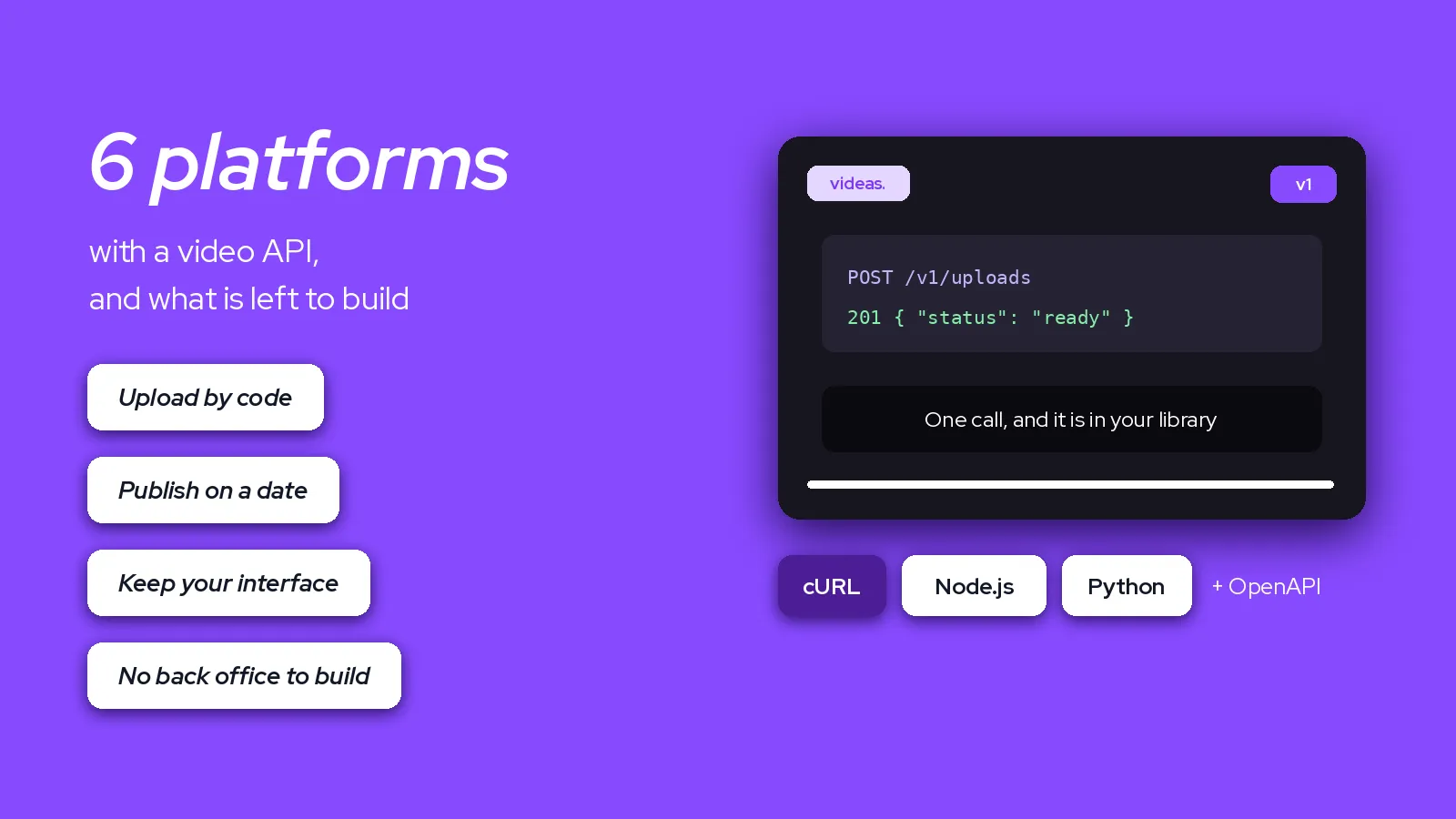
The 6 best video platforms with an API in 2026
Six video platforms you can drive by code, from the one with no interface at all to the one that keeps an interface for everybody else.
Video Technology
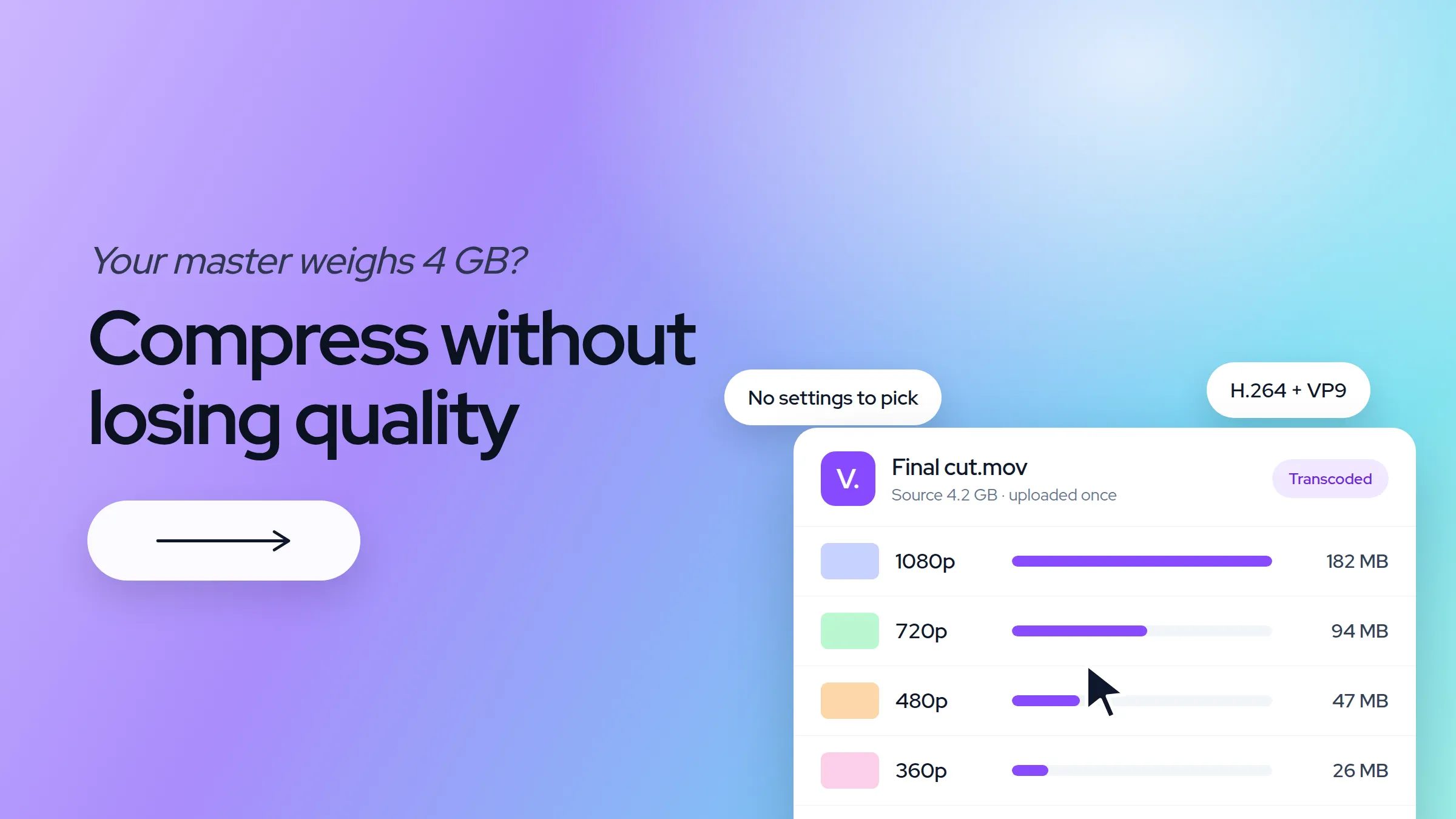
How to compress a video without losing quality
Three levers reduce video file size: the codec, the bitrate and the resolution. Which one to pull, which codec to pick, and why a video headed for a platform should not be compressed at all.