










Frame.io vs Videas

Get it signed off, then deliver, without switching tools

Timecoded comments, drawings on the frame and stacked versions, as in Frame.io. And behind them, the hosting, the branded player and the viewing analytics.

Frame.io and Videas both get an edit reviewed: timecoded comments, drawings on the frame, stacked versions and an approval status, with no account for the reviewer to create. The difference comes after sign-off. Frame.io keeps the video in its workspace, billed per seat. Videas hosts it, publishes it in a branded player, subtitles it and measures its audience, billed by usage.

Try it free
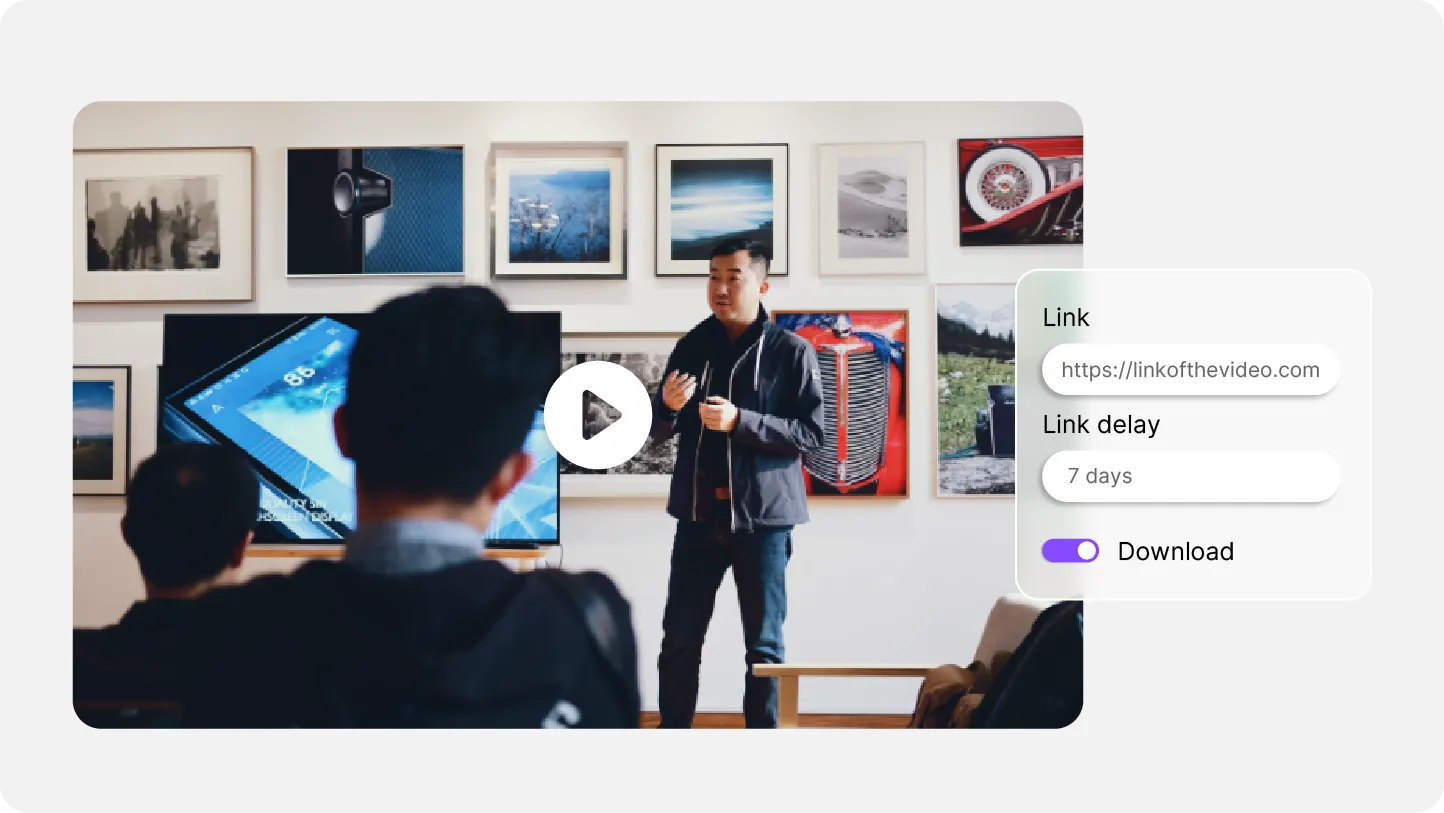
Videas player beside a share panel for an approved cut, showing the link and how long it stays live
ONISEP
AFNOR
Ville de Roubaix
Safran
France-Soir
Crédit Agricole
France Travail
Magnard-Vuibert
Sodiaal
Yoplait
Call

Where Frame.io stops

  • Everything stops at sign-off

    Once the cut is approved it stays in the workspace: no public channel, no branded page, no catalog an audience can open.

  • The bill follows seats, not videos

    $15 per member per month on Pro (5 members maximum), $25 on Team (15 maximum): everyone who needs in adds a seat.

  • Storage is capped, and an overage eventually locks the account

    2 GB free, 2 TB on Pro, 3 TB on Team. Past the cap: a banner, a grace period, then the account is locked.

  • No player to drop into your own site

    A share link opens on a Frame.io page. Anywhere else it is an iframe: no brand colors, no domain restriction, no thumbnail of yours.

  • Analytics stop at the share link

    Who opened it, who commented, and nothing more: no watch time, no second where the audience drops off, no click on a button.

  • No live streaming

    Camera to Cloud covers the shoot, not the broadcast. An all-hands, a webinar or a conference falls outside the tool.

  • No bulk export to get your media back out

    Moving a large library out happens file by file: it is the complaint from teams trying to take their catalog elsewhere.

  • Files live in Amazon buckets, on the US side

    Media sits in Amazon S3 buckets, and Storage Connect requires the us-east-1 region. GDPR rests on standard contractual clauses.

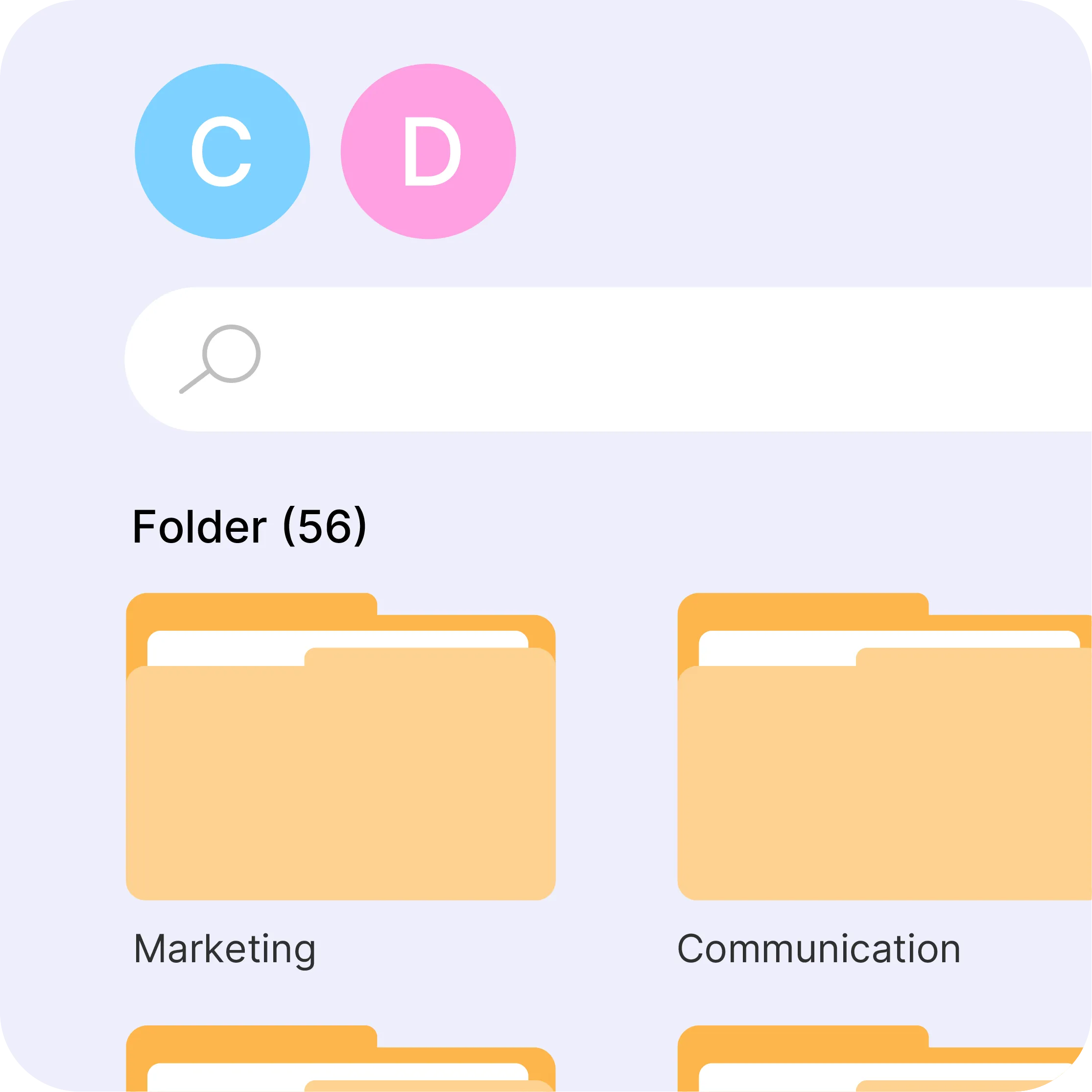
Videas media library search bar filtered by keyword, topic and file format

The media library that takes over after sign-off

In Frame.io, the approved cut stays filed in the project used to review it, next to the intermediate versions. Videas gives it a permanent home: folders, tags, custom fields, search by keyword, topic or format, shared spaces across departments, and a permanent link with no expiry date to watch. The final cut stops being a deliverable to hunt down and becomes a video the whole team can publish again.

Videas player colors being customized with a color wheel

A player in your brand, on your own site

The Videas player carries your colors, your logo and your thumbnail, and embeds into a site, an intranet, an LMS or a blog post. Embedding can be restricted by domain, so a video placed on your pages is not copied elsewhere. And when the content deserves its own address, a Videas channel publishes the catalog on a domain of yours, with no ads and no suggested videos at the end.

Videas Scribe subtitle editor showing the waveform and the text segments

Subtitles that were reviewed, not just transcribed

Videas Scribe transcribes and translates with AI, then lets you correct every line in an editor that shows the waveform and the segments. The subtitle stays attached to the video, with no file to export and re-import, and travels with it to the audience. Frame.io's transcription, still in beta, supports the internal review round: it is not the same object.

Videas viewing heatmap along a video timeline

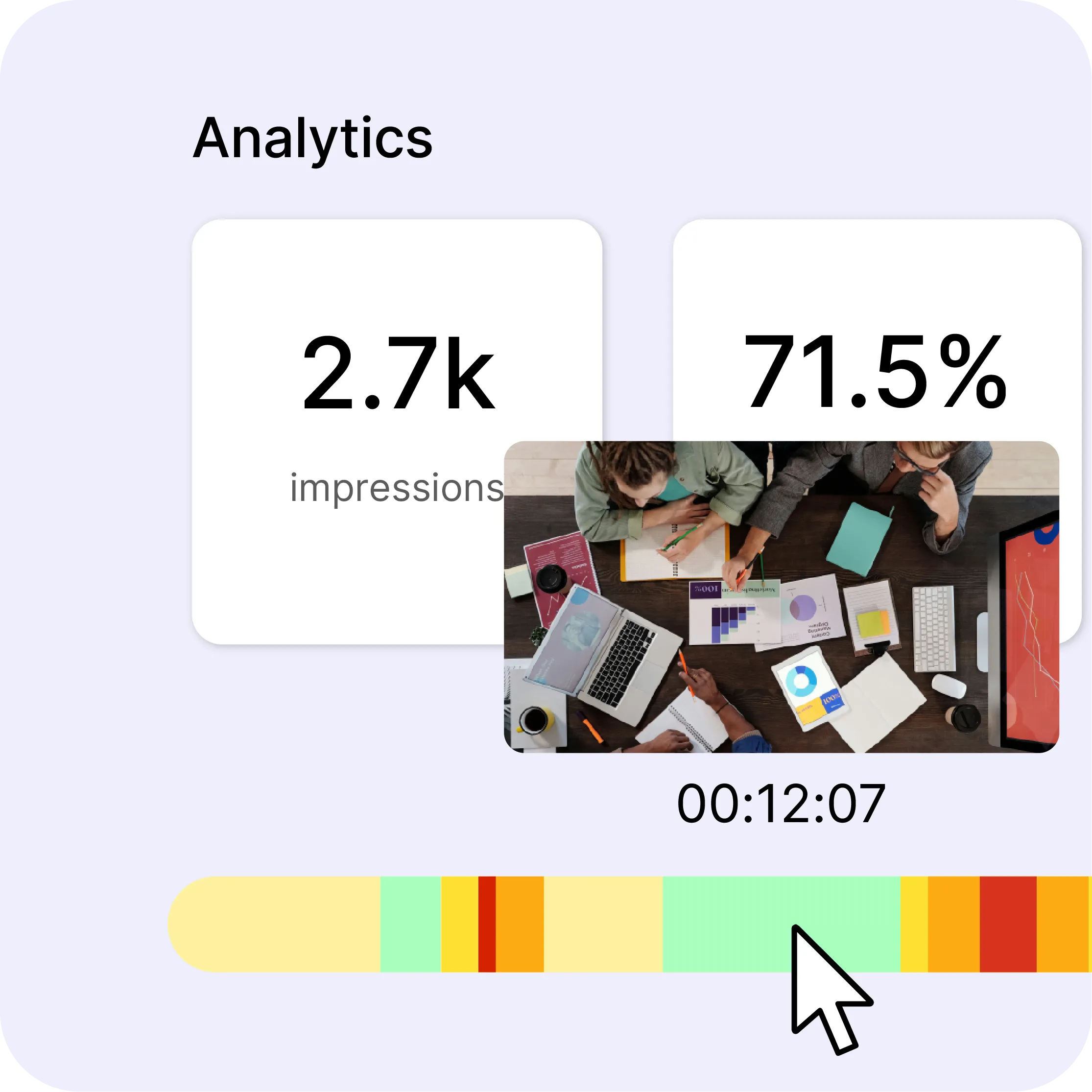
What the video returned, not just who opened it

Views, watch time and device, but also heatmaps showing the second your audience drops off, click-through rates on call-to-action buttons, and per-video exports you can share without a screenshot. Enough to budget the next shoot on audience numbers rather than on review comments.

Videas vs Frame.io, feature by feature

Feature
videas.Try it
Frame.io
Review: timecoded comments, annotations, versionsReview: timecoded comments, annotations, versionsYesYes
Approval status and feedback threadApproval status and feedback threadYesYes
Review with no account for the reviewerReview with no account for the reviewerYesYes
Panel inside Premiere Pro and After EffectsPanel inside Premiere Pro and After EffectsNoYes
Camera to Cloud during the shootCamera to Cloud during the shootNoYes
Long-term video hostingLong-term video hostingYesYes
Media library (folders, tags, search)Media library (folders, tags, search)YesProduction projects
Embeddable branded playerEmbeddable branded playerYesNo
Public channel on your own domainPublic channel on your own domainYesNo
Reviewed subtitles attached to the videoReviewed subtitles attached to the videoYesTranscription in beta
Live streamingLive streamingYesNo
Viewing analytics (heatmaps, clicks)Viewing analytics (heatmaps, clicks)YesLink opens
Monetization (sales, subscriptions)Monetization (sales, subscriptions)YesNo
Pricing modelPricing modelPay as you goPer seat
Storage cap per planStorage cap per planNone2 GB to 3 TB
GDPR complianceGDPR complianceYesStandard contractual clauses

Frequently asked questions

Does Videas replace Frame.io for signing off an edit?

On review, yes: comments pinned to a timecode, drawings on the frame, threaded replies and an approval status, with versions stacking on the same media so feedback follows the edit from v1 to v4. The reviewer creates no account, the link is enough. What Frame.io keeps: the panel inside Premiere Pro and After Effects, and Camera to Cloud during the shoot.

Should both tools be kept?

Only if your edit pipeline depends on the Premiere Pro panel or on Camera to Cloud. Otherwise review and delivery happen in the same place, and the approved cut never has to change platform to be published.

Can Frame.io distribute a video to an audience?

Not really. Share links and presentation pages are built for reviewers and clients, on a Frame.io page. There is no branded player to embed in your site, no public channel on your domain and no catalog open to the public.

How do the pricing models compare?

They measure different things. Frame.io charges per seat: $15 per member per month on Pro, $25 on Team, with a member cap and a storage cap on each plan. Videas charges for usage: €0.20 per hour of video stored per month and €0.02 per GB delivered, with no seat to buy for someone who publishes two videos a year.

What happens when you exceed Frame.io's included storage?

A banner flags the overage and a grace period opens. If it runs out without being resolved, the account is locked until support steps in. Videas has no cap: storage is billed as you use it and nothing locks.

Does Frame.io do subtitles?

It has automatic transcription, still in beta, exportable as SRT or VTT and mainly useful for review. Videas Scribe transcribes, translates, lets you correct every line in an editor and attaches the result to the video you publish, in as many languages as you need.

Does Frame.io do live streaming?

No. Frame.io covers the shoot through Camera to Cloud, not the broadcast. Videas live streaming is in production: RTMP ingest from OBS or vMix, adaptive delivery, and an automatic replay filed in the media library when the broadcast ends.

Where is the data hosted?

Frame.io stores media in its Amazon S3 buckets, and its Storage Connect option asks for a bucket in the us-east-1 region; transfers rely on standard contractual clauses. Videas data is hosted in Europe, with no transfer outside the European Union.

Can videos be moved from Frame.io to Videas?

Yes. Videas offers assisted migration: our team handles the transfer of your files and their organization in the media library, which is precisely what the file-by-file export makes painful.

Does Videas have an API?

Yes. The public Videas API feeds the library, reads and updates media along with their text, tags and custom fields, and publishes them to channels. An OpenAPI 3.1 contract is downloadable to generate a client, and large uploads use the resumable tus protocol.