Translating Your Video Subtitles: 4 Tips to Know
Translating a video’s subtitles with AI takes minutes, into more than 100 languages with Videas. But generation speed says nothing about the quality of the result: a few habits, often skipped, make the difference between a clean translated track and a messy one. Here are four.
1. Review the source track before you translate
A translation always starts from the text of an existing subtitle track. Every transcription error in it, a misheard name, a swallowed word, gets reproduced and amplified across every target language. Fixing it afterward means fixing it once per language instead of once at the source.
The order that changes the outcome the most: generate the spoken-language track, review it, stop there, then launch the translations from the free translation tool on a clean text. Fixing it once beats fixing it five times; the translate subtitles tutorial walks through this sequence from an account.
2. Feed the glossary with terms that keep coming back
Your company name, a product, an industry acronym: a translation AI has no way of guessing that a term shouldn’t be translated, or that it has a specific spelling. Instead of fixing the same word in every new video, add it once to the vocabulary glossary of Scribe, the Videas video subtitling tool: it’s then recognized in every transcript and translation that follows, across the whole organization.
3. Watch for segments that change length
The same sentence doesn’t take up the same space in every language: German tends to run longer, Japanese tends to run shorter. The timing, though, stays that of the source track. On an already dense segment, that gap is enough to push the reading speed past a comfortable threshold, and the viewer no longer has time to read before the next subtitle appears. These segments are easy to spot in the editor, and easy to fix by splitting them or rephrasing them shorter.
4. Don’t confuse translation with dubbing
Both serve the same need, making a video understandable abroad, but not the same way. Translation only changes the text on screen: the original voice and tone stay intact. Dubbing replaces the soundtrack with a new voice, recorded in a studio, at a far higher cost and turnaround. A video that changes often (a product, a price) suits translation, fixed in minutes, better than dubbing, which has to be redone for every version.
These four points don’t need a specific tool, just a bit of method once the translation is running. For the general review of any AI-generated track (proper nouns, vocabulary), our AI automatic subtitling guide covers what’s common to every transcript.
FAQ
Can you translate subtitles for free?
Yes, for transcribing and reviewing the source track, with no account. Translating into other languages requires a free account, billed by usage.
Do you need existing subtitles to start a translation?
No. Videas transcribes the soundtrack and then translates right after, in a single operation.
How many languages can you translate at once?
As many as needed, out of more than 100 available languages, selected all at once: the generations run in parallel rather than one after another.
Does translation replace dubbing?
No, they serve two different needs. Translation changes the text on screen without touching the audio; dubbing replaces the voice. Videas only does the former.
What’s the difference between subtitling and translating subtitles?
Subtitling generates a first track from the audio, in its original language. Translating starts from that track, or directly from the audio, to produce one in another language. Our free subtitling tool covers that first step.
Related articles
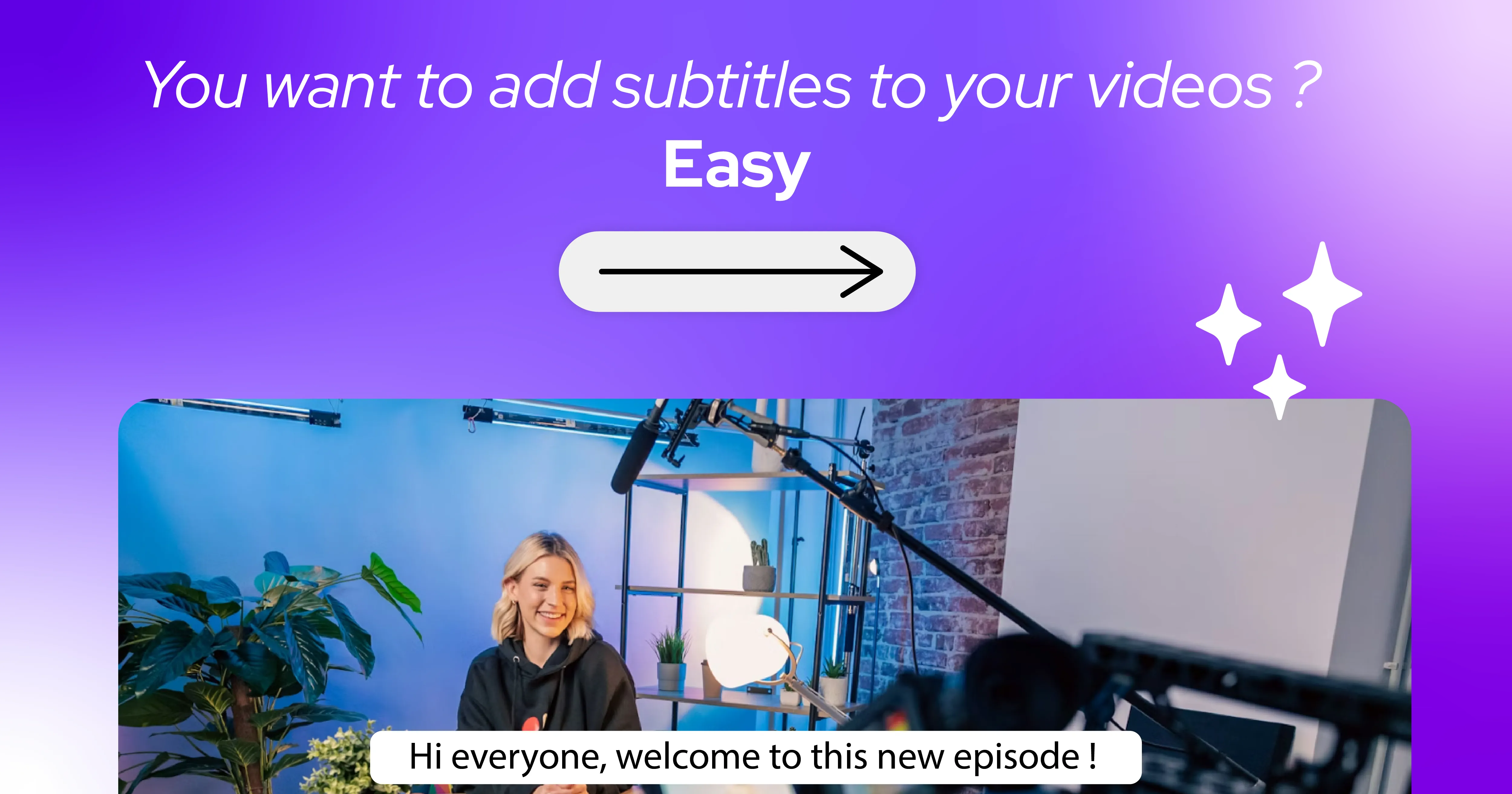
Artificial Intelligence
AI automatic subtitles: your videos subtitled in minutes
Videas Scribe generates synchronized subtitles in minutes, in over 100 languages. How it works, and how to make them ready to publish.
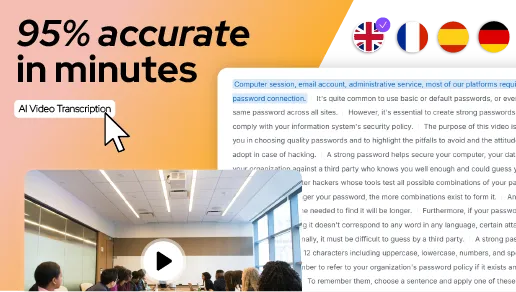
Artificial Intelligence
AI video transcription: a complete guide for businesses
How does AI-powered automatic transcription transform video management in business? Subtitling, accessibility, SEO, translation: discover all use cases and solutions.
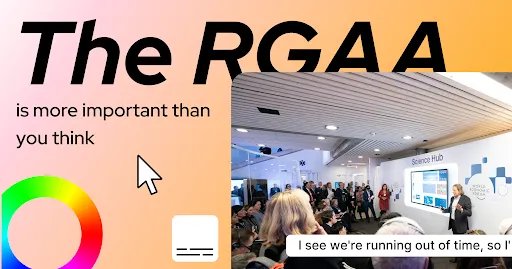
Accessibility
RGAA and video: what the framework requires, and who it applies to
RGAA applies to public bodies and is reaching the private sector. What it requires from a video, criterion by criterion, and how to answer it.