Deliver to your clients

Deliver a video to a client, and find it again two years later

Videas gives you a link your client opens without an account, and keeps the file once the job is done.

ONISEP
AFNOR
Ville de Roubaix
Safran
France-Soir
Crédit Agricole
France Travail
Magnard-Vuibert
Sodiaal
Yoplait
Call

The video travels, the project scatters

The rushes arrive through one transfer service, the cut leaves through another, the notes come back by email, and the forty-gigabyte master goes nowhere. In Videas, the same video stays in one place from the first rush to the delivered file: one workspace per client, one link per delivery, nothing to dig out of an inbox.

What gets stuck between the exported master and sign-off.

  • The link expired before your client opened it?

    In Videas, expiry is a setting: seven days by default, another date, or none at all. It applies to the link, never to the file.

  • Twelve gigabytes your client cannot download?

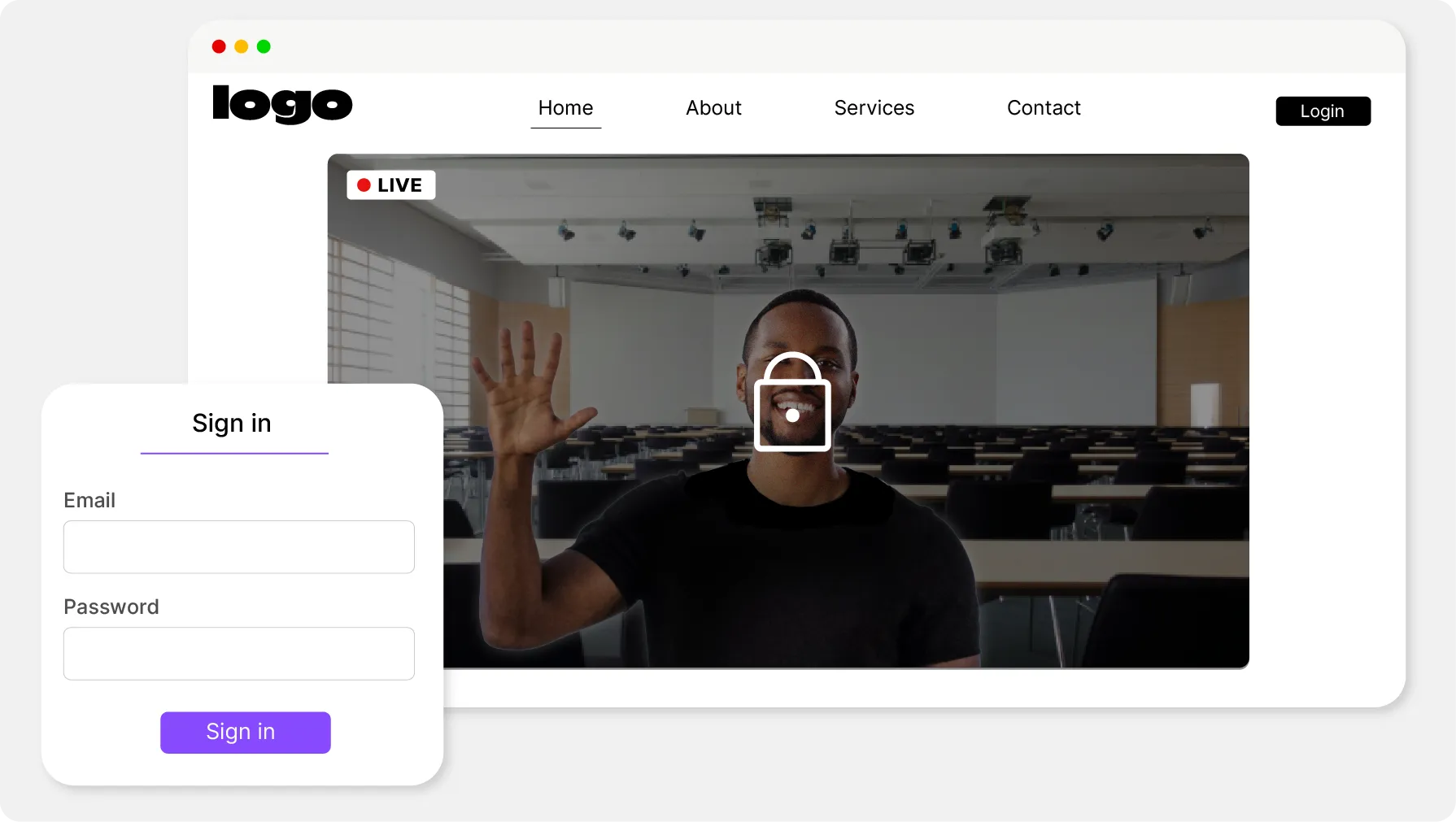
    There is nothing to download: the Videas link opens a player in their browser, with no account to create and nothing to install.

  • Notes by email, with no idea who saw which cut?

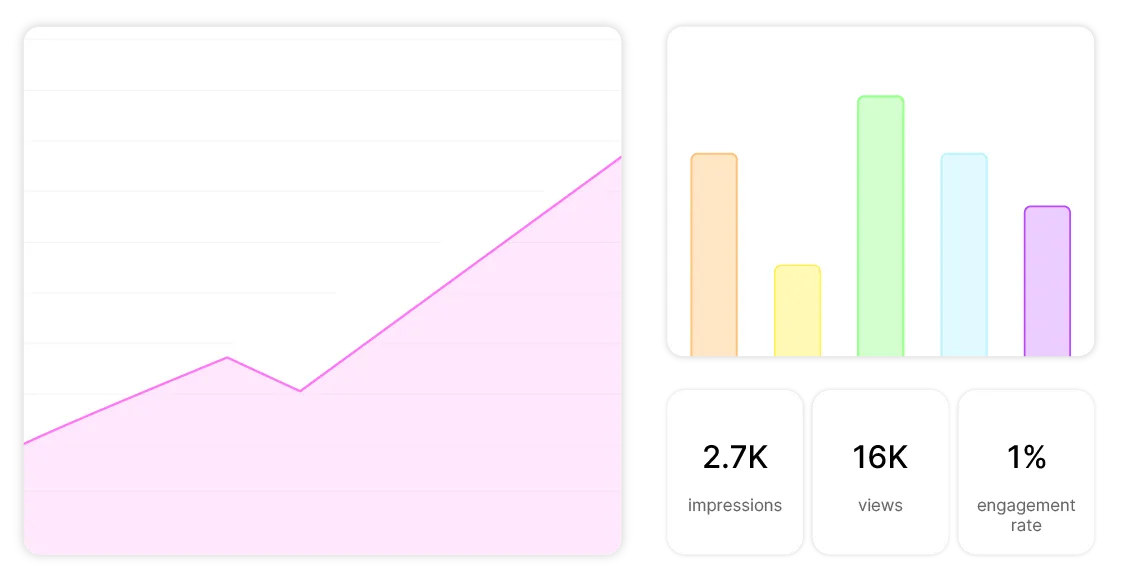
    Sent from Videas, the share gives every recipient their own link: you see who opened it, who watched it, and how far they got.

  • Two years on, nobody can find the master?

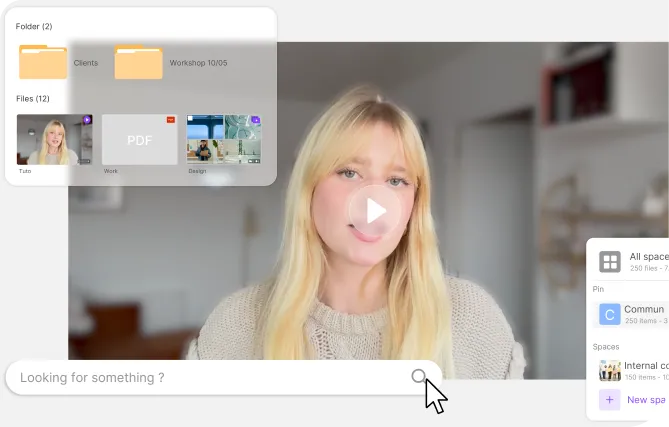
    Every delivery stays in the Videas media library, with its name, its date and its tags. Search runs across all your client workspaces at once.

From the rushes coming in to the project archived

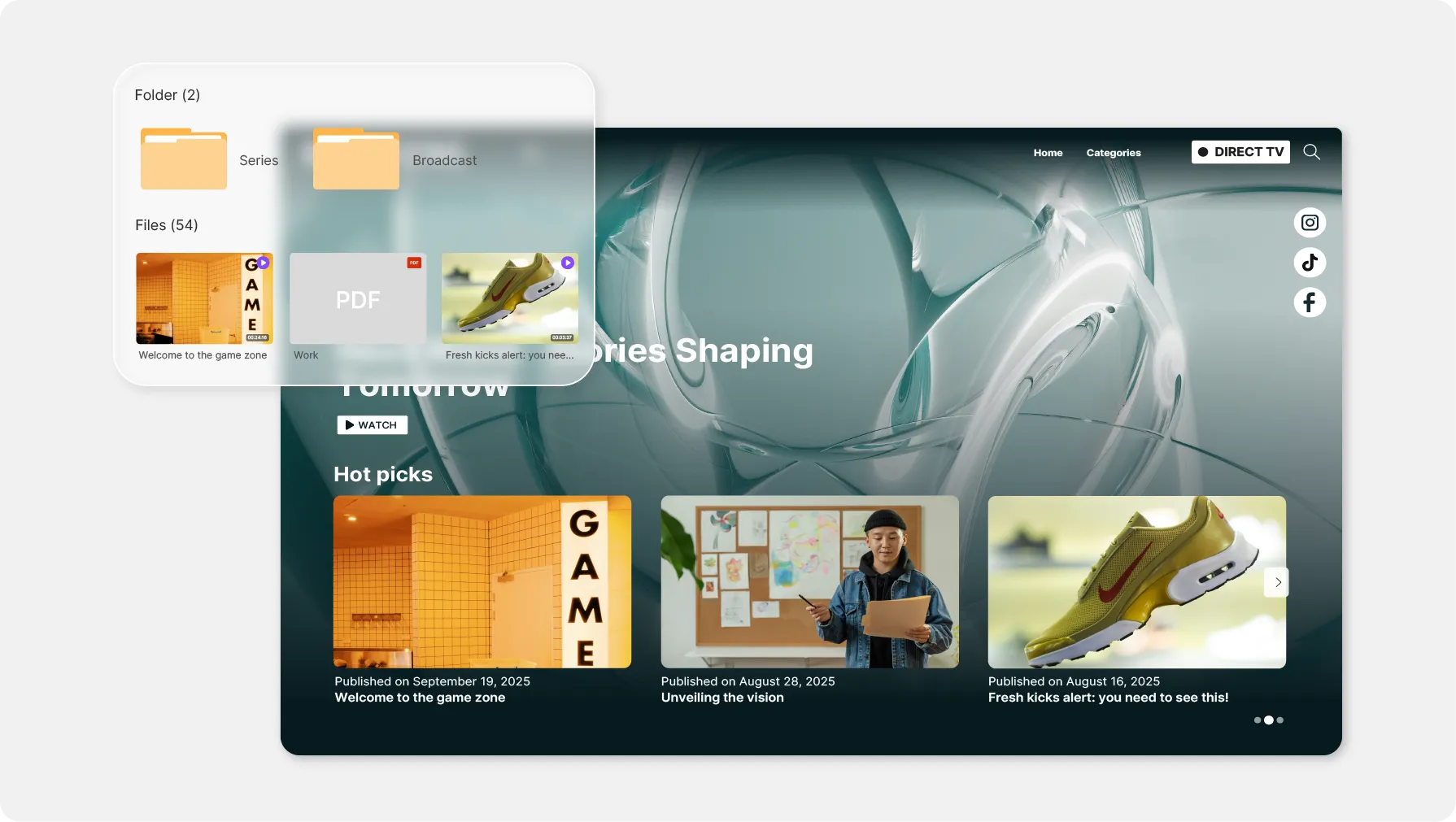
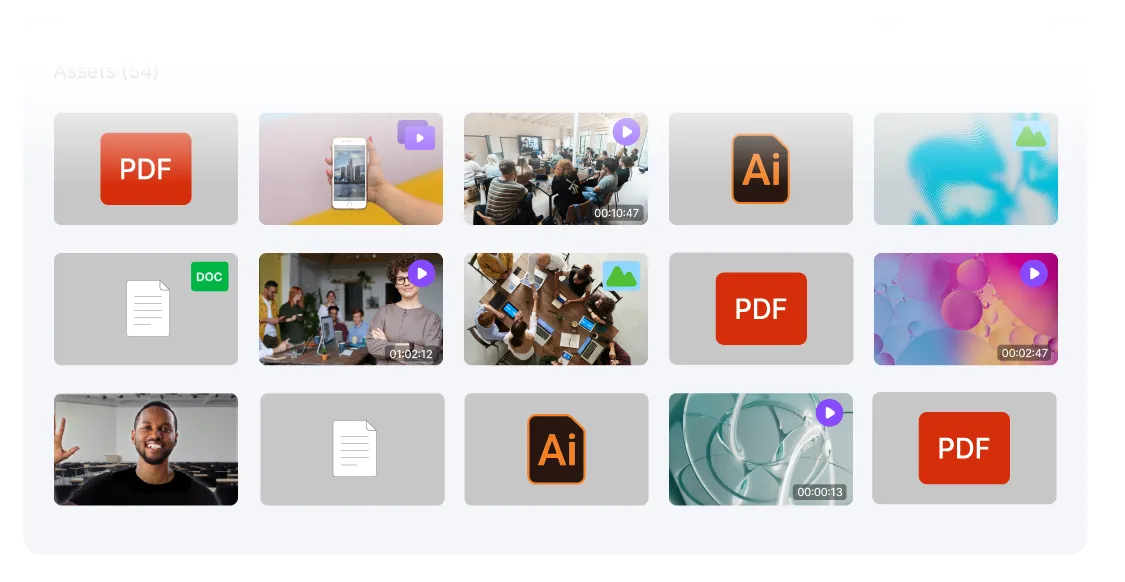
Content management interface organized into workspaces

One workspace per client, not a shared folder

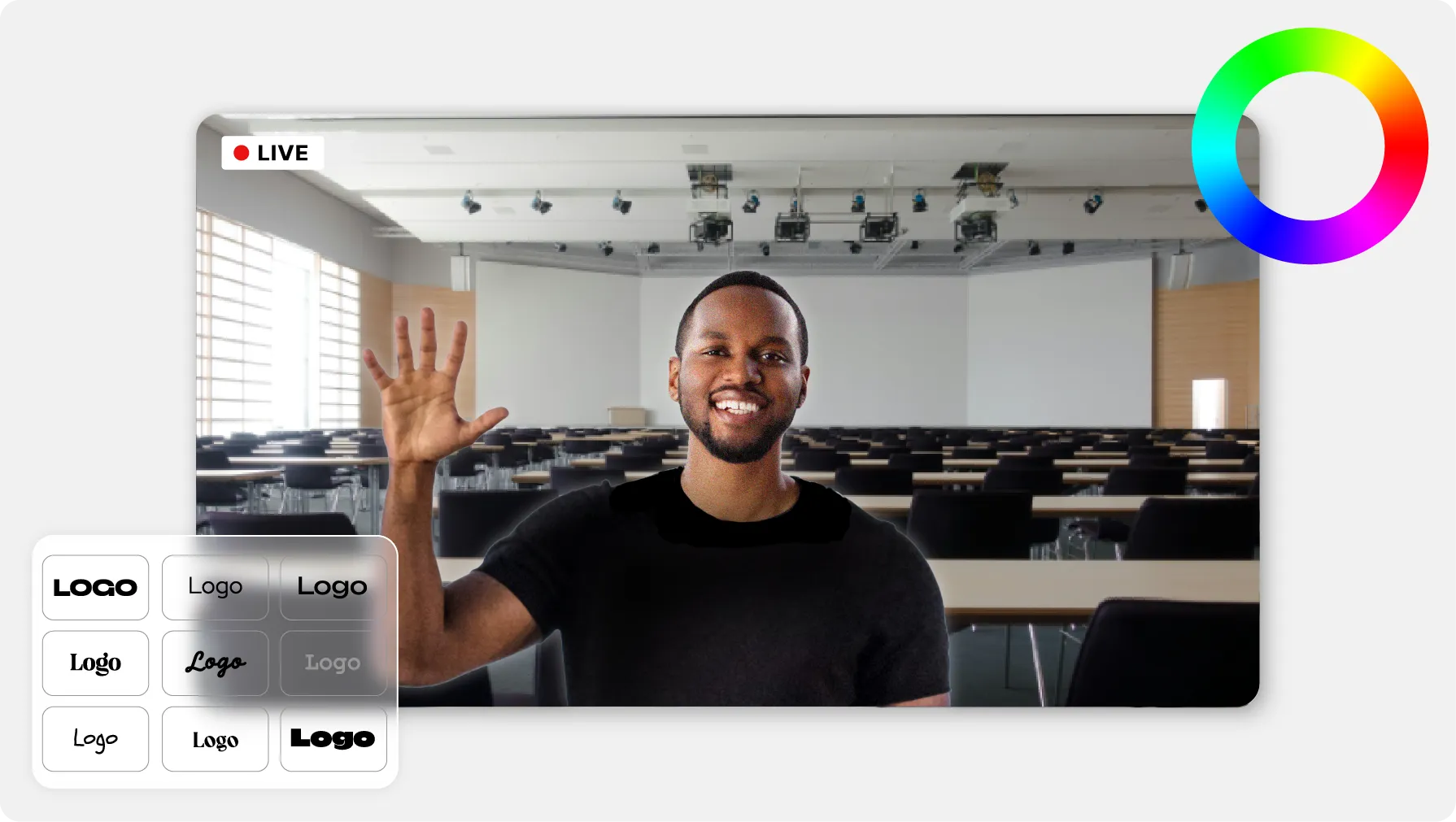
In Videas, every client or every project gets its own workspace: its media library, its members, its settings. You invite the client or the editor with a role — viewer, editor, admin — and the player logo can carry that client's name rather than yours.


A folder shared with several recipients

One single link for a whole delivery

Select several media items, or share the whole folder: Videas gathers them under one URL. Videos, images, audio and PDFs are all read on the same page.

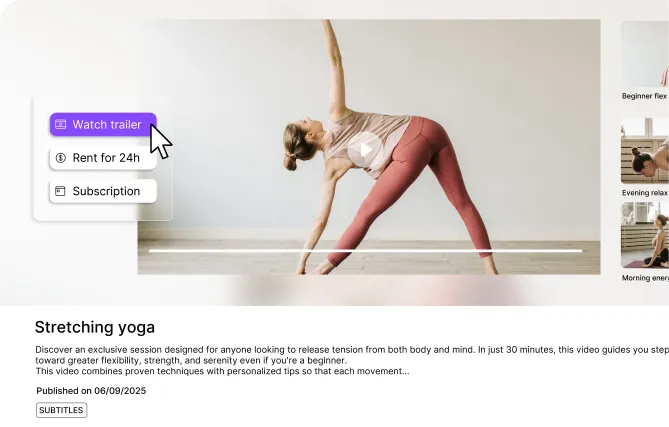
A video player ready to start

Sign-off without a download

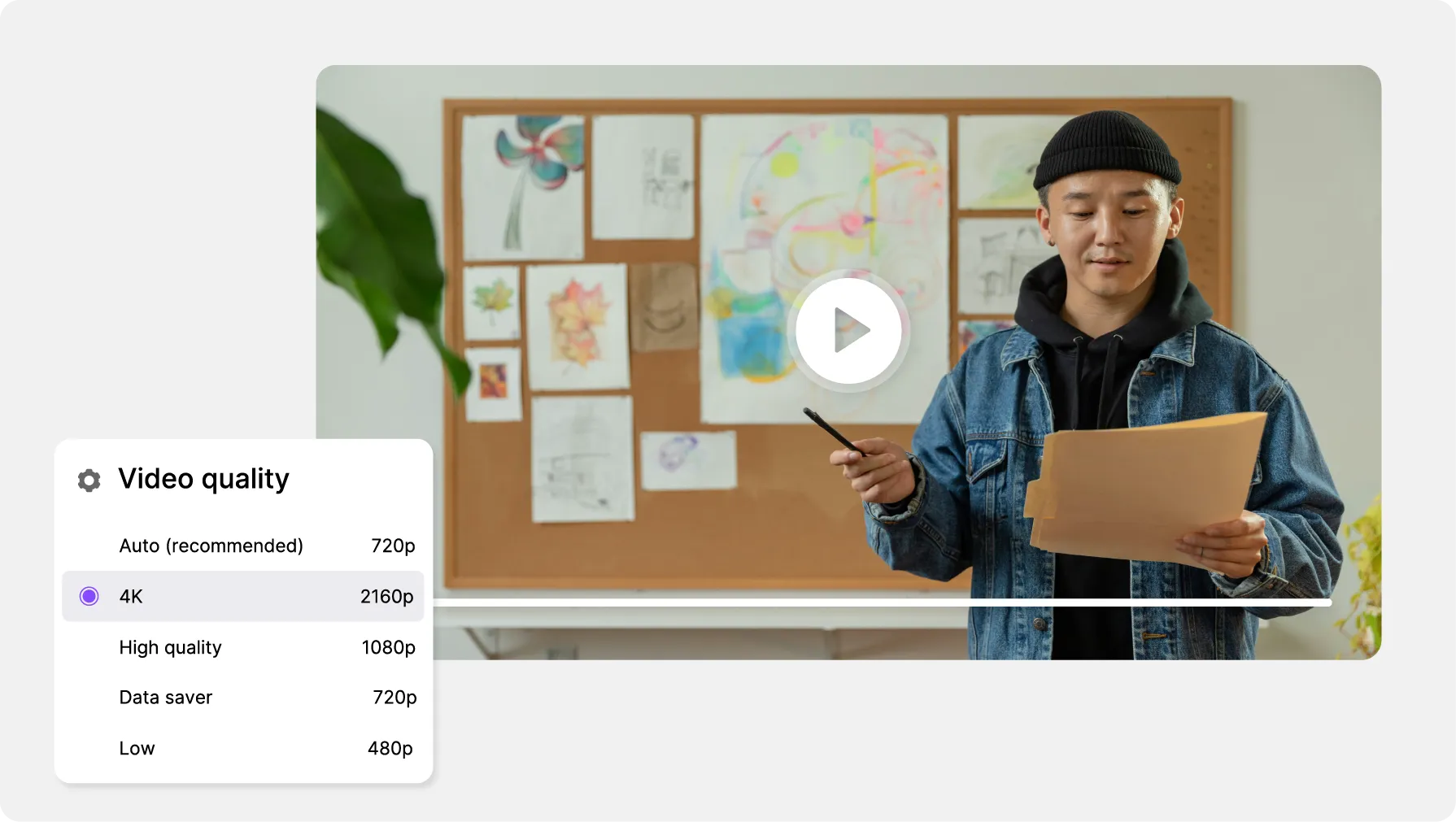
The Videas link opens a player: your client watches it streamed, on a computer or on a phone. Downloading is a separate setting, switched off by default.

Analytics table of link opens and views

Know who opened it, and how far they got

Send the share by email from Videas: up to twenty recipients, a personal link each. The per-recipient table gives opens, views and the last event, and you can revoke one person without breaking anyone else's link.

What changes once the link is out

In Videas, expiry is switched on at seven days by default. You push the date back, you remove it altogether for a permanent link, or you cut access with a toggle — without the URL you already sent ever changing.

Expiry
Your brand, or your client's
The heavy master
Two years on

What Videas does not do

Videas does not collect notes on the image itself: no comment pinned to a timecode, no thread of versions to compare. Your client's remarks come back through the channel you already share. And watermarking is not delivered as standard — if your deliveries need one, talk to us.

What does keeping your deliveries cost?

  • €0.20

    per hour of video stored, every month

  • €0.02

    per gigabyte delivered, 1st TB free

  • €0.05

    per gigabyte of attached non-video files

There is no subscription at Videas: you top up a prepaid credit wallet whenever you decide to, and nothing is drawn down in the months you deliver nothing. Fifty hours of rushes and cuts kept online come to €10 a month, and the first terabyte delivered is free every month — enough for a whole client team to watch a master at no extra cost. Moving your existing videos over is handled by our team, free of charge.

See the full pricing

Frequently asked questions

How do I send a 40 GB master to a client?

Drop it into the project workspace — Videas takes up to a hundred gigabytes per file and picks the upload back up where it stopped if the connection drops — then click Share: the link creates itself. Your client opens it in a browser, with no account and no attachment ceiling.

Does the client need an account to watch the delivery?

No. The link opens the player straight in their browser, on a computer as much as on a phone, with no sign-up and nothing to install. The same goes for the other files in a delivery: an image, an audio file or a PDF uploaded to Videas is read the same way, on the same page.

Can a video be signed off without the client downloading it?

Yes, and that is the default setting: permission to download stays switched off until you turn it on. The client watches it streamed and walks away with no file. You turn it on the day you deliver the sources to a supplier, then you switch it back off.

How long does a delivery link stay valid?

Seven days by default, and the rest is yours to decide: push the date back, remove expiry for a permanent link, or change the default for the whole organization, anywhere from 1 to 3,650 days. Expiry applies to the link, never to the file, which stays in your Videas media library.

Can access to a link that has already gone out be cut off?

Yes, in two ways in Videas: the Active toggle, which switches the link off without deleting it and flips back whenever you want, or deletion from My share links, which is final. Watch out for the Regenerate button: it creates a second link and leaves the first one in circulation.

Can I tell who opened the delivery, and who watched it?

Yes, provided you send the share by email from Videas rather than pasting the URL: each recipient then gets their own personal link, and the per-recipient table gives their opens, their views and their last event. A pasted link, by contrast, counts opens without saying who they came from.

Can I deliver several files, or a whole folder, in one link?

Yes. Select the media items you want, or share the folder: Videas gathers them under a single URL and your client moves from one to the next on the same page. Folder sharing is recursive, subfolders included — walk through it before sending the link, a stray work-in-progress would go with the rest.

How do I take in rushes from a client or an editor?

In Videas, invite them into the project workspace from Settings then Team: by email, or through a reusable invitation link you share wherever you like. Give them the Editor role, the one that allows uploading, and their files land straight in the project media library, without going through you.

Can the player carry my agency's logo, or my client's?

Either, and at no extra cost. The logo is uploaded at workspace level: one workspace per client therefore means one set of branding per client. The theme and the accent color are fixed in a preset that the player picks up, on the links you send just as on your embeds.

How do I find a delivery two years later?

Through the Videas media library, not through your inbox. The search bar filters on the media item's name, the filters add type, tags, status or whether subtitles exist, and the Overview searches every one of your workspaces at once — handy when you no longer recall which client the project belonged to.