Developers & integrators

You integrate once, without becoming their video support

One REST API, two SDKs and an embed code. After that your client publishes and replaces videos themselves: no ticket lands on your desk to swap a video.

ONISEP
AFNOR
Ville de Roubaix
Safran
France-Soir
Crédit Agricole
France Travail
Magnard-Vuibert
Sodiaal
Yoplait
Call

Putting video on a client's website

You ship websites for your clients, and this one wants video: no advertising, no third-party brand, no data leaving Europe. Videas gives you a REST API, two SDKs and an embed code to lay the brick once — then a complete interface, which your client runs afterwards without taking up your team's time.

What calls you back three months after go-live.

  • Does the documentation stop before your case?

    Videas publishes its integration guides, its API reference and its SDKs in the same place as the product: resumable upload, the playback token and the embed code are all written out, with their examples.

  • Called back to change a color?

    In Videas, the theme, the accent color and the logo are resolved at playback rather than frozen into the pasted code: your client changes them without a single page of the site moving.

  • Is a consumer platform off the table?

    The Videas player shows no advertising and sets no cookie, and the videos stay hosted inside Europe. Nothing goes out to an ad network or to any third party.

  • One more brick to assemble?

    Media library, subtitles, analytics and player arrive alongside the API, in an interface that is already written. You have no dashboard to build before your client can use it.

What Videas puts in your hands

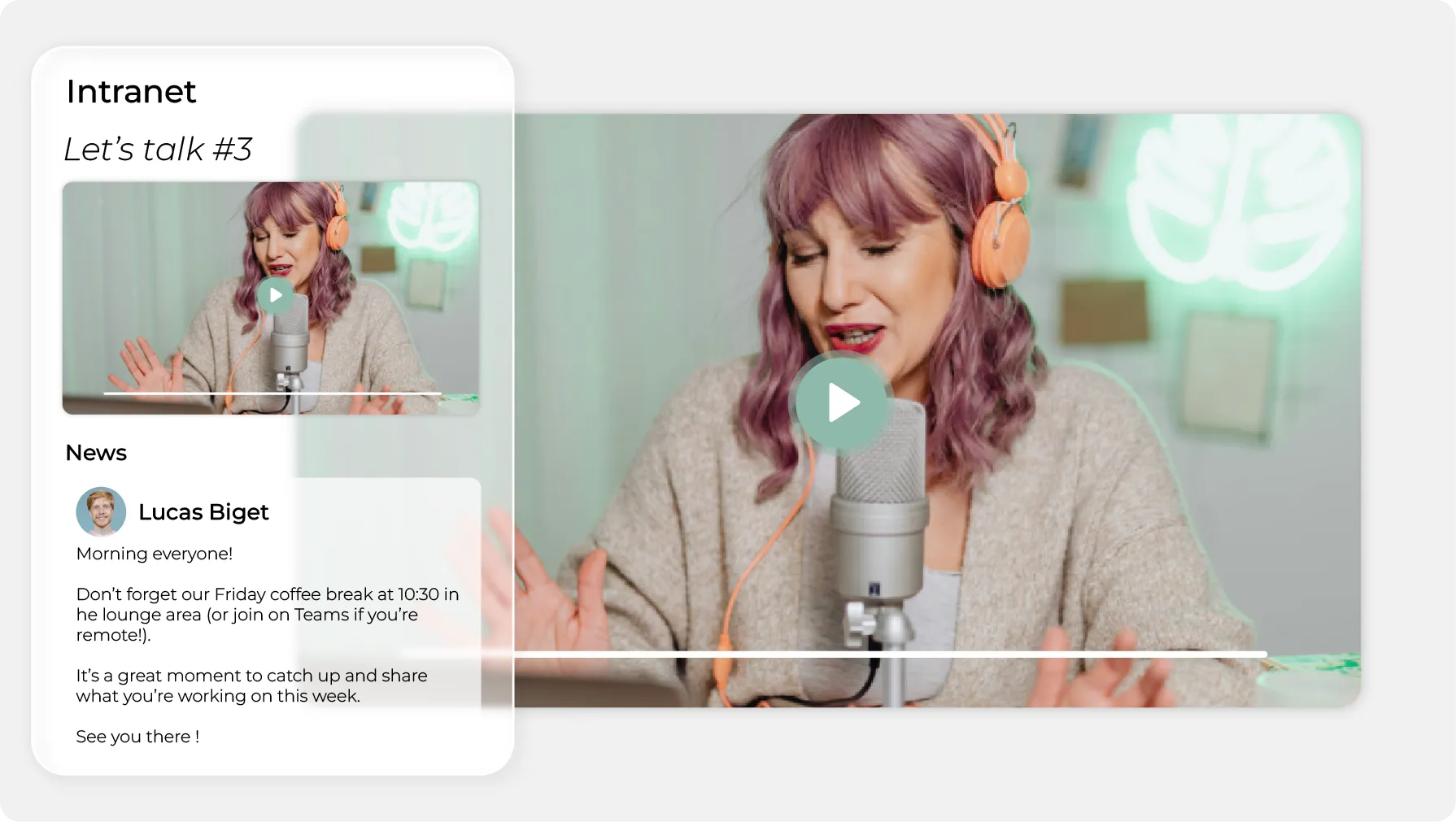
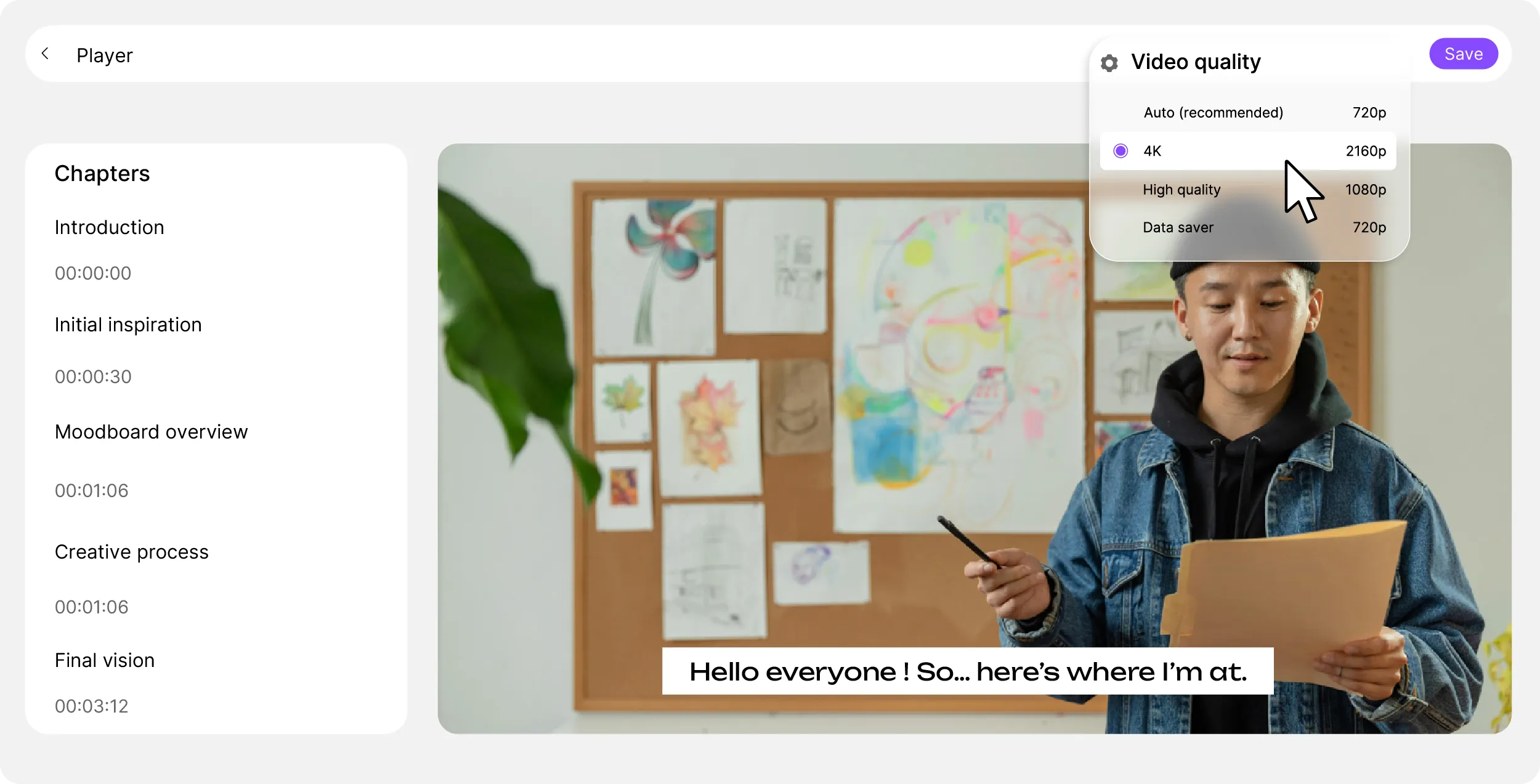
A video player with its chapters, its subtitles and its quality menu

An embed code, or the API if you prefer

In Videas, every media item gives you a script tag or an iframe to paste as is. The script resizes itself and picks up player updates without being copied again. The REST API does the same job from your own backend.
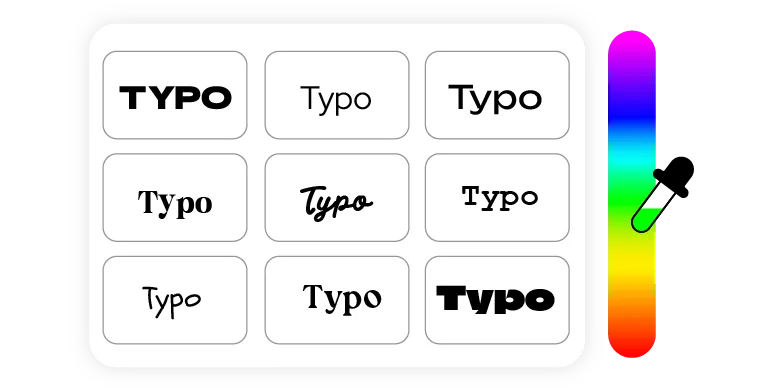

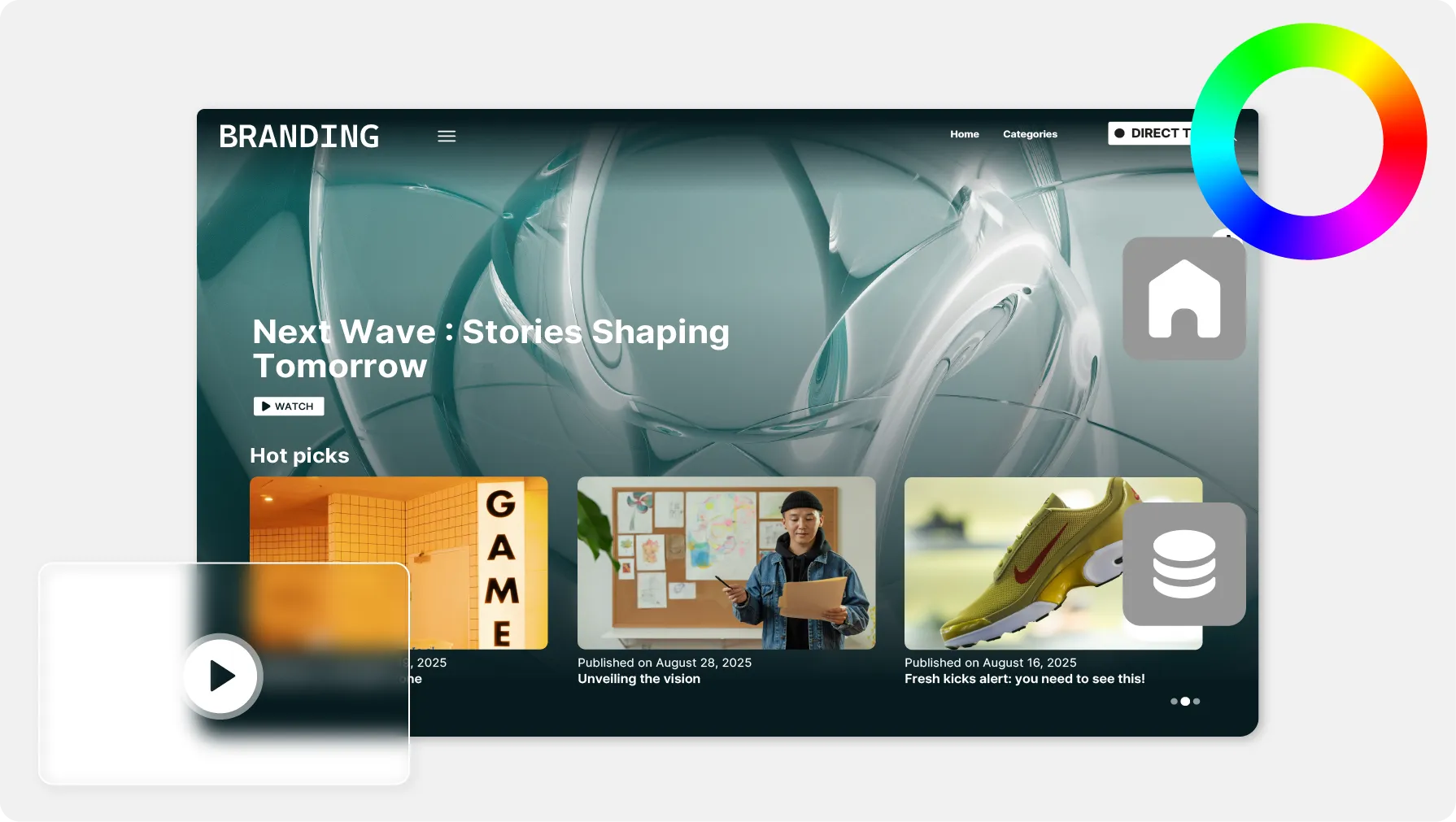
A grid of typefaces and a color picker

The player carries your client's brand

Logo, accent color, light or dark theme: Videas resolves them at playback, from the workspace preset. Your client changes their brand without you touching a single page.

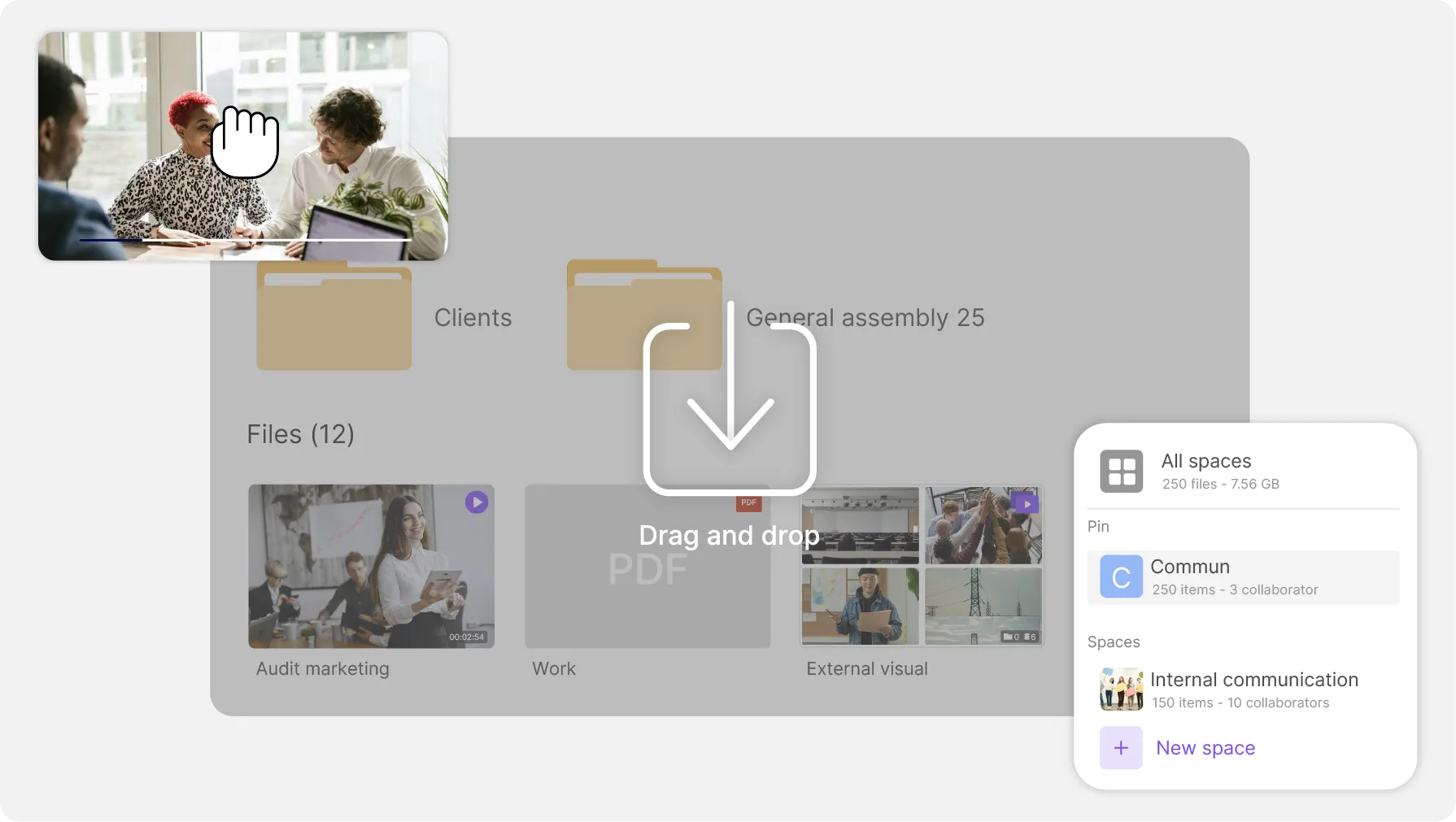
A secret masked by dots inside an input field

The API key never leaves your server

Videas keeps the two steps apart: your server mints a playback token with the key, and the browser trades that token for short-lived signed URLs. The key itself stays with you.

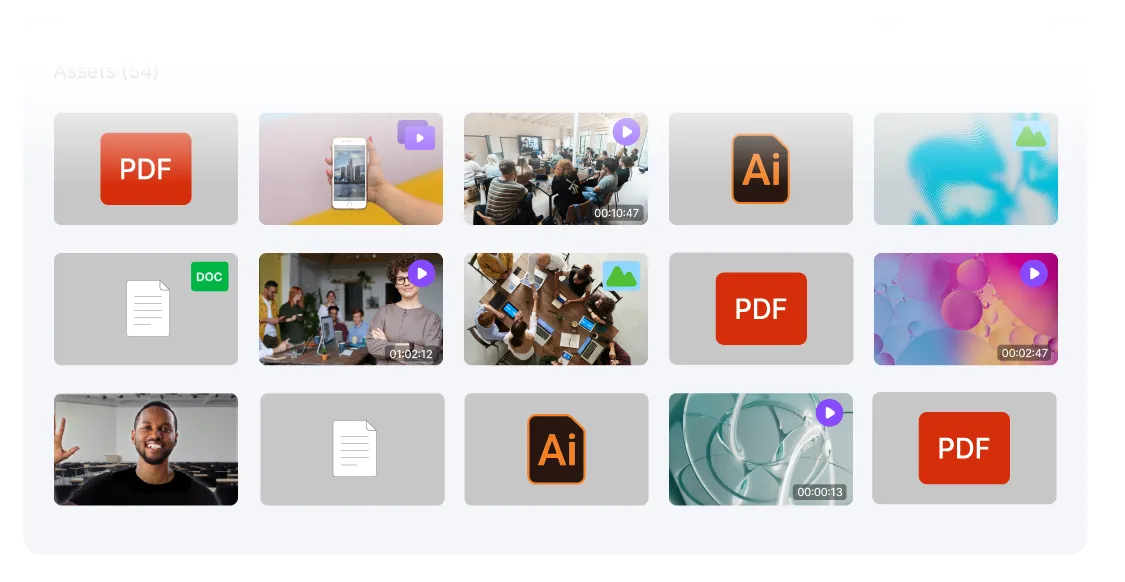
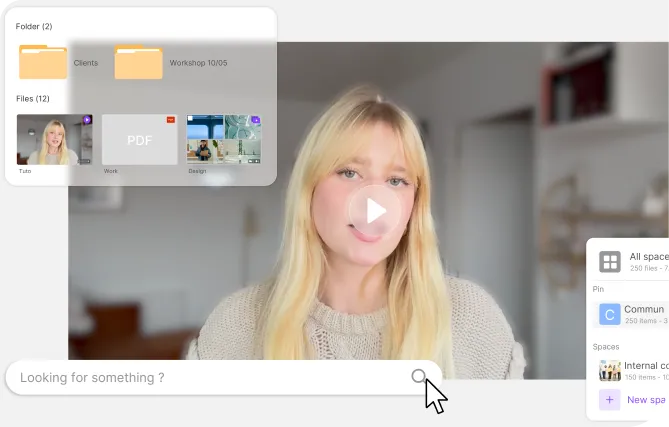
A media library showing videos, images and documents as thumbnails

The interface you will not have to build

Videas ships the media library, the folders, the permissions, the subtitles and the analytics alongside the API. Your client publishes, replaces and files their videos without any of it turning into a ticket on your side.

What your client sees, and what they steer

The embed code lays the Videas player inside your client's page, as a script tag or an iframe. The visitor never leaves the site and has no account to create.

The player in their site
Their brand, not ours
One workspace per client
No ads, no cookies

Three integrations laid inside someone else's site

  • 4,000 hof replays moved off Vimeo, played inside WordPress

    A catalog moved without breaking the pages

    BTLV moved more than 4,000 hours of replays away from Vimeo, and the embed codes across its WordPress pages were swapped one by one, with no loss of access for its subscribers.

    Read the BTLV case study

  • 0cookies and no advertising on the embedded player

    A player laid inside an existing platform

    Bodytime streams its programs inside its own coaching website, with a player in its own colors, and its team runs the catalog from the Videas interface with no particular technical skill.

    Read the Bodytime case study

  • 4brands, each with its own video workspace

    One workspace per entity, run by its own team

    Magnard-Vuibert left Vimeo and gave each of its four brands a video workspace; the clips are embedded in digital textbooks, and every editorial team runs its own catalog.

    Read the Magnard-Vuibert case study

What Videas does not do

Videas ships neither a plugin nor a ready-made connector: the integration is written, with the embed code or with the API. And outbound notifications are coming — until then, your code polls the API to learn that an upload is ready.

What a client site that streams costs

  • €0

    per API call, whatever the volume

  • €0.20

    per hour of video stored, every month

  • €0.02

    per gigabyte streamed, first terabyte free

Videas has no subscription: your client tops up a prepaid credit wallet whenever they decide to, and nothing is drawn down in the months the site streams nothing. Thirty euros of credits cover, within one month, around thirty hours of video hosted, two terabytes streamed — the first one free — and half an hour of automatic subtitling. API calls themselves are not billed: what they trigger is what draws down.

See the full pricing

Frequently asked questions

Does Videas have a public REST API?

Yes. The Videas external API lists, reads, updates and deletes your videos and media, opens a resumable upload, walks your workspaces and their folder tree, and returns the player data. List endpoints take a limit and an offset for pagination, plus filters on search, status, tag and creation date.

Are there official SDKs?

Two, and neither adds a dependency to your project. The Videas JavaScript and TypeScript client installs with npm and runs anywhere fetch exists: Node 18 and above, Bun, Deno, modern browsers. The Python client installs with pip, uses only the standard library and runs on Python 3.9 and above.

How is an API call authenticated?

With a key you create in the Videas settings, choosing its scopes and its expiry date, then send as a Bearer token on every request. The full value is shown only once, at creation, so put it straight into a secrets manager. A missing key returns 401, a missing scope returns 403.

Is the API billed per call?

No. Videas bills neither the request nor a block of calls: API access is included. What draws down the credit wallet is what your calls trigger, at the published rates — storing the files you upload, streaming to viewers, generating subtitles. An empty balance returns 402 on those calls.

Is there a rate limit on the API?

Yes, one thousand requests per hour per key by default. Every Videas response carries three headers giving the ceiling for the current window, the calls left in it, and the timestamp at which it resets. Go past it and the API returns 429, with a header telling you how many seconds to wait.

How do I upload a large file through the API?

With the resumable TUS protocol. You open an upload session, Videas returns an address in the Location header, and you send the file there in chunks of fifty mebibytes at most. A dropped connection does not send you back to zero: the transfer resumes at the last accepted chunk. Both SDKs chunk the file for you.

How do I play a video inside my own page?

In two steps. Your server asks Videas for the player data and receives a playback token valid for four hours, safe to hand to a browser. The page then trades that token for short-lived signed stream URLs and feeds them to an HLS player. Subtitles and audio tracks travel inside the manifest.

How do I stop another site from showing my videos?

By declaring the allowed domains in the workspace embed settings, or through the API. Videas then refuses to render anywhere else. Subdomain wildcards are accepted, and organization-level domains cascade down to workspaces. List production with and without www, plus staging and any intranet, before you switch the restriction on.

Where are the videos hosted, and does the player set cookies?

The videos and their viewers' data stay inside Europe: Videas is a French company, GDPR compliant, and sells no data on. The player sets no cookie and shows no advertising — no pre-roll, no banner, no suggestion toward third-party content. That is the answer your client needs before ruling out a consumer platform.

Will my client be able to run their videos without me?

That is the whole point. Once the integration is in place, they upload, file, replace and publish their media from the Videas interface, manage their team's permissions and read their analytics. The player theme, accent color and logo are resolved at playback: changing them touches no page of their site.