Embedding the video player

Your video on your page, and nobody else's brand on it

One code to copy, and the Videas player appears in your pages: your logo, your colors, no trackers.

ONISEP
AFNOR
Ville de Roubaix
Safran
France-Soir
Crédit Agricole
France Travail
Magnard-Vuibert
Sodiaal
Yoplait
Call

A video to place on a page that is yours

You have a video to put somewhere: a product page, an article, an area reserved for your clients. Hosting it on a consumer platform means letting its brand, its suggested videos and its trackers into your page. Videas hands you a code to copy, and what your visitor sees stays yours.

What slips into your page with a player from elsewhere.

  • A logo that is not yours?

    The Videas player carries your workspace logo and the color you give the media. Nothing announces the tool hosting the video.

  • Suggested videos at the end of yours?

    Videas shows no third-party thumbnail when your video ends. The end screen carries what you put there: a link, a form, the next item in your catalog.

  • One more tracker on your visitors?

    The Videas player sets no advertising cookie and no third-party tracker, and calls no ad network domain. Your playback statistics stay yours.

  • Your code copied onto another site?

    An embed code is public by nature. In Videas, declare the domains allowed to display your videos: anywhere else, playback is refused.

What the Videas embed code carries with it

A video player displayed inside a web page

One code to copy, two ways to place it

In Videas, open the media and click Embed: you leave with a block to paste. The Script method resizes itself and follows the player's updates; the iframe goes through where JavaScript is filtered out. A popover mode loads the video on click, so a page holding several videos stays light.
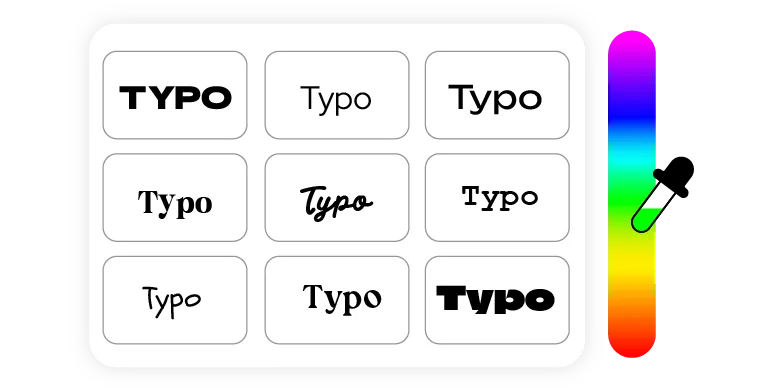
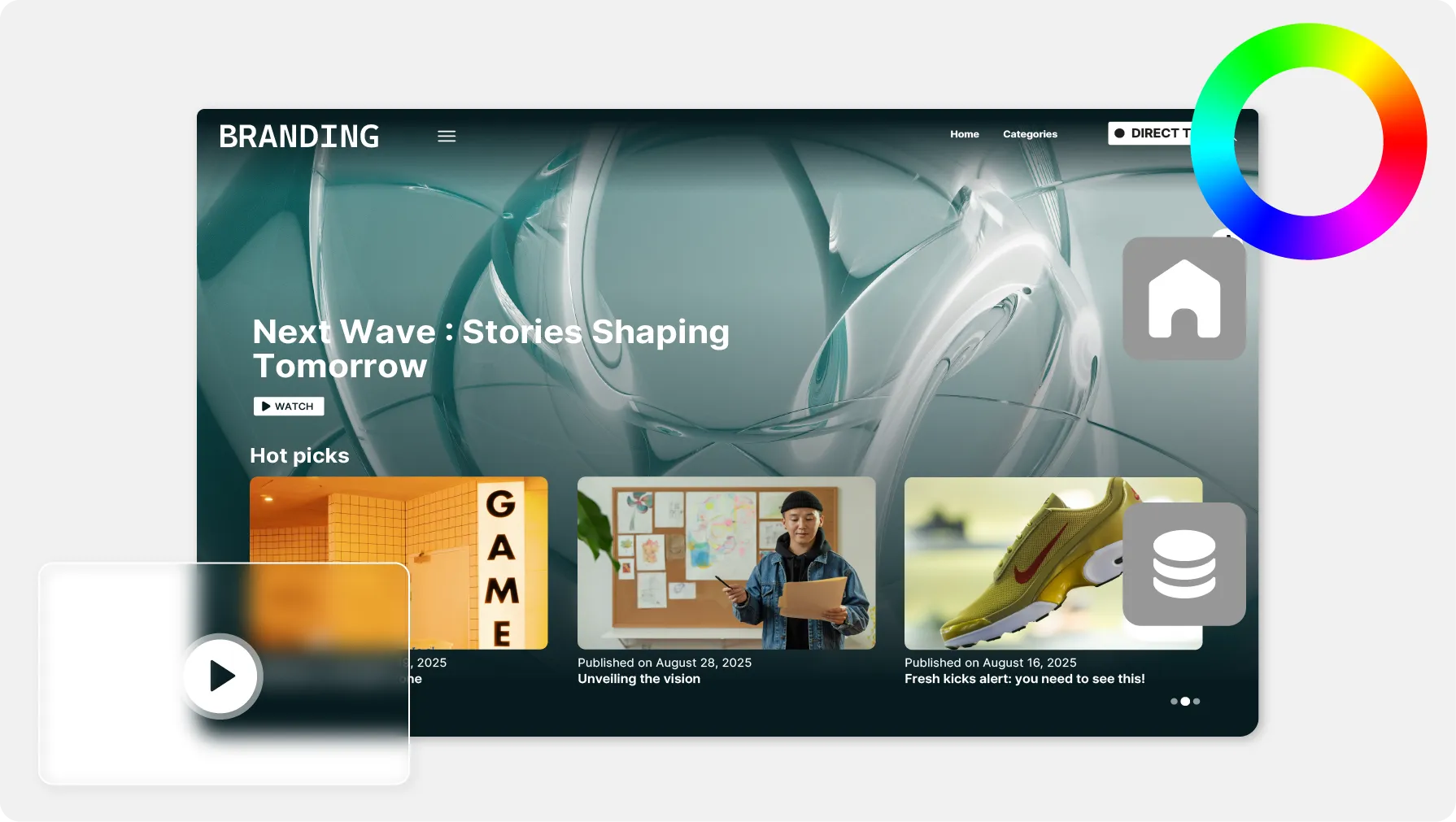
Logo and color settings on a video player

The player carries your brand, not ours

The logo is uploaded once for the whole workspace; the color and the theme are set media by media. Videas keeps the lot as a preset, applied by default to your next embeds.

A list of domains allowed to display a video

Allow your own domains, and no others

Anyone can copy an embed code from your page. Videas only lets the player start on the domains you have declared, with a wildcard to cover a whole root when you need it.

A playlist of videos shown next to a player

A whole playlist in a single player

Videas embeds a collection too: your visitor moves from one item to the next without leaving your page, with the list as a drawer, a bottom bar or a right-hand column. A smart collection fills itself — a video that matches its rules appears in every player already pasted, with no change to the code.

What happens once the code is pasted

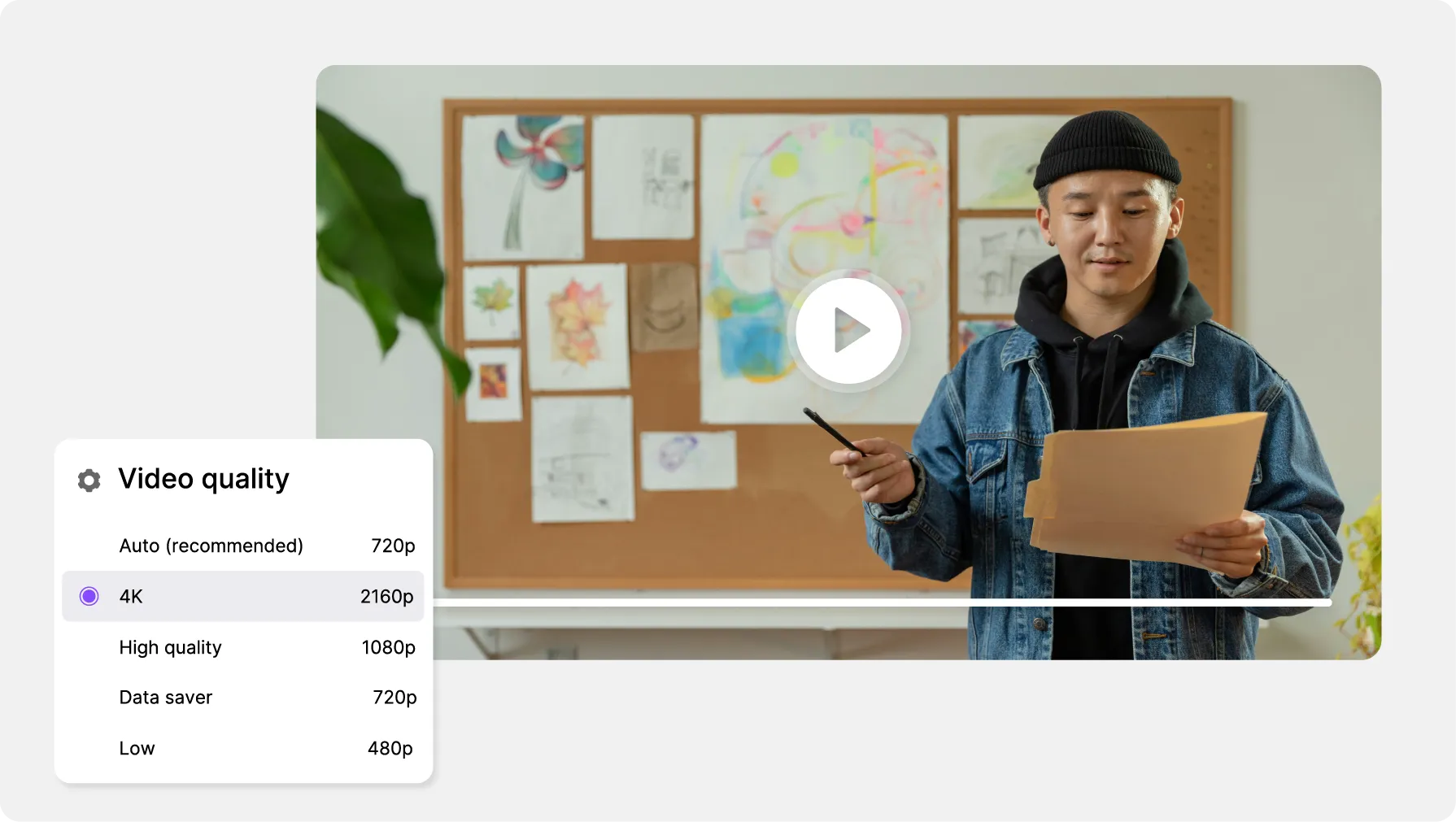
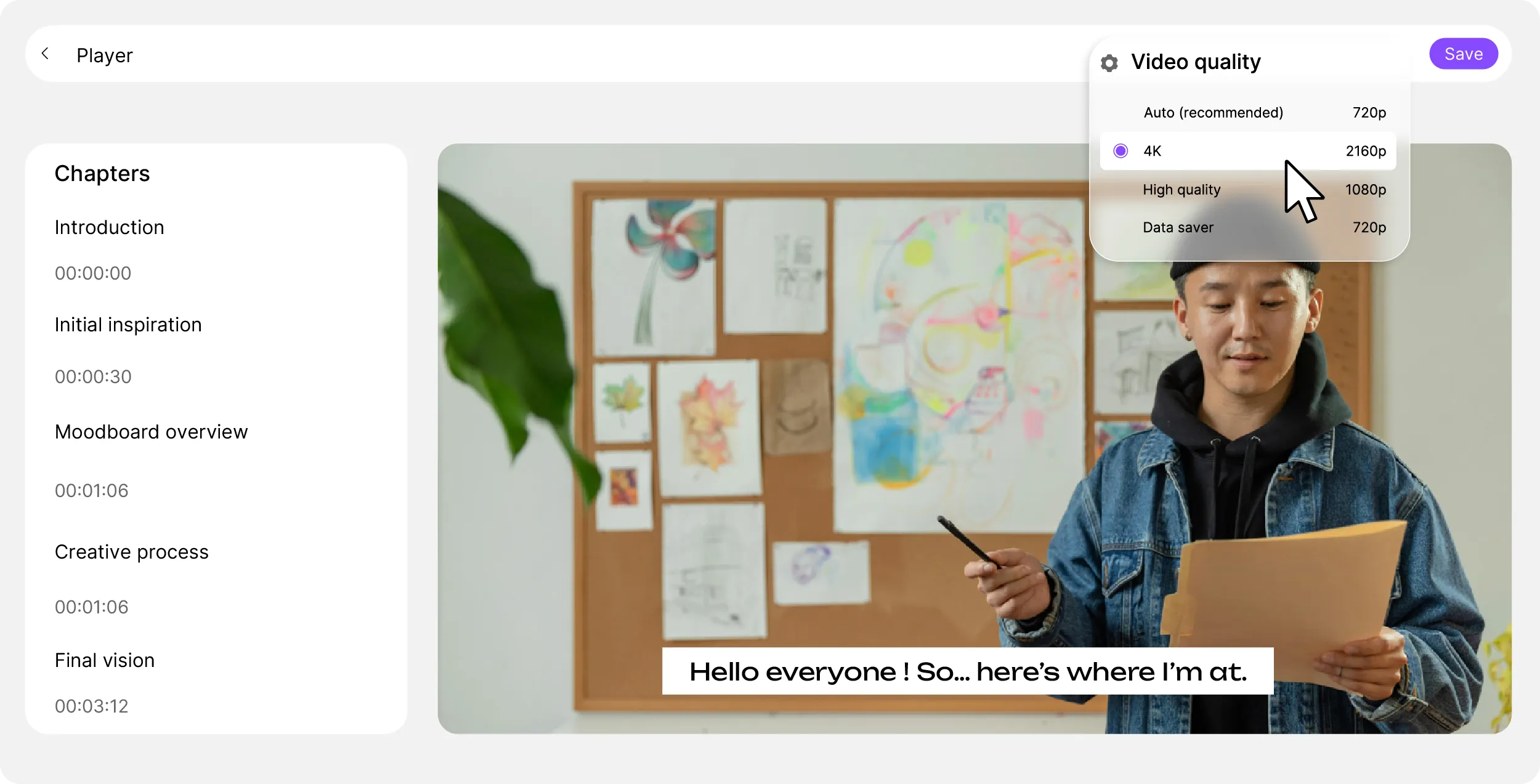
Videas re-encodes every video up to 1080p and streams over adaptive HLS: the player follows each visitor's connection and switches quality without interruption. An eco mode caps it at 720p.

Playback
Your brand
The views
Paid content

Three sites already showing the Videas player

  • Zerocookies and no advertising during a training session

    A player that blends into an existing site

    Bodytime delivers its fitness programs to its members from its own coaching site, with a Videas player restyled to its brand guidelines and an integration done without rebuilding anything.

    Read the Bodytime case study

  • By listof allowed domains — anywhere else, playback is refused

    Paid videos that do not travel elsewhere

    AFNOR Éditions delivers its standards training paths inside multi-format interactive modules, with a player that only agrees to start on its own sites.

    Read the AFNOR Éditions case study

  • 4,000 hof replays put back on the pages of an existing site

    A catalog moved without touching the site

    BTLV transferred more than four thousand hours of shows and video podcasts built up over ten years, and serves its subscribers from its own pages, with no break in service during the move.

    Read the BTLV case study

What Videas does not do

Videas does not open the player to your CSS: color, theme and logo are yours to set, the rest of the styling comes as it is. And Videas does not go back over your pages: a setting written into pasted code changes only once you copy the code again.

What does a video on your site cost?

  • €0.20

    per hour of video stored, every month

  • €0.02

    per gigabyte delivered, the first terabyte free

  • €0

    for the embed code, on as many pages as you like

There is no subscription: you draw down a prepaid credit wallet, topped up whenever you decide to. A hundred hours of video stored come to €20 a month; two terabytes watched by your visitors add another €20, the first terabyte being free every month — so €40 for a site that really delivers. Pasting the same media on ten pages changes nothing on the bill: what counts is what gets watched. Videas also moves your existing catalog across at no charge.

See the full pricing

Frequently asked questions

How do I embed a Videas video on my site?

Open the media in your workspace, click Embed in the action bar, adjust whatever you want to adjust, then copy the block shown and paste it into your page. The player then appears on your site, and your visitor has neither to leave it nor to create an account.

What is the difference between Share and Embed?

Share produces a link to a page hosted by Videas; Embed produces a snippet of code to paste into your own page. The protections differ too: a share link is protected by a password and by an expiry date, an embed by the list of domains allowed to display it.

Script or iframe: which one should I choose?

Script by default: it resizes itself with its container and follows the player's updates without you copying anything again. Switch to the iframe when your platform filters out external JavaScript. The result looks the same; only popover mode, which loads the video on click, requires Script.

Can the player carry my logo and my colors?

Yes. The logo is your workspace logo, uploaded once in the settings, then shown on the player at the position and opacity you choose. The primary color and the light or dark theme are set media by media, and are saved in a preset that your new embeds then follow.

Is there any advertising or any suggested video?

Videas inserts no advertising into your player and shows no third-party thumbnail at the end of your video. An advertising slot does exist for organizations that sell their own inventory: it stays empty until you configure it in your workspace settings.

Does the player set cookies or trackers?

No: no advertising cookie, no third-party tracker, no call to an ad network domain. You therefore have nothing to add to your consent banner in order to embed a Videas video, in the sense of ePrivacy and the CNIL guidelines. Videos are hosted in France, with no transfer outside the European Union.

How do I stop another site from showing my videos?

In the workspace settings, Embedding section, turn on the embedding domain restriction then add your domains straight away — while the list is empty the restriction blocks everywhere, your own site included. Remember production with and without www, staging, and your intranet. The setting requires the Admin role.

Do I have to manage a token to secure an embed?

No. Videas offers no embed token for you to generate or rotate yourself: domain restriction is the only protection to configure, and it is enough in the vast majority of cases. It stops display on an undeclared site, but it does not replace a protected link for genuinely confidential content.

Where do I see the plays of an embedded video?

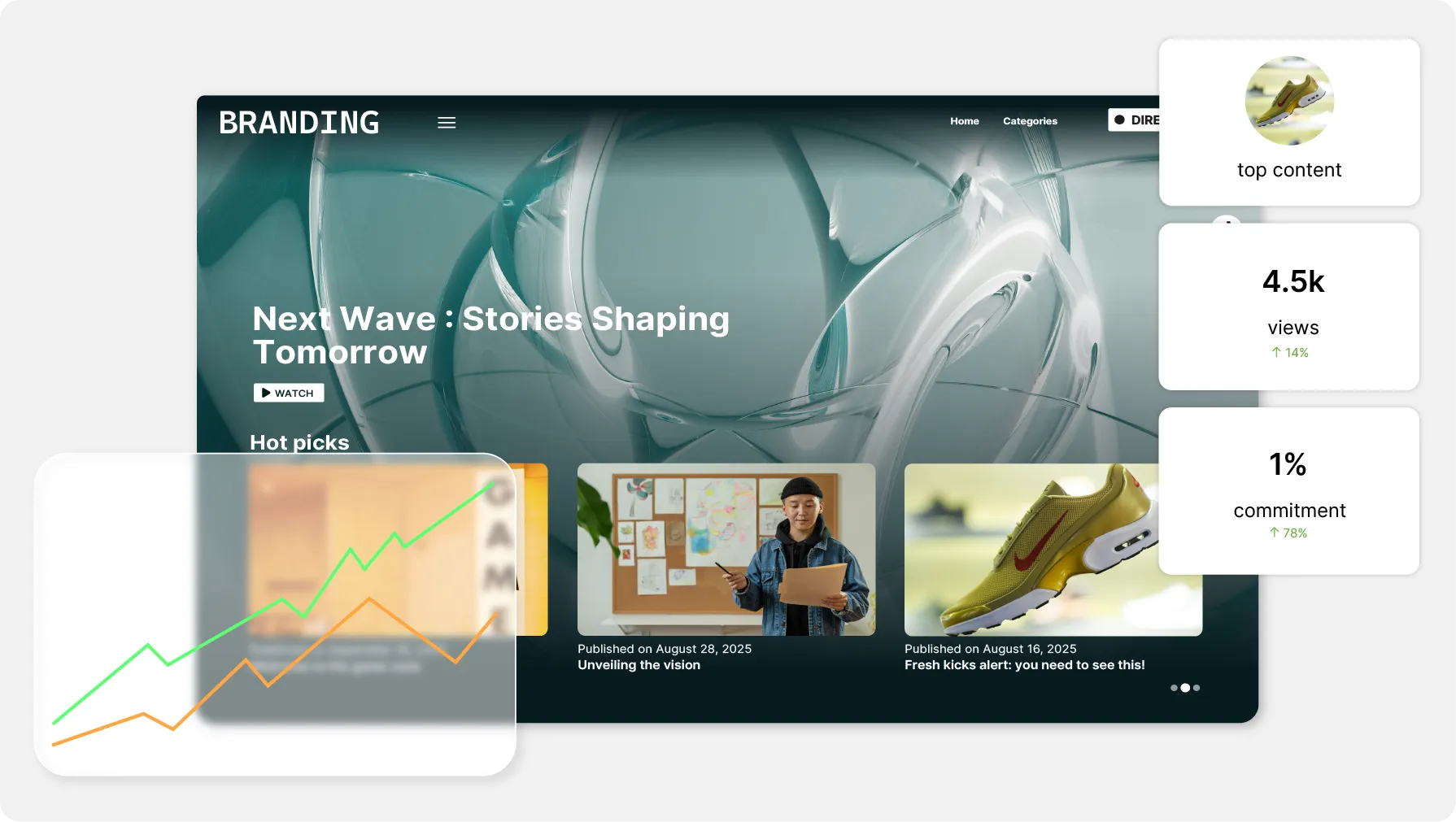
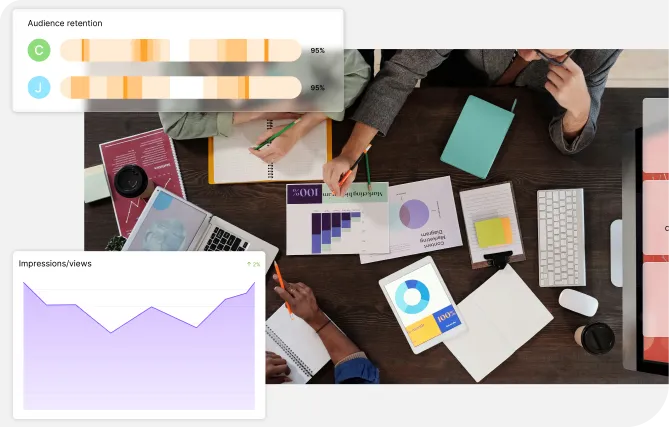
In the media's statistics: plays coming from a third-party page are counted there like the others, with no distinction. There is no dashboard per embed. To find out which sites your videos are watched from, the Videas Traffic sources tab lists the domains and the exact addresses.

Can I embed paid content on an external site?

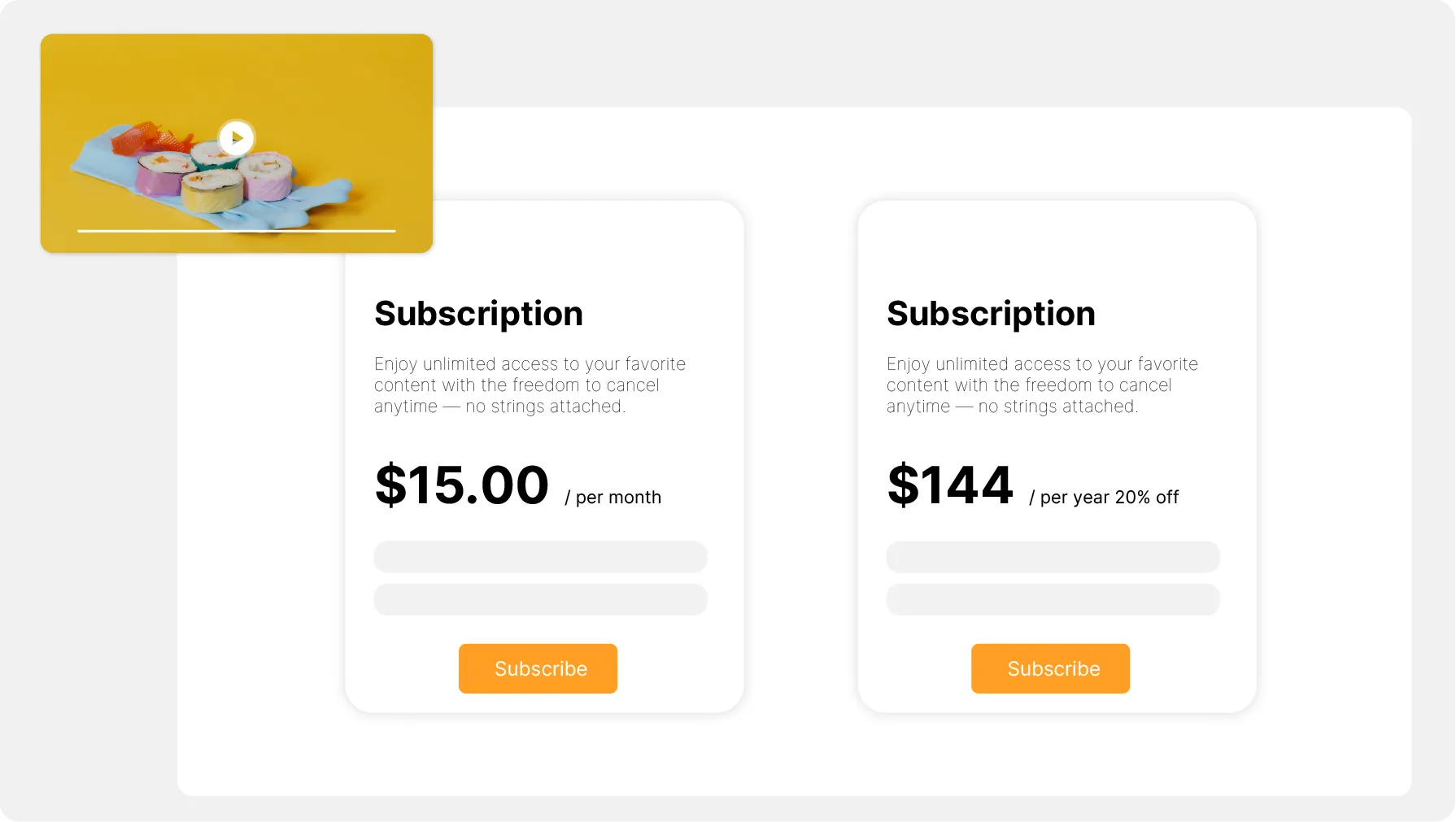
Yes, from your channel, and two conditions have to be met: the channel must have a domain, and the content must allow embedding. Count €10 a month for the channel and €10 for the domain. The visitor stays anonymous in the player: they see the price or the trailer, then buy on your channel.