



"We created a public video library accessible to all our users."

Générez vos sous-titres IA et diffusez vos vidéos depuis une seule plateforme. Plus besoin de jongler entre un outil de transcription et un hébergeur vidéo.
Try for free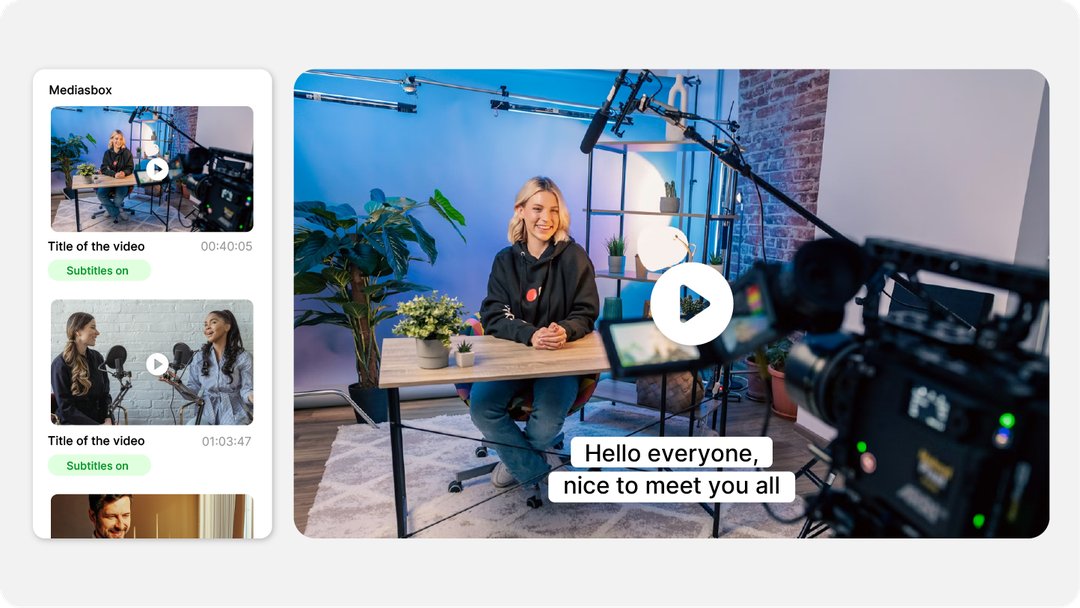











Happy Scribe génère vos sous-titres, mais vous devez ensuite les exporter et les importer dans un hébergeur vidéo. Deux outils, deux factures, deux interfaces.
À chaque modification, vous devez exporter le SRT, le télécharger, puis le réimporter dans votre hébergeur. Un workflow fastidieux et source d'erreurs.
Happy Scribe facture 0,20 €/min pour le sous-titrage IA. Videas propose le même service à 0,05 €/min, soit 4 fois moins cher.
Happy Scribe n'est pas un hébergeur : pas de médiathèque, pas de player, pas d'analytics. Vos vidéos restent éparpillées entre plusieurs outils.
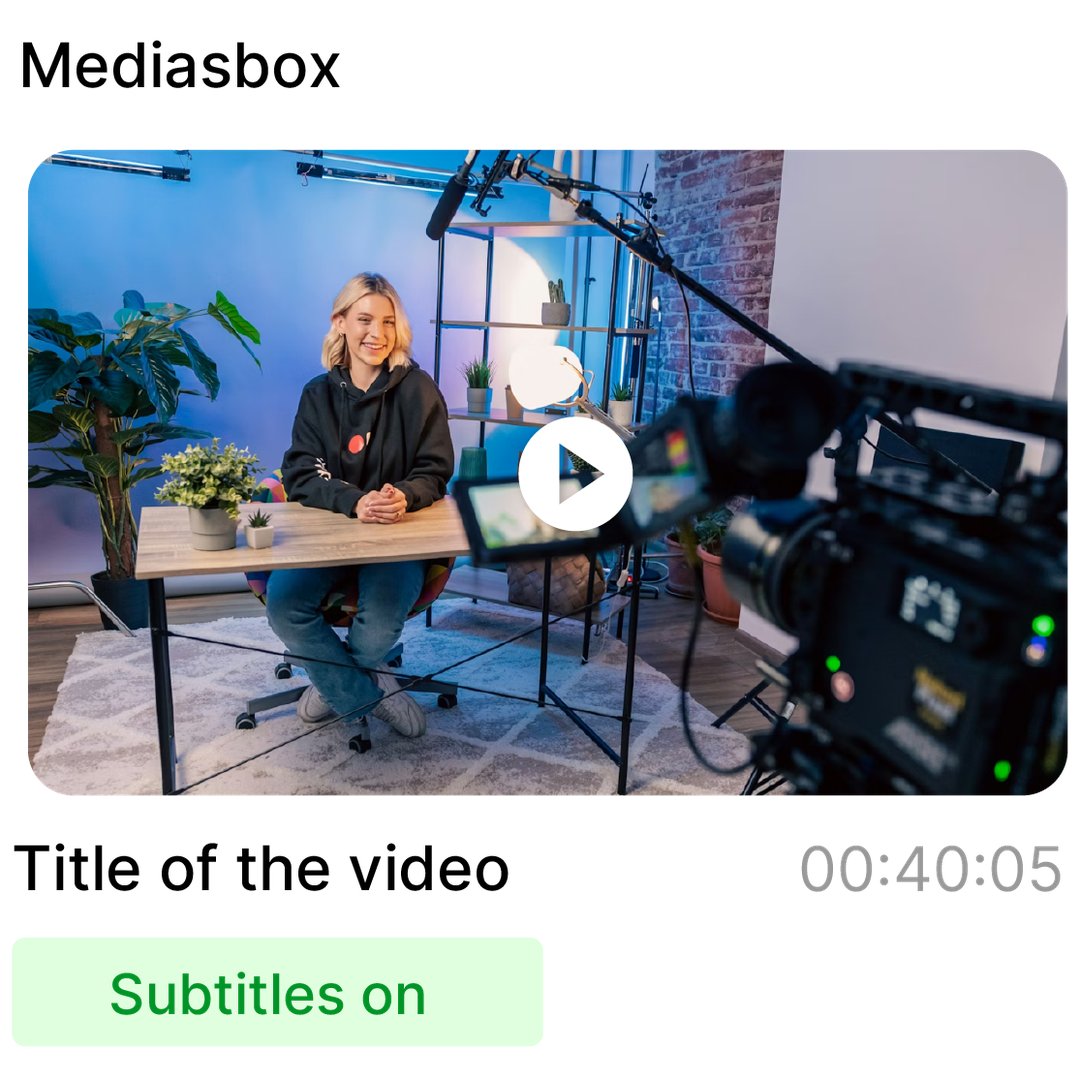
Happy Scribe generates your subtitles, but then you have to export and upload them to another host. Videas does both: AI subtitling and video hosting, fully integrated.
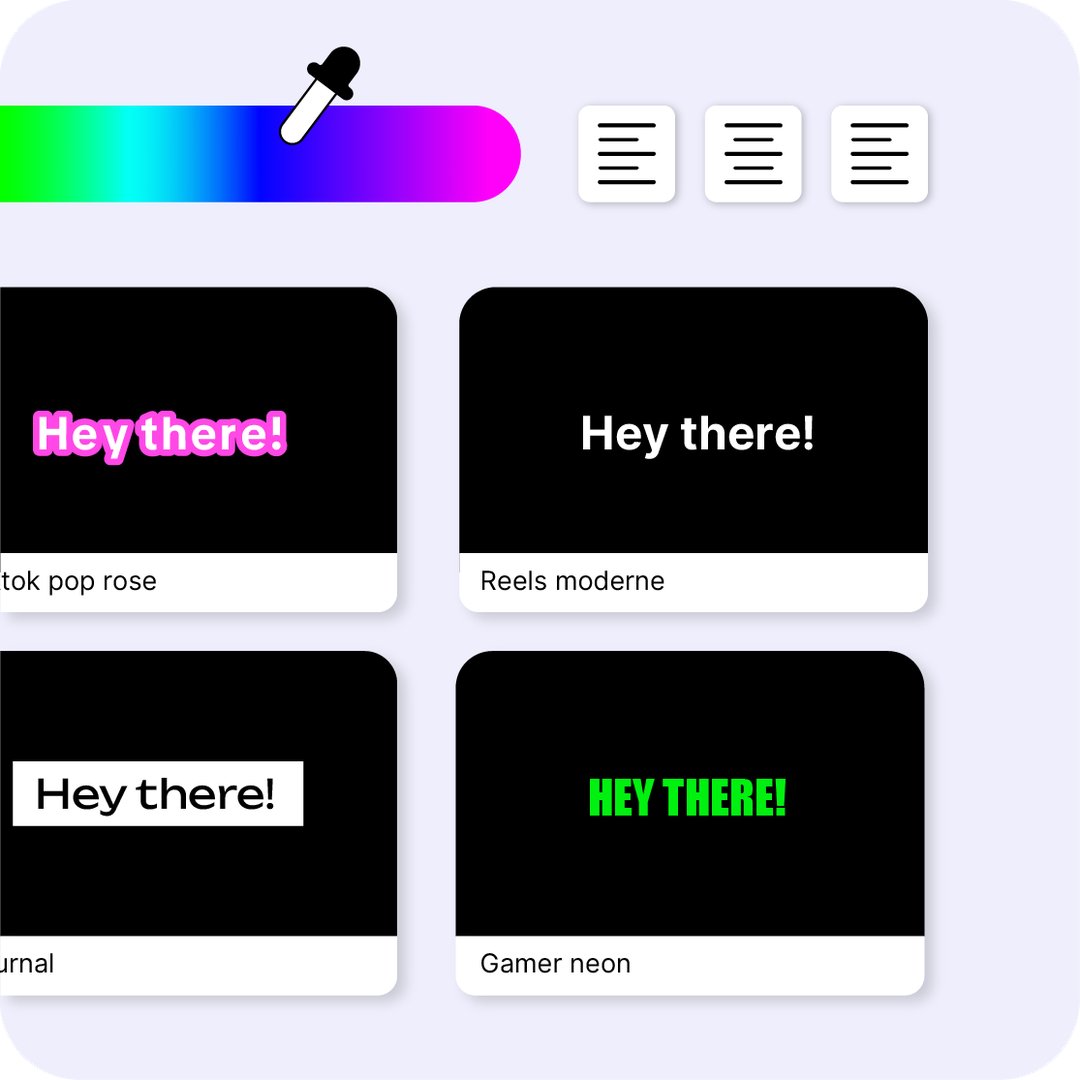
Edit your subtitles from any device (desktop, tablet, mobile). Customize the style (font, colors, position) and export as SRT, VTT, or burned-in video — ready for your social media.
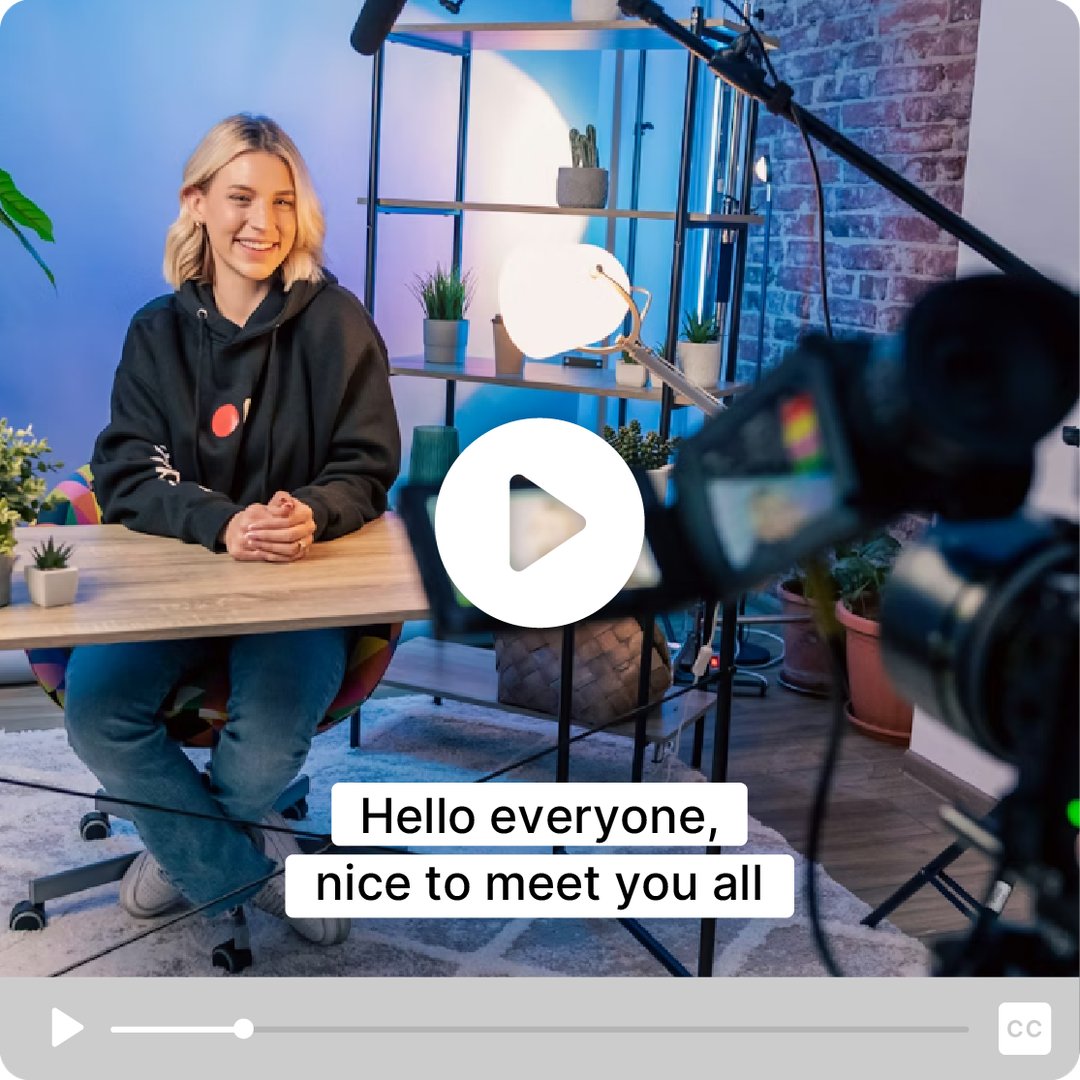
No need to export an SRT file and import it elsewhere. Your subtitles are directly available in the Videas player, toggled on by your viewers in one click.

Generate subtitles in the original language, then translate them automatically into 40+ languages. Make your videos accessible to an international audience.
| Feature |
videas.
Essayez
|
Happy Scribe |
|---|---|---|
| Sous-titrage IA Sous-titrage IA | 0.05€/min | 0.20€/min |
| Transcription humaine Transcription humaine | No | 2€/min |
| Hébergement vidéo Hébergement vidéo | Yes | No |
| Player intégré Player intégré | Yes | No |
| Sous-titres dans le player Sous-titres dans le player | Automatique | Export requis |
| Traduction automatique Traduction automatique | Yes | Yes |
| 40+ langues 40+ langues | Yes | Yes |
| Analytics vidéo Analytics vidéo | Yes | No |
| Chaînes vidéo Chaînes vidéo | Yes | No |
| Live streaming Live streaming | Yes | No |
| Sans abonnement Sans abonnement | Yes | No |
| Hébergement en France Hébergement en France | Yes | No |
| Support en français Support en français | Yes | Yes |
« Votre solution est de qualité, votre équipe est réactive et à l'écoute, les résultats répondent amplement à nos attentes. »

« La rigueur, la disponibilité et la réactivité dont VIDEAS fait preuve est exemplaire. Les retours des utilisateurs de mon site de VOD sont aussi très bons. »

« L'interface répond à nos attentes en tous points. Simple, abordable et facile d'utilisation, nous en sommes ravis. »

« Videas est la plateforme idéale pour stocker nos vidéos et diffuser une chaîne personnalisée pour notre média. »

« Videas est une plateforme facile de prise en main qui permet de créer rapidement une chaîne VOD. Les équipes sont à l'écoute et très réactives. »

"We created a public video library accessible to all our users."

"A secure solution to share our internal content live and on-demand."

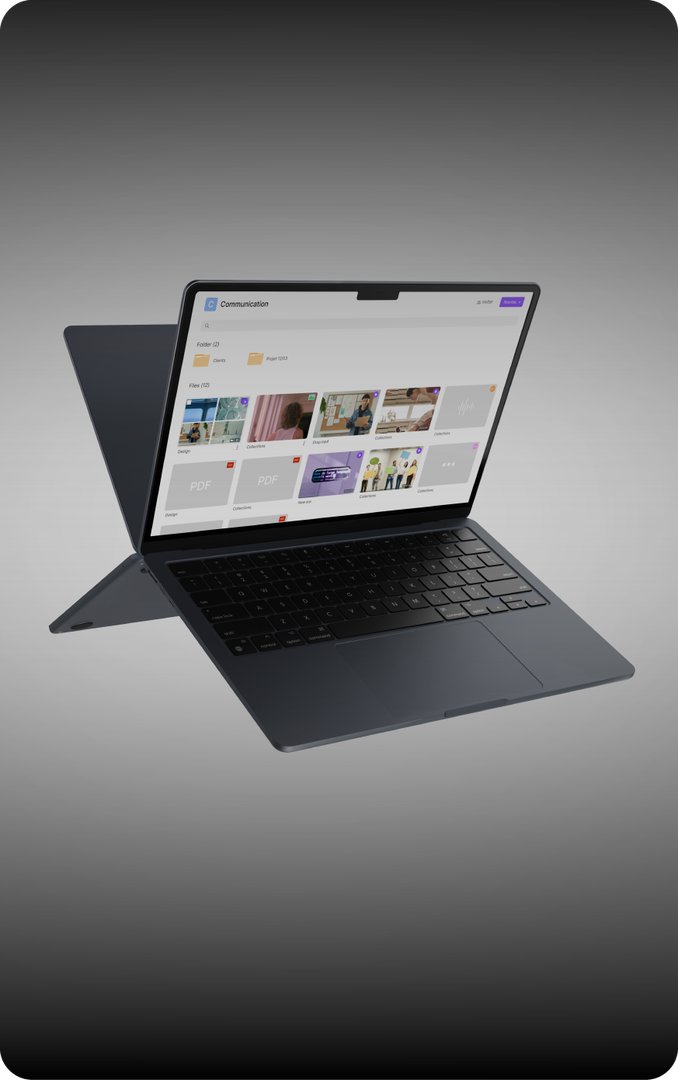
"Each region has its own library to manage and share its content."


"I created a VOD site to sell premium content to my subscribers."


"An easy-to-use platform to share my training videos."


"Videas is ideal for storing and broadcasting our content after losing our YouTube channel."

No. Happy Scribe is a transcription and subtitling tool only. Videas is a complete video platform (hosting, player, analytics, channels) with AI subtitling directly integrated.
Videas uses state-of-the-art AI models for transcription. Accuracy is comparable, with the advantage of direct integration into the video player.
Subtitling is billed at €0.05 per minute of transcribed video. No subscription, no minimum, and credits never expire.
Yes. Once the transcription is generated, subtitles can be automatically translated into over 40 languages in just a few clicks.
All data is hosted in France. GDPR compliance is native, with no transfer outside the European Union.