











Kaltura alternatives

6 Kaltura alternatives, and how many products you have to buy

Videas, Panopto, Brightcove, Vimeo, Wistia and YuJa: which one brings hosting, the channel, live and captioning together in a single product, and which makes you assemble several.

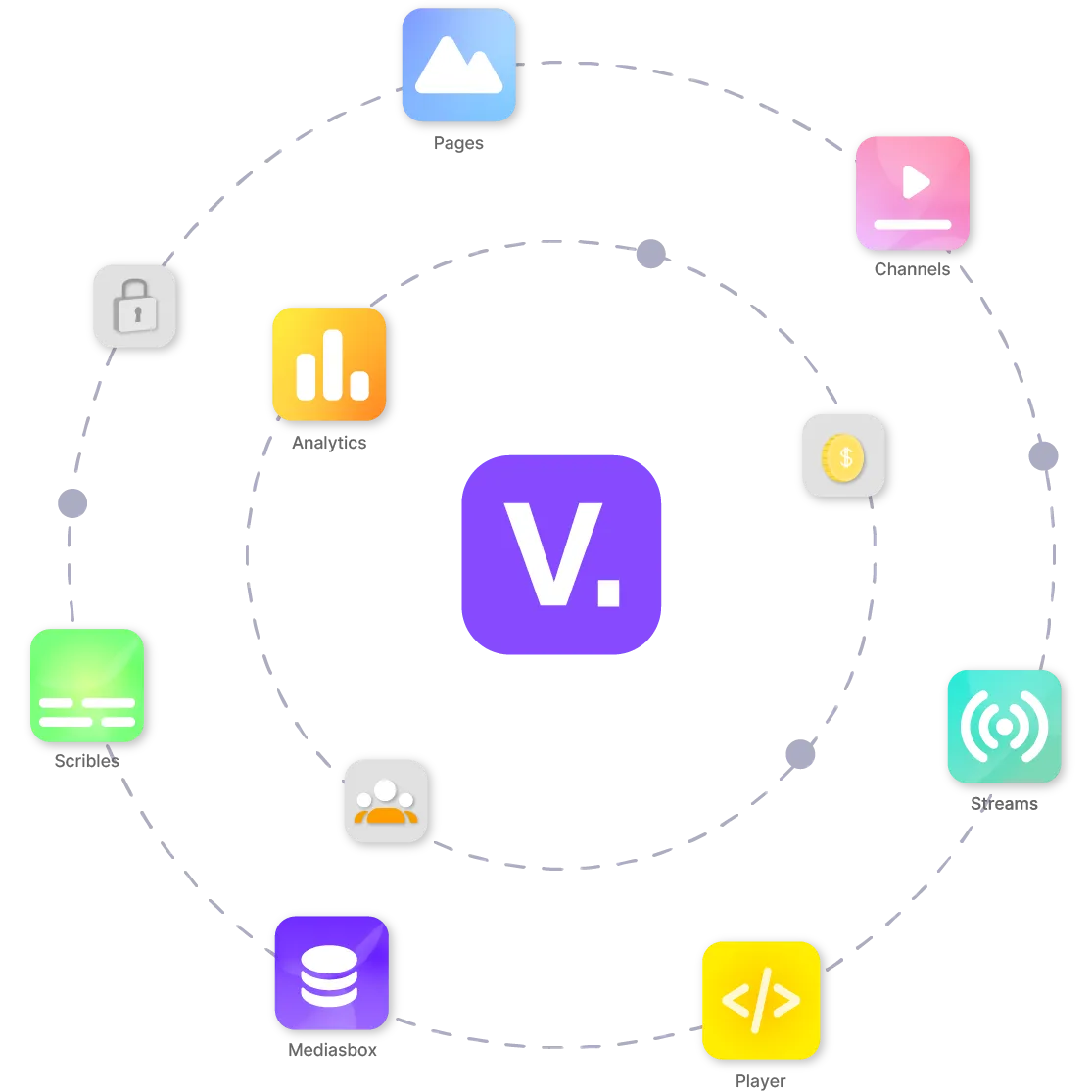
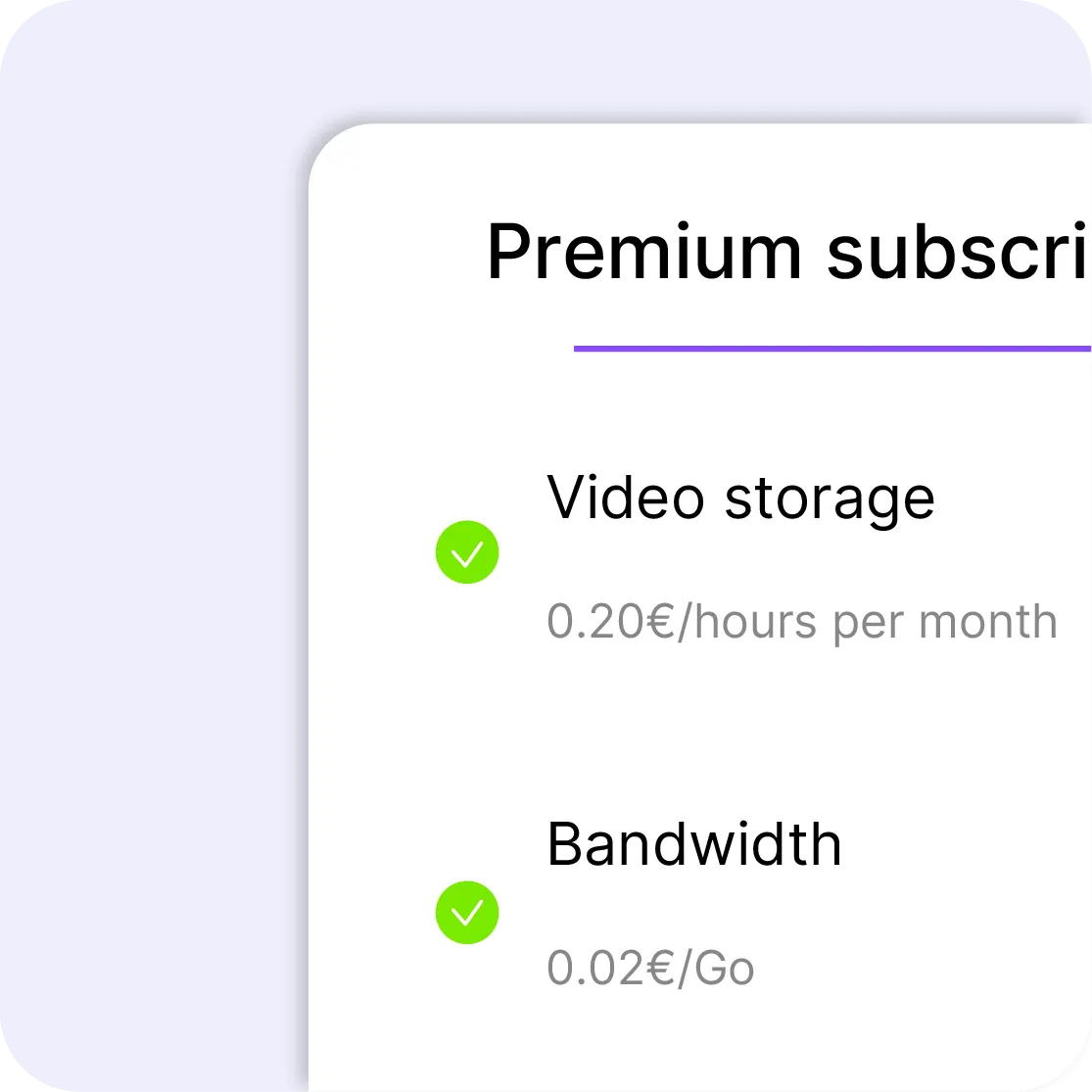
Kaltura sells a dozen separate products, video portal, webinars, virtual classroom, town halls and APIs, each with its own grid and its own contract; the video portal, the central product, comes on quote. Videas brings hosting, the media library, channels, live, AI captioning and monetization together in a single product, billed by usage, €0.20 per stored hour and €0.02 per GB delivered.

Try for free
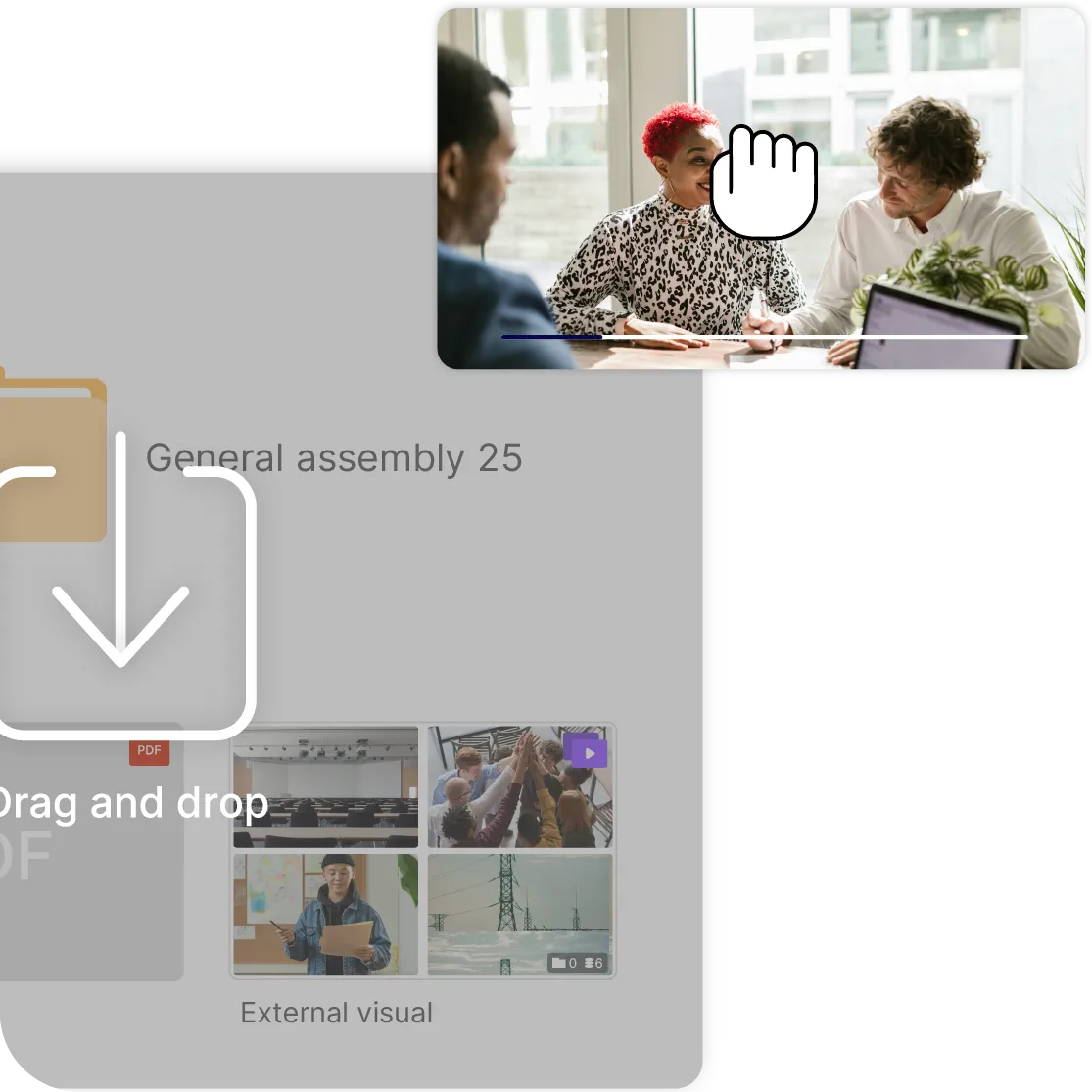
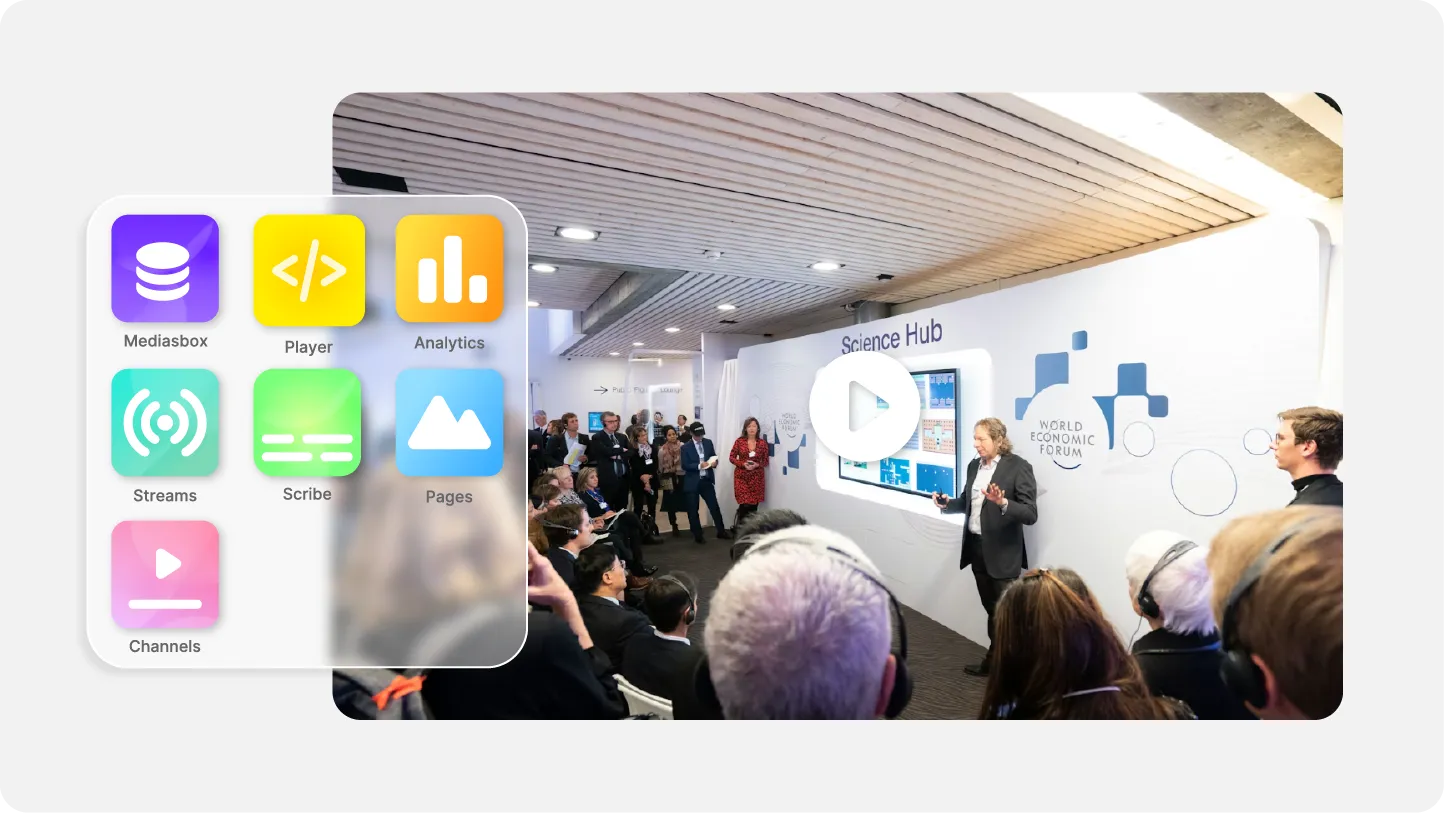
The Videas platform bringing hosting, a broadcast channel and subtitles together
ONISEP
AFNOR
Ville de Roubaix
Safran
France-Soir
Crédit Agricole
France Travail
Magnard-Vuibert
Sodiaal
Yoplait
Call

Six platforms, and how many products you have to assemble

Ranked by proximity, from the one covering Kaltura’s own scope to the one aimed at an entirely different customer: one product or several, a published price or a quote, and where the videos are hosted.

Panopto

Lecture capture as a craft: recording halls, search inside the spoken word, and connectors into learning platforms.

Best for: universities and schools whose first need is recording classes and finding them again, with a Moodle or Canvas connector the vendor maintains.

Where it falls short: no published price, a quote per organization and options billed on top of the contract; no self-service account to try it; hosting is negotiated rather than advertised; and public distribution and selling are not what it does.

See the comparison

Brightcove

The video suite for large organizations: hosting, live, multi-brand management, DRM and OTT apps.

Best for: groups and broadcasters with a technical team, several brands to run and mobile and TV apps to publish under their own name.

Where it falls short: three studios sold on quote, an annual commitment, a catalog of third-party modules that adds a cost to every need, AI captioning billed as an add-on and a deployment counted in months.

See the comparison

Vimeo

The generalist at a published price: a polished player, channels, live and monetization, with no quote to request.

Best for: teams that want to decide from a published grid and publish quickly, with no enterprise machinery and no learning-platform wiring.

Where it falls short: video count and bandwidth are capped per tier, data is hosted in the United States, the player drops third-party cookies, and the enterprise features, SSO included, go back on quote.

See the comparison

Wistia

The marketing half of the need: calls to action, capture forms and CRM hand-off, built into the player.

Best for: communications teams whose real goal is measuring video engagement and feeding campaigns, with no learning portal and no town hall.

Where it falls short: $79 a month on Business billed yearly, $25 per seat past three, $329 for attribution in HubSpot or Marketo, and both SSO and protected playback on quote; no media library with folders, and hosting outside Europe.

See the comparison

YuJa

The higher-ed specialist built against Kaltura’s education vertical: the Lumina video platform with LMS integration, next to proctoring and accessibility tools.

Best for: universities and school districts that want lecture capture, LMS integration and accessibility handled by one vendor, with Texas A&M, Marist and the University of Calgary among its campuses.

Where it falls short: no published price and a demo to get in, the same purchase as Kaltura; the suite spreads across proctoring, document remediation and website accessibility, so video is one product among five; and publishing to the public or selling access is not what it does.

What Videas brings

Each point is covered in the Videas / Kaltura comparison.

  • Videas public price list, billed as you go

    A published price you can work out yourself

  • Separate workspaces for each department inside Videas

    Every department publishes its own

  • A cookie-free video player embedded on a website with no consent banner

    A player with no cookie and no tracker

Which one to pick

Find your situation, the answer sits next to it.

Panopto
Lecture halls to record in volume, and search inside what was said.
Brightcove
Several brands, DRM, OTT apps, a technical team and a yearly budget.
Vimeo
A published grid, a polished player, and straightforward publishing.
Wistia
Campaigns to measure, and video treated as a landing page.
YuJa
A campus to equip, lecture capture and accessibility together, and a demo to sit through.

Frequently asked questions

What does Kaltura cost?

It depends on the product, and the main one has no public price. The video portal, town halls and events come on quote; webinars, the virtual classroom and the conversational agent publish plans; only the APIs have a grid, $20 a year then usage, with credit packs from $500 to $24,000 discounted 8 to 20% if you commit the budget up front. Taken from its website in November 2026.

Why do you have to buy several products?

Because the offer is cut up by use: video portal, delivery console, webinars, virtual classroom, town halls, meetings, APIs. Every block has its own grid and contract, and Kaltura invites you to combine them through a contact form, so every combination gets its own quote. With Videas, hosting, the media library, channels, live, captioning and monetization are the same product, and the bill is the sum of what you consume.

Can it be tried without talking to a salesperson?

With Kaltura, only the APIs: $100 of credits for thirty days for $1, while the other products go through a meeting. Panopto, YuJa and Brightcove also ask for a demo. Videas and Vimeo open in self-service, and with Videas signing up is free, with €5 in credits on signup and every month after.

Where are the videos hosted?

Videas hosts in the EU, on infrastructure we run ourselves, with no transfer outside the European Union. Kaltura does not publish its region, and its privacy policy warns of a possible transfer outside your jurisdiction. Brightcove advertises a European region, to be negotiated into the contract, YuJa does not publish one either, and Vimeo hosts in the United States.

Is a technical team required?

Kaltura’s API product is a development environment: the interface your teams will use every day is yours to build. With Videas, the interface is made for a communications or training department, and embedding a video is a copy and paste; the API is there for whoever wants it, not the only way in.

What about wiring into Moodle or Canvas?

That is Panopto’s ground, and it maintains those connectors itself. Videas integrates through the embedded player, the API and webhooks: a video drops into a course like it drops into any page, but there is no ready-made learning module and no graded progress tracking.

Can access to the videos be sold?

With Videas, yes: subscriptions, outright purchases and rentals on a channel under your brand, payment included, €10 a month per channel and a 15% commission. Kaltura and Panopto serve internal and educational delivery, not selling. Brightcove and Vimeo both offer monetization, the first inside a negotiated contract, the second on its dedicated plans, and Wistia none at all.

Which platforms did you leave out, and why?

Video-call tools, Zoom or Teams, because they run a meeting, they do not host a library. Echo360, because it is a lecture-capture vendor we have not benchmarked, also sold on quote. Mux and Bunny, because they are developer building blocks: the back office your team works in is yours to write. Vidyard, because it serves sales outreach, billed per seat, rather than a campus or an intranet. And YouTube, because delivery paid for in advertising is not an organization’s platform.

How much does Videas cost?

€0.20 per hour of video stored per month, €0.02 per GB delivered with 1 TB free every month, and €10 a month per channel. No subscription, no commitment, no seats to buy: you pay for what you use, drawn from a prepaid credit wallet, and you can work the bill out yourself before you start.