










Kaltura vs Videas

Business video, at a price you can see

Hosting, a channel under your own brand, AI subtitles and live streaming in a single product, at a price you can work out yourself.

Videas and Kaltura both host business video. The difference is scope and price: Kaltura sells around ten separate products, and the main ones are quote only. Videas brings hosting, the channel, live streaming and AI subtitling together in one platform, billed as you go, with no subscription.

Try for free
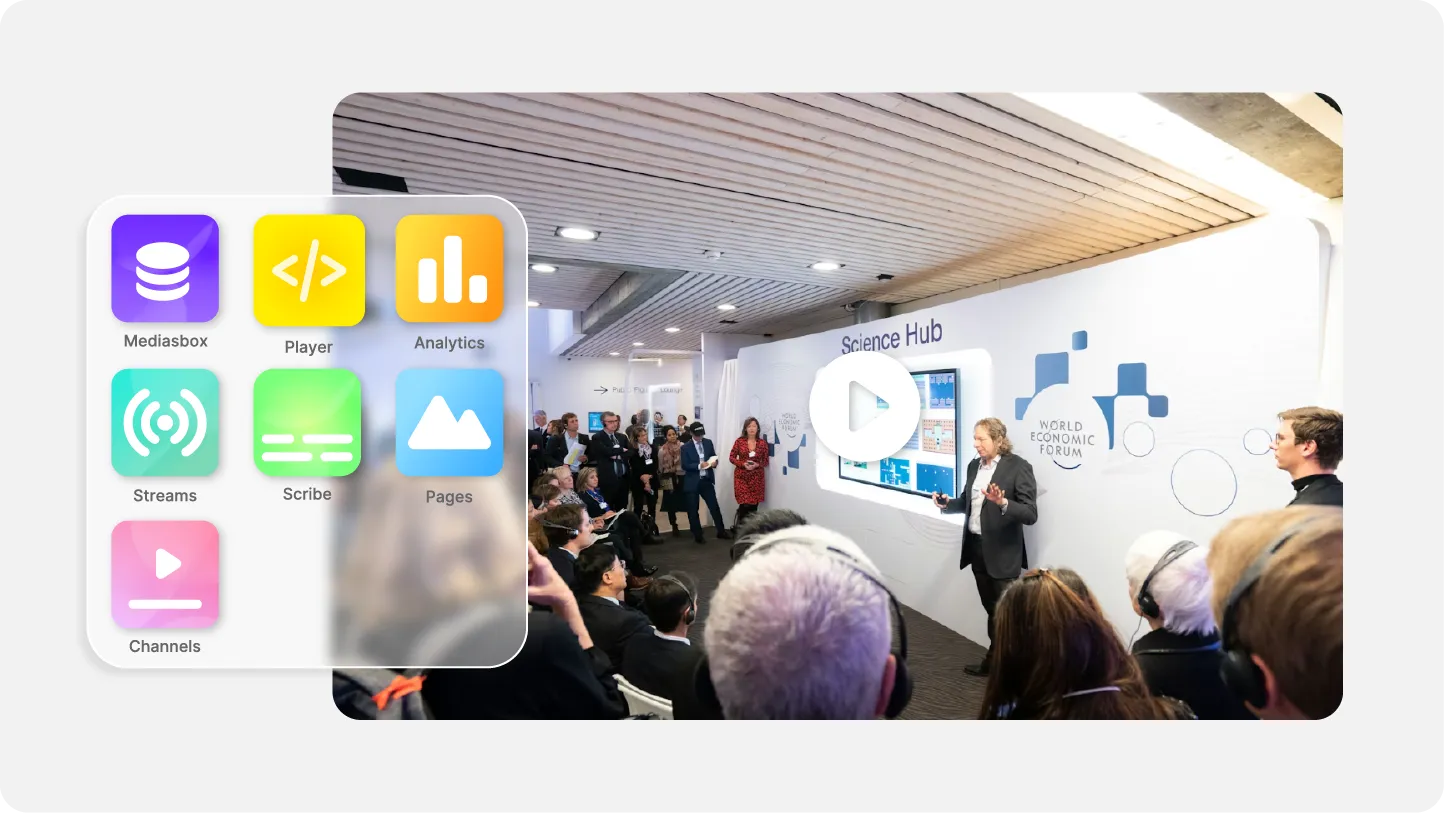
The Videas platform bringing hosting, a broadcast channel and subtitles together
ONISEP
AFNOR
Ville de Roubaix
Safran
France-Soir
Crédit Agricole
France Travail
Magnard-Vuibert
Sodiaal
Yoplait
Call

Where Kaltura falls short

  • Around ten products, bought separately

    Video portal, console, webinars, virtual classroom, town halls, meetings, APIs: each brick has its own grid and contract.

  • No public price on the main products

    Video portal, town halls and events are quote only. Only the APIs publish a grid: $20 a year, then usage.

  • Hosting region is not stated publicly

    The privacy policy warns of a possible transfer outside your jurisdiction, and the security page is password protected.

  • The APIs expect an engineering team

    Media Services is an API environment: the interface your teams will use every day is still yours to build.

  • Self-serve trial stops at the APIs

    $100 of credits for thirty days at $1, on the APIs. Every other product goes through sales first.

  • Putting two products together is negotiated

    Kaltura invites you to mix and match its solutions and points at a contact form: each combination gets its quote.

  • Discounts are bought up front

    Credit packages run from $500 to $24,000, discounted 8% to 20%: the budget is committed up front.

  • The core product is the one with no grid

    Webinars, the virtual classroom and the conversational agent publish plans. The video portal, the central product, stays quote only.

Videas products gathered in a single interface

One platform for every use case

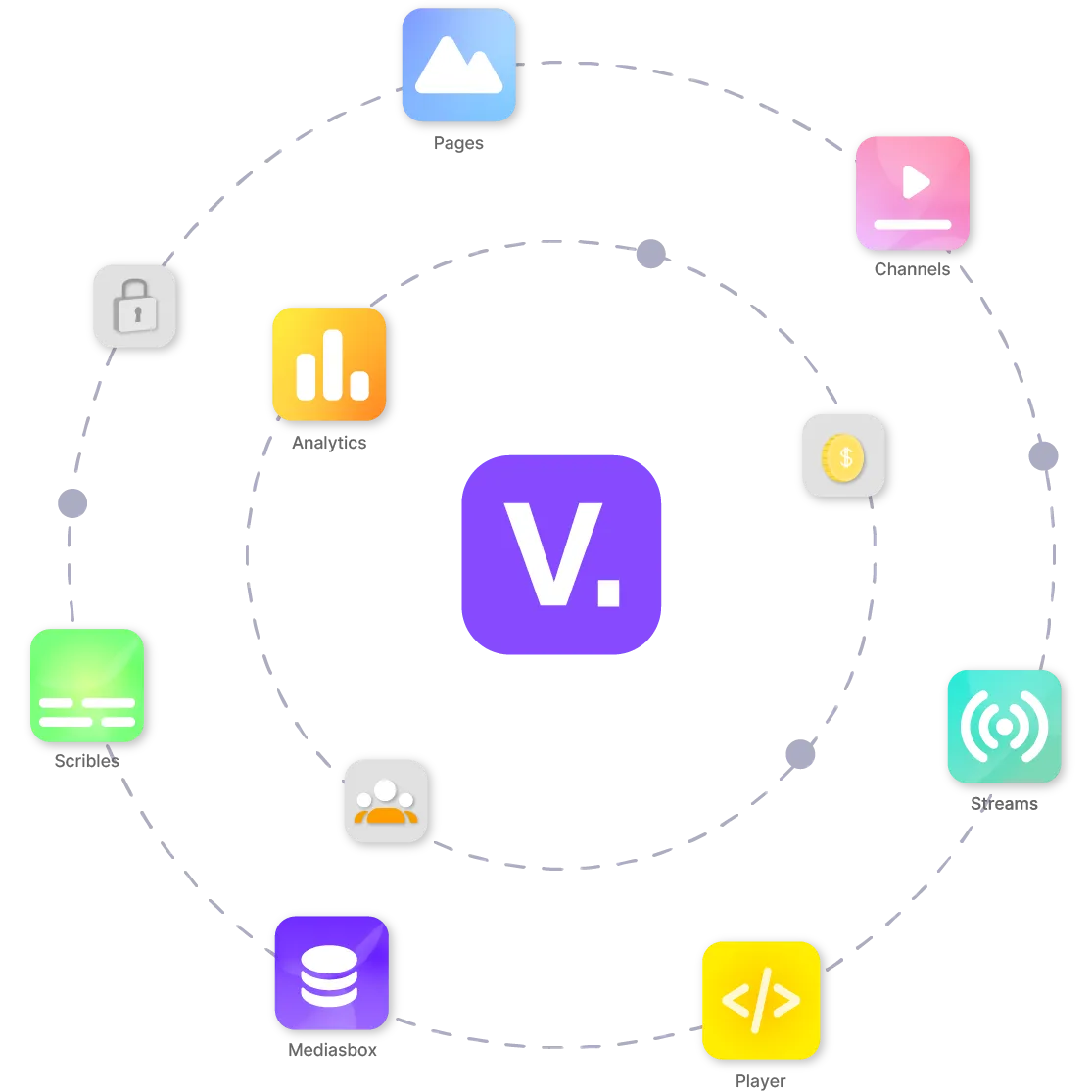
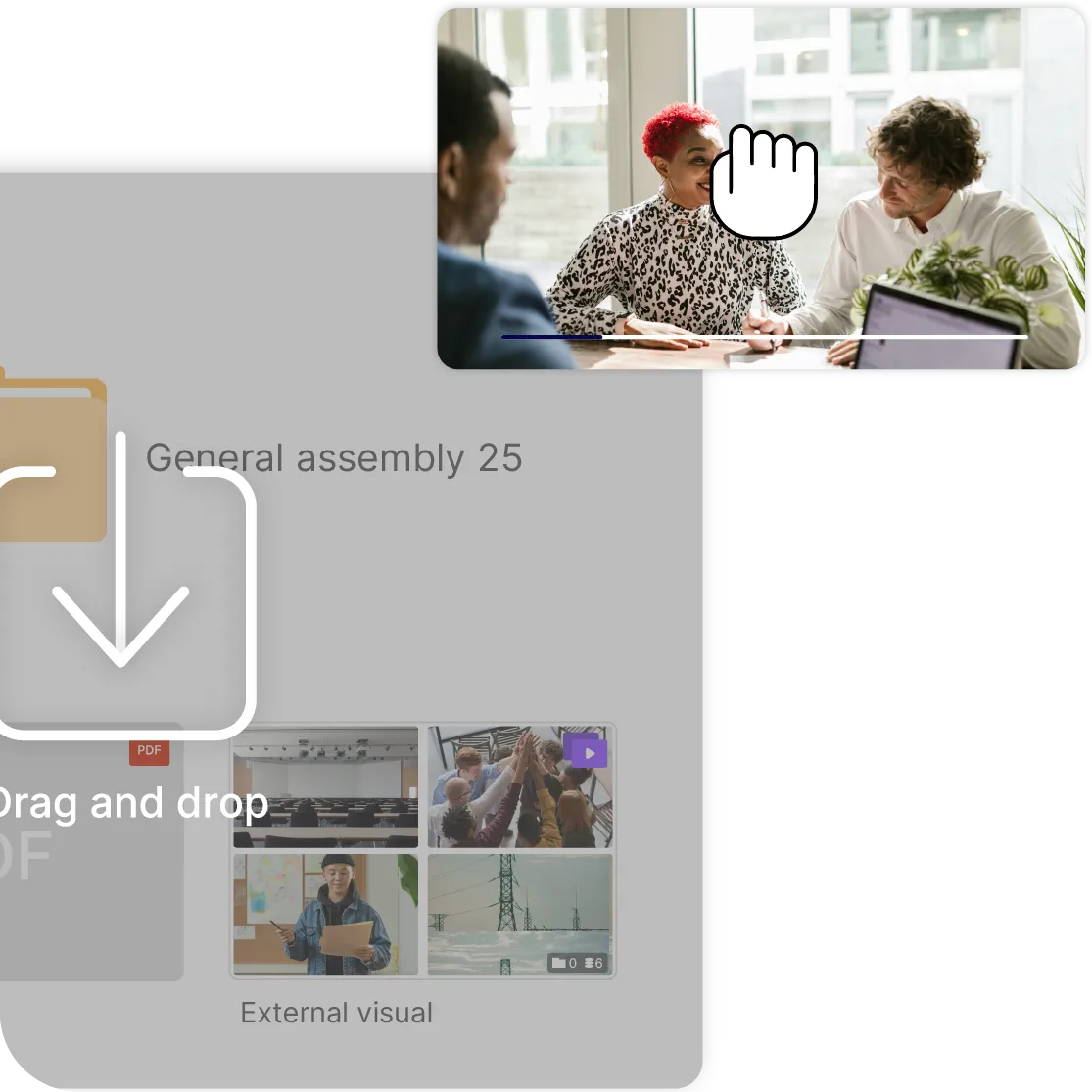
Hosting, media library, a channel under your own brand, live streaming with chat, AI subtitling in over 100 languages, analytics: all of it lives in the same account, on the same file uploaded once. There is no module to buy when a new use case arrives, and no second contract to open one more channel.
Videas public price list, billed as you go

A published price you can work out yourself

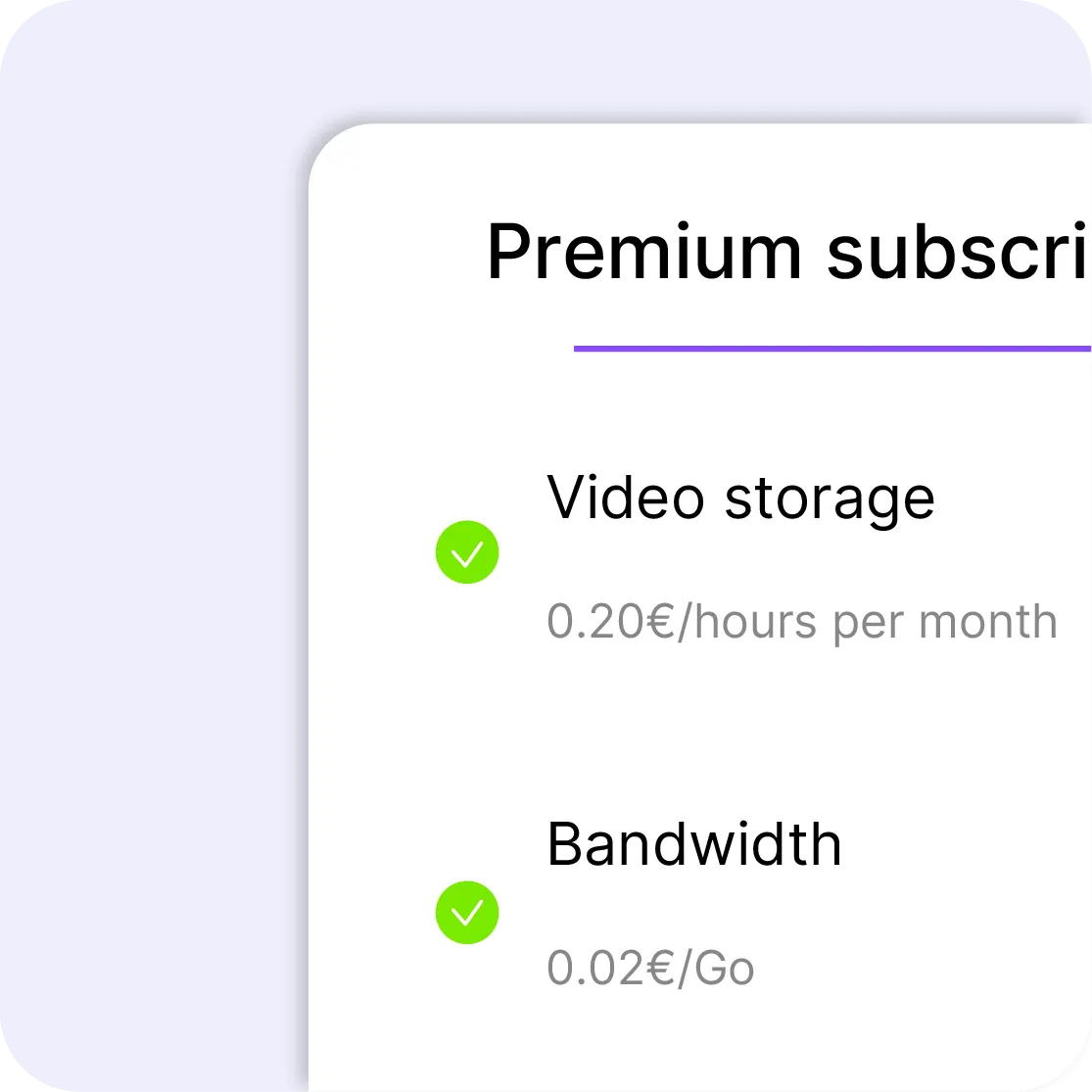
€0.20 per hour of video stored each month, €0.02 per GB delivered, €0.10 per minute of subtitles generated, €10 per channel per month. The grid is public, the calculator is on the pricing page, and you top up a credit wallet whenever you decide to: no annual fee, no commitment, no quote.

Separate workspaces for each department inside Videas

Every department publishes its own

One workspace per department, subsidiary or partner, with admin, manager and viewer roles, viewer groups, and your company SSO over SAML or OpenID Connect. Your teams publish for themselves without going through yours, and analytics read per signed-in user.

A cookie-free video player embedded on a website with no consent banner

A player with no cookie and no tracker

The Videas player runs with no cookies and no third-party trackers, whether you embed it as an iframe or a script, on your intranet or your public site. Your visitors are not tracked, and you do not need a consent banner just because you embedded a video.

Videas vs Kaltura, line by line

Feature
videas.Try it
Kaltura
Enterprise video hostingEnterprise video hostingYesYes
Public price on the main productPublic price on the main productYesNo
Billed as you go, no annual feeBilled as you go, no annual feeYes$20/year + usage, on the APIs
Account opened without talking to salesAccount opened without talking to salesYesAPIs only, $1
Player with no third-party cookiePlayer with no third-party cookieYesNot stated
Every use case in one productEvery use case in one productYesAround ten products
AI subtitling includedAI subtitling includedYesYes
Enterprise SSO (SAML, OpenID Connect)Enterprise SSO (SAML, OpenID Connect)YesYes
REST APIREST APIYesYes

Frequently asked questions

How much does Kaltura cost?

The main products are quote only: video portal, town halls, events, video messaging. Only the Media Services APIs publish a grid, with a $20 annual fee then usage, and credit packages from $500 to $24,000 discounted 8% to 20%. Read on their site on 9 November 2026.

How much does Videas cost, and where is the grid?

€0.20 per hour of video stored each month, €0.02 per GB delivered with 1 TB free every month after your first top-up, €0.10 per minute of subtitles generated and €10 per channel per month. The grid sits on the pricing page, with a calculator, and nothing is negotiated.

My videos are leaving Kaltura: where do they land?

In the EU with Videas, files and viewer data included. With Kaltura the hosting region is not stated publicly: the privacy policy warns that your information may be transferred outside your own jurisdiction.

Do I have to talk to sales to start?

Not with Videas: you create an account, upload a video, and get a link or an embed code. With Kaltura only the API trial is self-serve, at $1 for $100 of credits over thirty days.

Does Videas handle SSO and per-team permissions?

Yes. Employees sign in through SSO over SAML or OpenID Connect, each department or subsidiary gets its own space, with admin, manager and viewer roles, viewer groups, and analytics read per signed-in user.

What about subtitling?

Videas Scribe transcribes and translates in over 100 languages, you correct the text in a timeline editor, and the tracks show up in the player. It is billed at €0.10 per minute generated, with no subscription and no tier to unlock.

Can I sell videos on Videas?

Yes, outright, by rental, in packs or by subscription, on a channel in your own name. You take payment through Stripe on your own domain; the channel costs €10 a month and Videas keeps 15% of each sale, with no per-subscriber fee.

Is live streaming included?

Yes. Videas takes the stream from your encoder and delivers it on your site, inside your channel or on an event page, with chat beside the player and a live viewer counter. The replay lands in your media library the moment you stop.

How do I migrate a catalog out of Kaltura?

You upload your files into the media library, through the interface or the REST API, and adaptive encoding happens on upload. Help with the migration is free: write to us with the size and format of your catalog.

Is Videas a fit for a large organization?

ONISEP keeps a 4 TB library there for a million visits a month, Safran Nacelles delivers continuously to its airline customers, and Crédit Agricole brings its teams together live every week. The case studies set out each deployment.