6 Frame.io alternatives, and what happens after sign-off
Videas, Vimeo, Dropbox Replay, Wipster, Krock.io and Filestage: how each one gets an edit reviewed, what it bills, and what becomes of the video once it is approved.
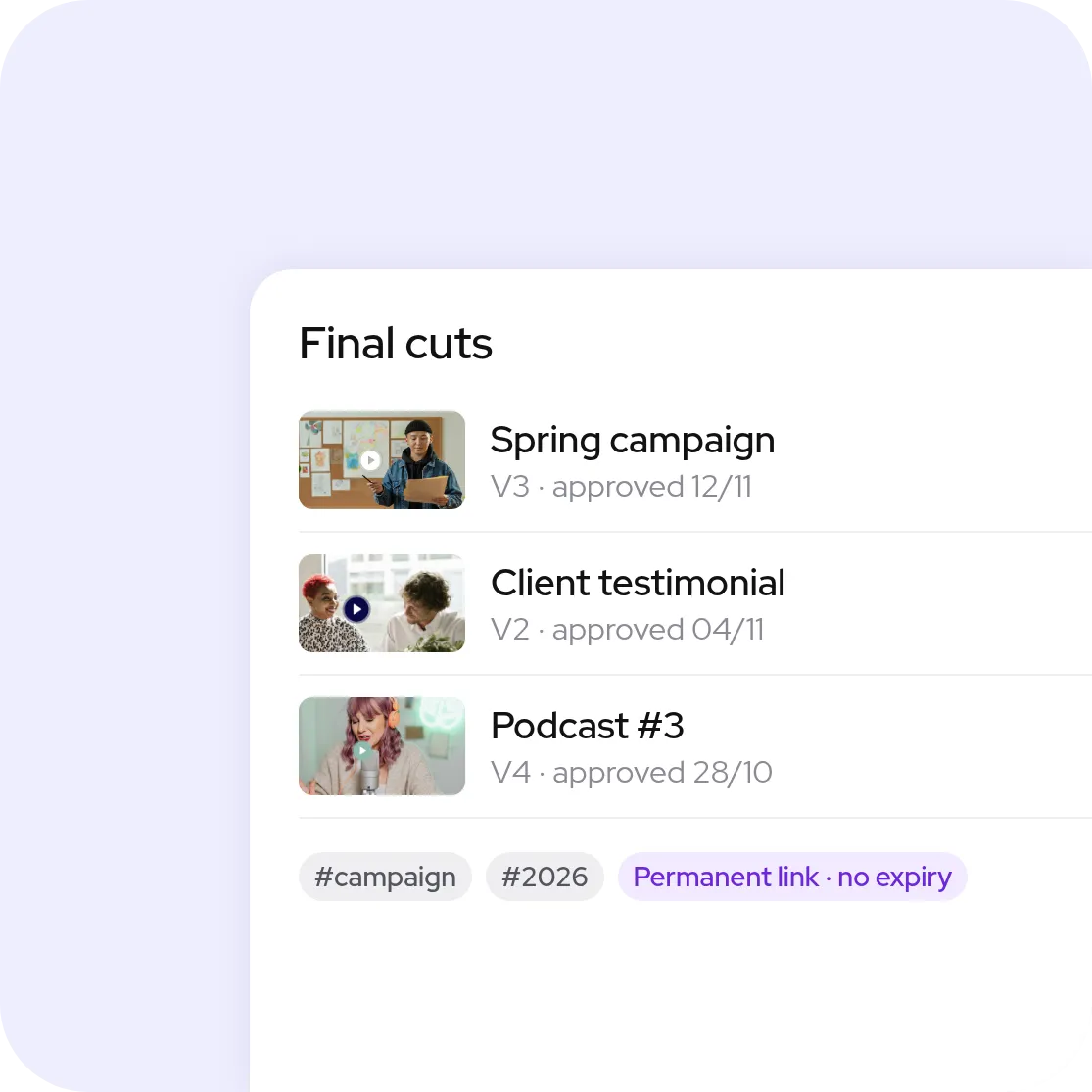
To get a video approved by a client, the Frame.io alternatives all offer timecoded comments and stacked versions. They part ways on what comes next: Wipster, Krock.io, Filestage and Dropbox Replay stop at approval, while Videas hosts the approved cut, publishes it in a branded player and subtitles it, with no seat to pay per reviewer or per team member.
Six review tools, and what they do with the approved cut
Ranked from the one that reviews and publishes in the same place to the one that reviews every format and publishes none: the review itself, how it is billed, and where the cut lives once approved.
Our platform
Videas
Review inside the platform that already hosts the video: frame-accurate comments, drawing on the frame, stacked versions, then delivery in a branded player.
Best for: studios, agencies and communication teams who get an edit signed off and then put it online, and want neither to export the approved file to another platform nor to pay a seat per person.
Where it falls short: no panel inside Premiere Pro or After Effects, the edit is exported and then uploaded to Videas; and no camera-to-cloud during the shoot.
The general-purpose host with review built in: time-stamped comments, protected review links and version history from the Starter plan up.
Best for: freelancers and small teams who already host on Vimeo and want notes from a guest client, with no account, and comments synced into Premiere Pro.
Where it falls short: seats are capped per tier, 1 on Starter at $13 a month, 5 on Standard at $26, 10 on Advanced at $76, billed annually; so is storage, from 100 GB to 7 TB; and data is hosted in the United States.
Review sitting on top of Dropbox storage: comments, markup, version comparison and live review sessions, on files up to 150 GB.
Best for: teams whose rushes and exports already live in Dropbox, and who cut in Premiere Pro, After Effects, Final Cut Pro or DaVinci Resolve, all connected to Replay.
Where it falls short: Dropbox plans include only 4 files in review, beyond that it is an add-on at €9 per user per month on top of the subscription; files count against the storage quota; and the approved cut remains a file in a folder, with no branded player or channel to publish it.
Wipster
The pure review tool: frame-accurate comments, versions compared side by side, multi-step approvals, and unlimited reviewers with no account to create.
Best for: production teams who want a structured approval flow on video, images, PDF and audio, with an extension for Premiere Pro and After Effects and a Final Cut Pro integration.
Where it falls short: $19.95 per user per month on the Team plan billed annually, with storage starting at 250 GB, 50 GB on the Light plan; no free plan beyond the trial; and nothing to deliver the video to an audience once approved.
Krock.io
Review for animation and post-production studios: timecoded comments, drawing on the frame, overlay version comparison and a storyboard tool.
Best for: small teams looking for a low entry price, $10 per user per month with 2 TB, and plugins for DaVinci Resolve Studio, Adobe Creative Cloud and Final Cut Pro.
Where it falls short: the bill follows the number of users, extra storage costs $10 per TB per month, the free plan stops at 1 user, 2 GB and 2 projects; and the tool ends at approval, with no hosting for delivery.
Filestage
Approval for every kind of content, not only video: documents, images, audio, live websites and HTML banners, reviewed by successive reviewer groups.
Best for: marketing departments and agencies who get a whole campaign approved, by legal and then by the client, with a German vendor and data hosted in Frankfurt.
Where it falls short: paid plans start at €199 a month for 10 seats, a high bar for a freelancer; the free plan is limited to 1 active project and 5 files a month; and the approved video leaves for another platform to go online.
Subtitles that were reviewed, not just transcribed
What the video returned, not just who opened it
Which one to pick
Find your situation, the answer sits next to it.
Videas
An edit to get approved and then published, in the same place, with no seat to pay per person.
Vimeo
A Vimeo account already in place, a small team, and notes from guest clients.
Dropbox Replay
Files already stored in Dropbox, and an edit in Premiere or Resolve.
Wipster
A multi-step approval flow, and nothing else to cover.
Krock.io
Animation or post-production, a storyboard, and a small budget.
Filestage
A whole campaign to get approved: video, visuals, documents and web pages.
They get it approved, then publish it, in the same place
Magnard-Vuibert has outside authors review its video capsules before they go into its textbooks, France Travail has contributors with no account sign off on its productions and then opens them in 26 regional video libraries, Télégohelle keeps 20 TB of rushes and archives accessible long after delivery.
The free plan gives 2 GB, 2 members and 2 projects. Pro costs $15 per member per month, up to 5 members, with 2 TB included; Team costs $25 per member per month, up to 15 members, with 3 TB. Beyond that, Enterprise comes on quote. Taken from its website in November 2026.
Which alternative does not bill per seat?
Videas bills by usage, storage and delivery, whatever the number of people on the team or of reviewers. Filestage sells a team plan with 10 seats included. Dropbox Replay, Wipster on its Team plan and Krock.io bill per user, and Vimeo caps seats per tier: 1, 5 or 10.
Does the reviewer have to create an account?
Not with Videas video review: they receive a personal link by email or join the review with their name and address. Vimeo lets guests comment, Wipster and Filestage state that reviewers need no account, and Frame.io share links require no signup either. None of these tools bills the reviewer.
What becomes of the edit once it is approved?
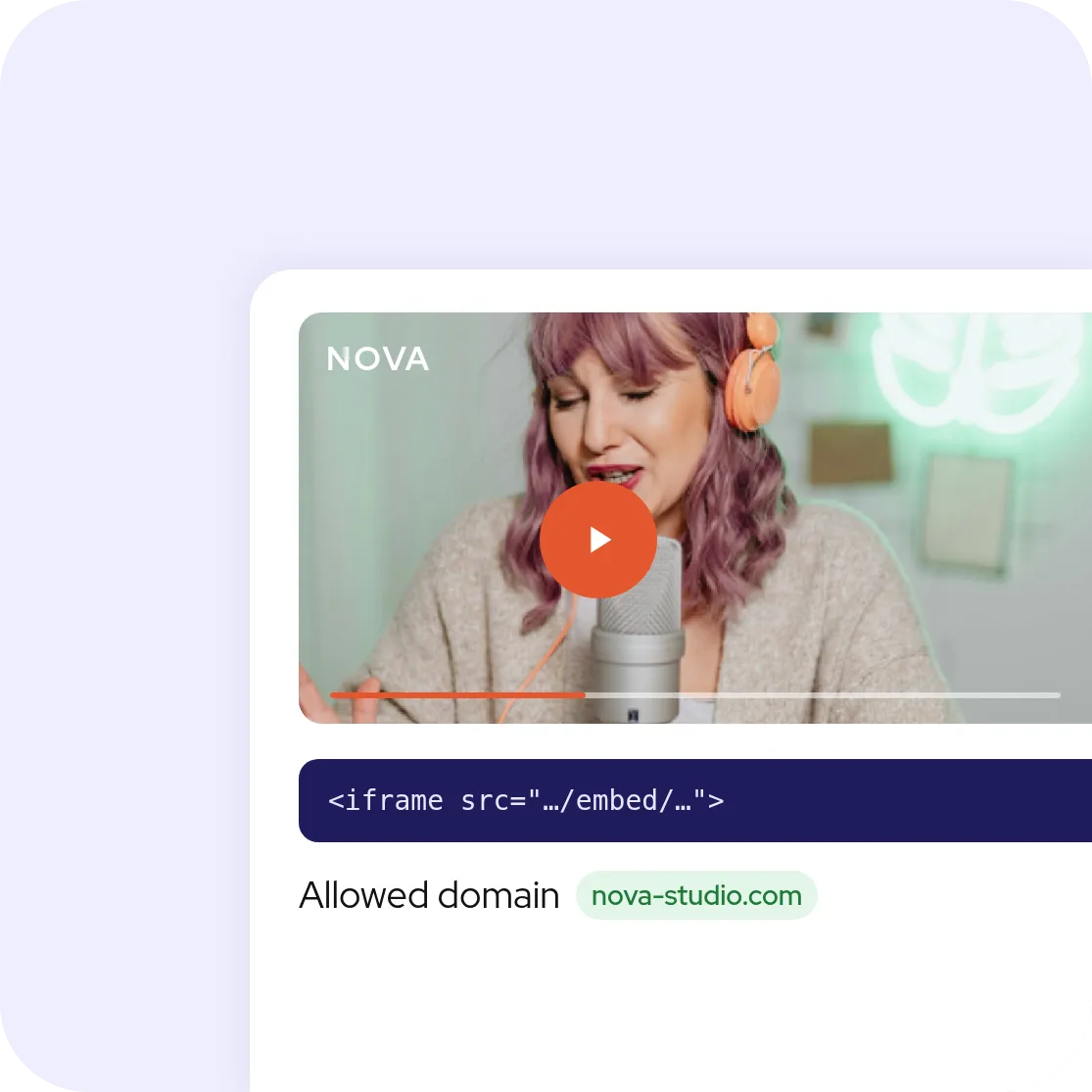
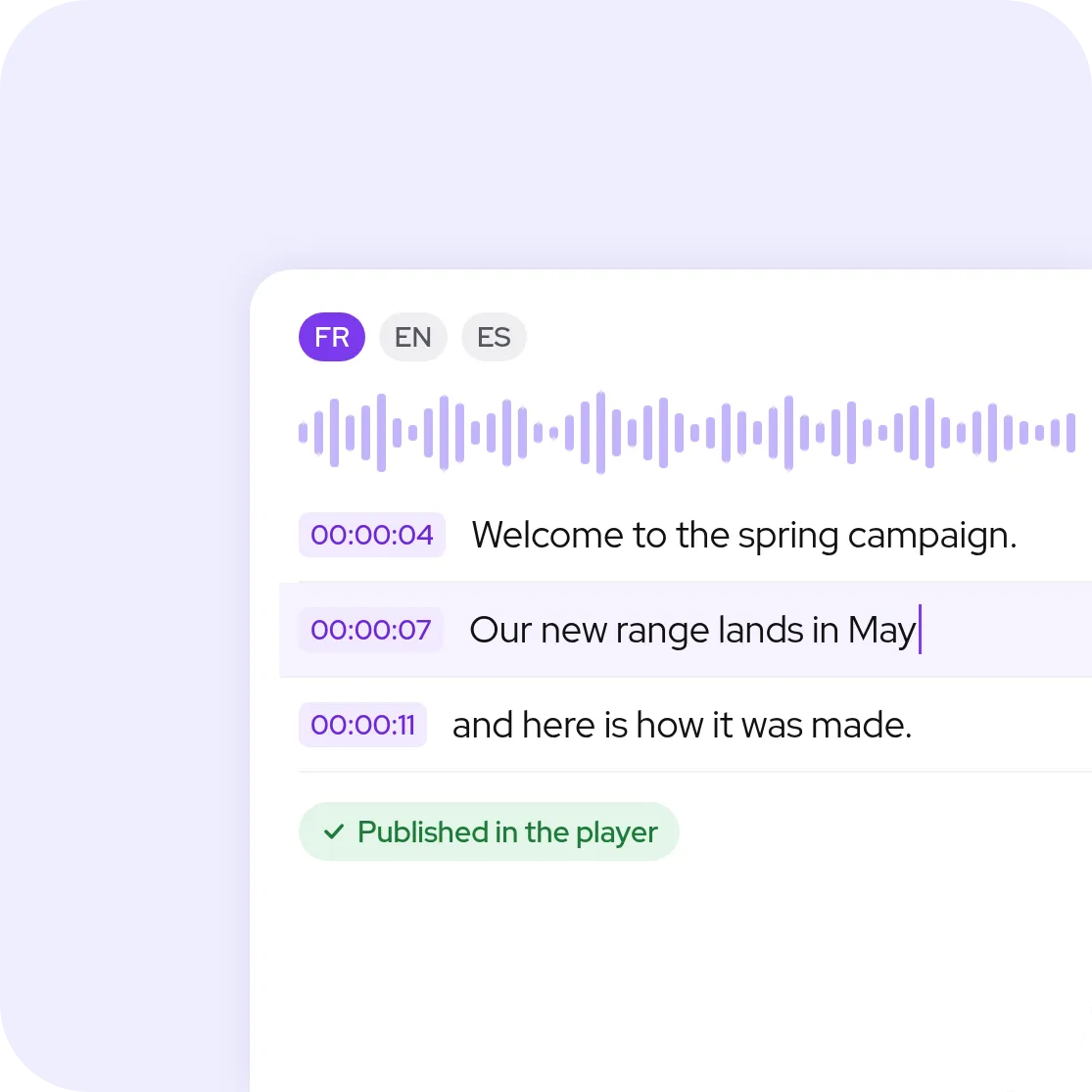
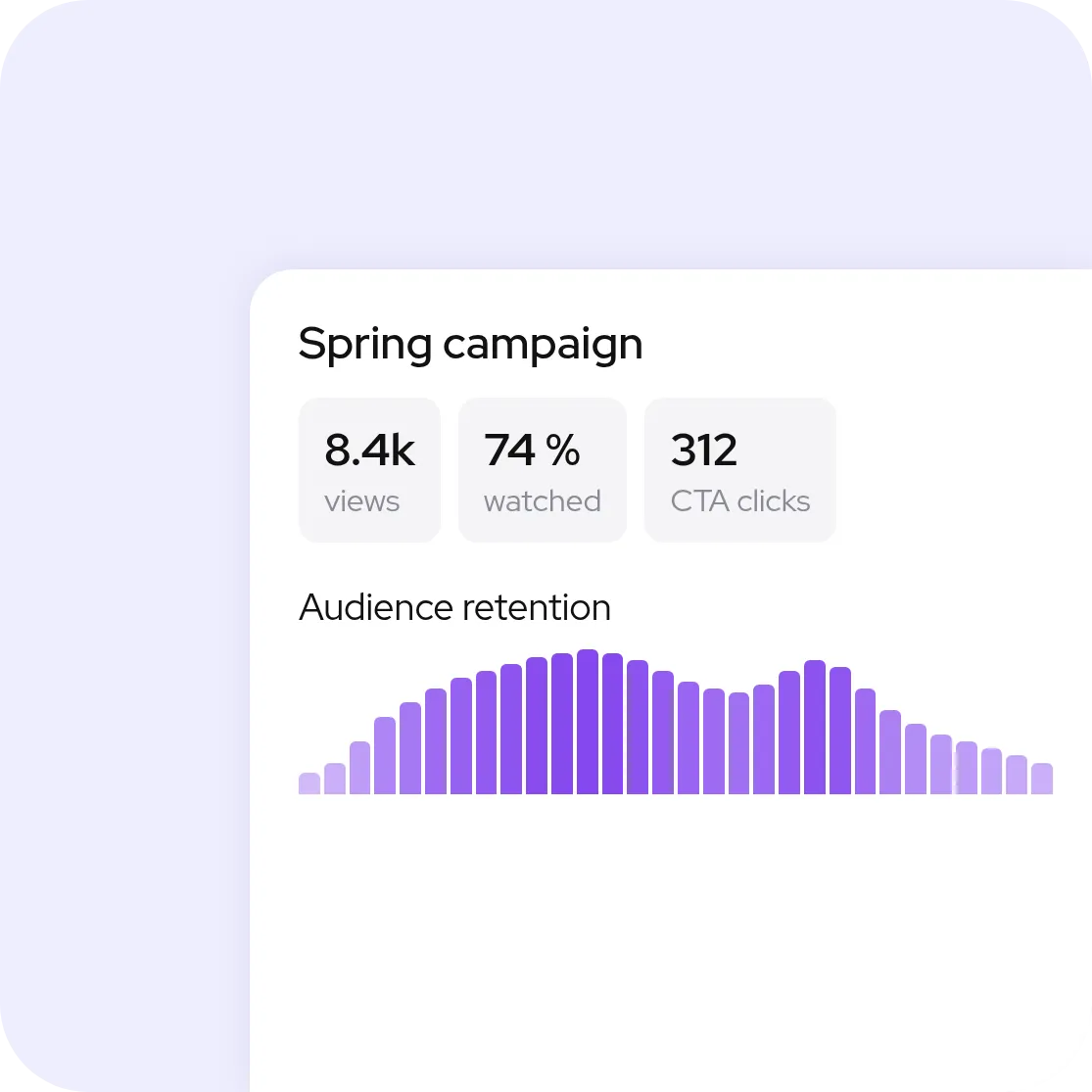
With Wipster, Krock.io, Filestage and Dropbox Replay, it stays in the review tool: to put it online, you export it to a hosting platform. Vimeo and Videas host the video they get reviewed. With Videas, the approved version is already in the media library: it embeds on a site with a branded player, publishes to a channel, gets subtitled and measured, from the same media item. The Studio Hublot scenario walks through it in screenshots.
Which alternative connects to Premiere Pro or DaVinci Resolve?
Dropbox Replay lists Premiere Pro, After Effects, Final Cut Pro, DaVinci Resolve and Pro Tools. Wipster has an extension for Premiere Pro and After Effects and a Final Cut Pro integration, Krock.io has plugins for DaVinci Resolve Studio, Adobe Creative Cloud and Final Cut Pro, Filestage integrates with Premiere Pro and After Effects, and Vimeo syncs comments with Premiere Pro. Videas has no panel inside the editing software: the file is exported, then uploaded.
Which one reviews more than video?
Filestage goes furthest: documents, images, audio, live websites and HTML banners. Wipster reviews video, images, PDF and audio, Krock.io adds PSD and AI files, and Dropbox Replay takes video, images, audio, PSD and PDF. Videas review applies to video; its media library also stores images and documents.
Where are the files hosted?
Videas hosts in the EU, with no transfer outside the European Union. Filestage states two data centers in Frankfurt. Frame.io stores media in Amazon S3 buckets, and its Storage Connect option asks for the us-east-1 region; Vimeo hosts in the United States. Wipster says it relies on Microsoft Azure without naming a region.
Can you try it without paying?
Frame.io, Krock.io and Filestage have a $0 plan: 2 GB and 2 projects for the first two, 1 active project and 5 files a month at Filestage. Vimeo’s free plan does not include review, and Wipster offers a trial. With Videas, opening an account costs nothing, and you get €5 in credits on signup, then every month.
Can videos be moved from Frame.io to Videas?
Yes. Videas offers an assisted migration: our team handles the transfer of the files and their organization in the media library, which saves taking them out one by one.
How much does Videas cost?
€0.20 per hour of stored video per month, €0.02 per GB delivered with 1 TB included every month, and €10 per month per channel. No subscription, no commitment, no seat to buy, for the team or for reviewers: you pay for what you use, drawn from a prepaid credit wallet.
A cookie?
We measure the site’s audience to understand what is useful to you. No advertising, no data resale. Cookie policy
Your preferences
Strictly necessaryAlways on
Your language and this consent choice. Nothing is shared with a third party.
Enable detailed measurement
Navigation journeys and audience comparisons. Sets a cookie kept for 13 months at most and sends the visit to Google.