Interview transcription: the method, from audio to Word
Interview transcription means writing down everything said in a recording, and who said it. By hand, it usually takes several hours of work per hour of recording. With automatic transcription, the first draft arrives within minutes: what remains is to review it, name the speakers and choose how faithful the text should be.
This guide follows the whole path, from the recording to the Word document, for a research interview, a press interview, a job interview or a filmed testimony.
Verbatim, clean verbatim or summary: choose before you start
Not every interview is transcribed the same way, and the choice depends on what you will do with the text:
| Type of transcript | What it keeps | What it is for |
|---|---|---|
| Full verbatim | Every word, hesitations, repetitions, noted silences | Qualitative research, discourse analysis, legal proceedings |
| Clean verbatim | Everything said, without the “ums”, false starts and repetitions | Interview to publish, dissertation, interview report |
| Summary | The ideas, rephrased and grouped | Internal note, hiring scorecard |
Automatic transcription returns text close to clean verbatim: speech recognition writes what it hears, without always keeping hesitations. For full verbatim, you restore them during review; for a summary, the reviewed text is your raw material.
Step 1: prepare the recording
The quality of a transcript is decided when you record:
- A microphone close to each voice. A phone placed between two people is enough in a quiet room; in a café, the background noise ends up in the text.
- The interviewee’s consent. Tell them the interview is recorded and what you will do with the recording and the text.
- The file as it is. An iPhone voice memo (M4A), a recorder (WAV, MP3) or a recorded video call (MP4) is uploaded without conversion.
Step 2: start the transcription
Upload the file to Videas Scribe and start the transcription: the spoken language is detected automatically, and the cost is shown before you start. It depends on the length of the file: a one-hour interview comes to €6, at €0.10 per minute. The €5 in credits offered every month on a free account covers nearly 50 minutes.
From an account, length is not capped: a two-hour interview goes through in one pass. Allow a few minutes for ten minutes of audio.
Step 3: name the speakers
Videas Scribe separates the voices in the recording. You name each one once, for example “Interviewer” and “Participant 3”, and every turn then carries that name. For research, this is also the moment to anonymize: the name shown is the one you choose.
When two people talk over each other, check the speaker changes during review: that is where automatic separation goes wrong most often.
Step 4: review while listening
In the editor, each line points to its passage: you click, the audio restarts there, and you check what was heard without searching through the recording. Two features save most of the time:
- Global replace fixes a misheard proper noun or acronym across the whole text at once.
- The vocabulary glossary remembers the names and terms of your field for every following interview.
On a clean recording, expect the review to take roughly the length of the interview, against several times that length for transcribing by hand.
Step 5: export the document
The Word (DOCX) export gives one paragraph per turn, with the timecode and the speaker’s name: the expected form of an interview transcript, ready to annotate or code. The article export a transcript to Word covers the screen in detail. TXT gives the plain text, to import into qualitative analysis software.
The scenario deliver the broadcaster its interview transcripts shows this path on a real case, screen by screen.
How long interview transcription takes
| Method | For a one-hour interview |
|---|---|
| By hand, with headphones | Several hours of typing |
| Automatic transcription, then review | A few minutes of processing, then about an hour of review |
The gain adds up over a series: for twenty one-hour interviews, the difference is counted in weeks.
FAQ
How do I transcribe an audio interview to text?
Upload the recording to an automatic transcription tool, name the speakers, review the text while replaying the doubtful passages, then export it to Word. With Videas Scribe, processing takes a few minutes and costs €0.10 per minute.
Should hesitations and repetitions be transcribed?
It depends on the use. Discourse analysis or legal proceedings call for full verbatim, hesitations included. An interview to publish or a dissertation needs only clean verbatim, where the words are faithful but free of verbal tics.
Can I transcribe an interview for free?
Yes, within the €5 in credits offered every month on a free Videas account, nearly 50 minutes of interview. Beyond that, you top up your account, with no subscription.
Does the transcript tell the speakers apart?
Yes. Voices are separated automatically, and you give each one the name or pseudonym of your choice. The Word export puts that name in front of every turn.
Do my interviews stay confidential?
Files are processed on Videas servers, in France, and are used only for the transcription you asked for. They are not used to train an AI, and you can delete them at any time.
Interview transcription is no longer typing work: it is review work. With Videas Scribe, transcription, speakers, correction and the Word export happen in the same place.
Related articles
Artificial Intelligence
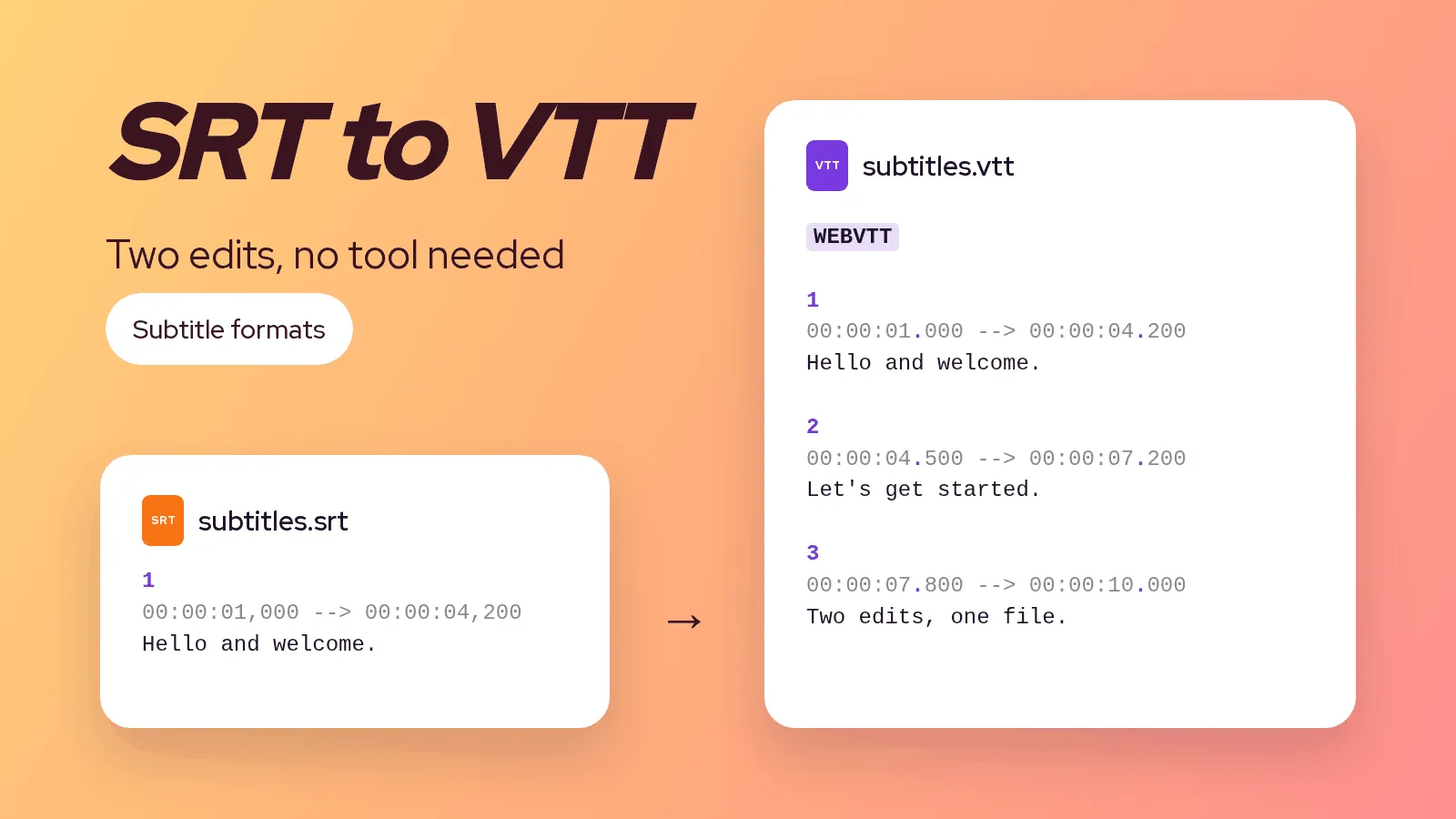
SRT to VTT: how to convert a subtitle file, by hand and safely
An SRT file becomes a VTT in two edits: a header line and the punctuation of the timecodes. The method by hand, on the command line, and the errors that stop a player from showing the subtitles.
Artificial Intelligence
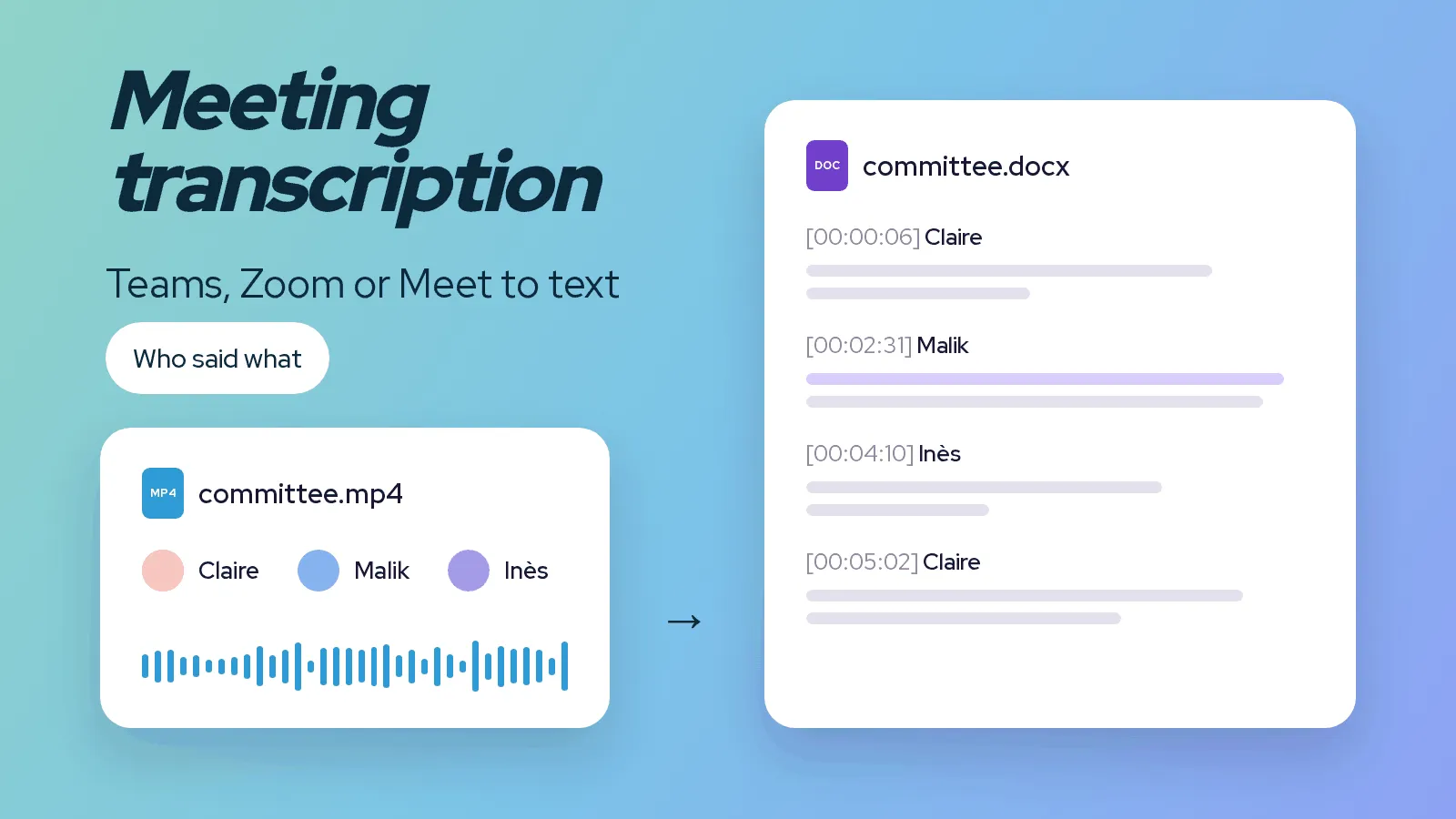
Meeting transcription: turn a Teams, Zoom or Meet recording into text
A meeting recorded on Teams, Zoom or Google Meet is transcribed within minutes. Where to find the file, how to get text split by speaker, and what to review before sharing the minutes.
Artificial Intelligence
The 10 best video subtitling platforms in 2026
There's no single best subtitling software, only the best one for your use case. Our 2026 comparison, profile by profile, to help you find yours.